

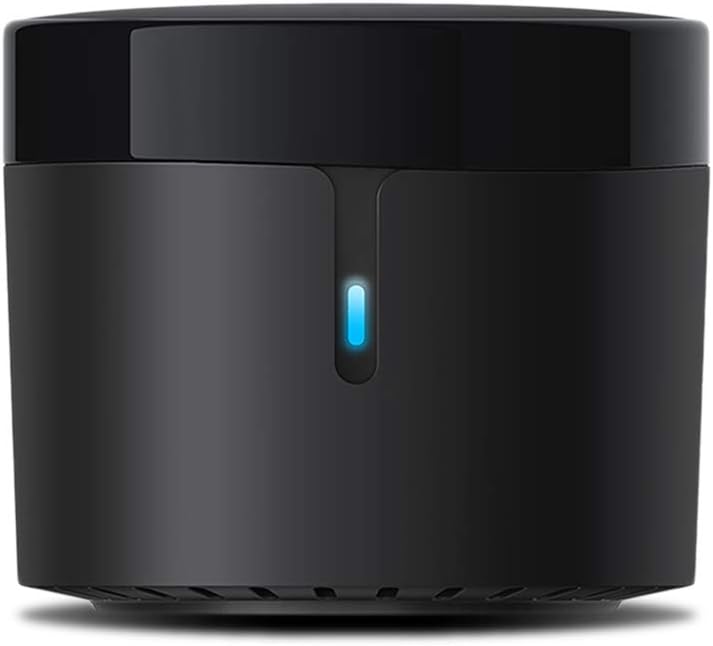
BroadLink RM4 Mini IR Universal Remote Control (2.4 GHz Wi-Fi Only), Smart Home Automation Wi-Fi Infrared Blaster for TV, AC, STB Audio, Works with Alexa, Google Home, IFTTT
$25.99
Price: $25.99
(as of Feb 09, 2026 07:50:25 UTC – Details)
Product description


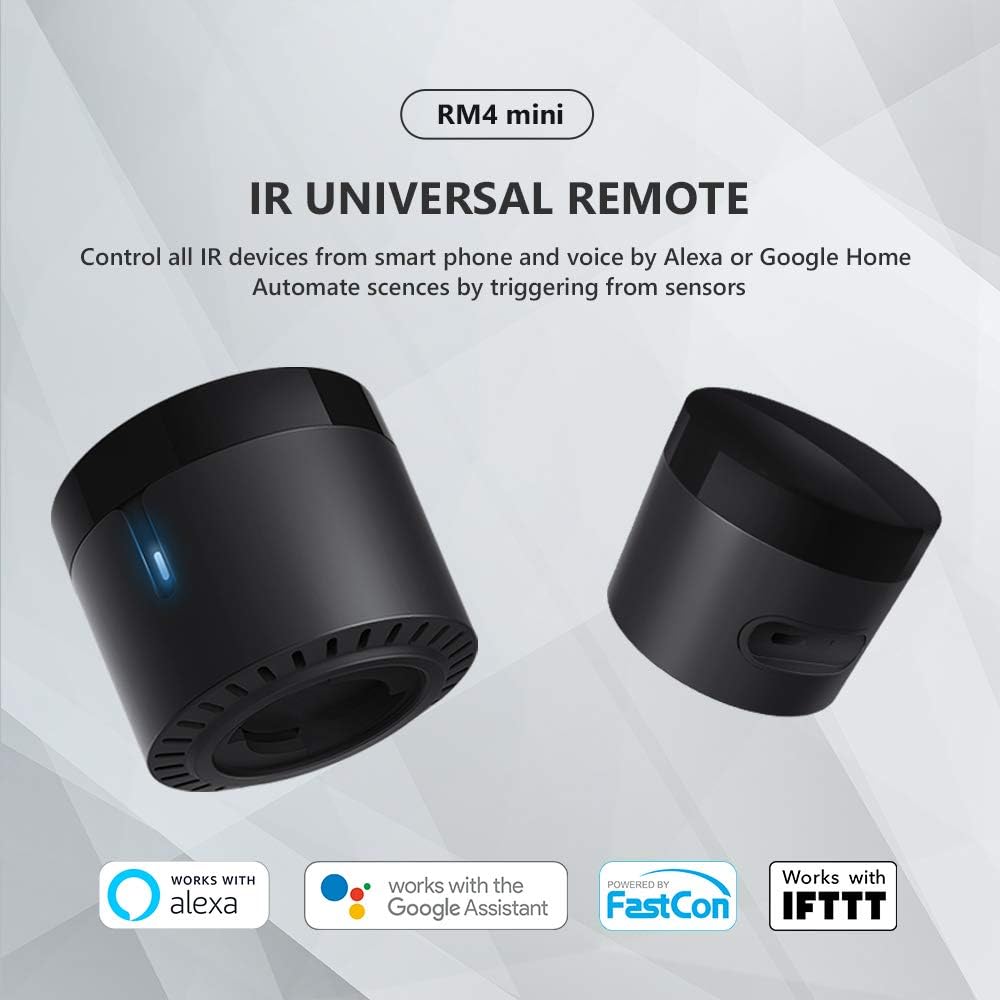
BroadLink RM4 mini Wi-Fi IR Universal Remote, control all your IR 38KHz devices.
Say goodbye to multiple remotes and hello to an organized smart home.
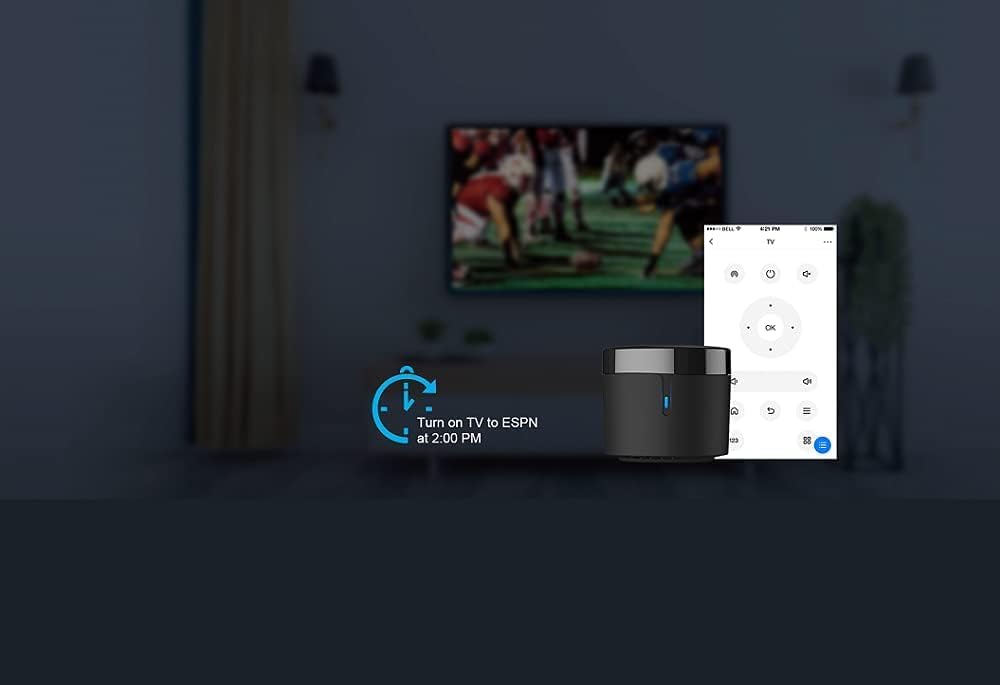
RM4 mini turns your smartphone into a universal remote and integrates control of home automation devices in one easy-to-use app BroadLink.
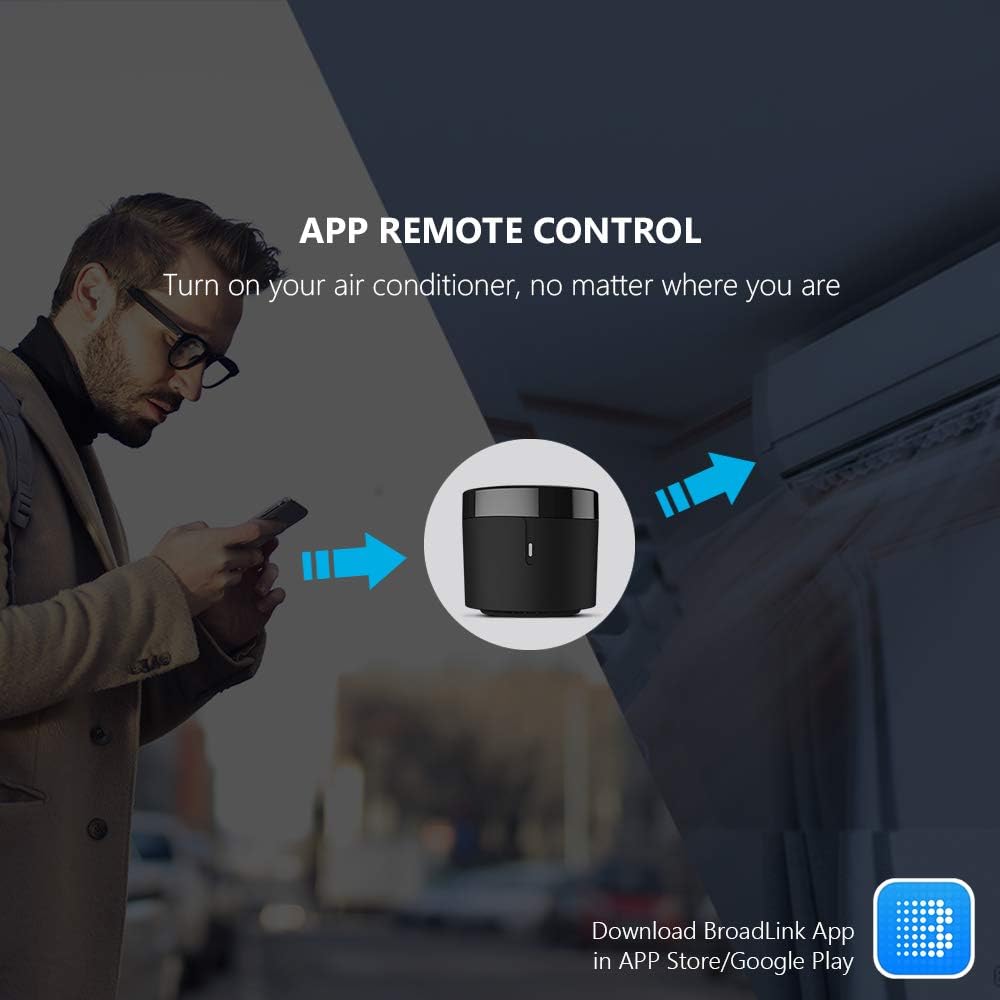
 Remote control via the Broadlink APP
Control your home’s IR devices from anywhere, anytime with the Broadlink APP.
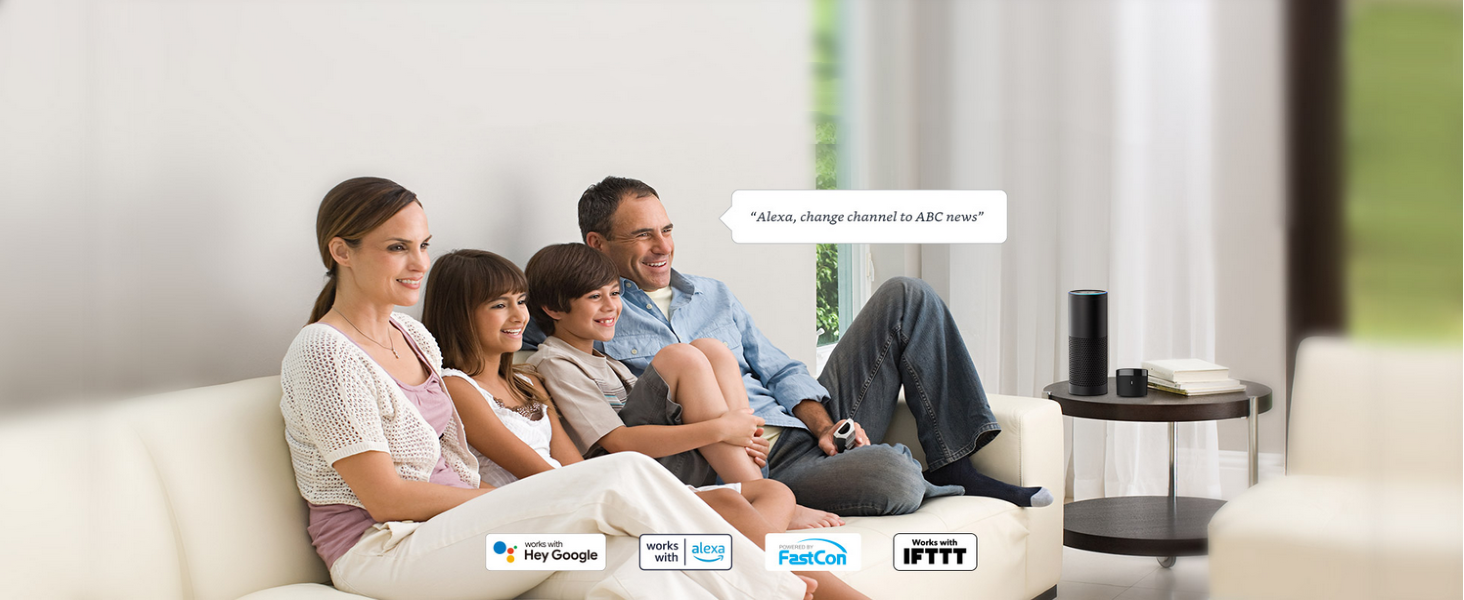 Simplify your life with just a few words
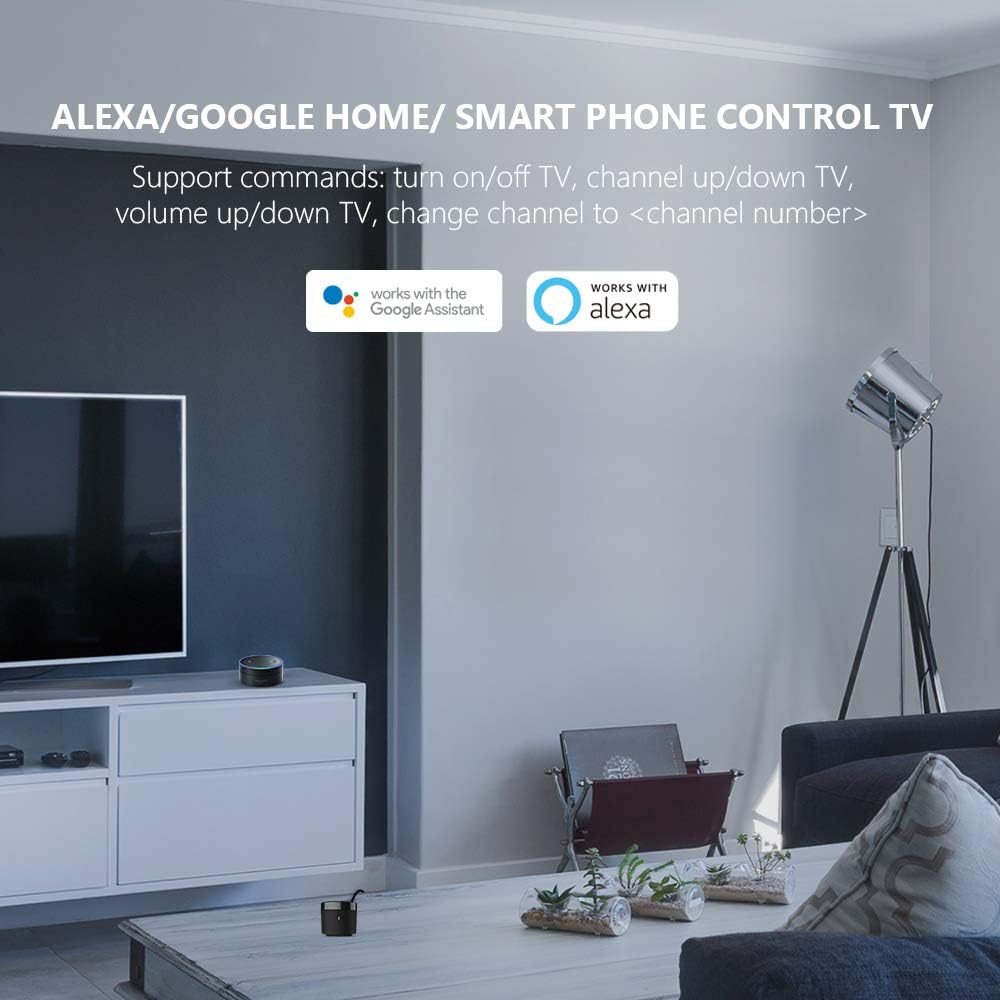
When paired with Alexa/Google Assistant, you can control your device with hands-free voice control.

 Control multiple devices with one button
Customize different scenes with one-click option for sleep scene, morning scene, away scene and more
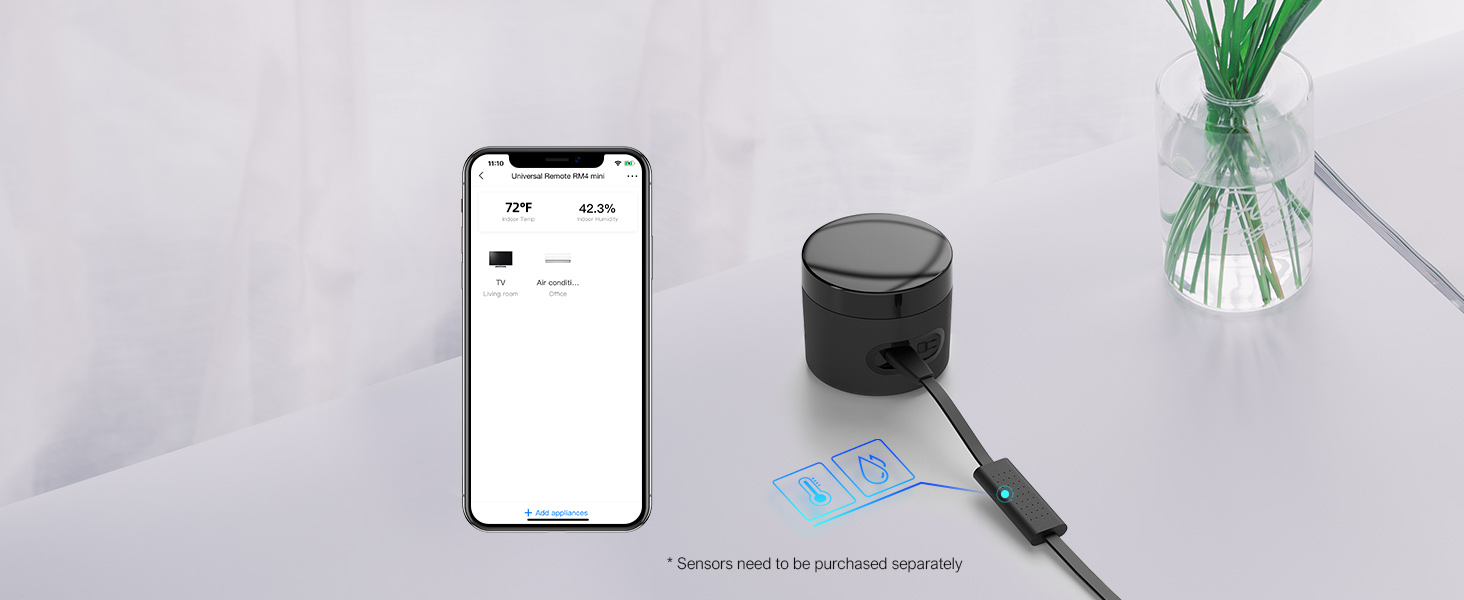 Support sensor cable HTS2 (not included)
Real time data displayed in APP allowed you to check your room temperature and humidity anywhere.
1 Remote Control
2 Voice Control
3 Setup Routines
4 Preset Scenes
5 Temperature detection


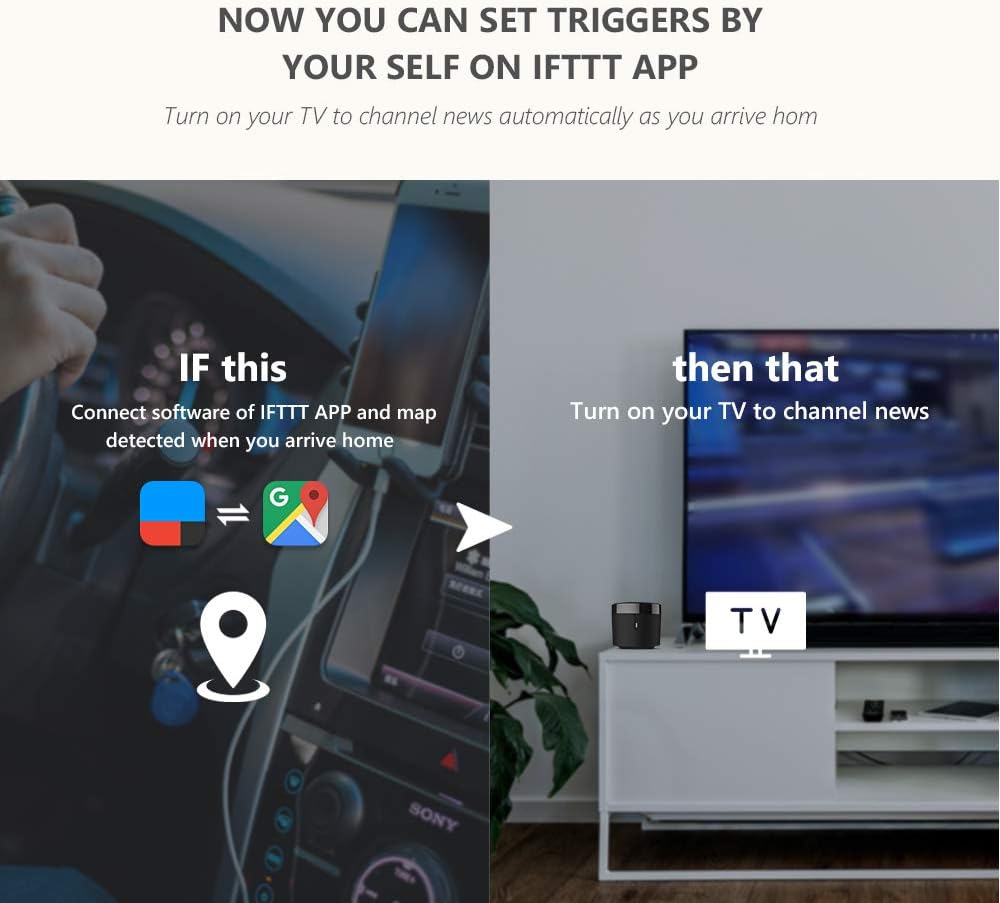
1 Share With Family 2 TV Control In APP 3 Works With IFTTT 4 Schedule a Timer 5 Healthy Sleeping
BroadLink APP
All Remotes in BroadLink APP, including AC, TV, Fan, Lamp and etc.
Easily set up and control all infrared devices via the app. Create and manage scenes to suit your lifestyle.
If you have an Android phone with a built-in IR transmitter, you can test compatibility by using the app’s built-in function to send infrared signals from your phone.
Note: RM4 mini only supports 2.4 GHz (NOT 5 GHz) Wi-Fi to configure in the app.
The video showcases the product in use.The video guides you through product setup.The video compares multiple products.The video shows the product being unpacked.
HOW TO USE?  Download BroadLink APP
Search for “BroadLink” on Google Play or scan the QR code on the user manual.
Register an account and log in to the Broadlink APP.
 Connect device to APP
Go to the home page on APP, tap “Add device” and follow the instructions.
Disable mobile data traffic, select the device AP and stay connected to it.
 Connect device to your Wi-Fi
Choose you home Wi-Fi (2.4Ghz Wi-Fi only), input correct Wi-Fi password.
The Wi-Fi password should contain no more than 32 characters.
 Link with Alexa / Google home.
In BroadLink APP, tap “Add Voice Assistant”.
In Google/Alexa/IFTTT App, enable the skill/service named “Broadlink”, link account and discover devices.
Choose BroadLink Products, Create Smart Home
Add to Cart
Add to Cart
Add to Cart
Add to Cart
Add to Cart
Add to Cart
Customer Reviews
4.3 out of 5 stars 3,130
4.1 out of 5 stars 1,969
3.8 out of 5 stars 1,643
4.2 out of 5 stars 624
4.0 out of 5 stars 418
4.1 out of 5 stars 104
3.2 out of 5 stars 293
Price
$25.99$25.99
$19.99$19.99
$44.99$44.99
$29.99$29.99
$49.99$49.99
—
$29.09$29.09
Model
RM4 mini
RM mini3
RM4 pro
RM4 mini S
RM4 pro S
LB26R1
Starter Kit
Function
Control IR appliances
Control IR appliances
Control IR, RF appliances
Control IR appliances
Control IR, RF appliances
Wifi controlled RGB Lighting
Smart Lighting Kit
Remote Control
✔
✔
✔
✔
✔
✔
✔
Voice Control
✔
✔
✔
✔
✔
✔
✔
Support Sensor Cable
✔
✘
✔
✔
✔
✘
✘
USB Cable Type
Regular Power Cable
Regular Power Cable
Regular Power Cable
Temperature Humidity Sensor
Temperature Humidity Sensor
No Cable
No Cable
Why can’t it connect to the APP / Wi-Fi ?
Broadlink RM4 mini only support 2.4 GHz Wi-Fi for configuration, does not support 5 GHz or mesh router.
Please check whether the frequency in the router setting is 2.4GHz, and make sure the length of Wi-Fi password does not exceed 32 characters.
Broadlink database list doesn’t have my AC model, what should I do?
Sorry there is no option available for your appliance.
Please choose “Learn remote” to create a remote, tap the buttons on the original remote to let the RM4 mini learn the commands. Then you will be able to control the appliance after learning.
Is my appliance compatible with the RM4mini?
RM4mini supports IR 38KHz control devices, does not support Bluetooth or RF. Please check the manual of your appliance or consult the manufacturer to confirm.
How to tell if my remote is infrared or Bluetooth
1) Infrared remote has an infrared emitter (crystal head) on the top of itself, you need to point the emitter at the device when use it;
2) Bluetooth remote does not have an infrared emitter, and it usually needs to be matched before first use.
It can’t control my IR device stably, what should I do?
The IR signal can’t go through the wall, please check and make sure the device is close to your appliance and there is no obstacle in between.
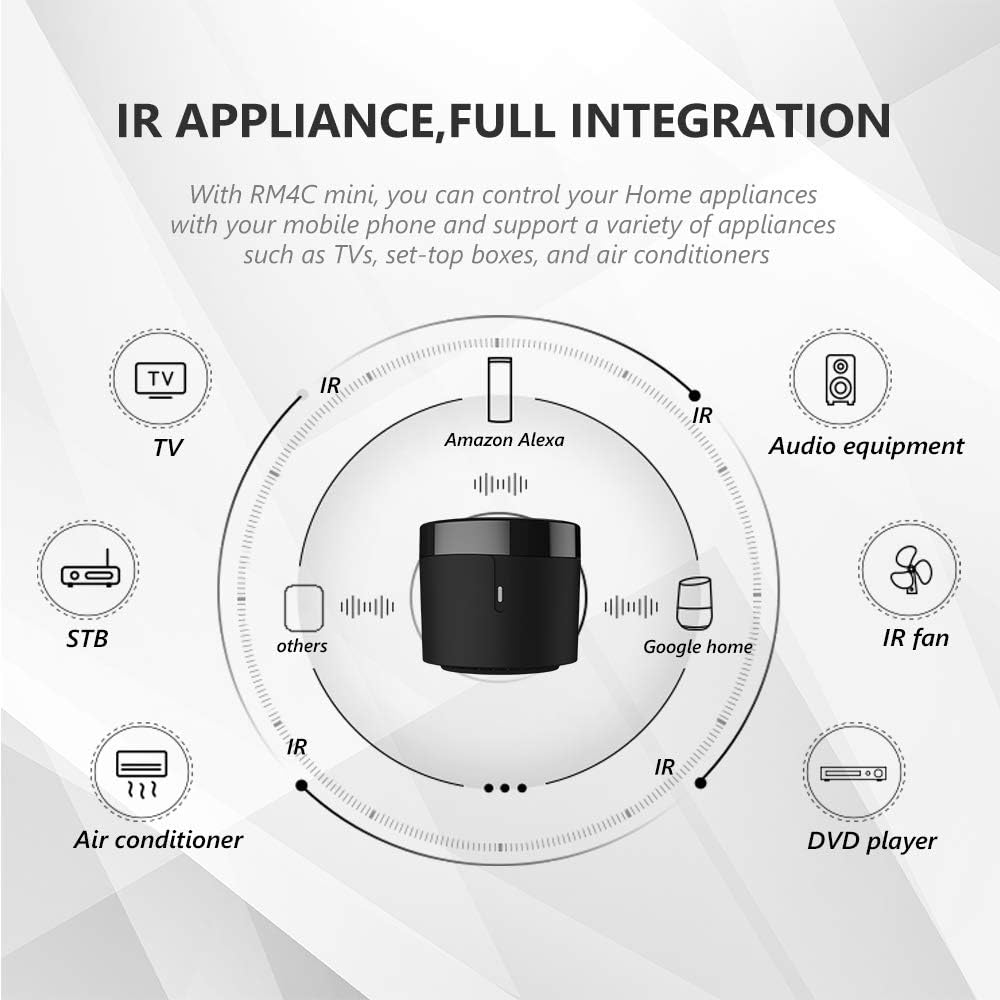
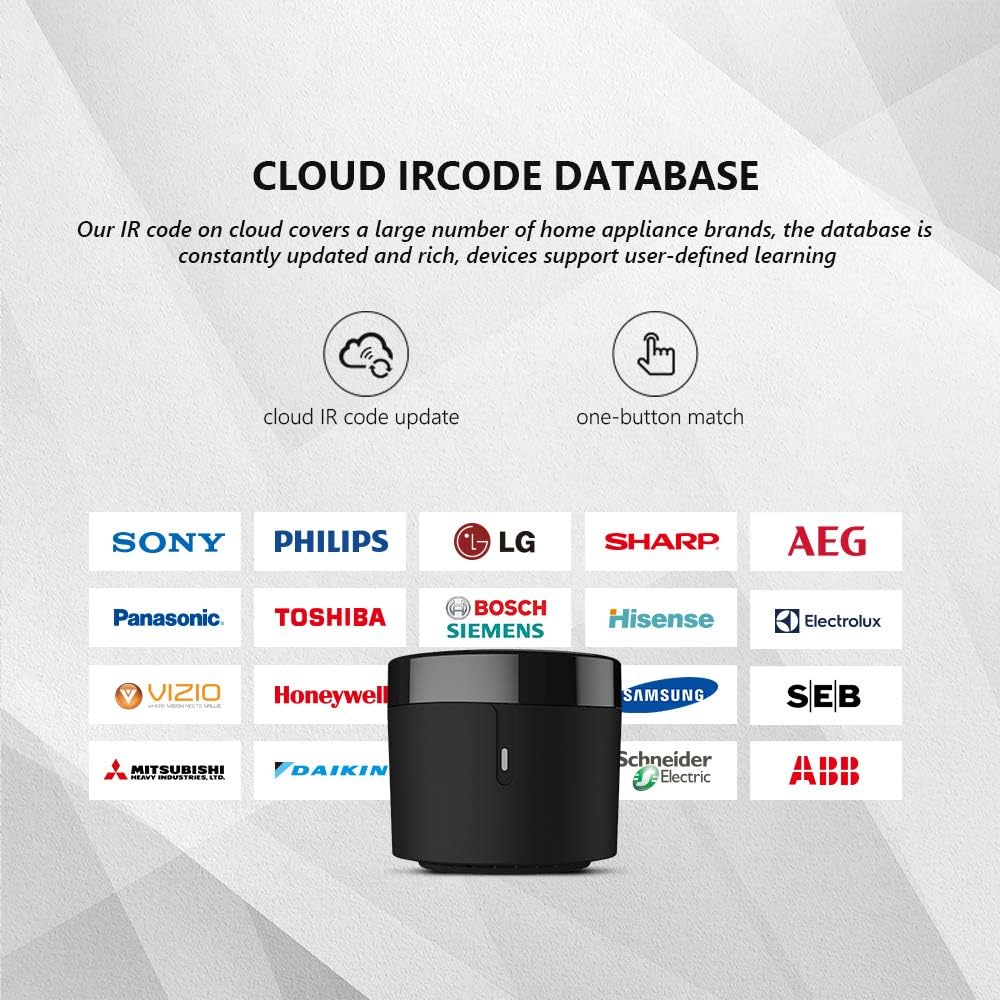
SMART IR REMOTE HUB – Support 50,000+ IR controlled devices such as TV, STB, Air conditioner, Fan, Video Recorder, DVD and more. Does not support Bluetooth and RF Devices. The cloud is continuously updating supported devices library, so your RM4 mini is always compatible with newer devices. Option to program your devices and learn buttons if certain cloud data is unavailable.
BUILT-IN REMOTE LIBRARY & CUSTOM LEARNING – Access a wide range of preloaded remote templates by brand and model. If your device is not listed, you can manually teach the RM4 mini using your original IR remote. IR control requires line-of-sight. Please ensure there are no obstacles between RM4 Mini and your devices.
TECH SUPPORT – One-Year Warranty, 24/7 Technical Support. This device supports only infrared (IR) control and is not compatible with Bluetooth, Zigbee, or RF-based devices. Please check if your appliance uses IR before purchasing.
11 reviews for BroadLink RM4 Mini IR Universal Remote Control (2.4 GHz Wi-Fi Only), Smart Home Automation Wi-Fi Infrared Blaster for TV, AC, STB Audio, Works with Alexa, Google Home, IFTTT


Related products
DAYBETTER LED Strip Lights 110ft, Smart Lighting Strips with App Remote Control, RGB Music Sync Color Changing Lights for Bedroom Kitchen Party Home Decor(1 Roll)

eufy FamiLock S3 Max Smart Lock with Palm Vein Recognition – Keyless Entry Door Lock for Front Door, 3-in-1 Wi-Fi Keypad Deadbolt+ 2K HDR Camera+ Doorbell, ANSI/BHMA Grade 1, Rear Lock Video Screen


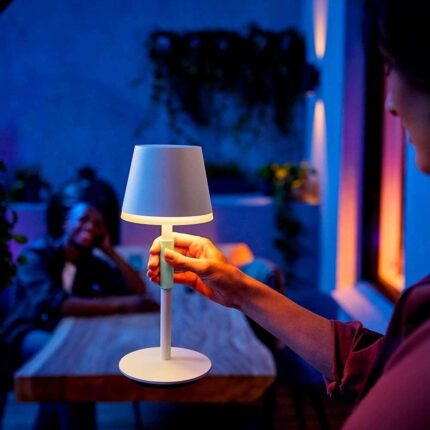
Philips Hue Go Smart Portable Table Lamp, White – White and Color Ambiance LED Color-Changing Light – 1 Pack – Indoor and Outdoor Use – Control with Hue App or Voice Assistant

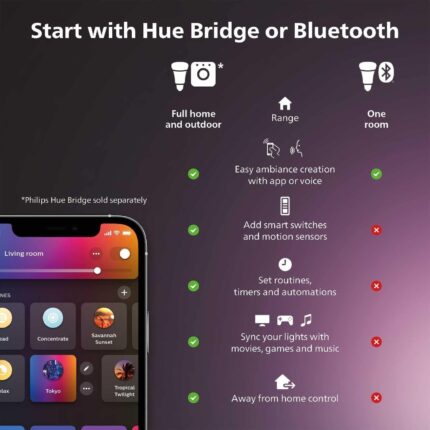
Philips Hue Signe Smart Color Changing Floor Lamp, Black, White and Color Ambiance, Pack of 1, Control with Hue App, LED Floor Lamp Compatible with Alexa, Google Assistant, and Apple Homekit


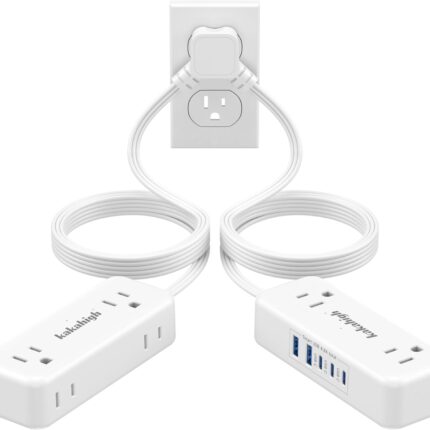
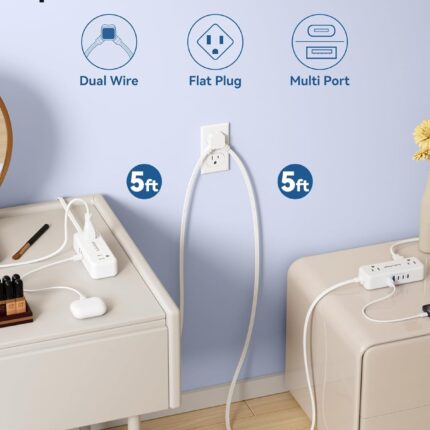
Split Extension Cord 10FT (5FT on Each Side), Single Flat Plug Twin Extension Cord with 4 AC Outlets, 2 USB-A & 3 USB-C(24W/4.8A), Nightstand Charging Station for Bedroom Dorm Room Home, His and Hers
Zenma –
Works Just Fine
Works great with my IR-based space heater. The app is so-so, but works fine for my use case. Placement, especially one that’s out of sight, isn’t ideal but it works.Ultimately, this was quite easy to get setup and linked to the device. It’s also quite small, making it easier to hide.In a dream world this worked natively with Homekit but one can dream.
Amazon Customer –
Worked well for an LG split
I have an LG split in my garage/shop, and wanted to be able to pre-heat the space as it’s been very cold lately. This unit was incredibly easy to set up, and at least the main functions of the split can be controlled remotely now so I can warm up the shop ahead of using it. Mostly, I needed just on/off.This unit is tiny, and includes a wall-mount plate, so can be tucked-in most anywhere. It does not include a power adapter, but does include a USB-A to micro-USB cable, and can be plugged-in to any adapter you might have lying around. I used an old Amazon Fire charger.
Reviewer –
Integrates with Home Assistant
+Very fast response to inputs+Home Assistant integration was relatively painless.- Dissapointing cone of effectiveness. You’ll probably want to have the top pointing directly at what you want to control.- You need to download the app and make a Broadlink account to unlock it for local control.It works, and integrates well with Home Assistant. That’s what really matters to me. Once I unlocked it, I put in a traffic rule through that stops this thing from connecting to the internet.
Bills302 –
Works great!
This thing is great. If you have a bunch of little remotes for things like lights, candles, fans; use this to control them all from you phone. Or better yet link thw vendor to Alexa and boom voice control. The only downside would be it needs to have line of sight to those items, well or in that same room may work, but hey we all figured that since is just basically a universal remote. I thought it was easy to setup but others not so tech savvy may have to read a bit
Rafael Sarante –
Great device and great product/price range.
Great universal remote, working as intended, tiny device that fits almost everywhere, its 360⁰ directional signal makes it possible to place the device out of the way. I have read many reviews complaining about first time configurating it, not wanting to connect to Wifi (remember it has to be 2.4ghz), myself had this issue and the instructions are not very clear as much as on the manual as on the app but, with a little patient I notice two things, one, it needed to update its firmware to a new one and without Wifi this was impossible and two, this was impossible since didn’t want to connect to it and that’s when I notice that in order to make the connection possible it gives the option to connect directly to the Broadlink universal remote through Wifi by selecting it like you are stablishing a new access to the Internet through Wifi, you select this, then will give the option to choose the Wifi you want it to log in and follow the steps. Hopefully this might help someone out there having this same issue I encountered and for the record been using mine since 19th February 2021, so far have my TV, amplifier and air conditioner controled by this little guythrough Alexa without any problem and even created some scene that made my life easier.
blarg –
worthless
I’ve been using an RM mini 3 for years, and purchased an RM mini 4 for another room. Aside from all the awful things the new app does (including collect all kinds of information about you and your network and transmit it to a cloud server) the latest firmware versions have BLOCK THE USE OF THIRD PARTY APPS.I purchased a second one – first one I got – directly from Broadlink’s Amazon store was USED. Came in a clear plastic baggie with no packaging or instructions and obviously used. So I returned it and got a second one.My intention was to use this RM mini 4 with AnyMote but it will not work. I did some digging on the Interwebz and it looks like Broadlink is starting to block third party apps from being able to use these devices on newer firmware to force users to use only the Broadlink app…..which is terrible and spies on you. The older RM mini 3 works just fine with anymote so if that’s your intent, get an RM mini3 while you can because the new mini 4 on the latest firmware only appears to work with the terrible Chinese-made app loaded with spyware that sends data to a cloud server. What possible reason an app for an IR blaster to constantly send data to a cloud server is beyond me.Returning this garbage!Update: I game the RM4 Pro a shot after finding some info on the interwebz for using these things with Home Assistant and setting it up for local control without Chinese cloud servers.It works but it’s pretty a pretty hacky process and I definitely wouldn’t recommend it to a novice. Even then getting it to learn new codes requires a Linux server and some comfort using command-line tools. It CAN be made to work as a locally controlled device but it’s a lot of work so unless you enjoy that sort of thing I still wouldn’t recommend it even though it ultimately is working for me.
asacoco –
Model: Broadlink RM4 MiniBought this to replace the function of a remote control.This review is based on the product being used just as a remote control via the App on the phone.(for smart home functions please look at other reviews)For those wondering this is a little USB powered device which works as following: Phone>App>WiFi>Broadlink>Air conditioner.When on sale for $29.99 this is fantastic value.The box it came in was smaller than expected, the entire product was smaller than I thought but I guess it only needs space for just a WiFi antenna and a IR transmitter.Product includes a decently long flat USB cable which is good quality. NO USB power adapter is included, I just use a 5V 1amp Apple USB phone charger and it works fine.It was quite simple to setup following the instructions.Had to go through a process of holding down the reset button on the product for a specific length of time with a toothpick to put the Broadlink RM4 Mini into the correct mode.All of this was quite simple as you go back and forth between the App instructions and included printed instructions.Once up and running it was a easy process to add the Samsung Air Conditioner to the remote App.There were 3 most common options and you can test each before proceeding. AC fully functioned with the 1st option.I set it up across the room initially, but had issues sometimes when you stand between the Broadlink and the AC unit blocking the IR signal. After I moved the Broadlink to below the AC unit on a cabinet and now it works all the time.Also remember to remove the clear plastic which is on the unit as it can also cause issues with the IR signal.App is simple and easy to use. Open the App then tap on the Airconditioner.All the functions are there, more functions are hidden in the “more” section but the most commonly used settings are on the first page and easy to access.It works flawlessly and there is absolutely no delay between tapping the touch screen on your phone and the Airconditioner responding.Works just as well as the original Samsung remote, and even better since you don’t have to point the phone at the AC. It is connected with WiFi so it even works from the next room.Very satisfied with the product.It is small, simple in design and just works.I have read some other reviews saying the process of adding it to a Smart Assistant is a bit more complicated, but I have no experience in that part of the setup.As a simple device which turns your Phone into a AC Remote this product is great.USB powered so consumes very little energy, and probably cheaper in cost than a replacement remote for a Airconditioner. Also never have to worry about changing flat remote batteries thanks to USB power.Extra info: The “Mini” model is IR (Infra-red) only. The “Pro” model is IR and RF (Radio Frequency).RM3 is the older model, and RM4 is the newer model.I think all models have a alternate version which includes a “Temperature & Humidity sensor”. This alternate version may be preferred by some for automatic “Smart Home” function.Our Airconditioner used IR remote so we only needed the “Mini” model. You can tell if your remote is IR by the LED on the top of the remote. If you block the LED with your finger and try turning the AC on the remote should not work.
hotel sheetal –
REALLY GOOD OPTIONS TO AUTOMATE YOUR IR RECIVING DEVICES GREAT COMPATIBILITY ONLY A FEW PRODUCTS ARE MISSING
G –
Crap. Cant connect. Cant reset. Inconsistent. Stay far away. Please take it back
Julian Lewis –
It works very well, it wasn’t easy to install
Marwan H. Kenanah –
Great device and works as described!