

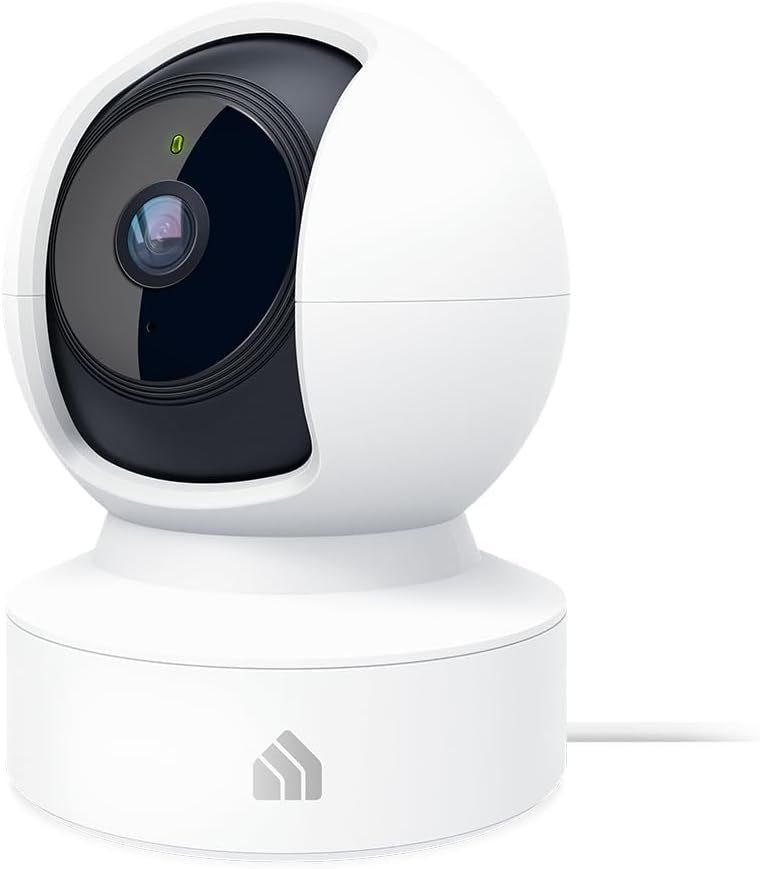
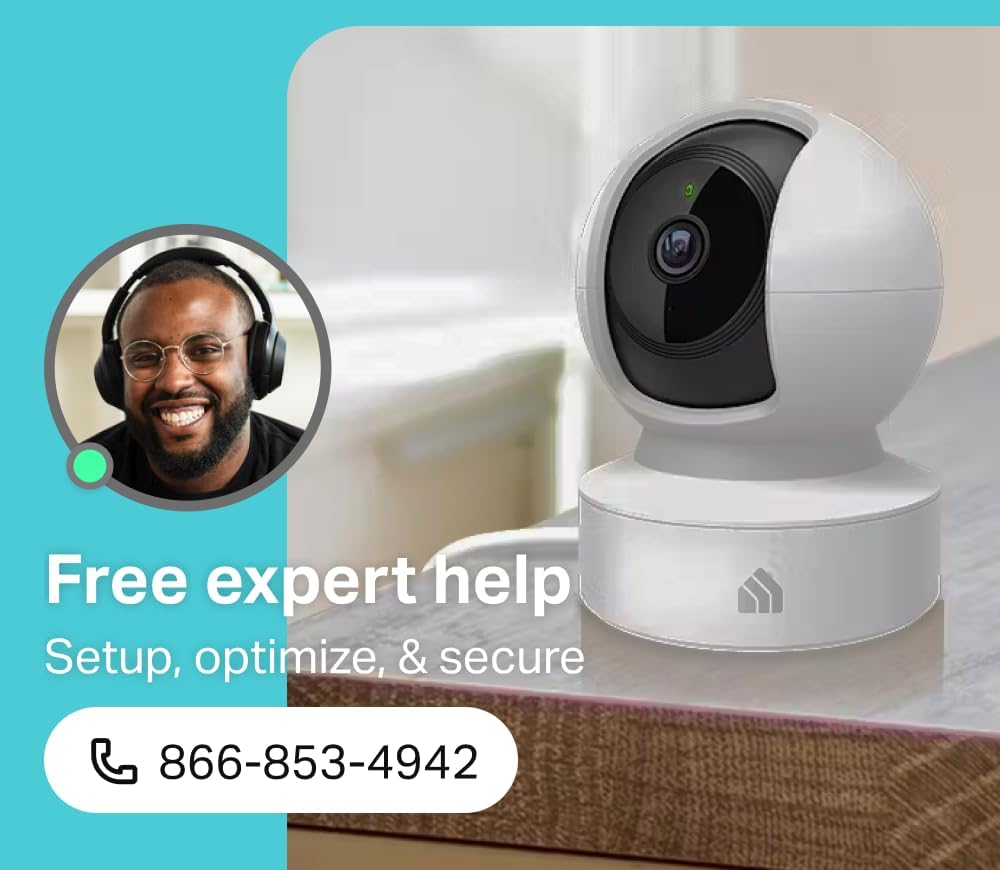

Kasa 2K+ Indoor Pan/Tilt Wired Security Camera – Works as a Baby Monitor & Pet Camera, Motion Detection & Tracking, 2-Way Audio, Night Vision, Subscription-Free Local Storage or Optional Cloud, KC410S
Original price was: $35.99.$29.97Current price is: $29.97.
Price: $35.99 - $29.97
(as of Feb 10, 2026 06:58:24 UTC – Details)
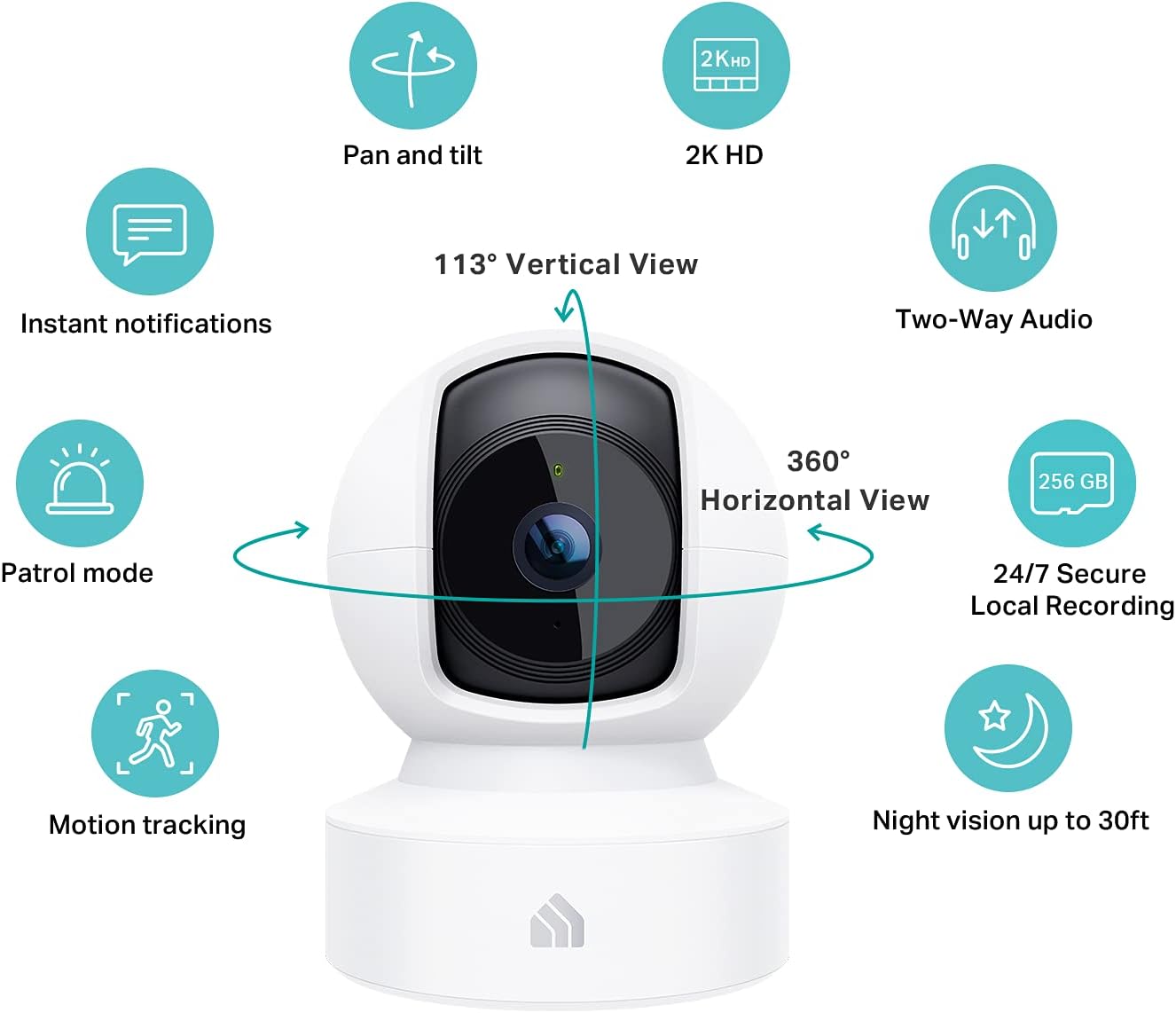
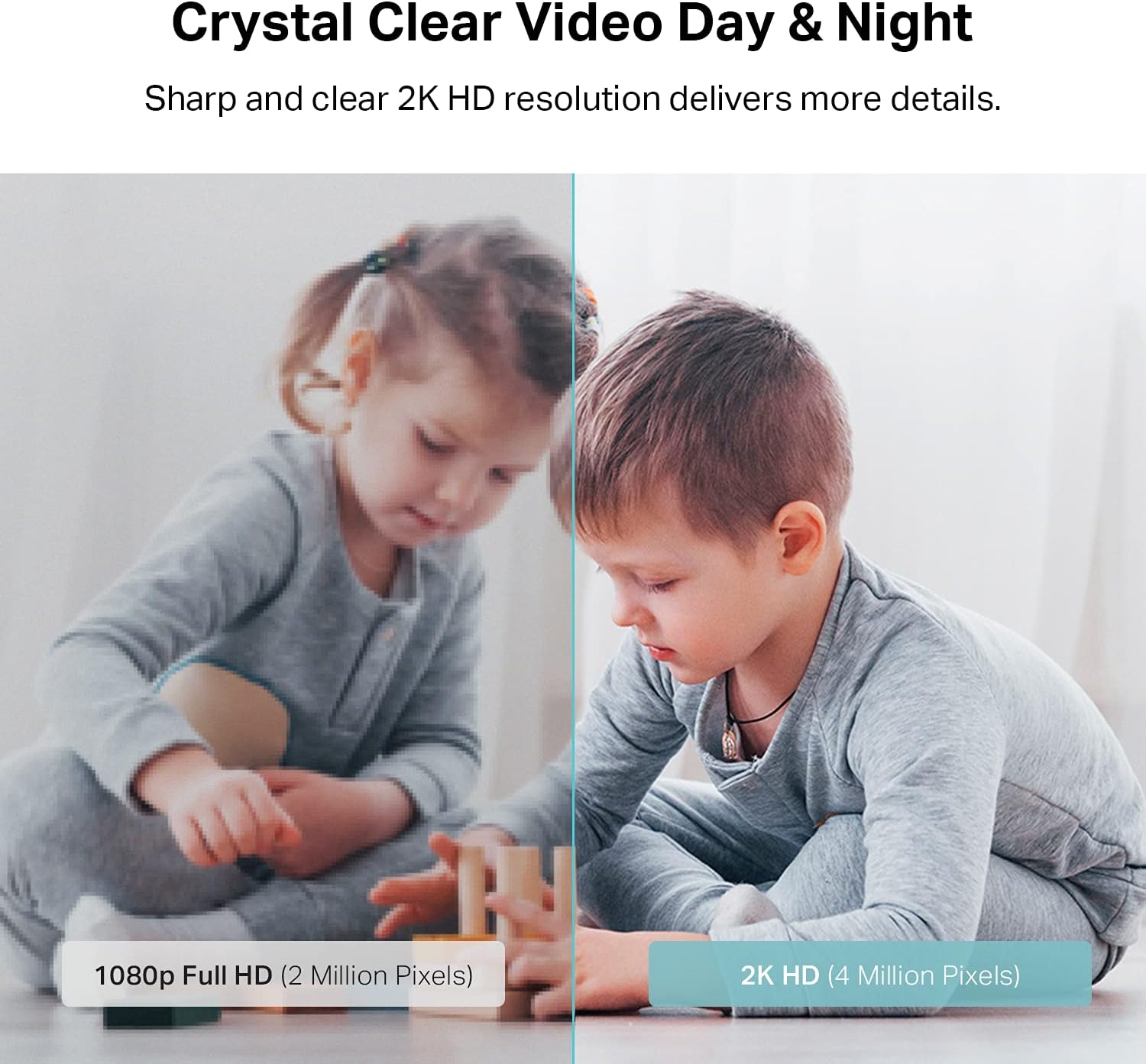
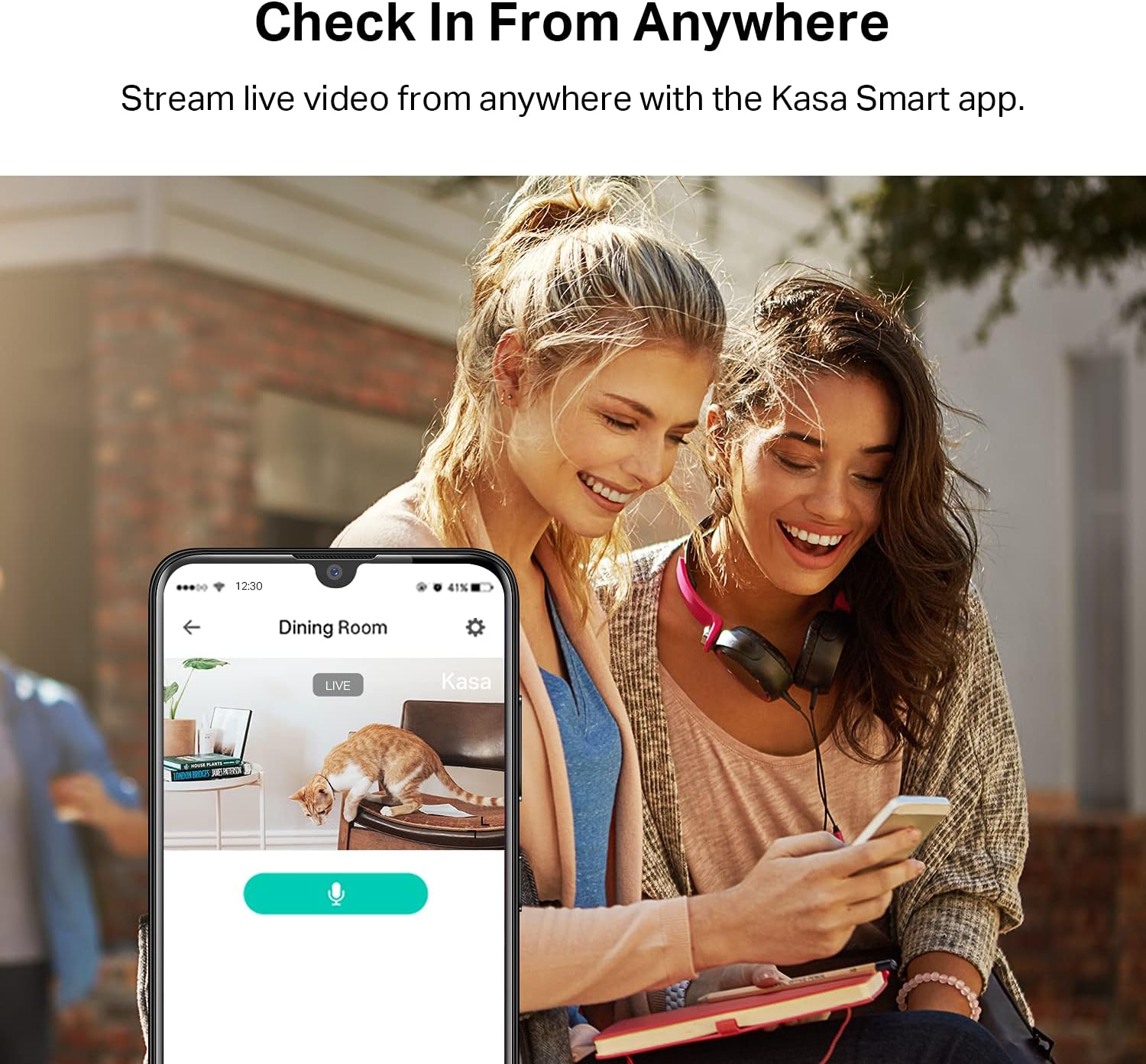
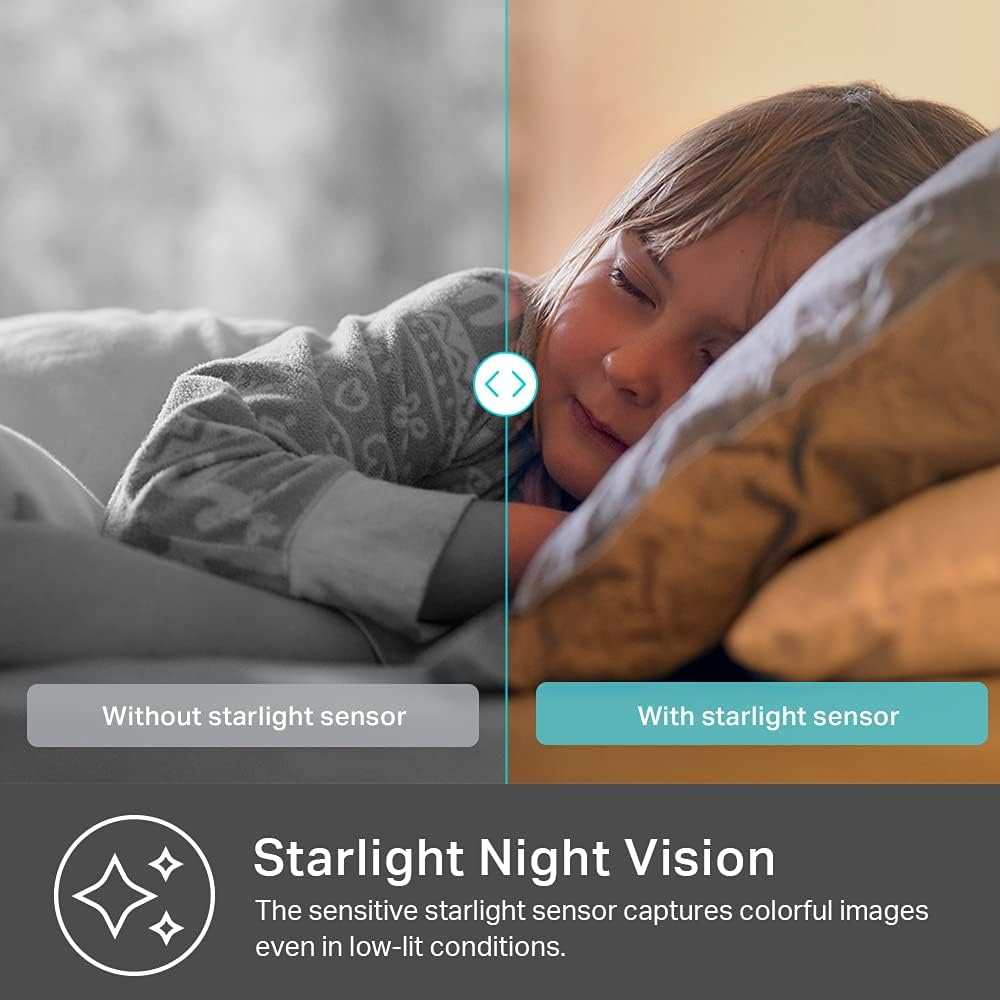
Get the full picture of any space in your apartment, dorm or home with the Kasa Spot Pan Tilt. Capture more delicate details and vivid colors than 1080p with sharp and crisp 2K HD. Provides outstanding image quality even when you zoom in with more pixels. Receive instant alerts and live stream 2K HD video to your smartphone, Alexa or Google Assistant supported display. The Spot even provides HD video up to 30 ft. with Night Vision. KC410S continuously records and stores footage on a local MicroSD card up to 256 GB (MicroSD card not included). Premium cloud storage options are available.
Person/Motion/Sound Detection in Real-Time. Day or Night: With cutting-edge AI algorithms, KC410S can detect people, motion and sound to notify on your smart phone even at night with the night vision (30 ft. away in the dark). Customize up to 4 activity zones around areas which are important to make most use of cameras for home security as a baby monitor, pet camera or nanny cam.Controller Type:Google Assistant;Amazon Alexa.Connectivity protocol:Wi-Fi.Power source type:Corded Electric.Operating Temperature : 0°C~40°C (32°F~104°F). Adapter Input : 100-240 VAC, 50/60 Hz, 0.2 A. Adapter Output : 5.0 VDC, 1.0 A..Compatible devices : Tablet, Smartphone. Power source : Corded Electric.
Secure Your Videos Locally or with AWS Cloud: As an indoor security camera, KC410S continuously records and stores footage or video clips on a local MicroSD card up to 256 GB (MicroSD card not included). Premium cloud storage options are available with industry-standard 128-bit AES end-to-end encryption on AWS.
Enjoy a Smarter Home with Smart Actions: Set your lights to turn on when your camera detects motion with Kasa Smart Actions. Smart Actions allows you to create interactions between your Kasa camera and other Kasa devices to make your life simpler. No need to check your Kasa Spot Pan Tilt throughout the day. Get automatic alerts when it detects motion or sound.
Voice Control: For additional ease of use, pair the Kasa wireless camera with Alexa echo or Google assistant. Use a simple voice command to ask Alexa or Google Assistant to view your live camera feed on compatible Alexa or Google devices. System Requirements iOS 10+, Android 5.0+
10 reviews for Kasa 2K+ Indoor Pan/Tilt Wired Security Camera – Works as a Baby Monitor & Pet Camera, Motion Detection & Tracking, 2-Way Audio, Night Vision, Subscription-Free Local Storage or Optional Cloud, KC410S


Related products


Anpviz 6MP PoE Camera, Turret 6MP UltraHD IP Camera Outdoor with Mic & Speaker, 100FT Smart Color Night Vision, PoE Security Cameras with AI Human Vehicle Detection, MicroSD Slot (U Series)


ARTIX CL750 Over Ear Headphones Wired with Mic & Volume Control, Audio with 100% Noise Cancelling Computer Wired, Plug in for Laptop, Dj Corded Studio Headphones


etguuds USB A to USB C Cable 6ft, 2-Pack, 3A Fast Charging Type C Charger Cord for iPhone 17 16 15 Pro Max 16e 17 Air, Samsung Galaxy S25 S24 S23 S22 S21 S20 A17 A16 A56 A55 Flip Fold, Gray


Senso Bluetooth Headphones, Best Wireless Sports Earphones w/Mic IPX7 Waterproof HD Stereo Sweatproof Earbuds for Gym Running Workout 8 Hour Battery Noise Cancelling Headsets (Black Blue)


TP-Link Deco 7 BE25 Dual-Band BE5000 WiFi 7 Mesh Wi-Fi System | 4-Stream 5 Gbps, 240 Mhz | Covers up to 6,600 Sq.Ft | 2X 2.5G Ports Wired Backhaul | VPN,MLO, AI-Roaming, HomeShield, 3-Pack


Dan Henry –
EASY & EFFECTIVE CAMERA – HERE’S WHAT YOU NEED TO KNOW:
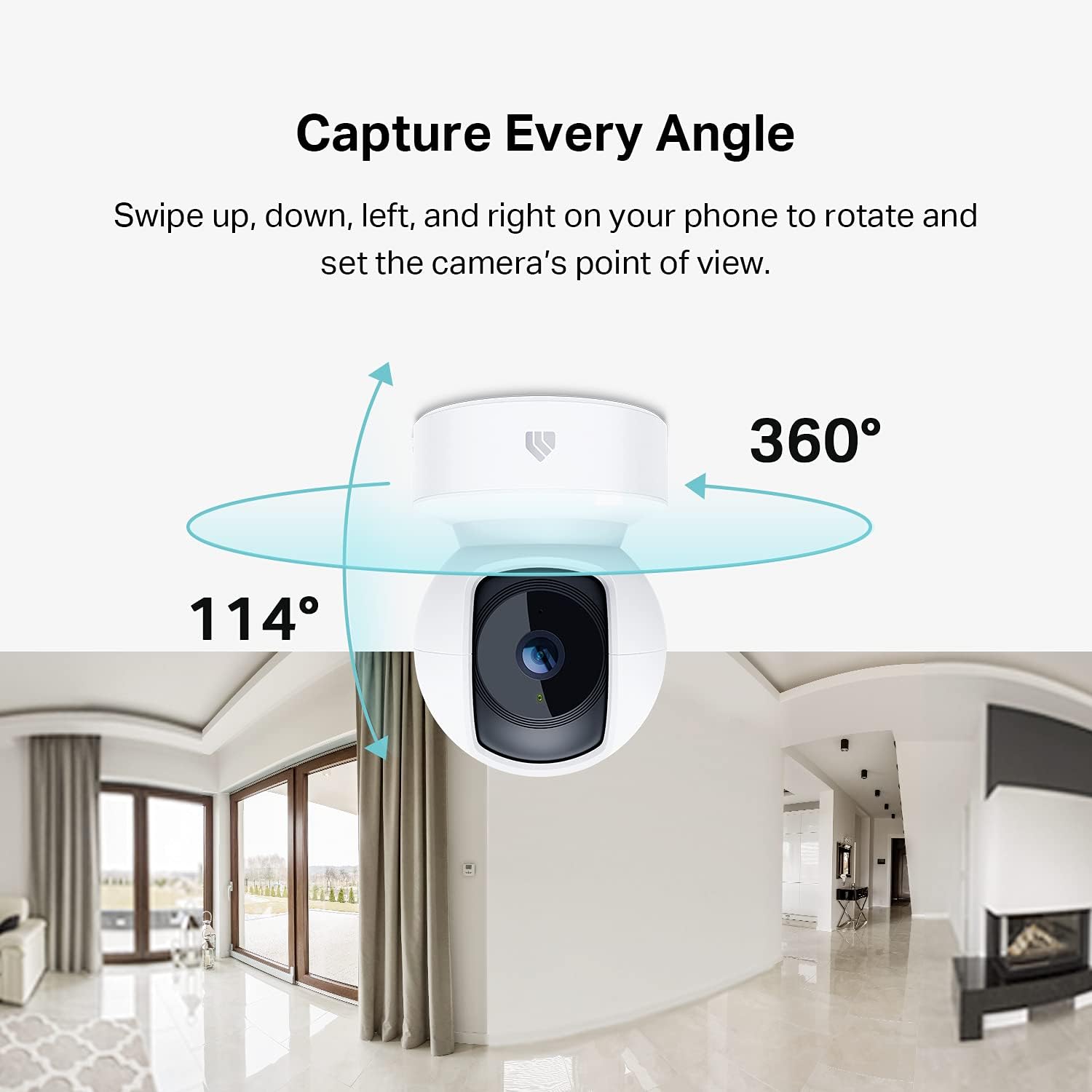
EXTREMELY EASY TO USE • COST-EFFECTIVE • VERSATILE • SATISFYING: I happened to buy a 4-pack of Kasa smart plugs recently. After experiencing firsthand how easy it was to integrate them into my existing and very average home Wi-Fi system – not to mention tie their control into existing Amazon smart devices such as my Echo Dot and EchoPop – I simply couldn’t resist the urge to (join the rest of you in the 21st century and) purchase a camera.APPLICATION: I wanted an easy to buy, implement, use and maintain a remote controllable and reasonably ‘smart’ surveillance system – just to keep an eye on things that happen on the street. I learned very quickly the Kasa camera system has features that enable it to not only track motion but specifically people when desired (see Activity Zones IMG) ; features include various levels of tracking up to and including “Patrol Mode” which will cause the camera to rotate through the four savable “scenes” at the specified interval(s) allowing for 360° monitoring from just one camera. Even has NIGHT VISION.I actually bought two cameras and haven’t even set up the second one because the first is already doing so much!TIPS & TRICKS: Make sure you purchase a reasonable quality 64 GB mini SD card. That is the maximum size card this model of Kasa camera can utilize. TO INSERT THE CARD: using the mobile interface pan the camera upward until the mini SD card port and reset buttons are exposed (see IMGs.) Insert the card LABEL UP and press until firmly clicked and secured in its final position. I have been running the camera “24/7” (the actual mode is known as “24/7 Monitoring”) at maximum resolution of 1080p for ~ 3 days and have used less than 25% of the 64 GB capacity. (see IMGs)HOW TO SAVE EVIDENCE: Should something unfortunate occur and you find yourself in the position of needing to save that which your camera captured you can simply click on “24/7 recording” & move the saved timeline bar to the requisite point, wait for playback to start and click the 🔴 in the lower right-hand portion on the playback screen. (Note: Give the video recall some time – after all it is the camera having to go back and read saved data while still recording and saving new data, transmit saved data through the Wi-Fi network to your phone and ultimately save it in a new location. Even the fastest systems will take a moment.) Following these steps will save a video of what was recorded that you will find in your video gallery. *There is a portion of the app allocated to Activity Alerts Tracking which is available with a Kasa Care subscription; I do not have that subscription thus I am unable to speak to those features at this time but imagine they facilitate easier activity recall and saving.WHAT TO DO NOW: Click purchase. 😊 Seriously this thing is fabulous especially for the price point. Off the top of my head some of the easiest applications I can think of would be keeping an eye on your pets or your kids while they’re at home or having an extra pair of eyes when needed.*** Keep in mind this review is written from the standpoint of someone seeking easy applications and easy use – If you are looking for something that is sturdy, has own/redundant power, data storage and signaling capacity, is designed to survive not only adverse weather/climate but also potential tampering this is not the device I would recommend.
Chris Warriner –
Excellent Plug-In Camera with Great Clarity and Monitoring
The Casa indoor pan-tilt security camera is awesome. I wasn’t sure what to expect when I purchased it, especially since I’ve been using Ring cameras that require frequent battery changes.The plug-in design is a huge plus for me—it works great and eliminates the hassle of changing batteries. The camera offers 24/7 monitoring and motion alerts, so you’re notified whenever movement is detected. The picture quality and clarity are excellent, and navigating through recorded videos to review past events is very easy and user-friendly.One feature I really like is that the camera allows you to save up to four preset views, making it easy to switch between angles with the press of a button.Storage depends on the size of the SD card you choose, which allows flexibility based on your needs, but the card must be purchased separately.Overall, the video quality is impressive, and the pan-tilt function works smoothly. I would recommend this camera over a Ring camera unless you specifically need a battery-powered option. If you prefer a reliable, plug-in indoor camera, this is a wonderful choice.
Levi –
Love Kasa Cameras
Love Kasa cameras and been using them for years. Bought this for my grandma as a Christmas gift so she could keep an eye on her dog while she is out. I set it up and it is the first camera. I’ve used that has pan and tilt. It worked great, has a great image, and everything is super easy to set up. I’ll continue to come back to Kasa for many more purchases of cameras, switches, and plugs.
Trenton De Leon –
Solid $20 indoor camera with useful app features
I picked up this Kasa indoor security camera, and overall it’s been a solid addition to our setup. Initial setup was quick and easy, and the camera itself feels durable and well-made. Mounting it to the wall or ceiling is straightforward once you get past one small hurdle.The main reason I gave this a 4 out of 5 is the mounting clip. Removing the clip from the base of the camera was more difficult than expected and took a few minutes to figure out so I could mount it the way I wanted. It’s doable, but not very intuitive.Once installed, the camera looks clean, and the app is easy to use. One of my favorite features is the ability to save up to four different camera angles using what Kasa calls activity zones. I use these all the time since I have them set for every angle I want to monitor. We mounted ours on the ceiling, and flipping the view upside down in the app was simple.For around $20, this is a solid indoor camera with some great features. If you’re okay with spending a little extra time during mounting, it’s a good value overall.
Kileysw –
Loooove this camera!!!!!
Amazing camera for peace of mind. I’m a dog trainer, and have a “dog room” in my garage, and this camera was a LIFE saver! I seriously have so much more peace of mind knowing even if I leave my home, I can still see what’s going on and have a track record of everything that has happened if need be to show clients proof. It also allows others to join, so my employee can join as well and update accordingly. It’s very motion sensitive which I WANT and picks up even when the dogs are just barking and I need to go in there to see what’s going on. Amazing tool for pet owners, care takers, buisness owners, and people who just want general security in their home & want to know what’s going on and have a record of such.Disclaimer** amazing for nanny cams, pet cams, and general monitoring but it does have a monthly subscription to be able to save videos, but it’s very low & absolutely worth it to me as someone who operates a business and likes a paper trail.All in all, have had no issues with connection (and mine is in my garage!!!) so far away from the router, no issues with the app, and I’ve been extremely satirized with all that it can do for the price!Definitely worth it. 10 out of 10!
Mike –
Gran cámara con fácil instalación. La visión nocturna es una de las mejores que he podido apreciar. Muy recomendable
Ahmed Yousef –
Not bad but not as we expected
Funky Astronomer –
I installed one of these cameras in my attic to ensure that I don’t get any unwanted rodent guests. Used with the Kasa phone app this is a great monitoring solution. I added an inexpensive micro SD card for recording. You can setup multiple viewing angles to quickly survey the area remotely when required. It will automatically notify your phone when motion is detected and the recording allows to review the activity. Thankfully, so far it has only seen the occasional moth. It has saved me many trips up to the attic and has worked well for many months. I also have many kasa wifi light and outlet switches which also work very well. This is an excellent product.
Mario Pescador –
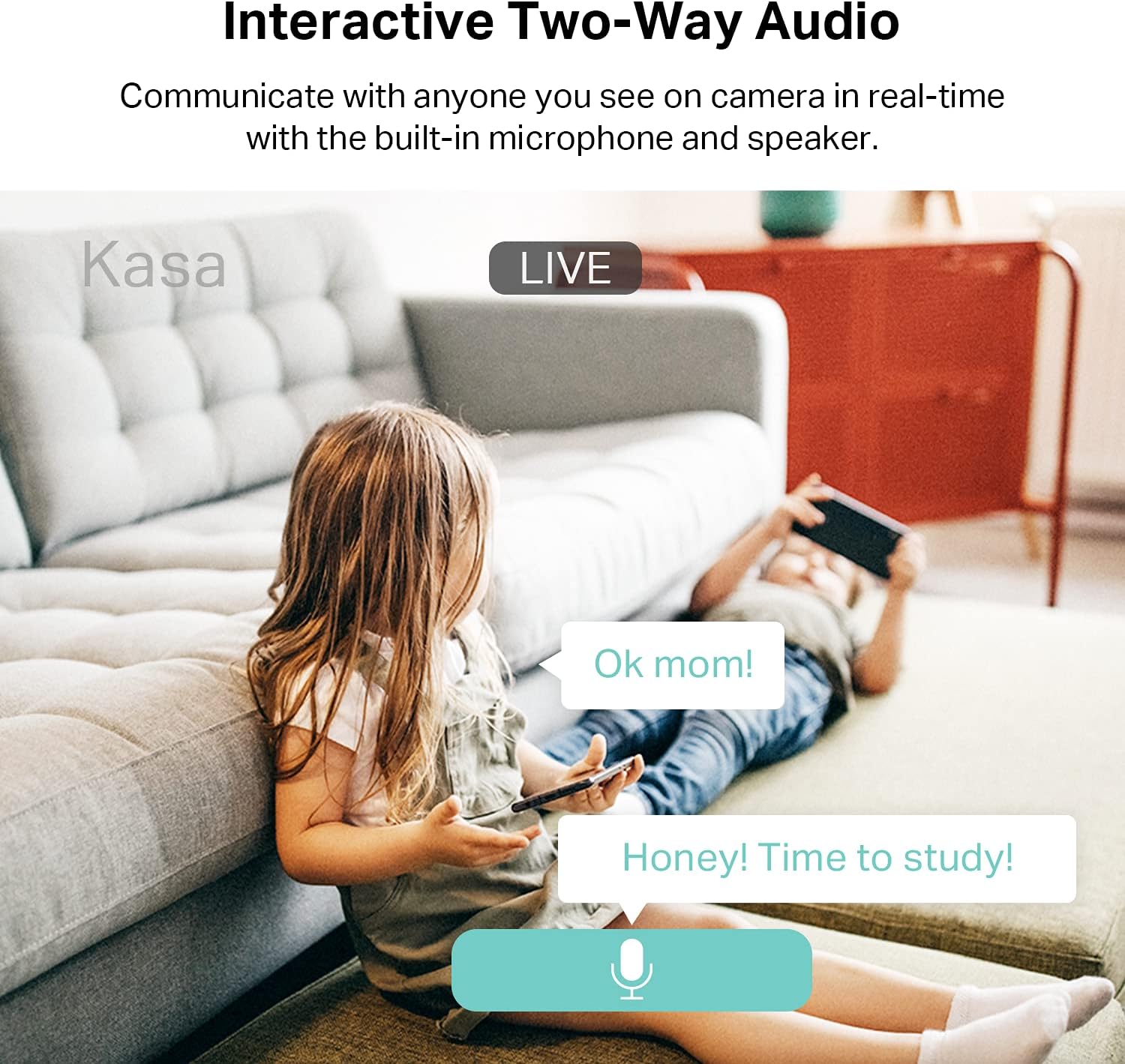
Muy fácil de instalar, se ve muy nítida la imagen, además se pueden escuchar las voces o ruidos que haya en el lugar y también se puede hablar por medio de la cámara; excelente compra! La recomiendo mucho!
Kremmen –
Yes, these do come with a US style wall charger but work with any USB chargerIt means I can keep my plan of Kasa in one house and Tapo in the otherMakes it easier to identify even though the Tapo app can separate them