

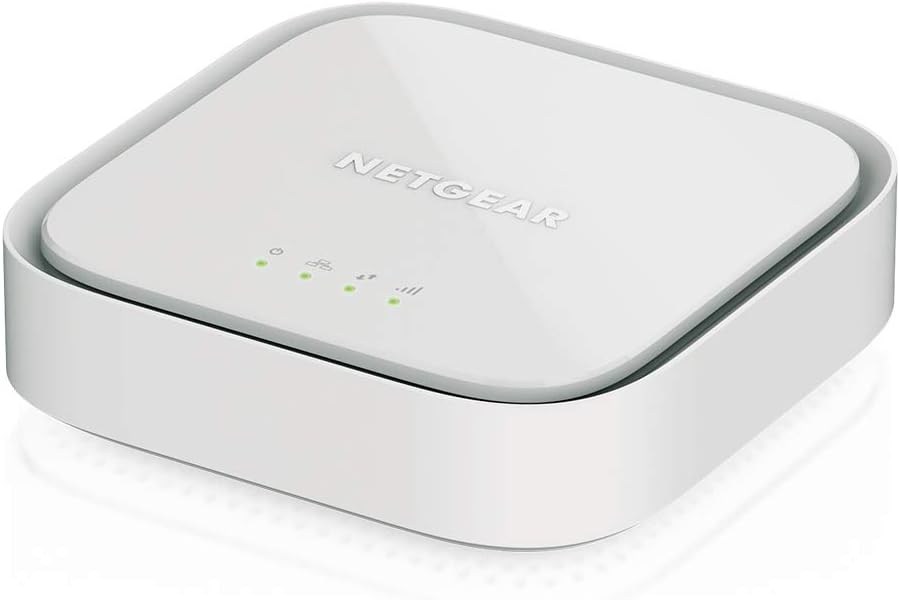

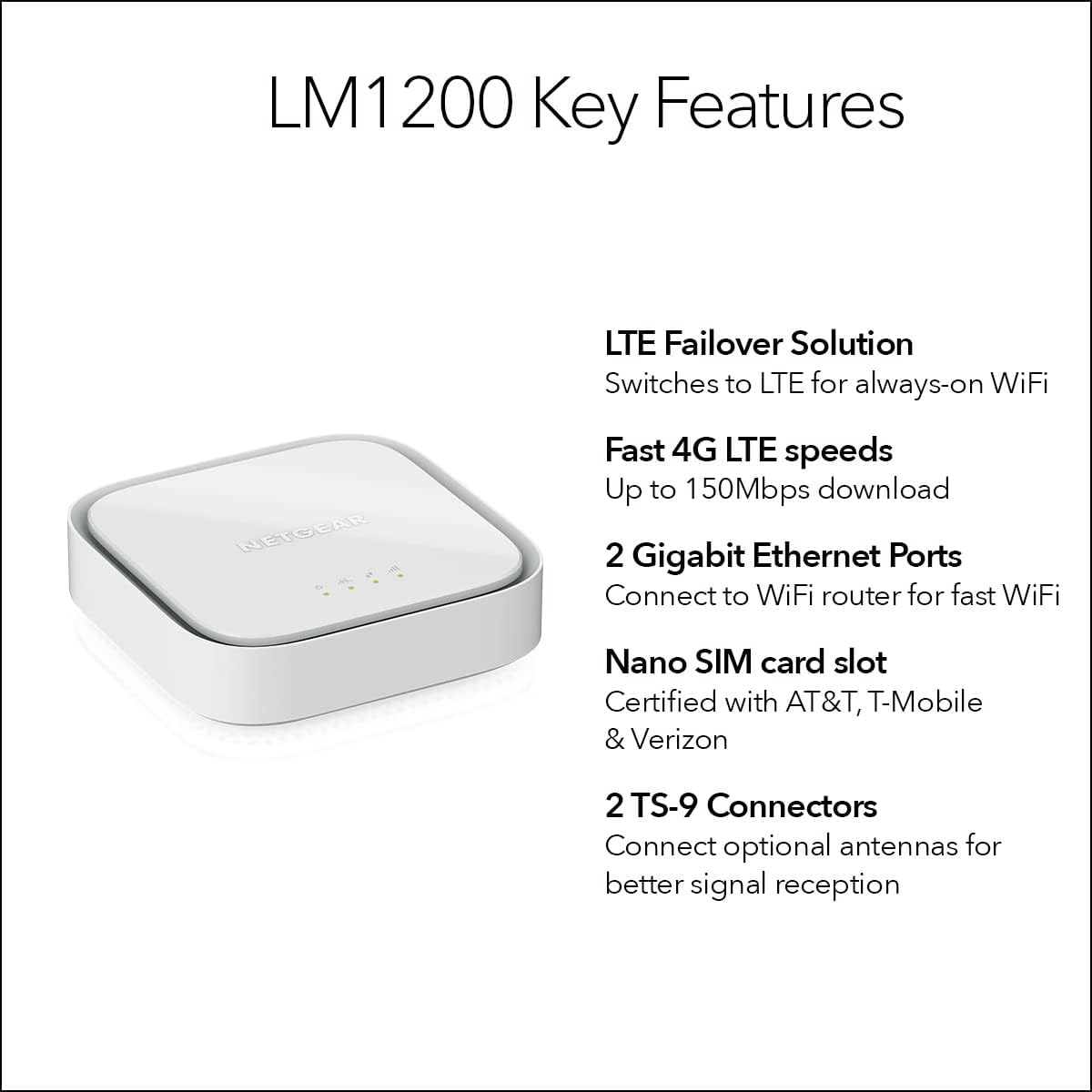


NETGEAR 4G LTE Broadband Modem (LM1200) – Use LTE as a Primary Internet Connection or Failover Solution for Always-On WiFi | Certified with AT&T, T-Mobile & Verizon
$178.00
Price: $178.00
(as of Feb 14, 2026 10:05:00 UTC – Details)
Netgear 4G LTE Modem – LM1200-111NAS
Certified with AT&T, T-Mobile and Verizon. Please check with preferred carrier on data plan details and limitations. Not compatible with Sprint
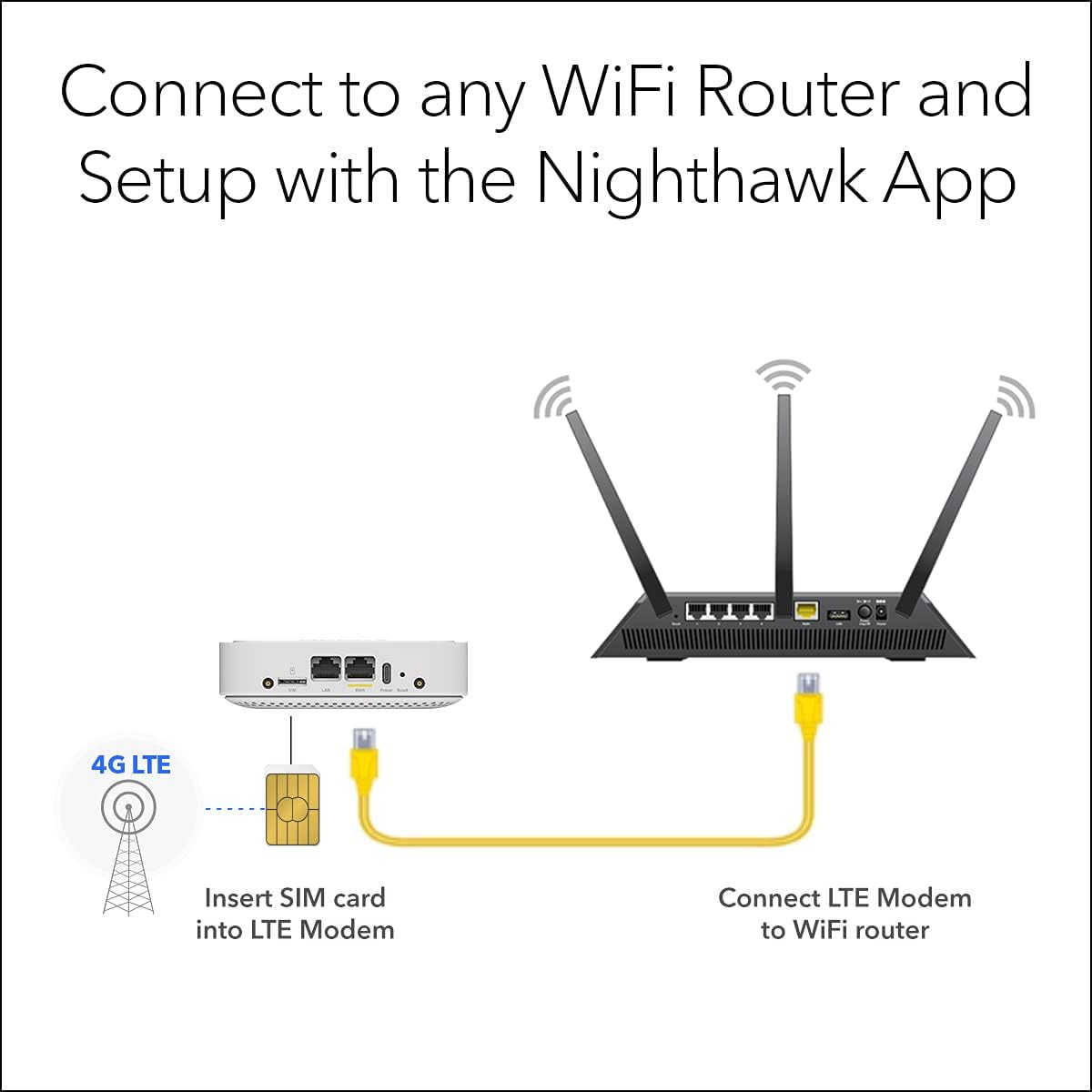
Requires Nano SIM card from carrier and activation of compatible BYOD (Bring Your own Device) data plan that meets your data needs
Download speeds up to 150Mbps. Speeds may vary by service and proximity to nearest cell tower
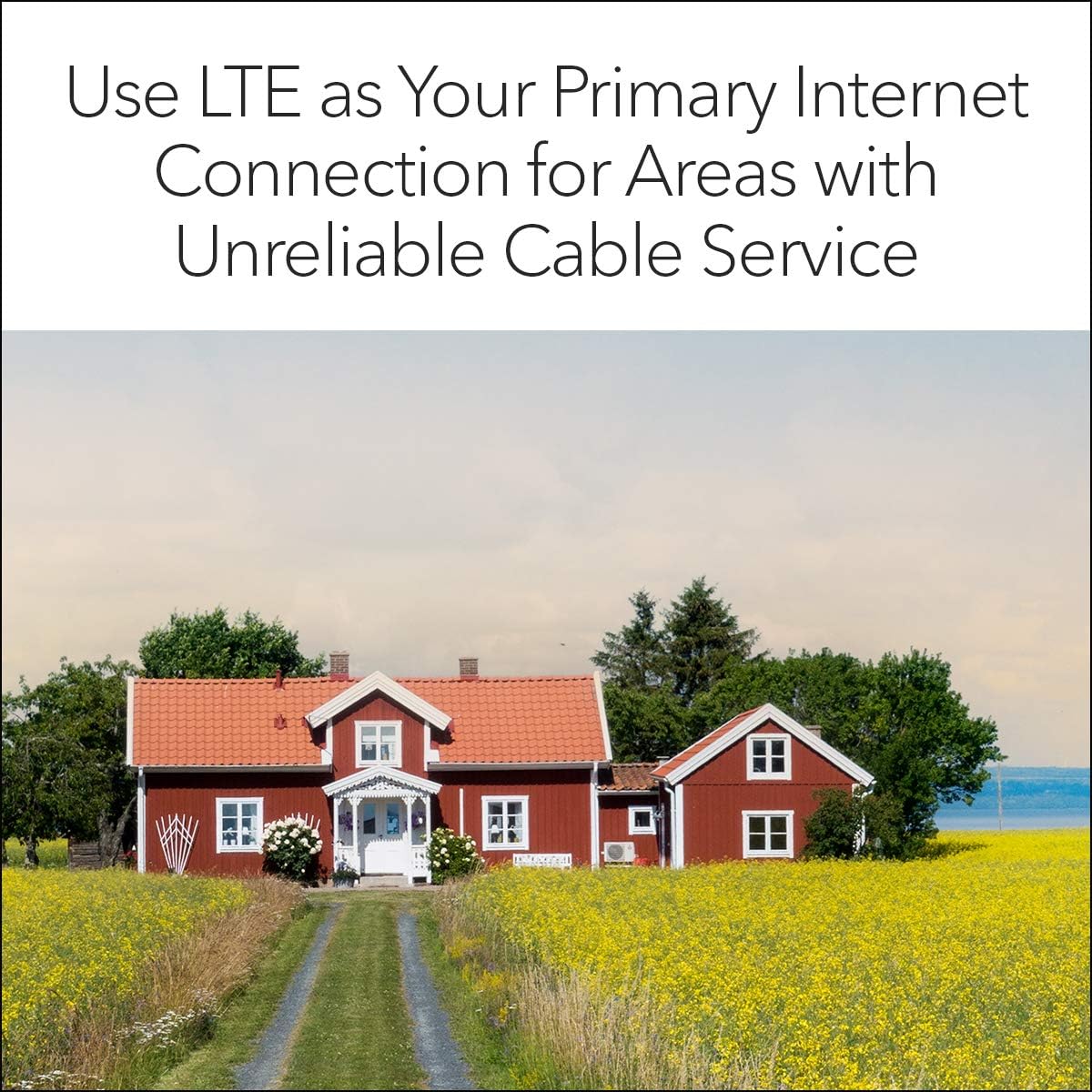
Use as a primary or backup internet connection. Automatically switches to LTE for always-on WiFi
Automatic failover support keeps you connected when working from home even if your cable internet is down
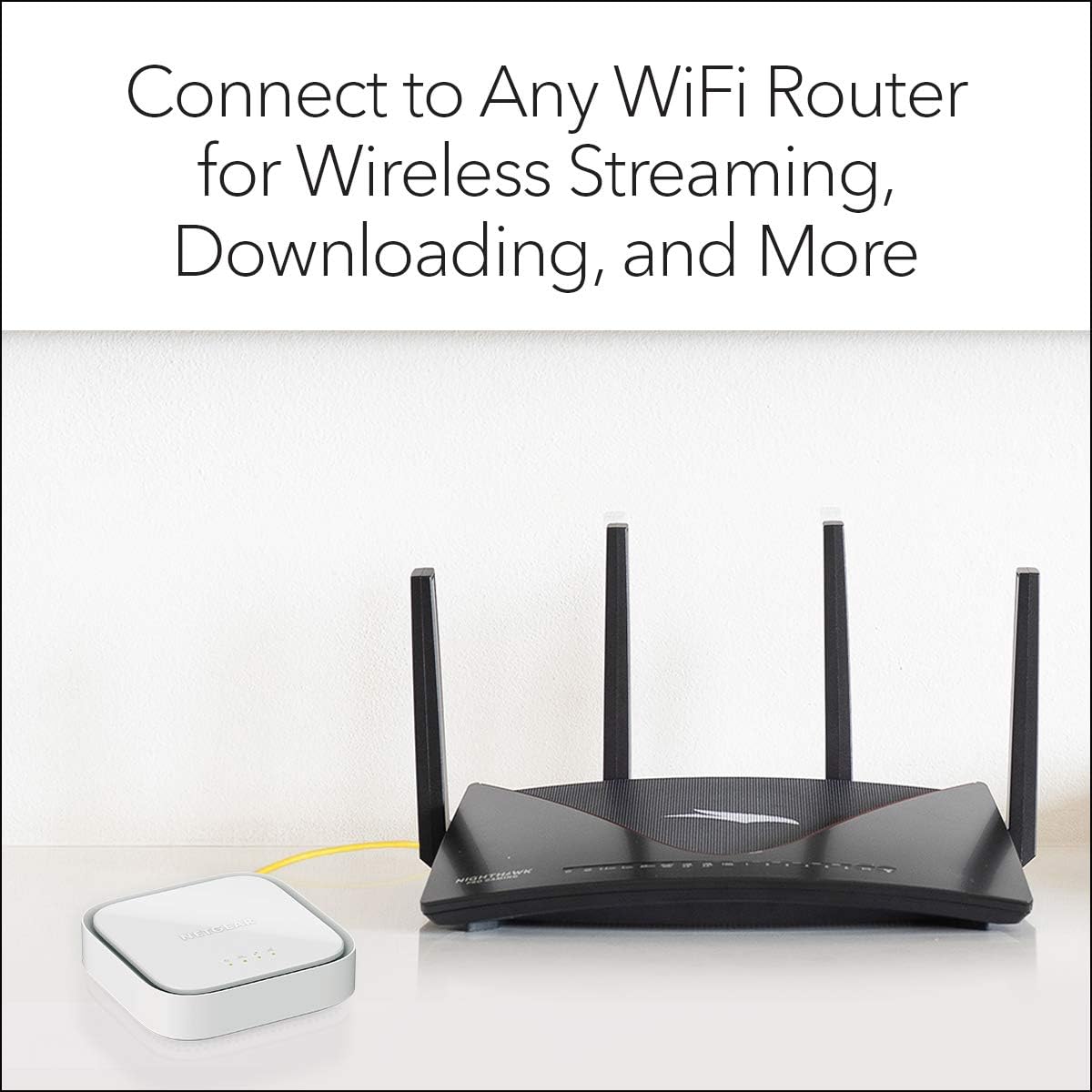
Connect the LTE modem to any wireless router
Two (2) Gigabit Ethernet ports (1 WAN + 1 LAN) available for directly connecting to any device, such as a laptop, gaming console or smart TV
7 reviews for NETGEAR 4G LTE Broadband Modem (LM1200) – Use LTE as a Primary Internet Connection or Failover Solution for Always-On WiFi | Certified with AT&T, T-Mobile & Verizon


Related products


ARTIX CL750 Over Ear Headphones Wired with Mic & Volume Control, Audio with 100% Noise Cancelling Computer Wired, Plug in for Laptop, Dj Corded Studio Headphones


etguuds USB A to USB C Cable 6ft, 2-Pack, 3A Fast Charging Type C Charger Cord for iPhone 17 16 15 Pro Max 16e 17 Air, Samsung Galaxy S25 S24 S23 S22 S21 S20 A17 A16 A56 A55 Flip Fold, Gray

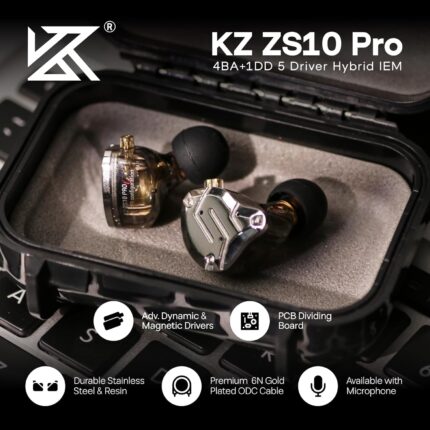
Linsoul KZ ZS10 Pro, 4BA+1DD 5 Driver in Ear Monitor, HiFi Wired Earbuds, Gaming Earbuds, Hybrid IEM Earphones with Stainless Steel Faceplate, Detachable Cable for Musician(Without Mic, Black)
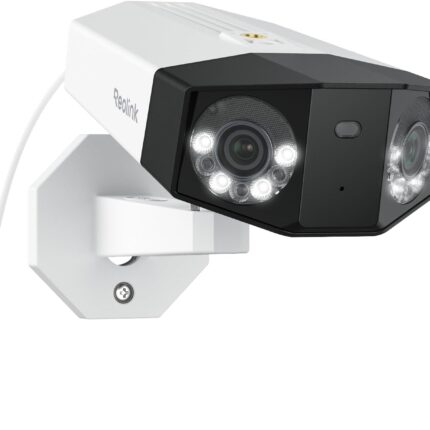

REOLINK Duo 3 PoE 16MP UHD Dual-Lens PoE Security Camera with 180° Panoramic View, Motion Track, F1.6 Color Night Vision, Person/Vehicle/Animal Detection, 2 Way Talk, Supports 24/7 Recording


T –
Excellent Emergency Internet Backup
Excellent source of emergency internet…with some “Netgear things”. My caveats are as follows:1) I have fiber as my primary internet, this review is NOT for the LM1200 as a “daily driver”.2) I do not YET have an external antenna so this review is NOT to discuss performance.3) I use GoogleFi, so my experience is limited to Tmobile network via googleFi.The Good:1) It is small, my 5 port switch, and GoogleWifi route nest nicely on top of this unit.2) Powered via USBC! and although the manual specifically says to use their adapter…it works fine as long as your power brick outputs enough watts per port for all your connected devices. I have one power brick powering my 5port switch, GoogleWifi router, and the LM1200 – each device draws <20watts and each port can output >20watts continuously. This saves plugs on my battery backup.3) It supports failover* its just not very graceful in my application (see the bad).4) you can turn the LEDs off! (a horribly underrated feature and something I wish would catch on).5) Supports external antenna connections.The bad:1) My unit did not support failover outright; needed a firmware update. My quick install pamphlet did at least say that failover would be implemented in a software update.2) In typical Netgear fashion, the auto firmware update failed to find an update and I had to download it onto my PC then upload it to the device.3) I did my tests with the LM1200 in bridge mode. When failover occurs, the LM1200 reboots when switching to LTE and then reboots again when returning to broadband; so you will have 30-60s disconnects when switching. This may not be an issue when the LM1200 is acting as the router…but GoogleWifi wont work at all if it is double-nat’ed so I did not attempt to troubleshoot this.The indifferent:1) No built-in antenna and therefore unassisted speeds are poor. A warning should be more obvious that an antenna is required not optional.
Allen Tiffany, author of Youth In Asia, a Vietnam War novella –
Works very well and delivers a credible backup method at a low cost. Recommended.
We tried to switch from Spectrum ($75 a month) to T-Mobile’s 5G WiFi a while back to save some money, which was $40 a month. In short, I could never shut down Spectrum because the 5G WiFi is constantly losing contact with the cellular towers, so we’d have to reboot it about once a day. It’s on the top floor of the house, so someone had to constantly go up and down the stairs to reset it. Finally gave up. Negotiated a new price of $30 for Spectrum, but we still need a back up because every once in a while Spectrum goes out. We live in a semi-rural area where storms and such can cause problems. So I explored this thing…I bought the LM1200 version about a month ago, and ordered another cellphone “line” from T-Mobile, which costs us $15 a month. They sent me the SIM, which I first plugged into my phone to make sure it was working, then plugged it into this thing and turned it on. Very easy setup. Connected it to a WiFi router I had, and magic! It all works as intended.Of course, it is running at 4G LTE speed, to the device. When I connect various PCs and Phones to it from throughout our house through the WiFi router, I’m seeing speeds of around 18 Gig. That is, until we hit our data limit with T-Mobile. Then T-Mobile does not throttle our data, but they do deprioritize it. So when local cellular traffic is heavy, Our WiFi can slow down to 1 GB or less, which is slow, but better than being disconnected when Spectrum goes off line. All critical things such as our security system, etc. remain on line, and internet access via our PC is still functional but can take few seconds to load.The quality seems good. I did add external antennas that are supposed to help improve the 4G LTE signal, which cost about $10 and needed small adapters, but it was not apparent to me they materially helped with the signal strength, but maybe.Overall, very pleased. Works as expected and as a back up system, after the upfront costs, saves us about $25 a month.Highly recommended.Update: It’s been 3 months since I wrote the above review. At this point, I’d give it 5.5 stars. This thing works great. We have only *had* to use it once when Spectrum was down for a few hours, but about once every 3 weeks I log into it just to see if it is working, and so far, every time it has been and works great. Again, not as fast as Spectrum, but for $15 a month, in a crunch it is great.
Zich –
This item does not work with operators out USA
Essaú –
mahmoud ismail –
wrost router ever bad battery no 5G
AMN –
I recommend using it with an outdoor antenna if possible but it is reliable and gives me over 200MB/sec speed.
Ahmad –
Great