

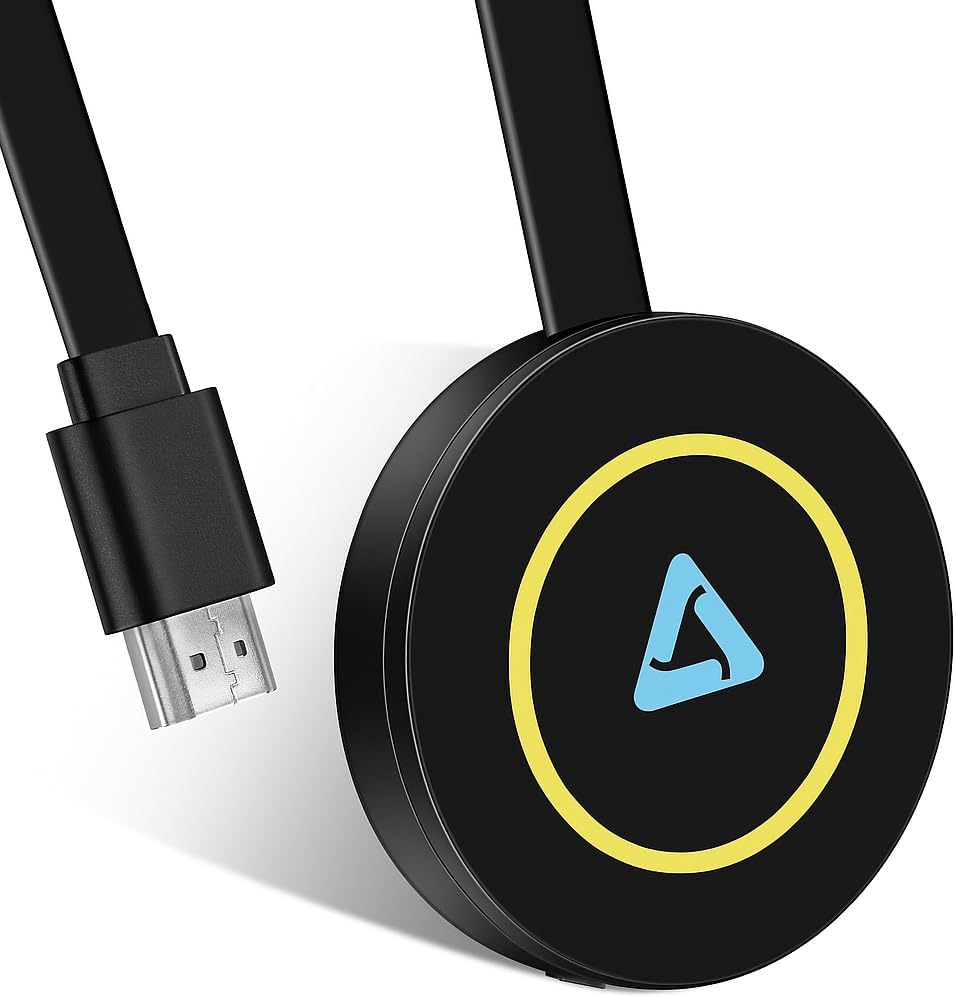


4K Wireless Display Adapter,4k Screen mirroring Adapter for tv for i-OS/Android/Windows/i-Phone/Tablet L-aptop to H-DTV Monitor Projector, Support Air-Play DLNA Miracast (Carbon Black)
$29.99
Price: $29.99
(as of Feb 15, 2026 05:44:53 UTC – Details)
Product description
Enjoy a wider view
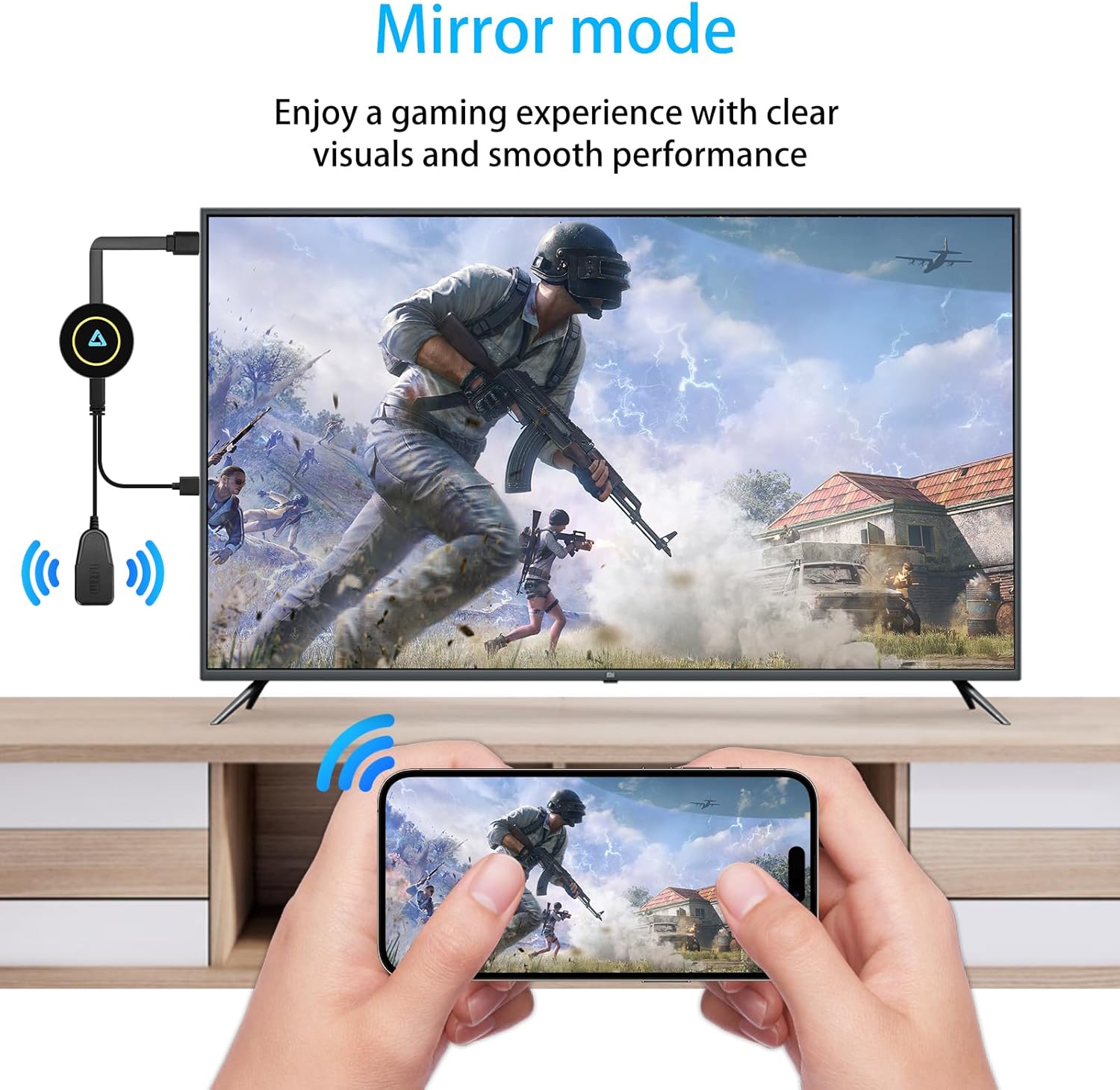
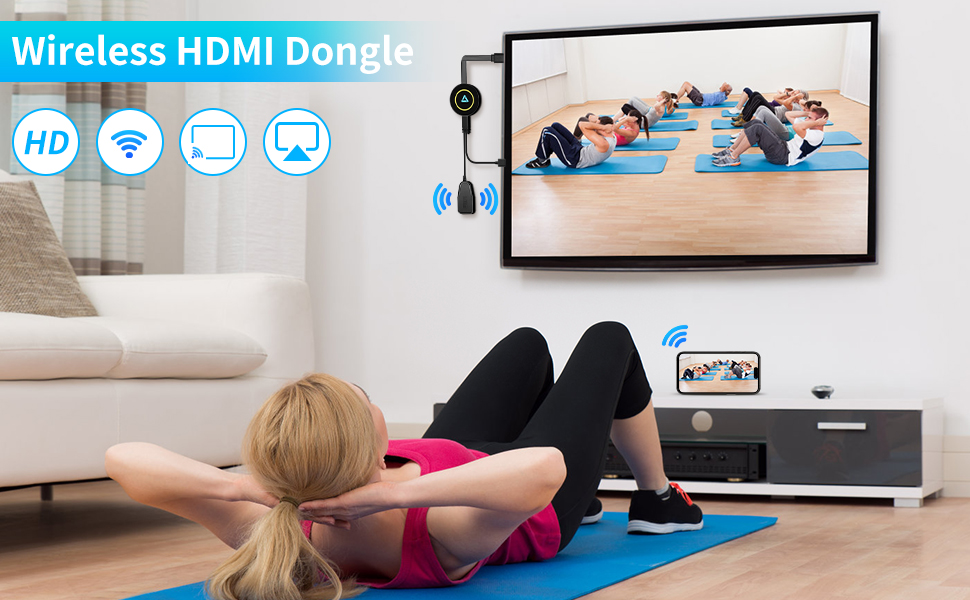
The Miracast HDMI Dongle – By easily syncing content from small screens to a large TV or projector, you can leave behind the limitations of small screens and enjoy an even more immersive visual experience. Whether you’re watching movies, TV shows, playing games, or browsing photos, the adapter gives you a wider field of view and clearer image quality, as if you were in a cinema or right in the middle of the action.
Widely compatible
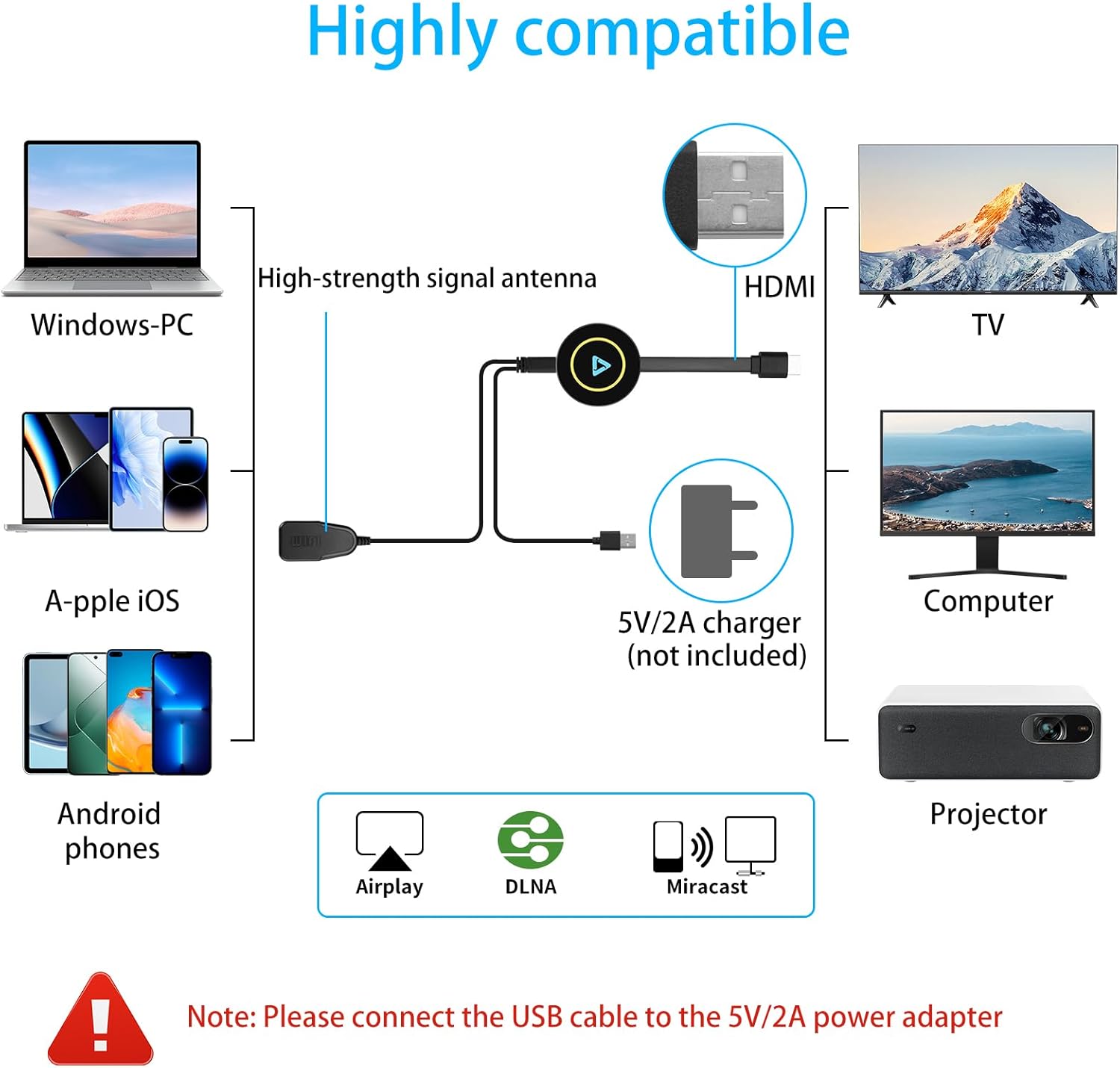
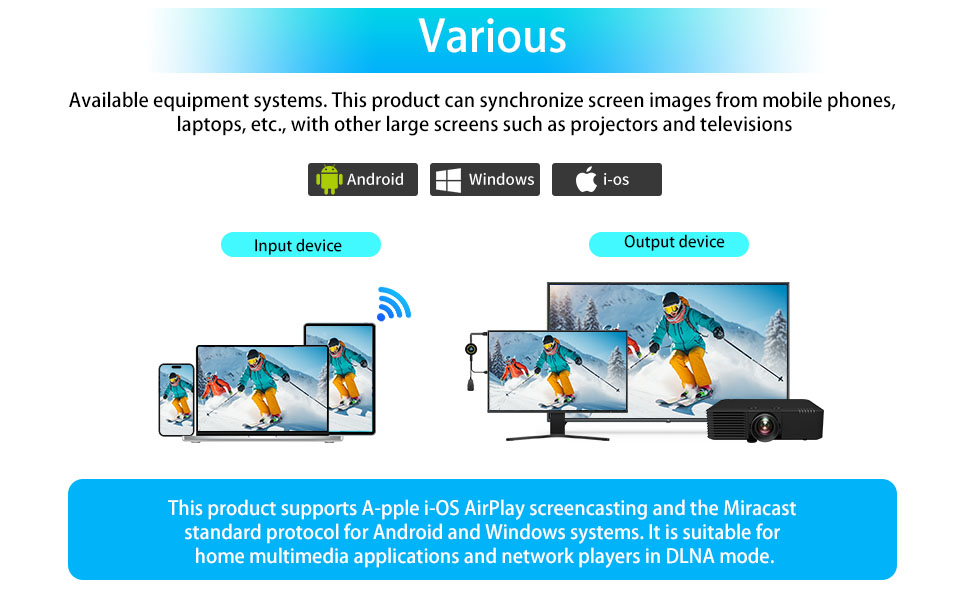
Wireless projection usually supports multiple operating systems, including Android, iOS, Windows and macOS, to meet the needs of different users. Whether it is a mobile phone, tablet or laptop, it can be quickly connected and projection can be achieved. This compatibility allows users to freely choose their favorite devices for projection, and they can enjoy the convenience of seamless connection whether at home or in the company.
Widely used
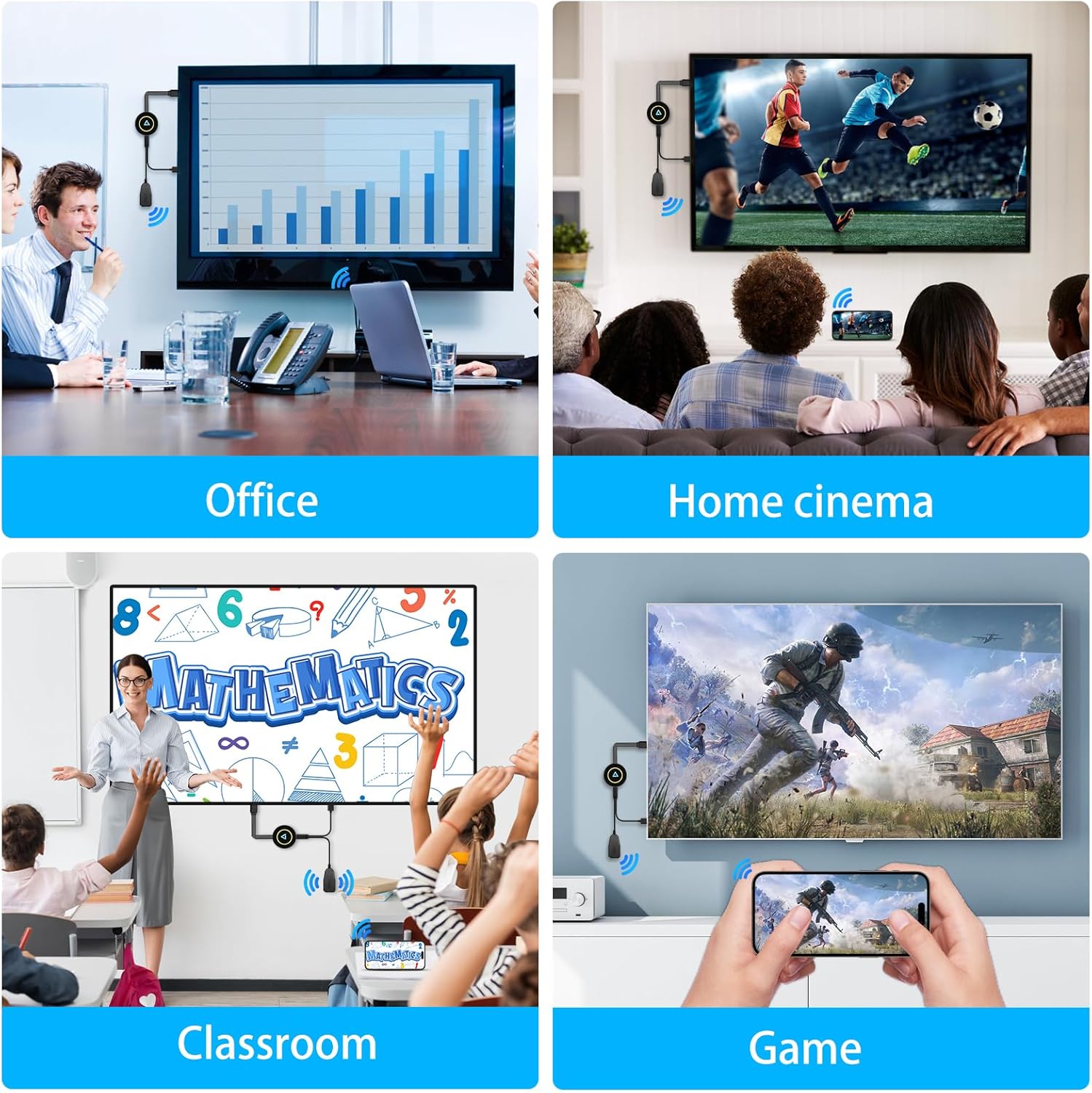
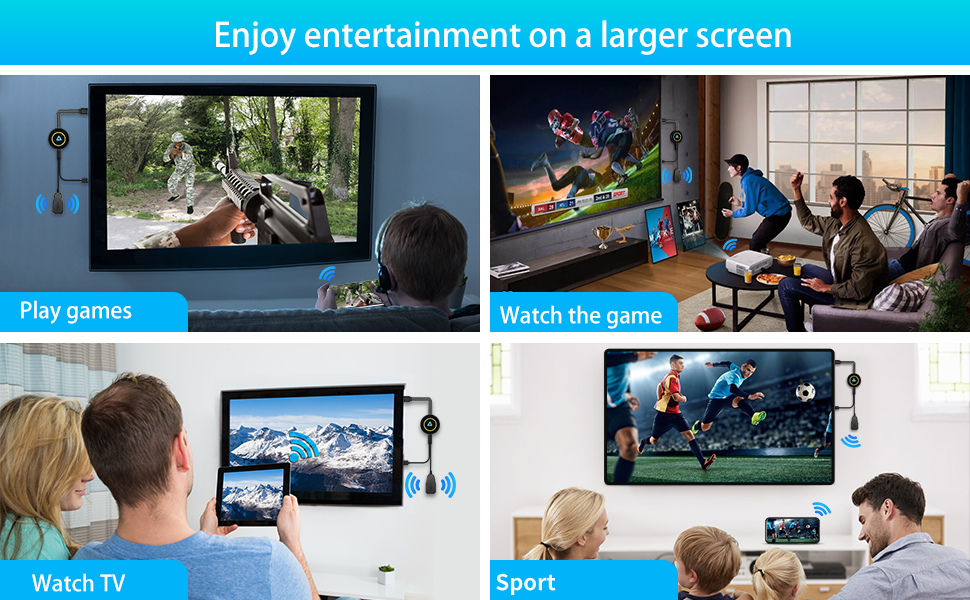
Wireless projection is widely used in multiple scenarios such as home entertainment, business meetings and education and teaching due to its high flexibility. In home entertainment, users can project videos, music and games on their smartphones to the TV screen and enjoy the immersive experience of the big screen; in meeting rooms or office environments, projection helps to quickly display solutions and data reports to improve meeting efficiency.
If your wireless HDMI dongle is not working properly, here are some common reasons and troubleshooting steps:
1. Connection Issues
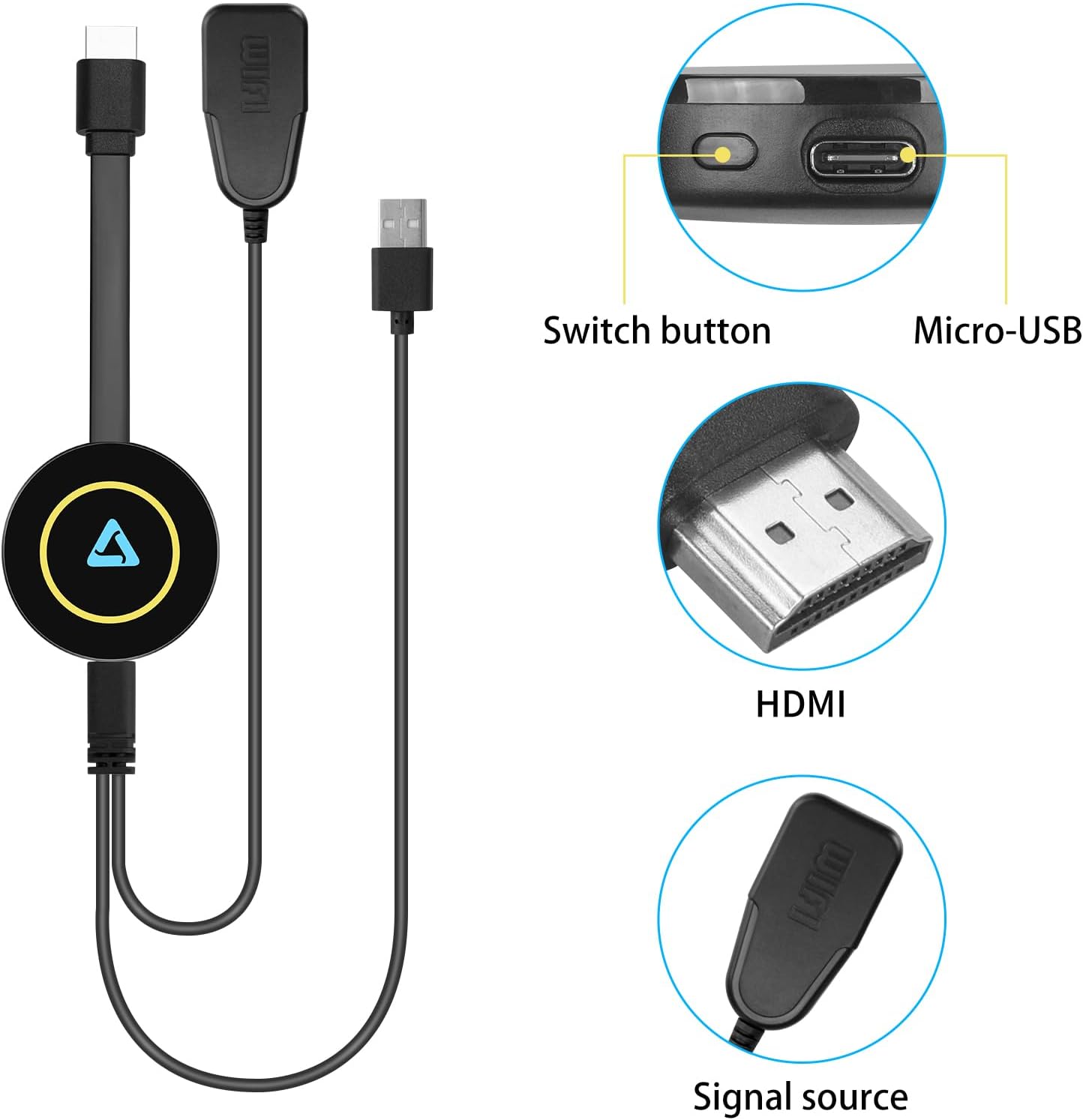
1.1 Loose or improper connection – Ensure the dongle is securely plugged into the HDMI port and powered correctly (via USB or adapter).
1.2 Wrong HDMI input – Check if your TV or projector is set to the correct HDMI input source.
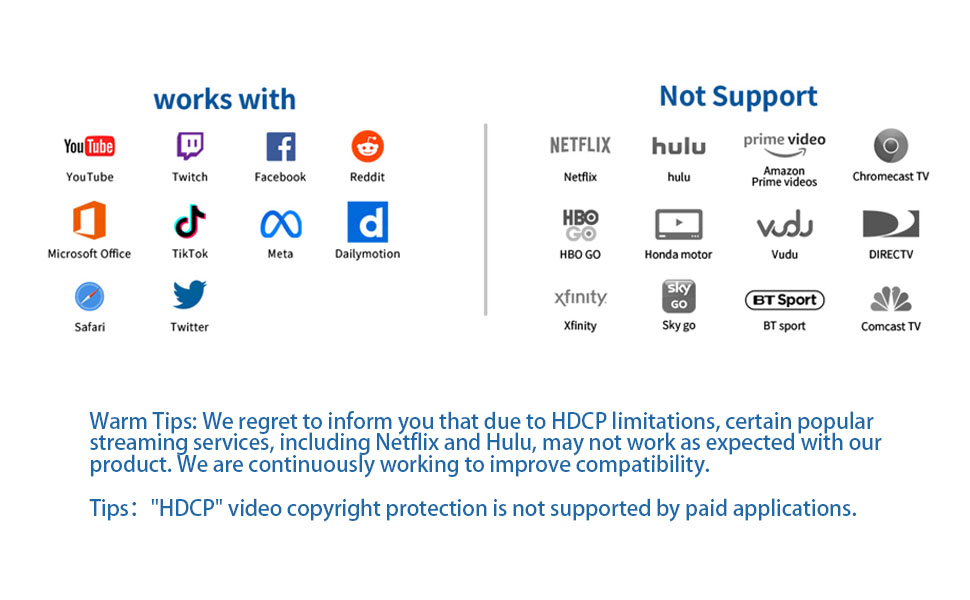
1.3 ncompatible device – Some dongles work only with specific devices or operating systems. Verify compatibility.Some projectors may not work with certain resolutions or refresh rates. Not compatible with resolutions lower than 720p,Please note that our Wireless HDMI Display Dongle Adapter are not compatible with certain paid applications that employ “HDCP” video copyright protection, such as Netflix, Amazon Prime Videos, Hulu, Comcast TV, Xfinity, Vudu, Sky Go, BT Sport, and others.
2. Power Problems
2.1 Insufficient power – Some dongles require more power than a TV’s USB port can provide. Try using a dedicated power adapter.(5V/2A)
2.2 Overheating – If the dongle is too hot, let it cool down before using it again
3. Wi-Fi & Signal Issues
3.1 Weak Wi-Fi signal – Ensure the dongle is within range of the Wi-Fi router. If possible, connect to a 5GHz network for better performance.
3.2 Interference – Other wireless devices (Bluetooth, microwaves) may interfere with the signal. Try moving them away.
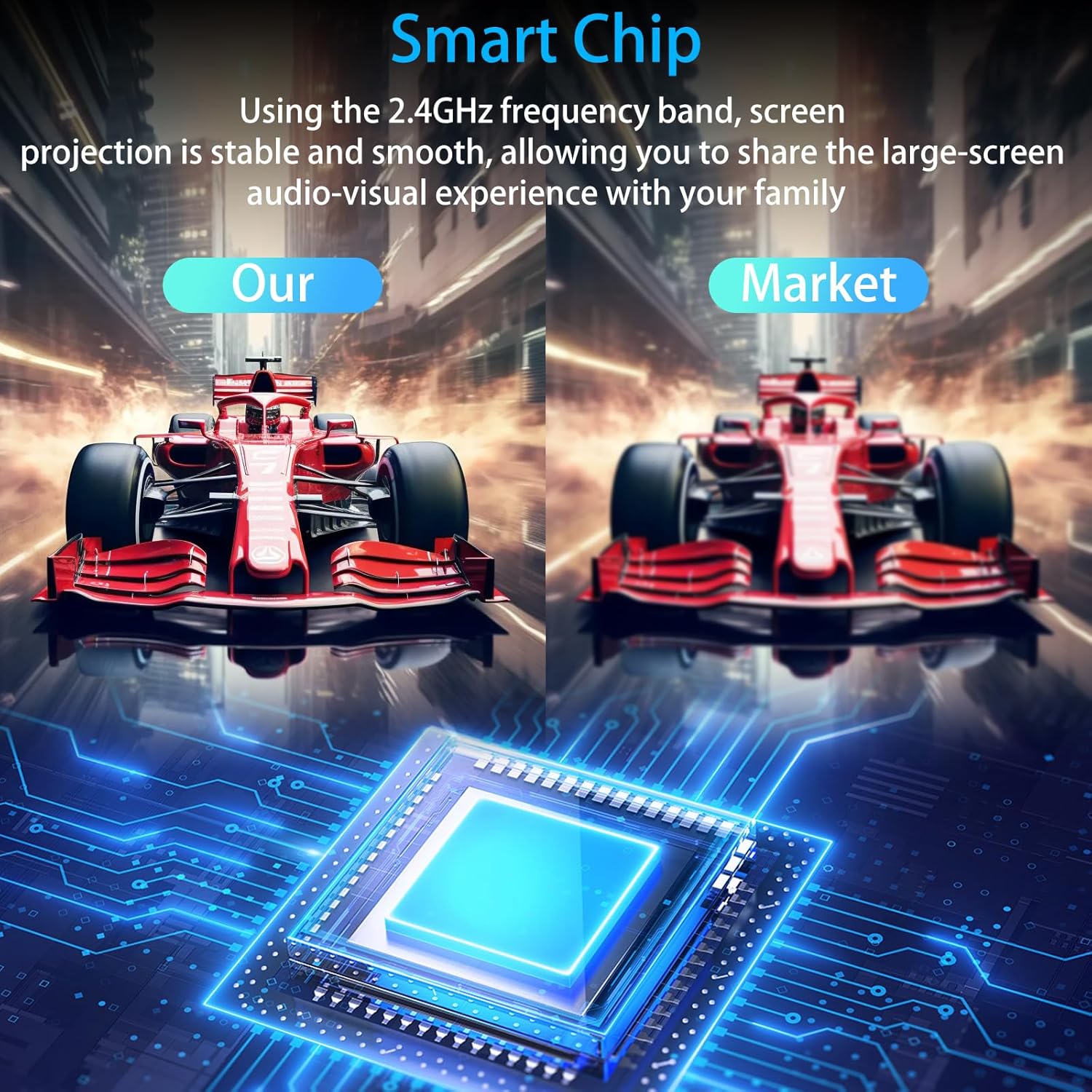
[Smooth screen, stable and flicker-free] miracast hdmi dongle Built-in 2.4GHz wifi module,miracast wireless display adapter with 2.4G band signal, screen projection remains stable and smooth, no delay, no lag, can mirror and play fast and stable
[Plug and Play] The wireless HDMI display adapter offers true plug-and-play functionality, requiring no apps, Bluetooth, or Wi-Fi. Setup is simple and efficient, You can easily switch between landscape and portrait mode to enhance your viewing experience
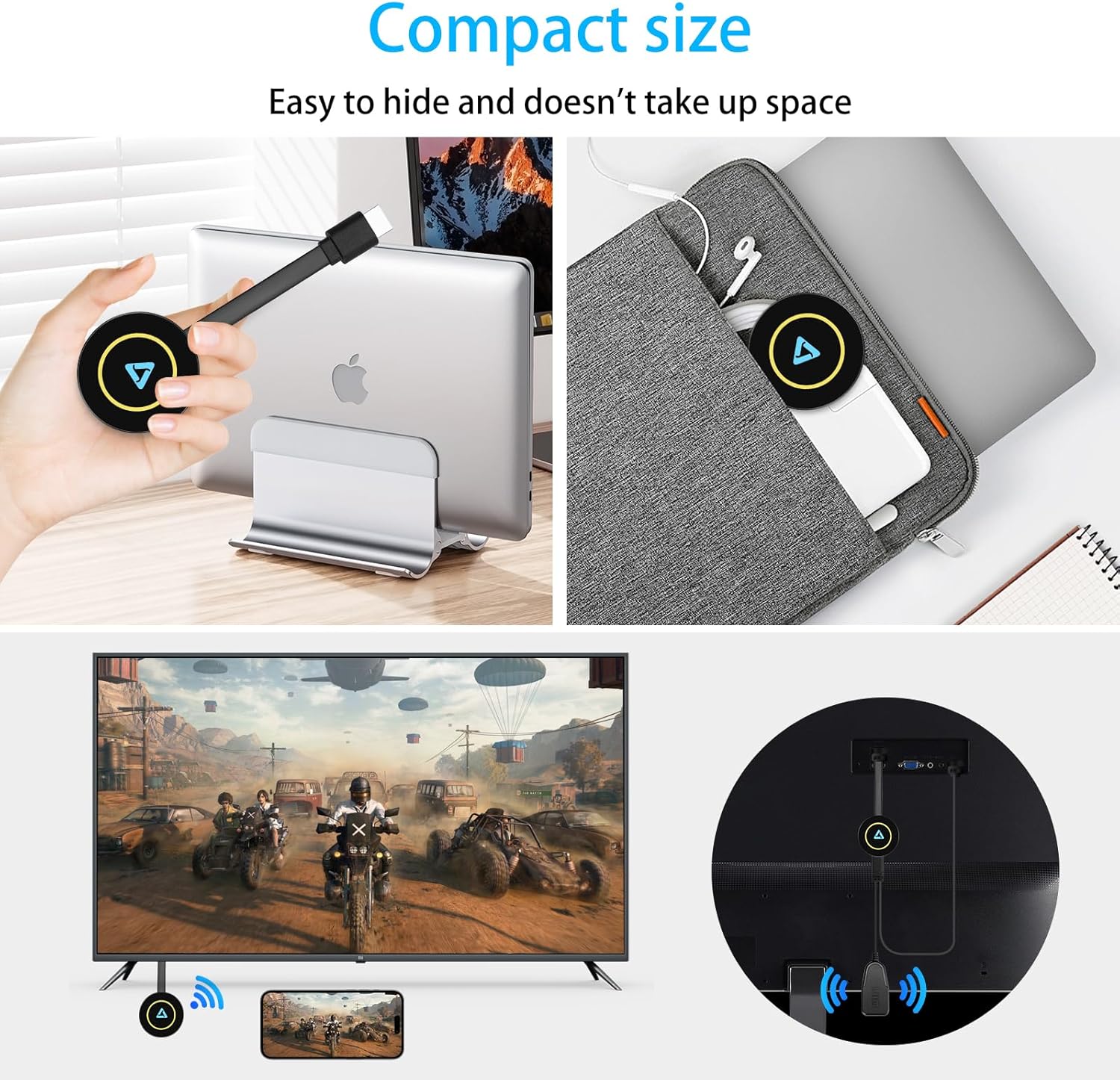
【Compact but Powerful 】You can put miracast dongle adapter into your pocket and carry it wherever you go based on it’s compact and lightweight design. Wireless HDMI display dongle adapter is ideal for business presentations on the go. Its powerful chipset ensures compatibility with a wide range of HDMI output devices, including laptops, P-Cs, p-hones, tablets, and more. It’s perfect for conference rooms, home entertainment, and multimedia education
[Wide Compatibility] This miracast dongle for tv is compatible with most IOS, Android, Mac and Windows systems, including i-Phone, i-Pad, Mac-Book, Sam-sung, Hua-wei, la-ptop, P-C, etc. Wifi display dongle supports Miracast / Airplay / DLNA mode.
[Note] This Wireless screen projector must be powered by an external power supply (at least 5V/2A). (🚫 Note: Not compatible with certain subscribed paid apps featuring “HDCP” video copyright protection like N-etflix, Amazon Video, HU-LU, P-rime Video, S-ky Go, i-Tunes, C-omcast TV, X-finity, H-BO Go, D-IRECTV, and others.)
13 reviews for 4K Wireless Display Adapter,4k Screen mirroring Adapter for tv for i-OS/Android/Windows/i-Phone/Tablet L-aptop to H-DTV Monitor Projector, Support Air-Play DLNA Miracast (Carbon Black)


Related products


Analog CCTV Camera HD 1080P 4-in-1 (TVI/AHD/CVI/CVBS) Security Dome Camera Outdoor, 2.8mm-12mm Manual Focus/Zoom Varifocal Lens, Weatherproof Metal Housing 36 IR-LEDs Day & Night Monitoring (White)


BAGSMART 15.6 Inch Laptop Case Sleeve Compatible with MacBook Pro 16 Inch,15.6 Inch HP,Dell,Acer Aspire,Asus Notebook, Lightweight Laptop Bag for Women with Shoulder Strap,Pocket,Handle, Pink


etguuds USB A to USB C Cable 6ft, 2-Pack, 3A Fast Charging Type C Charger Cord for iPhone 17 16 15 Pro Max 16e 17 Air, Samsung Galaxy S25 S24 S23 S22 S21 S20 A17 A16 A56 A55 Flip Fold, Gray


Senso Bluetooth Headphones, Best Wireless Sports Earphones w/Mic IPX7 Waterproof HD Stereo Sweatproof Earbuds for Gym Running Workout 8 Hour Battery Noise Cancelling Headsets (Black Blue)


ELON –
Really handy for presentations
I’ve been using this adapter for a while now, mostly for work presentations, and it’s been really helpful. It works with pretty much anything that has an HDMI output, so I can plug it into laptops and even some projectors without a hitch. The connection process is quick and easy, no need for extra apps or anything complicated. It’s plug and play, so I just plug it in and I’m good to go. I’ve used it with both my laptop and phone, and the picture quality is solid. The adapter doesn’t need Wi-Fi or Bluetooth, which is a bonus because I’ve had issues with other devices that rely on those. The fact that you can switch between landscape and portrait mode is also a nice touch—it gives you more flexibility, especially when you’re presenting something that needs to be viewed from a different angle. I mainly use it for work meetings, but I can see this being great for home use too, especially if you like to stream movies or TV shows from your phone or laptop to the TV.
Beth –
Perfect for streaming movies
I tried it out for streaming movies from my phone to the TV, and it worked like a charm. The connection was super easy to set up—no need for an app, and it connected straight away. The picture quality was clear and smooth, and there was no lag or stuttering, which I’ve had with other streaming devices in the past. I love that it’s small and portable too. It’s perfect for when I want to take it with me to a friend’s place or even travel with it for a quick movie night. The versatility is great—you can switch between different display modes, so it works whether you’re watching in landscape or portrait mode. So far, I’ve used it mainly to stream shows from my phone and occasionally from my tablet, and it’s been super reliable. It’s also nice not needing to rely on Wi-Fi to get it working.
TATE –
Great for my home setup
I work from home and sometimes I need to present things on the TV, and this little adapter makes it so much easier. It’s as simple as plugging it into the HDMI port, and I’m good to go. No need to fiddle with settings or download extra apps. It’s totally plug-and-play, which is great when I’m in a rush to get started. What I like the most is that it works with both my laptop and my phone, so I have a lot of flexibility in terms of devices. I’ve also used it for a video conference, and the picture quality was clear with no connection issues. It’s compact and lightweight, which is perfect since I often move it from room to room.
Jimmylee –
Seamless Streaming at Its Best: Your Ultimate Wireless HDMI Adapter!
I recently upgraded my home theater with this white wireless HDMI adapter, and it has completely transformed my viewing experience. Compatible with a wide range of devices—including iPhone, iPad, Android, tablets, laptops, and Windows PCs—it effortlessly streams content to my HDTV, monitor, and projector. The support for Miracast, AirPlay, and DLNA means I can switch between devices without any hassle, making it incredibly versatile.Installation was straightforward with its plug-and-play design, and I was impressed by the stable, high-definition connection it delivers. Whether I’m streaming movies, giving presentations, or simply sharing photos, the adapter provides a smooth, lag-free experience that has truly elevated my entertainment setup.While the performance is exceptional, I would love to see a more detailed troubleshooting guide included for those who might encounter connectivity issues in high-traffic WiFi environments. Overall, this wireless HDMI adapter is a fantastic investment for anyone looking to streamline their media experience with modern, flexible connectivity. Highly recommended!
Loous –
easy to use
It’s super compact too, so I can just toss it in my tech pouch when I travel or go to meetings. I used it for a short presentation on a hotel TV while on a trip, and it worked great. The connection was stable and the image was sharp enough for slides and some light video clips.
JM –
Makes projecting videos from my phone easy
I have been watching a tv series that I cannot access on my tv. With this wireless display adapter, I have been able to project this series (and other things) on to my tv to watch it. This is so much nicer than watching this on a small phone screen.
ELISHINE –
Super simple to use for streaming
It’s really simple to use and doesn’t require any complicated setup. I just plugged it into the TV, connected my phone, and boom—everything was up on the screen. I watched a couple of my favorite shows this way, and the picture quality was fantastic. The lack of Wi-Fi or Bluetooth requirements is a big plus, too. I’ve had issues with other devices that needed Wi-Fi to connect, but this one works independently. You can switch from landscape to portrait mode depending on how you want to watch, which makes it versatile for all kinds of content. This has quickly become one of my favorite gadgets. Whether I’m streaming something from my phone or just browsing, it’s a super convenient way to use my TV without having to hook up a bunch of cables. The portability is great for travel too—just throw it in your bag and you’re set for a hotel movie night.
1223U –
Compact, easy to carry, sturdy
It has to be said that this is a versatile and reliable tool, and the adapter works seamlessly with a variety of devices, which is very convenient. It enables you to connect your usb-c device, such as a laptop, smartphone, or tablet, to a display that uses hdmi, such as a TV or monitor. I’ve been using this adapter for a few weeks now and I’m impressed with its performance and reliability. Its output is clear and clear, both for film and presentation, which is exactly what I was hoping for. And its compact size fits well in my bag without taking up too much space, which is a big benefit for a frequent business traveler. Overall, it’s a pretty handy gadget.
Timothy Turner –
Have tried to find something so that I can show the contents on my phone on the TV screen. I saw this item on here and surprised how easy the thing is to set up and use. I feel like buying one for each TV in the house. If you want to show the things on your phone on the big screen this is the item you want.
High quality demand –
Ich bin wirklich zufrieden mit dem Dongle – alles, was versprochen wurde, hält er auch.Pluspunkte:- Die Bildqualität ist super- Verbindung über Miracast, DLNA und AirPlay klappt stabil & schnell, sowohl vom Android-Handy als auch vom iPad.- Einrichtung war kinderleicht: einfach einstecken, WLAN verbinden, spiegeln – man braucht nicht viel technisches Vorkenntnis.- Die Unterstützung von 5G sorgt dafür, dass die Übertragung flüssig bleibt, ohne große Lags oder Aussetzer.- Preis passt meiner Meinung nach – gutes Verhältnis von Leistung zu dem, was man zahlt
J Sanghvi –
This HDMI adapter makes it very easy to cast videos and mirror the iPhone via built in airplay on the mobile. It’s working seamlessly for the moment with no lag. I’ve not tried the android compatibility.
cygdp –
Bin sehr zufrieden! Die Verbindung ging schnell und kinderleicht und erspart mir einiges mit Kabeln. Außerdem kompakt und wiegt nicht viel. Funktioniert problemlos mit iOS sowie Android. Ich habe keine Beschwerden. Insgesamt sehr praktisch, einfache Bedienung und funktioniert einwandfrei!
RakeshS –
I had a Chromecast but it is very limited on what it can cast to. I wanted to try this during my travels, I can easily connect to any TVs in the hotel room and use my phone to operate and watch shows, rather than logging into a random tv. It does the job, and rather well.