

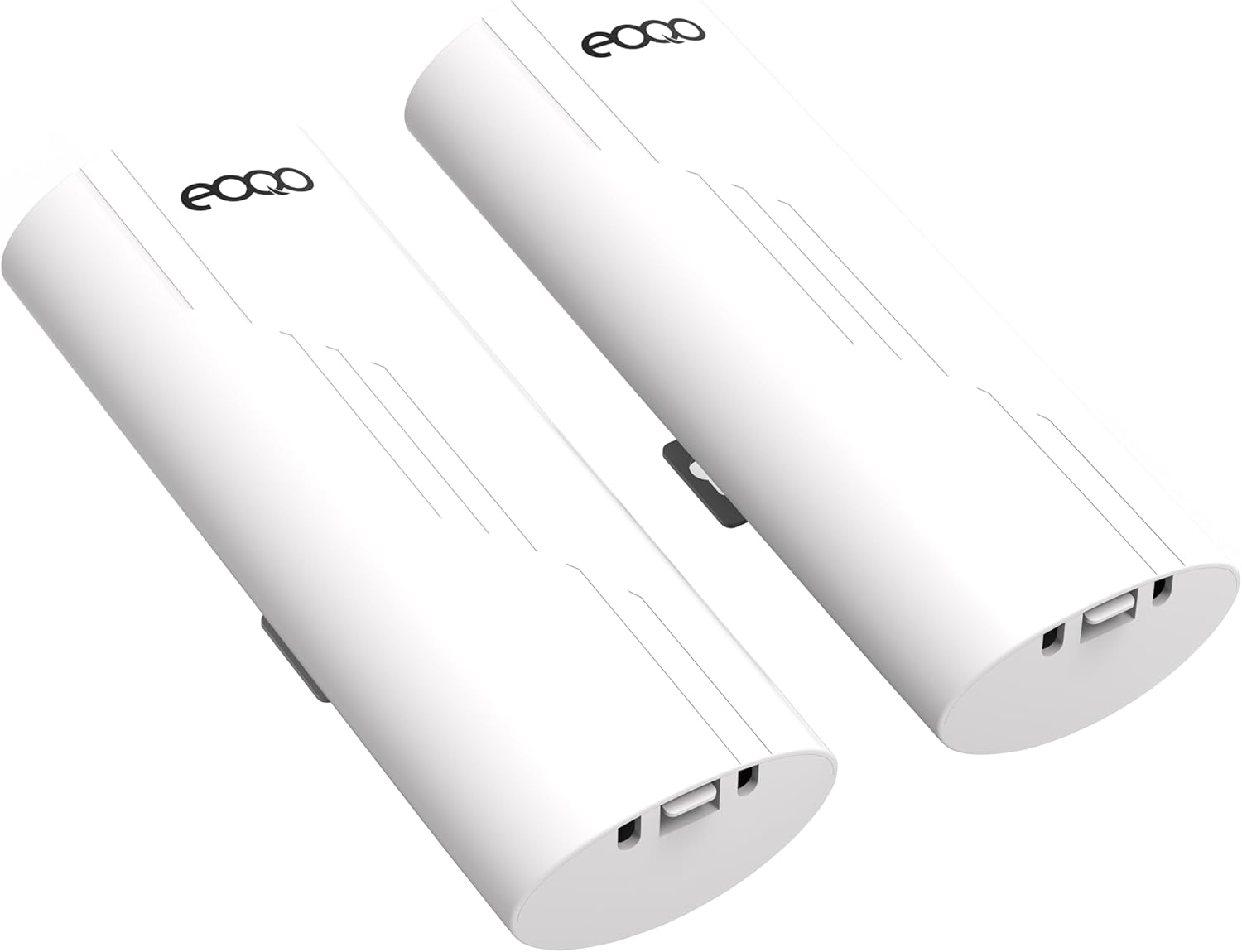


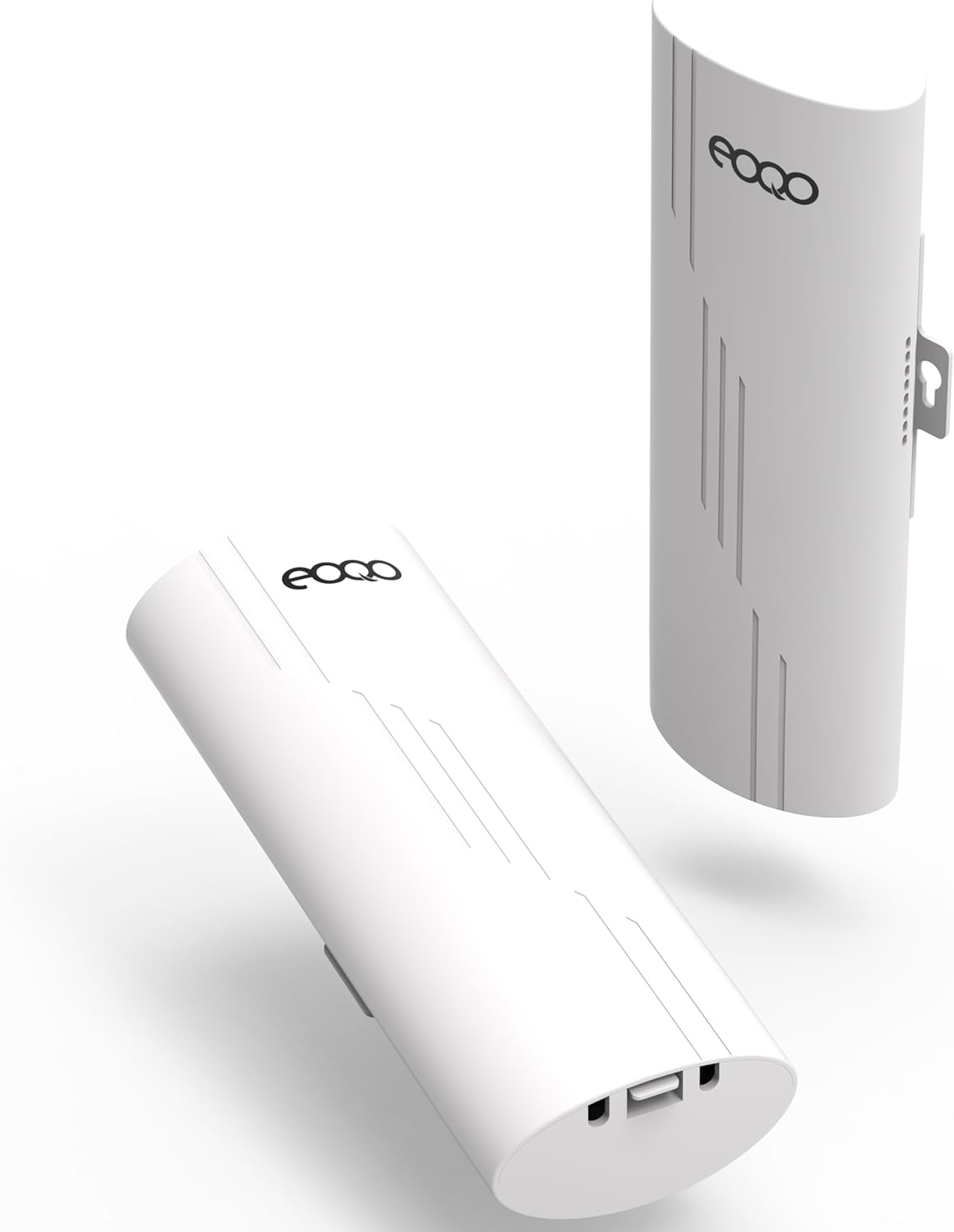

5.8GHz Outdoor Wireless Bridge Point to Point Access PTP/PTMP Plug & Play CPE Network 300Mbps 1.2ML Long Range WiFi Extender with 12DBI High Gain Antenna,POE Power Adapter
$99.99
Price: $99.99
(as of Feb 15, 2026 19:59:31 UTC – Details)
From the brand

Point to point WiFi Bridge
Just imagin these as an invisible ethernet cable.
Why choose eoqo brand
eoqo is an audio,video& network device provider and technical solutions facilitator with manufacture,sales and supports all in one.Providing competitive wireless network devices for customers all over the world.
What does a wireless bridge do
Like an invisible network cable, transmitting network signals via wireless way. It uses wireless communication technology to transmit network data using air as a medium
How does the bridge work
One set as master, another as salve, they will communicate with each other after successful pairing. It can extend the network to another building
Wireless Bridge
Wireless Bridges & Accessories

Installed this between two buildings across the street from each other. We had two internet bills – now we have just ONE.
Installation was easy.
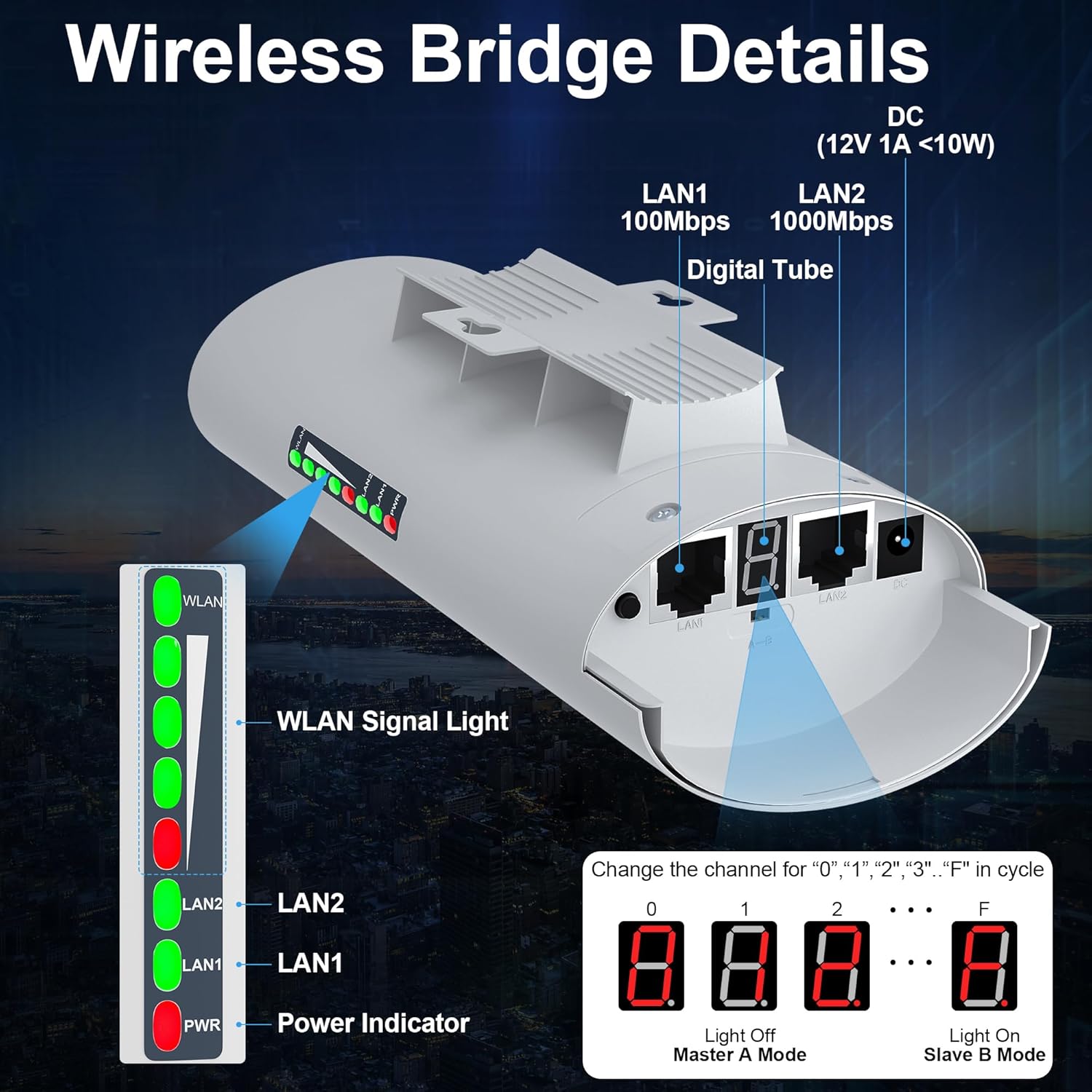
Setup was easy too. Just make sure one unit has the switch set to A and the other has it set to B
At each end plug in the POE (power over ethernet adapter) to the wall. Then one ethernet cable connects the POE adapter and the bridge unit and a second ehternet cable connects the POE adapter and the router

Product was delivered one time. Instructions are well written and easy to follow. Very satisfied with this product. Will order a second set soon to provide additional coverage on our campus.
Easy to set up, just be sure both units are set to the same channel. I did not want to go through the trouble of mounting these before I tested them. I set the transmit unit behind a window and aimed it at the receive unit 400 feet away behind a window

WiFi Network Solution
Point to point extension of the network to your barn, garage, shop
[Point to Point Wireles Bridge]:CPE355 is a 5.8G long range wifi extender which comply with the IEEE802.11a and IEEE802.11n standards to ensure interoperability.The 5.8G wireless bridge outdoor is capble sharing internet to remote location up to 2KM(Barrier Free) and its point to point paring function save you much time and effort from complex wire setup process.It is a simple,easy and professional way for long range wireless coverage,data transmit,wireless monitoring.
Easy to Installation – Pre-configured CPE Kit with build in 10dBi panel antenna, the transmit/receive (point to point )wireless distance more than 1-2KM meters.suitable for long range video transmission point to point wifi cover, It support Wireless AP, Wireless Repeater, Bridge mode, default Pre-program WDS mode ,no need seting , it can work two unit at the same time , no need long cable for connect to camera with your PC
Long Range Transmission Distance – Up to 2km (visible unobstructed environment), actual application distance should be less than 2KM. Built-in 10DBi directional antenna can significantly improve the transmission and reception performance of wireless signals. Trees will not block the transmission speed of the wireless bridge, suitable for warehouses or garages next to your house
Widely Applications – Any place required cameras Point to Point/Multi-Point connection Client Bridge for Elevator Monitornetworks. Outdoor CPE Connect an IP Wireless Camera to a secondary port and utilize its long-range connectivity to send video back through the wireless network for extended coverage
Built for Outdoor Wi-Fi Coverage – IP66-rated weatherproof housing that ensures continued operation on harsh outdoor environments or in climates of extreme cold,heat or continuous moisture.Lightning Protection,Waterproof,Dustproof,Antifreeze,High-Temperature Resistant, With software-enabled PoE output,the secondary Ethernet port can power an external device,such as a PoE security camera,for seamless IP video integration
8 reviews for 5.8GHz Outdoor Wireless Bridge Point to Point Access PTP/PTMP Plug & Play CPE Network 300Mbps 1.2ML Long Range WiFi Extender with 12DBI High Gain Antenna,POE Power Adapter


Related products


BAGSMART 15.6 Inch Laptop Case Sleeve Compatible with MacBook Pro 16 Inch,15.6 Inch HP,Dell,Acer Aspire,Asus Notebook, Lightweight Laptop Bag for Women with Shoulder Strap,Pocket,Handle, Pink


etguuds USB A to USB C Cable 6ft, 2-Pack, 3A Fast Charging Type C Charger Cord for iPhone 17 16 15 Pro Max 16e 17 Air, Samsung Galaxy S25 S24 S23 S22 S21 S20 A17 A16 A56 A55 Flip Fold, Gray

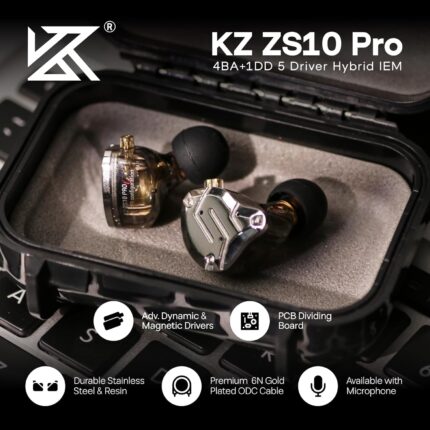
Linsoul KZ ZS10 Pro, 4BA+1DD 5 Driver in Ear Monitor, HiFi Wired Earbuds, Gaming Earbuds, Hybrid IEM Earphones with Stainless Steel Faceplate, Detachable Cable for Musician(Without Mic, Black)


TP-Link Deco 7 BE25 Dual-Band BE5000 WiFi 7 Mesh Wi-Fi System | 4-Stream 5 Gbps, 240 Mhz | Covers up to 6,600 Sq.Ft | 2X 2.5G Ports Wired Backhaul | VPN,MLO, AI-Roaming, HomeShield, 3-Pack


TP-Link Tri-Band BE9300 WiFi 7 Router (Archer BE550) – 6-Stream, Full 2.5G Ports w/ 6 Internal Antennas, Up to 2,000 Sq Ft, Add Easy-Mesh Device for Extended Coverage, VPN and Free Expert Support


JheartL –
Works easy set up
Bought to get the starlink WiFi’d to shop across the field works well, easy set up, must have line of sight! Once set up and router hooked up my feller was able to YouTube important shop questions such as how to buy a 5000$ tool box w/o your wife knowing or how to fix the thing that he broke that has to be fixed before the wife gets home.. also this works for women too, how to hide my amazon purchases in the shop w/o husband seeing all the boxes..
Barbarilla –
Works with cat 7
Seems to work fine. I have no issues with it.
R EVANS – TENNESSEE –
5.8 gb wireless bridge
These things can be a bit tricky to set up, just read the instructions BEFORE you start. For the most part, all you have to do is determine which is master, and which is slave. Them mount where they have line of sight to each other. Give them time to link up, and connect to your remote router wan port. My set-up is only about 300 ft, and they advertise much greater distance, but this works great for me. I run 2 TV’s, an I-Pad and a cell phone and everything works flawlessly. Only glitch I have found is after a power failure, I wait until my router resets, then I have to unplug the slave for a few seconds then power it back up for it to see the router. A great purchase for remote service.
brandon bfoot –
Doesn’t work
I bought these and tried to install, I could not, I had my IT guy come over and he has issues too. Could not get into settings to change anything. It lit up but had no signal. Bottom line hard to install for two tech savy people, either broken or doesn’t work properly and cannot return bc I am outside of window. Lame
Professor Awesome –
Blazing Speed over 100 feet apart not quite fully bidirectional
Installed this between two buildings across the street from each other. We had two internet bills – now we have just ONE.Installation was easy.Setup was easy too. Just make sure one unit has the switch set to A and the other has it set to BAt each end plug in the POE (power over ethernet adapter) to the wall. Then one ethernet cable connects the POE adapter and the bridge unit and a second ehternet cable connects the POE adapter and the router (or modem).We have 55mbps service and are getting 50 – 59 mbps through the bridge.My only suggestion for an improvement would be to make it possible to have more of a repeater set up so that you could have the Internet connection on either the A or the B-side without having to flip the master/slave settings.
Russell Smith –
When you don’t have enough ports and don’t need a switch, this is a great alternative
I have a TV mounted on the wall and only 1 wall jack with my TV and streaming box that i want to connect. This tiny box is perfect. My options were, connect to only one, and switch between the two when needed or buy a switch that is overkill. This splitter is great.I don’t have any special speed test equipment, but I connected this to my NAS and 1 other device to see if I could see a noticeable drop in transfer rate, and I did not, so this splitter didn’t affect my network like I was thinking (1G into 2 ports meant 500Mbs/port). Maybe it does, but all I can say, the bottleneck on my transfer was not this splitter.
Lauren –
Worked for 2 weeks
Everything was working great just like it should. Basic plug and play and for some reason 2 weeks later I try to log in and I have no signal. So I checked the bridges and the master is not doing anything. It is like it is froze. I contacted the manufacturer. They said hold the reset button down for at least 30 seconds which I did. Nothing has changed. It’s still stuck on channel 8. I’ve tried unplugging it. I’ve tried everything I know to do. Ordering a second one now. It would be nice to be compensated for the first one not working. I will gladly send it back.
Masterswimmer –
Thinking Internet Access Plug and Play? You have another thing coming
I don’t have issue with its range or speed, I think that part is fantastic.However, the instruction manual is terrible for setting this up for creating a second subnet for internet access in a remote location. And the video had some things backwards.You need to connect the Master to the Internet and the Slave is the access point for the internet.Also disappointed that the Slave unit cannot act as a wireless access location, whereas the Master does. What’s the point in allowing the Master when the Master is in an area with access! You will need an additional wireless router connected to your Slave to create a wireless LAN in you remote location.