

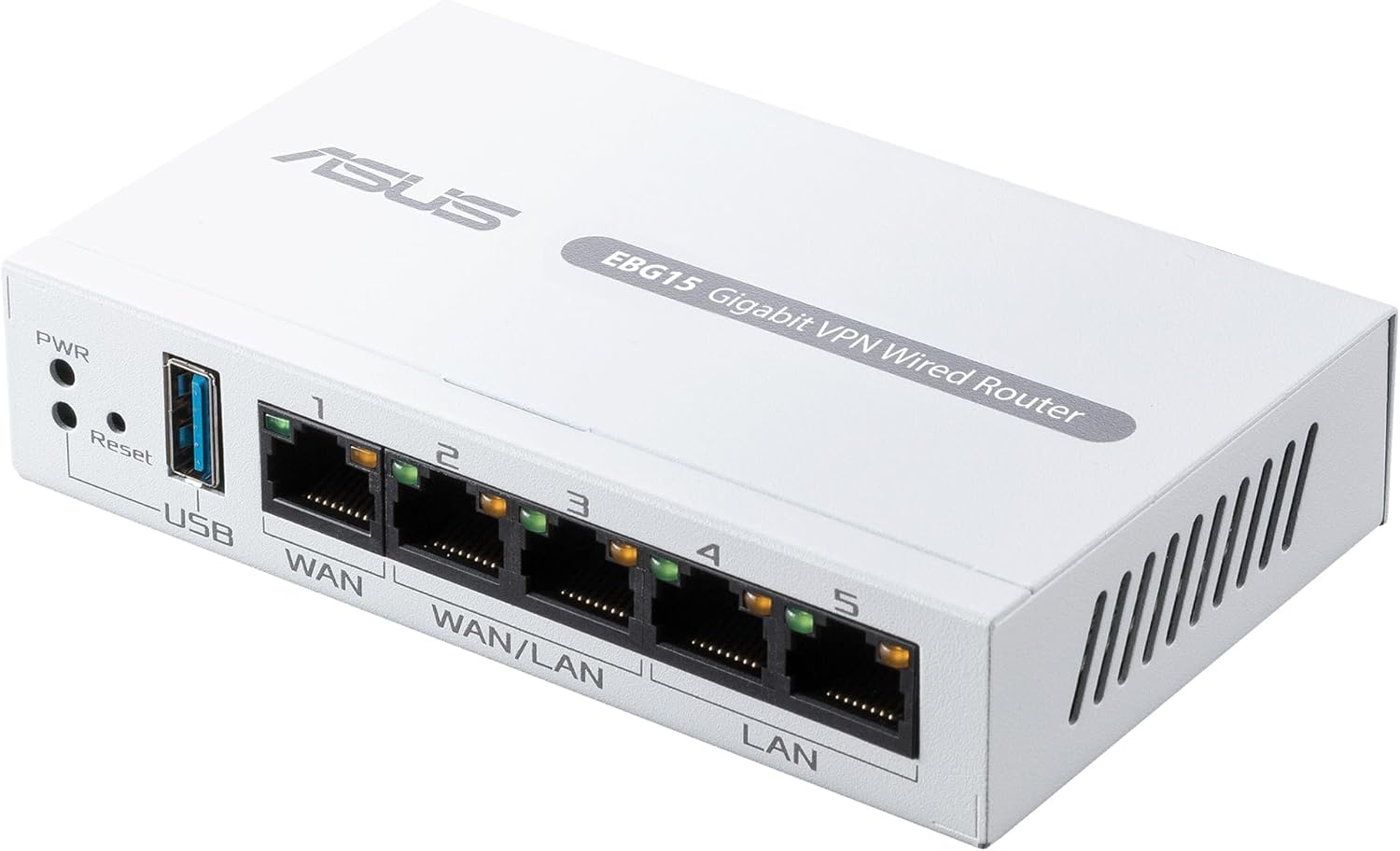


ASUS ExpertWiFi EBG15 Gigabit VPN Wired Router, up to 3 WAN ethernet Ports + 1 USB WAN, IPS Intrusion Prevention, Layer 7 Firewall, Commercial-Grade Network Security, Remote Management with App
$89.99
Price: $89.99
(as of Feb 15, 2026 12:34:39 UTC – Details)
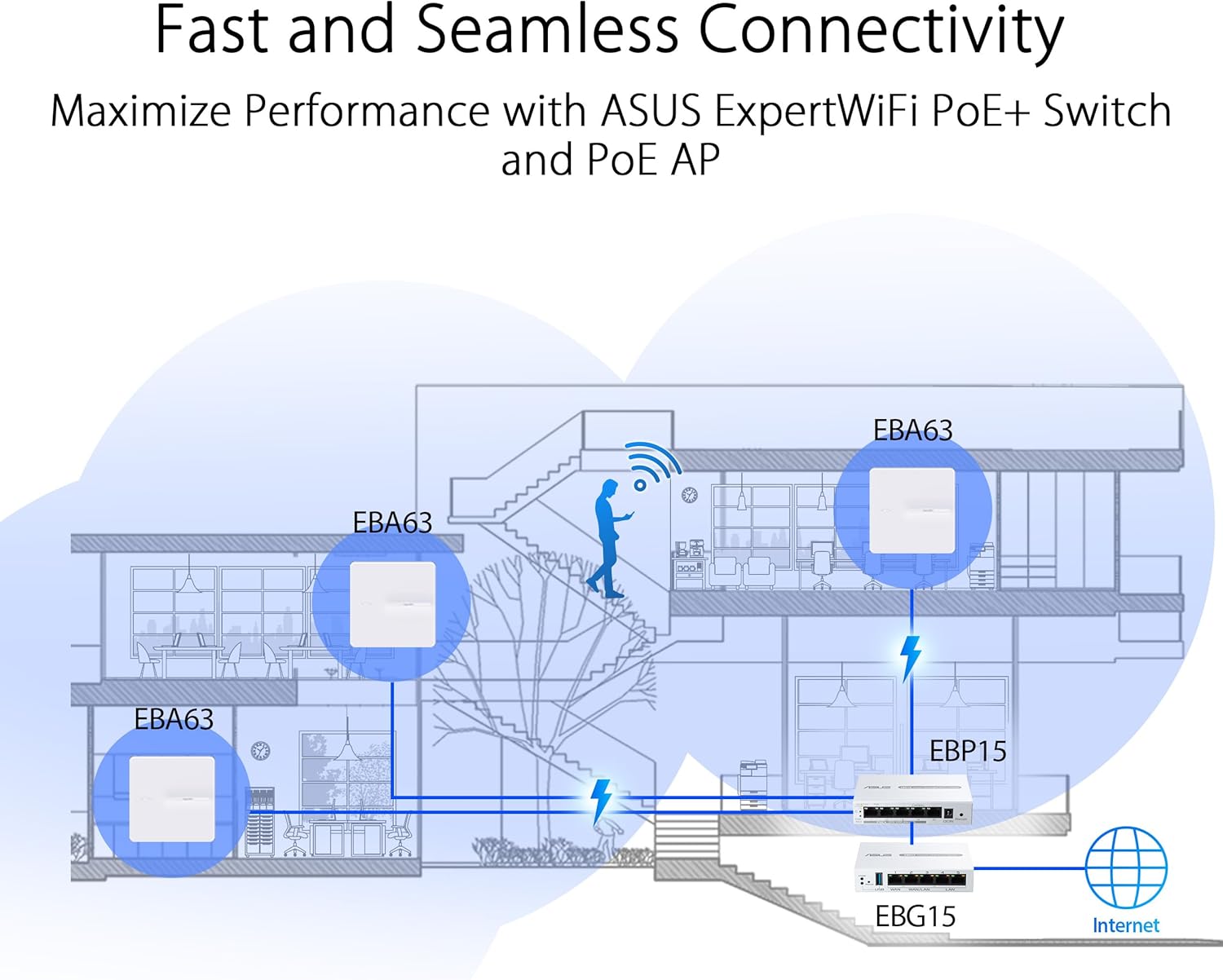
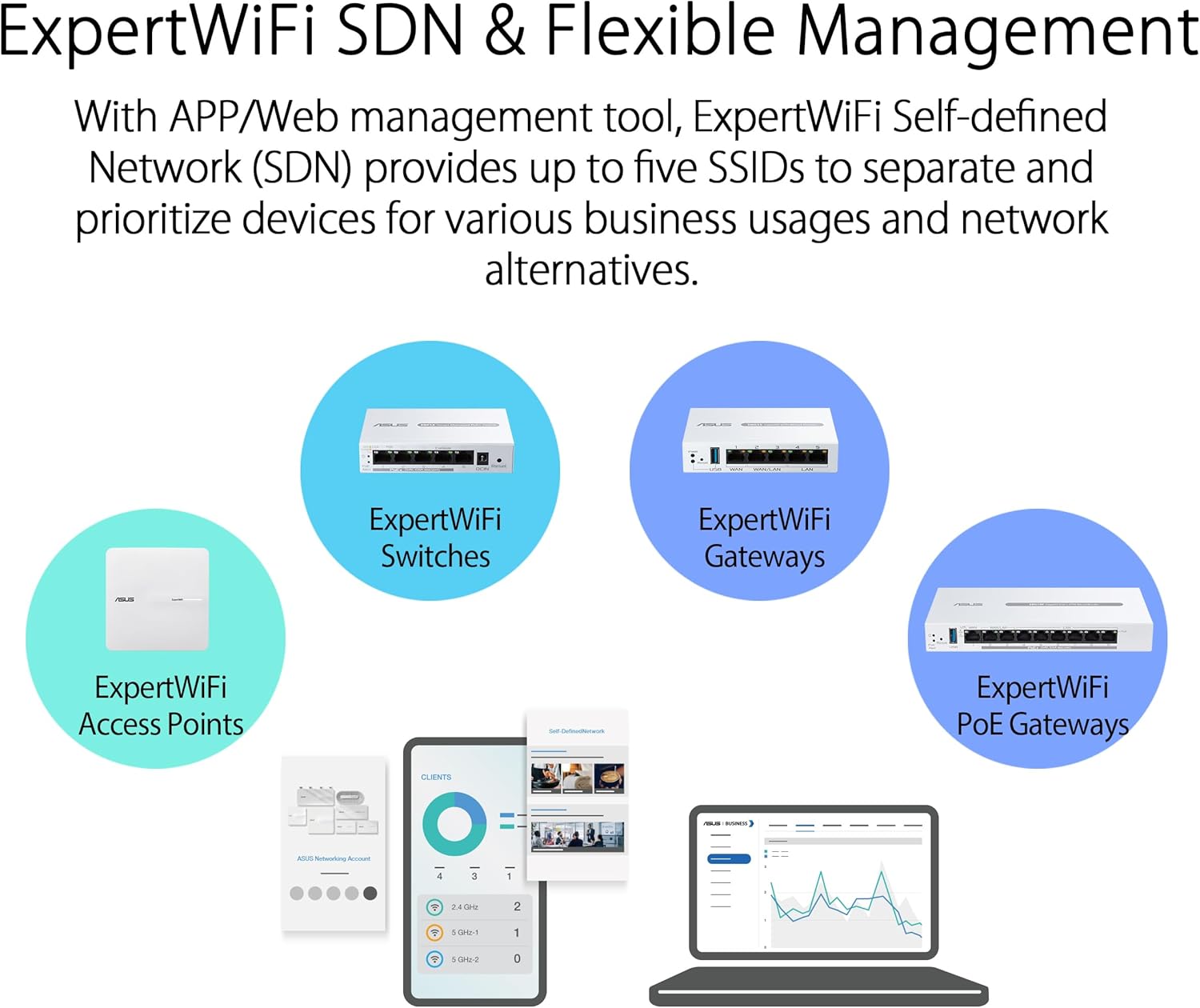
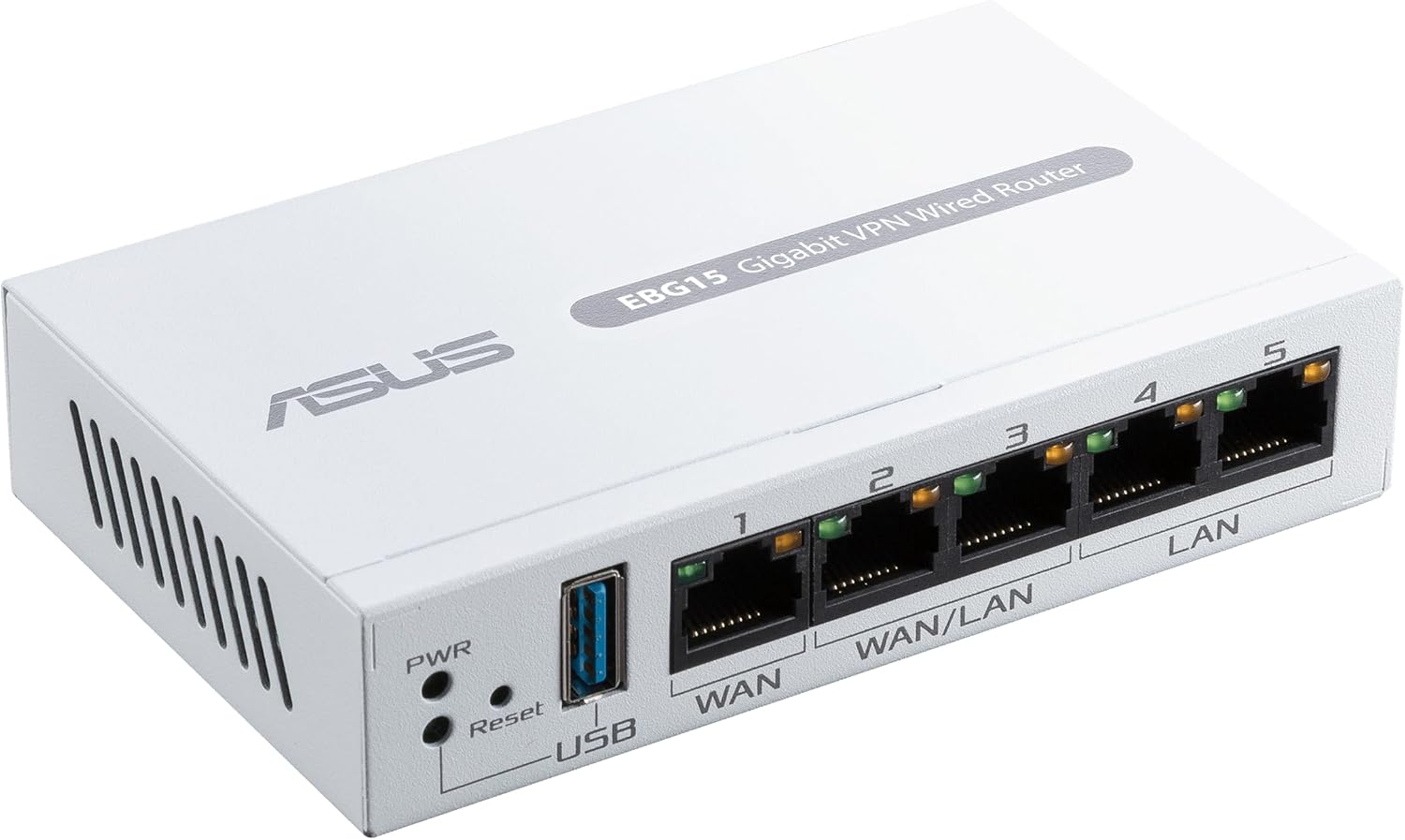
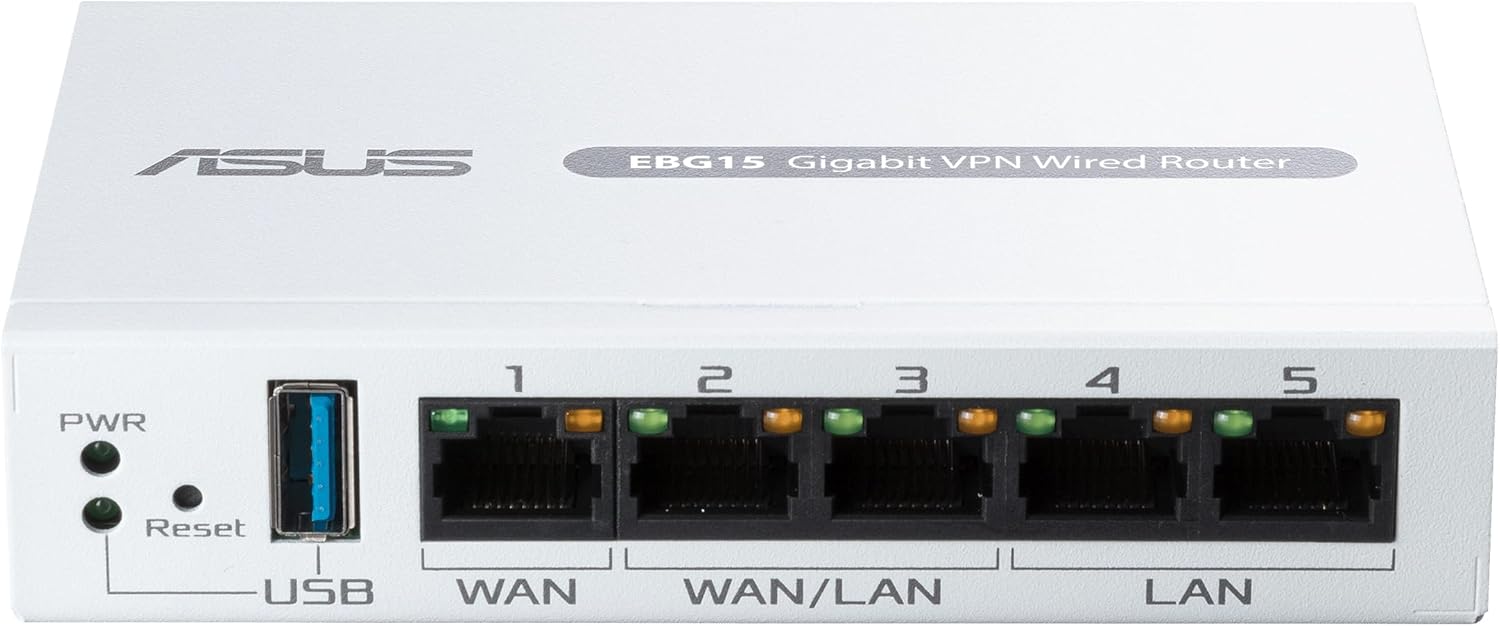
The ASUS ExpertWiFi EBG15 provides a fast, secure and scalable network with rich features tailored for small-to-midsized businesses. It provides network stability and internet backup with two WAN/LAN ports and one USB port. As businesses expand, connect the EBG15 to the switch and access point for broader coverage. Disclaimer: Actual data throughput and WiFi coverage will vary from network conditions and environmental factors, including the volume of network traffic, building material and construction, and network overhead, result in lower actual data throughput and wireless coverage.
Easier-Than-Ever Setup — Convenient and easy router management via web browser or the ASUS ExpertWiFi mobile app through Bluetooth setup.
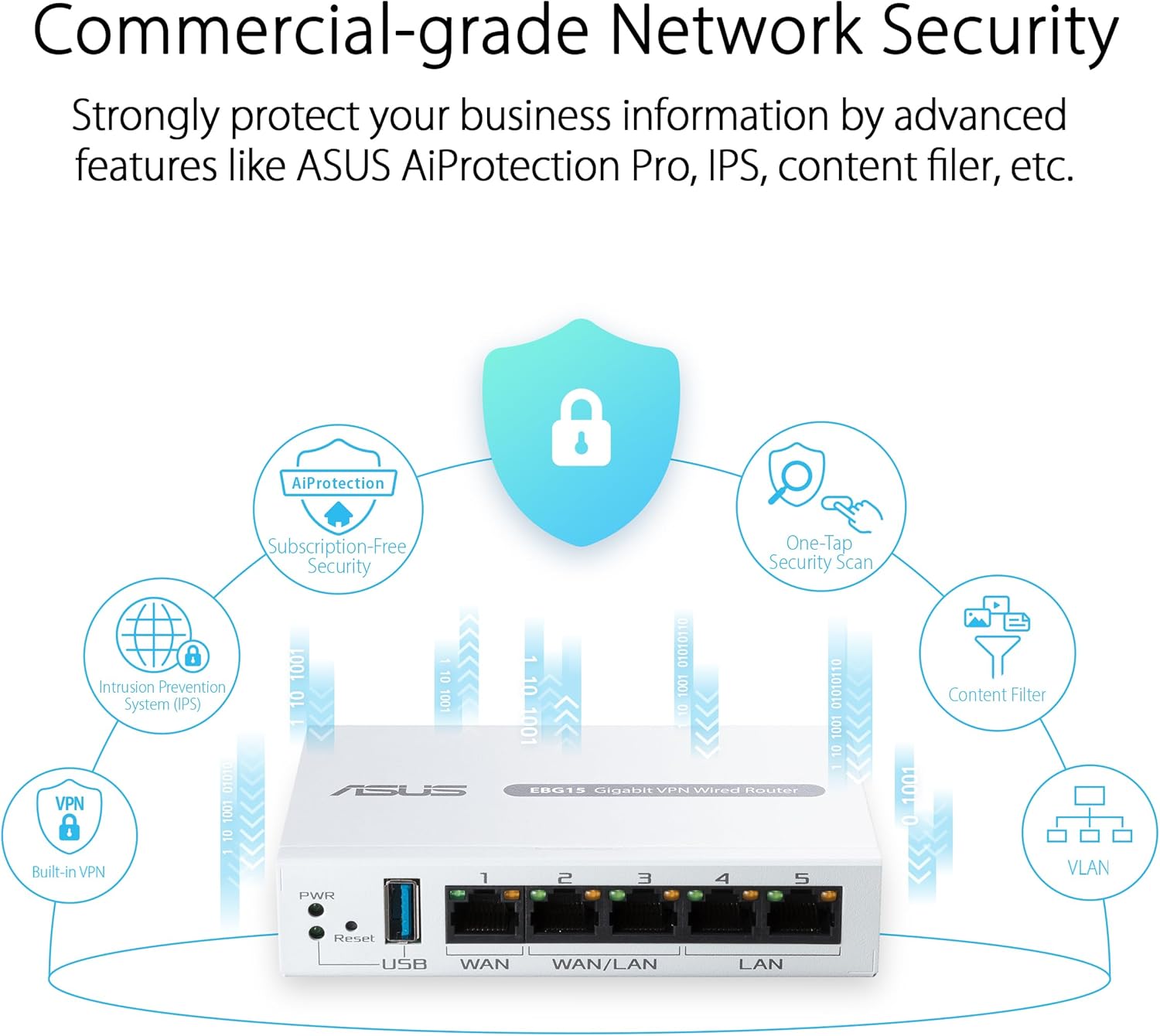
VLAN for Added Security —Each of the Ethernet ports can be assigned to one or more VLAN IDs that provides additional security for your business.
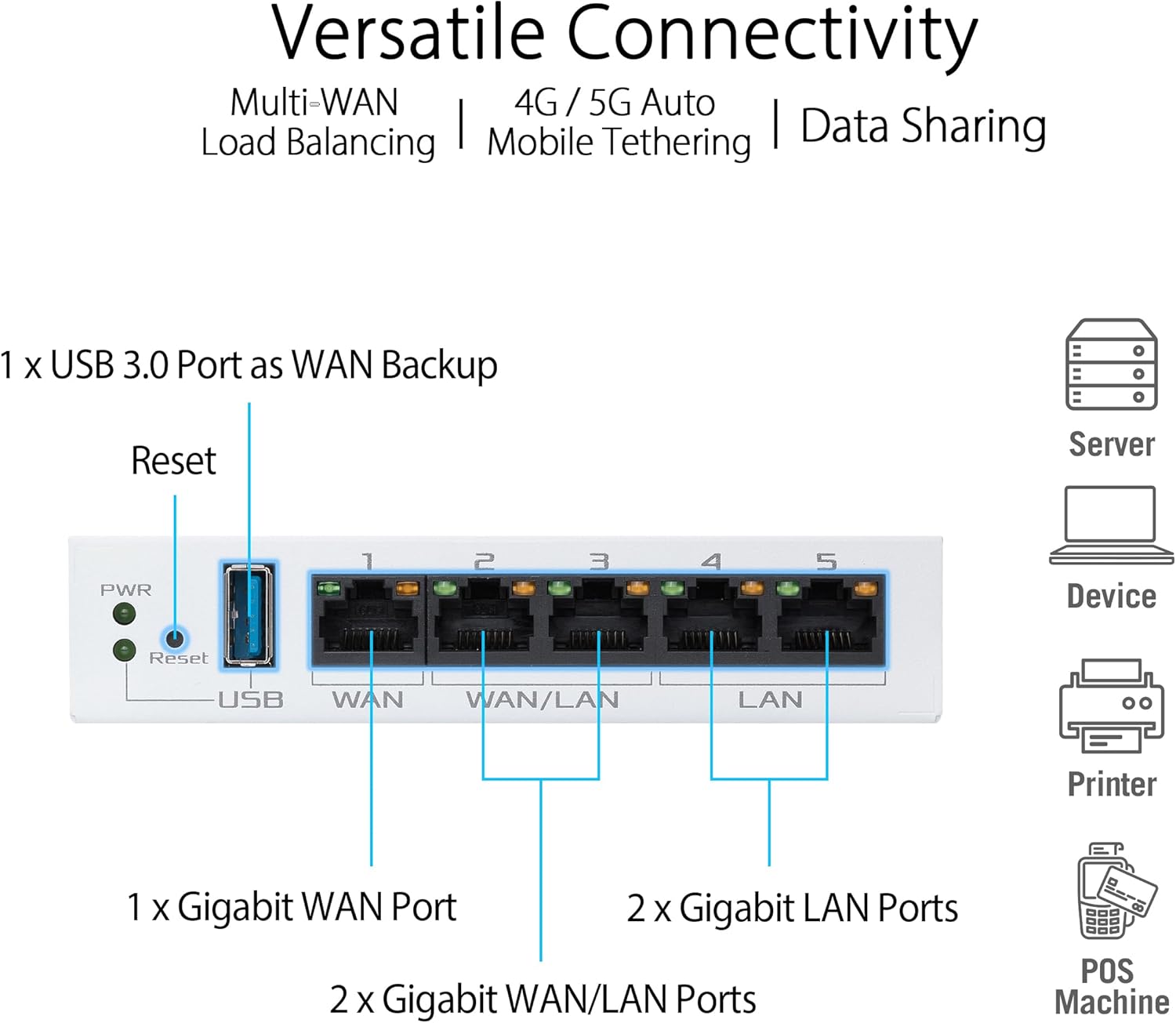
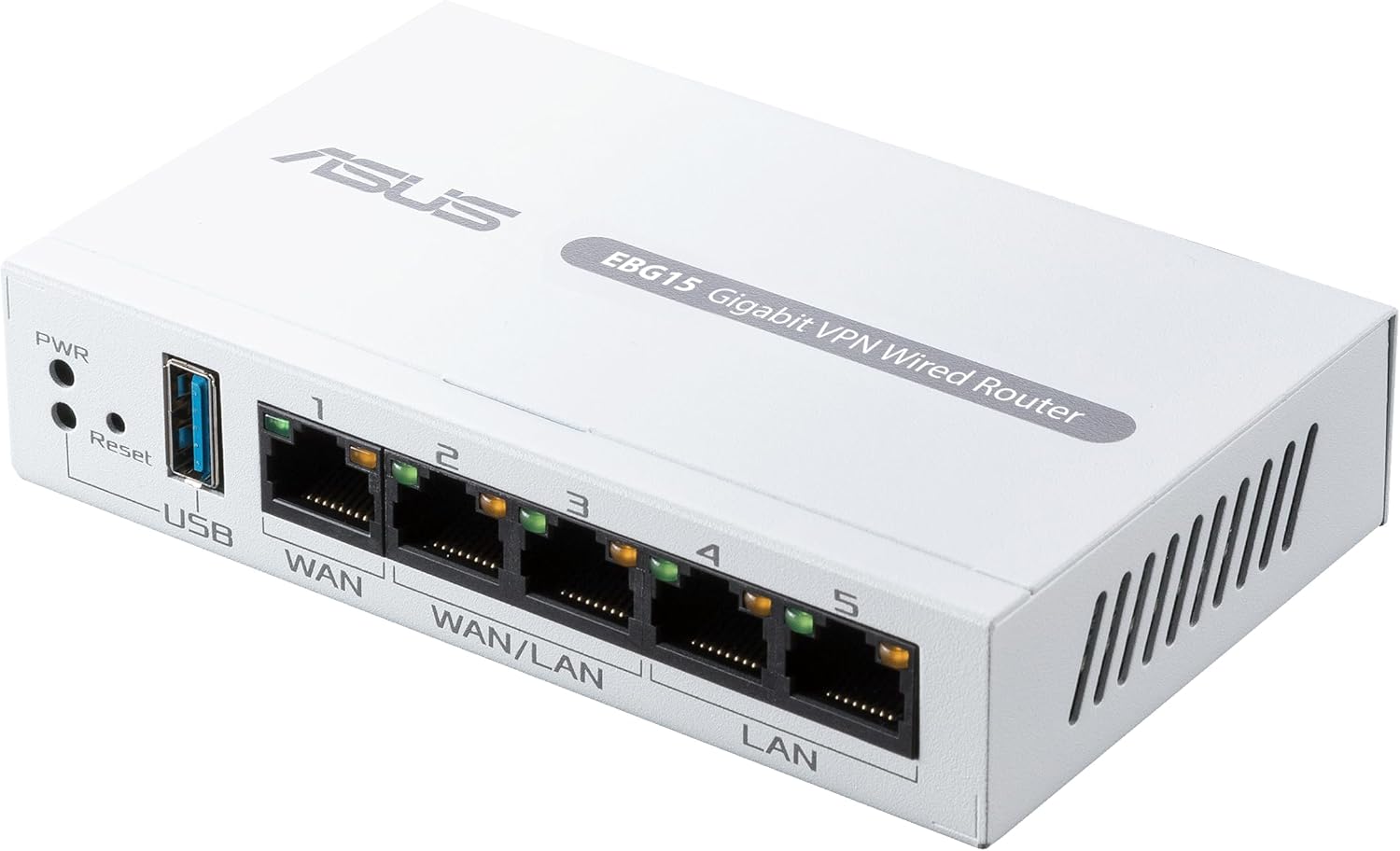
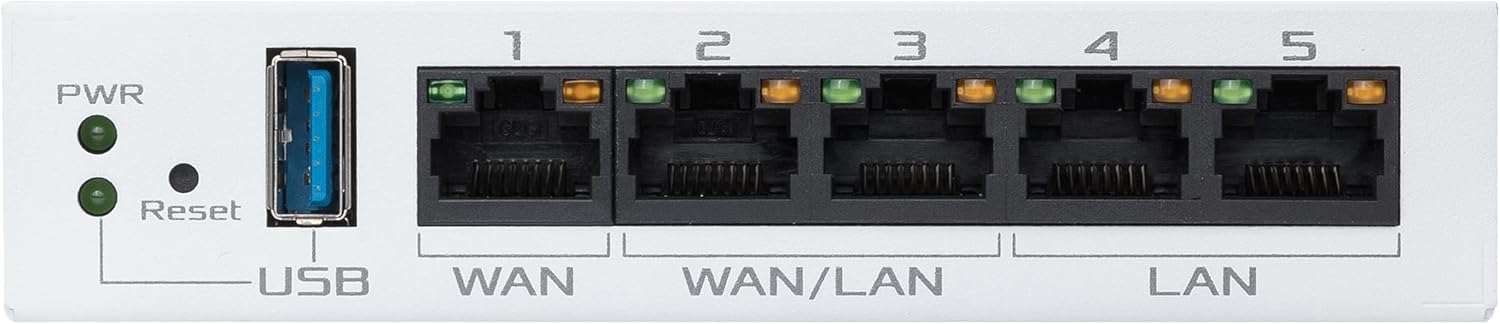
Up to 3 WAN Ethernet Ports – 1 gigabit WAN port and 2 gigabit WAN/LAN ports with load balancing optimize multi-line broadband usage.
Backup WAN for Stable Connectivity –The USB port can be used as a backup WAN by connecting it to a mobile phone with hotspot to maintain a reliable internet connection.
Commercial-Grade Network Security and VPN — Secure public WiFi connections with Safe Browsing and VPN features. Enjoy a free-subscription ASUS AiProtection Pro, including robust intrusion prevention system (IPS) features like deep packet inspection (DPI) and virtual patching to block malicious traffic.
9 reviews for ASUS ExpertWiFi EBG15 Gigabit VPN Wired Router, up to 3 WAN ethernet Ports + 1 USB WAN, IPS Intrusion Prevention, Layer 7 Firewall, Commercial-Grade Network Security, Remote Management with App


Related products


Analog CCTV Camera HD 1080P 4-in-1 (TVI/AHD/CVI/CVBS) Security Dome Camera Outdoor, 2.8mm-12mm Manual Focus/Zoom Varifocal Lens, Weatherproof Metal Housing 36 IR-LEDs Day & Night Monitoring (White)


ARTIX CL750 Over Ear Headphones Wired with Mic & Volume Control, Audio with 100% Noise Cancelling Computer Wired, Plug in for Laptop, Dj Corded Studio Headphones


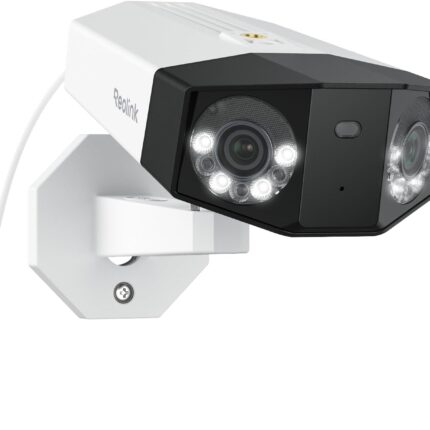

REOLINK Duo 3 PoE 16MP UHD Dual-Lens PoE Security Camera with 180° Panoramic View, Motion Track, F1.6 Color Night Vision, Person/Vehicle/Animal Detection, 2 Way Talk, Supports 24/7 Recording



tomtoc 360 Protective Laptop Shoulder Bag for 13 Inch 2025 MacBook Air M4/A3240, M3/A3113, M2/A2681, M1/A2337, MacBook Pro M2/M1, 13-in Surface Pro 11th AI/10/9, Water-Resistant Accessory Case


E –
Clean, simple, plug-and-play installation if desired, tons of features if you need them.
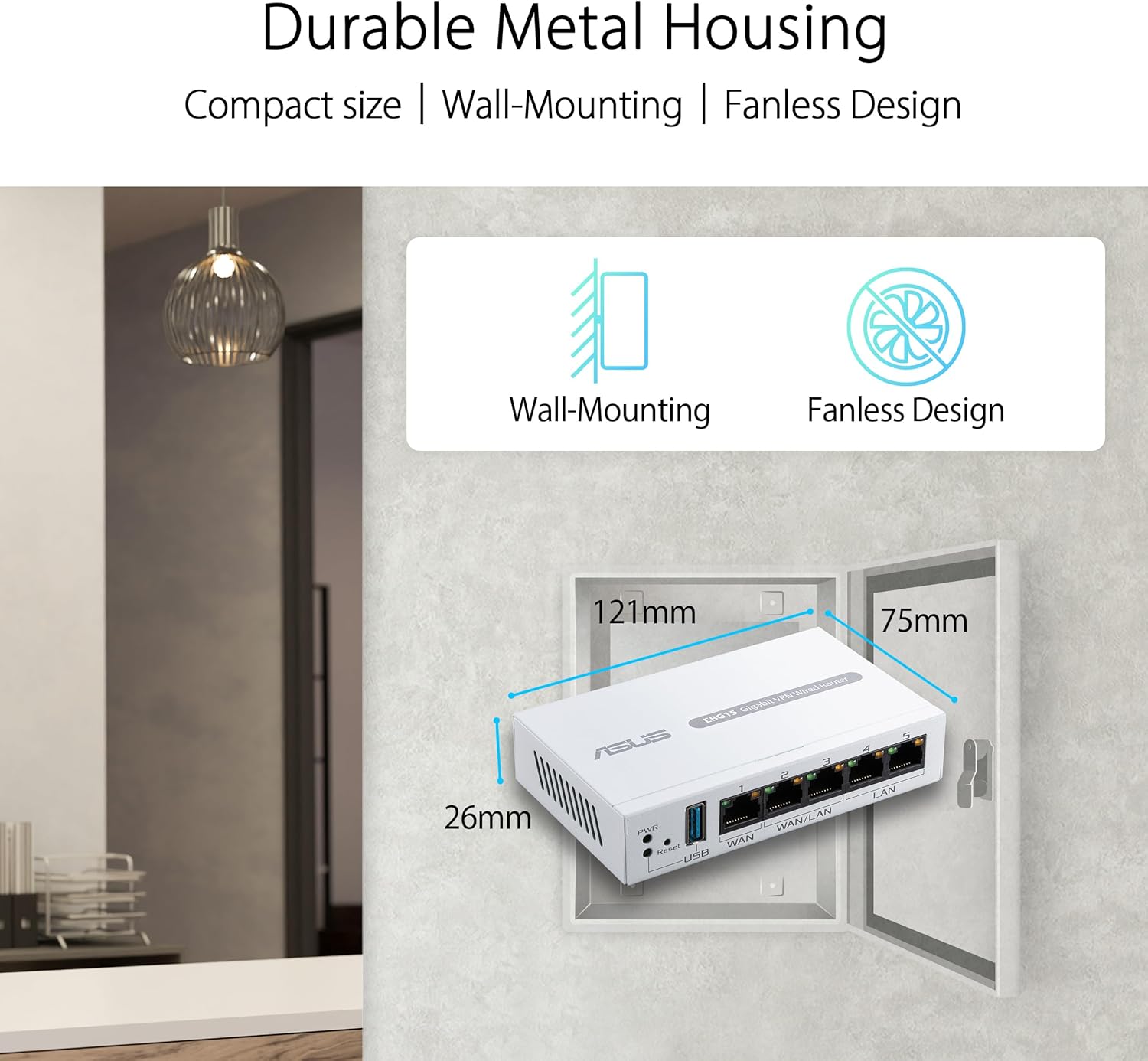
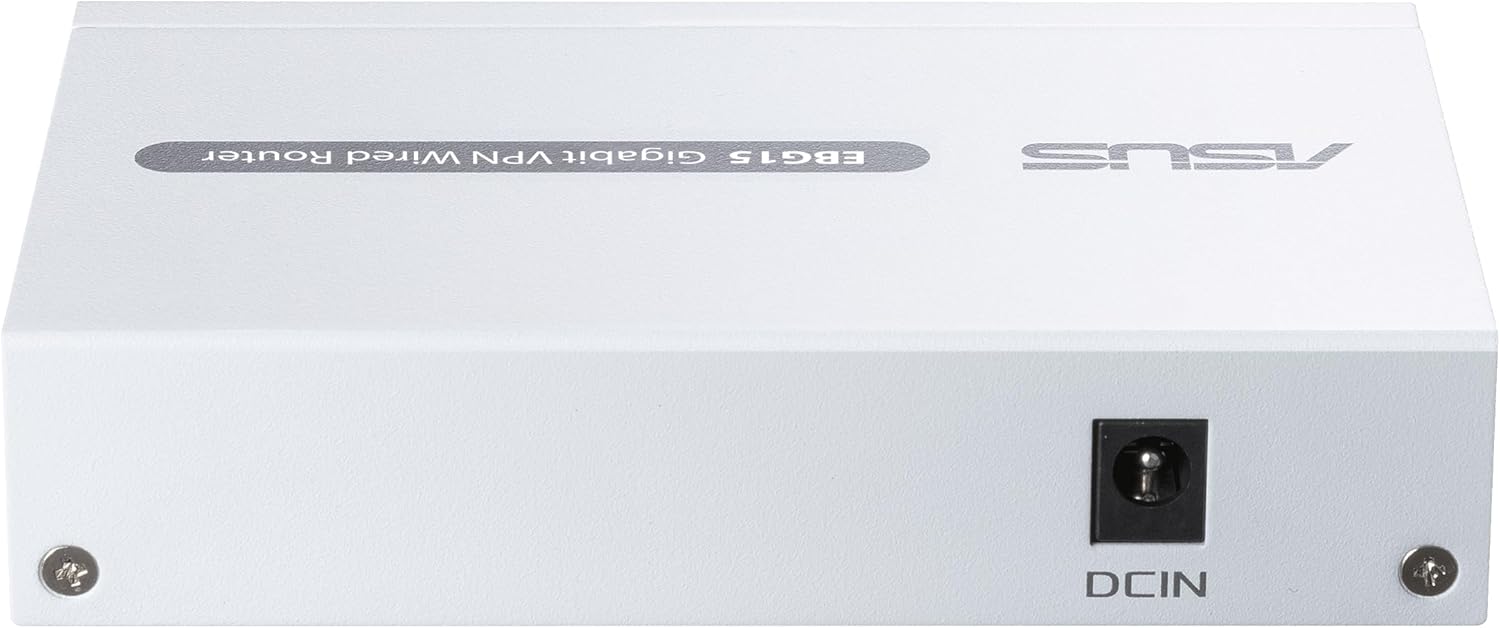
I am not an IT pro or networking expert. I just needed an easy-to-install wired router for my small home office, which has one or two PCs running at a time. This router fits the bill perfectly. This is a big deal because there seem to be very few routers that meet these simple criteria (wired and easy to install). In fact, as of this writing in September 2024, this is the only one I could find. It seems the tech industry has decided everyone using the internet at home wants wifi. And anyone who doesn’t want wifi must be a networking expert. What they are missing is that there are some important reasons why a home user who is not a networking expert might prefer a wired router:- Faster internet speeds.- Superior security.- No additional radio waves bouncing around the house, a potential technical or health issue.Pros of this unit:- Wired only. No wifi capabilty without adding other components.- Plug-and-play simplicity, if that’s what you want. Seriously, I simply plugged everything in and it worked flawlessly.- Fast internet speeds. Provided the highest internet speeds I’ve ever seen through a router.- Tons of advanced networking features if you need them. There are web and mobile interfaces you can use to access the well-designed online dashboard. Honestly, most of the settings there were over my head. It appears you don’t need to use the interface at all if you don’t want to.- Physical design is clean, simple, and compact. The case is metal, believe it or not, which I think is great.- Provides immediate connection when started up, unlike some other wired routers that reportedly take a few minutes to start delivering data.Cons:- It isn’t designed for desktop use. Rather, it seems like it’s meant to be screwed to a wall in a server room or something like that. I say this because it doesn’t really have a “front”, unless it’s the top where the name is printed. There are screw slots on the bottom. Power input and internet connections are on opposite sides of the unit. For SOHO use (small office / home office), it would be nice to have all the wires going into one side and indicator lights on the other.- Confusingly, it has “Wifi” in its name. Apparently ExpertWifi is the name of the product line, which does include some wifi components. By itself, to be clear, this unit has no wifi capability.- It comes with a comically simple quick start guide that basically just says to plug everything in and then check out the user interface. A little more plain-English explanation for the non tech-savvy would be cool.All in all, after many hours of searching online and reading articles, I’ve concluded this router is in a class by itself: a simple, efficient, plug-and-play wired router. Thank you, ASUS!
BleeTech –
Absolute Garbage that’s Absolutely not “Commercial-Grade Network Security”
If you posses absolutely zero networking skills & you’re looking for a new Wi-Fi toy that will easily connect to your goofing looking cone shape wireless mesh devices around the house & you require a plug and play installation with little input because you have little of networking protocols, then this is for you. I won’t lie lie though… I really do like the Firewall GUI. The widgets within the firewall page have really nice optics and are very easy to read & understand. There are a lot great features within the firewall. I also like the security features page in there where a user can apply different security protocols & levels to individual network devices & those settings are remember each time the device rejoins the network (don’t know if MAC randomization affects this tool.) A parent can add safe DNS & safe browsing to child’s tablet or laptop and leave their own devices set appropriately for an adult user. But this was definitely not the “Commercial Grade” firewall device that I was looking for.
Nicholas L. –
Great little WIRED Router! I would highly recommend for anyone looking for advanced functionality.
Works great! At a price point right around $80 (when I bought it), you get the functionality/flexibility typically only found in much more expensive routers. This is a WIRED router, so don’t purchase it if you are looking for a router that has built-in wifi. I use this as the backbone for home network and all of my ethernet-connected Asus mesh wifi-routers… it has been working flawlessly for 6+ months now. Regarding setup, depending on your needs and network requirements, you might have to do some additional research because user-interface is not always easy to understand. If you don’t need to use “expert settings” for your particular network, then it is pretty easy to setup. Once I figured out my initial “advanced” setup (took a few hours to research and test), I have not had to make any changes and my network has been working perfectly for 6+ months. If you are a networking novice, you might want to skip buying this unit unless you need the advance functions, you have some level of patience and you want to do some additional research. Small footprint for unit that you can tuck-away close to your where your ethernet cables reside.I would highly recommend this router for anyone that wants advanced functionality and with some networking experience.
Timtim –
Perfect companion for 1Gb Fiber
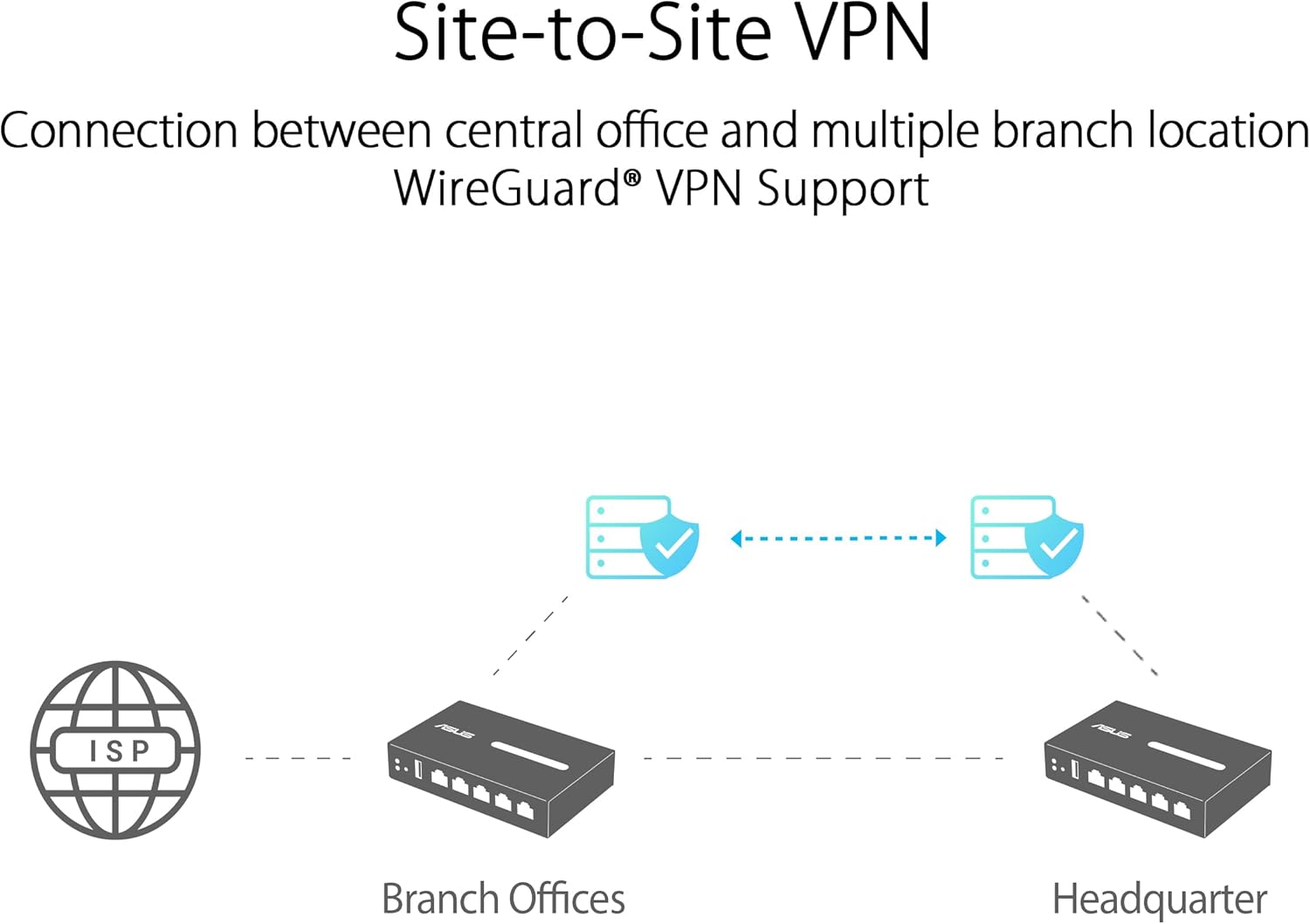
This router is great. It supports multi WAN failover and Link Aggregation Control Protocol-incredible. But do not use the phone app- it is a waste and locks down all the important controls- making the best and only way to interfece the advanced features the local web interfaces via IP or the startup page. There are many features worth the headache of resetting and deleting the Android app and starting form scratch. The one standout feature is the VPN-Wireguard VPN no less-support. It also support all the other VPN protocols you expect as well. You also get what seems to be a decent IPS (Intrusion Prevention System) and the ability to filter URLs and other “next gen” capabilities recently reserved ony for the high end business products. I love the product-the local web interface takes getting used to, but the Android app is just not good- do not bother or it will ruin an otherwise near Firewalla level experience but with even more VPNs supported (Wireguard!) and for much less. Overall a great product. Just avoid the app and login locally like any other routher and you are good.Great for cost sensitive cybersecurity people that are not interested in subscription models of other products. This should work for years.
Bhavin Shukla –
This router is a powerhouse. The build quality feels premium and it performs perfectly. The standout feature for me is the UI—it is incredibly clean and makes managing the network simple, even with all the advanced functionality available.I’ve had zero downtime since setting it up. It handles multiple devices and heavy traffic without breaking a sweat. Highly recommended for small businesses or advanced home users.
JaniceMc –
My customer had to downgrade from Cisco Meraki due to the high cost. I installed 9 of these in 9 separate restaurants and found the setup to be easy and intuitive. Features are robust and remote access makes future changes easy. This router is commercial grade so it won’t fail 1 year in like most residential routers. Great value for the money.
woohoo –
This router EBG15 has no “dnsmasq”, therefore the local clients on your internal network will not be able to see each other by hostname, but only by IP address. That is a major feature missing, and exists in all routers with a little respect for themselves. Very disapointing.
Sandro –
I switched from Ubiquity EdgeRouter 4, to this one. It works like a charm, there is allot of features that bloat it for me, I just need the usual basic things, however, it’s stable and fast it handles a 1G WAN without issues. and it’s super small. the size of my hand. – I recommend.
Mike Crete –
For someone that is not the head of the IT department and you just want protection and simplicity this is great. Anyone can set this up. Tons of features.