

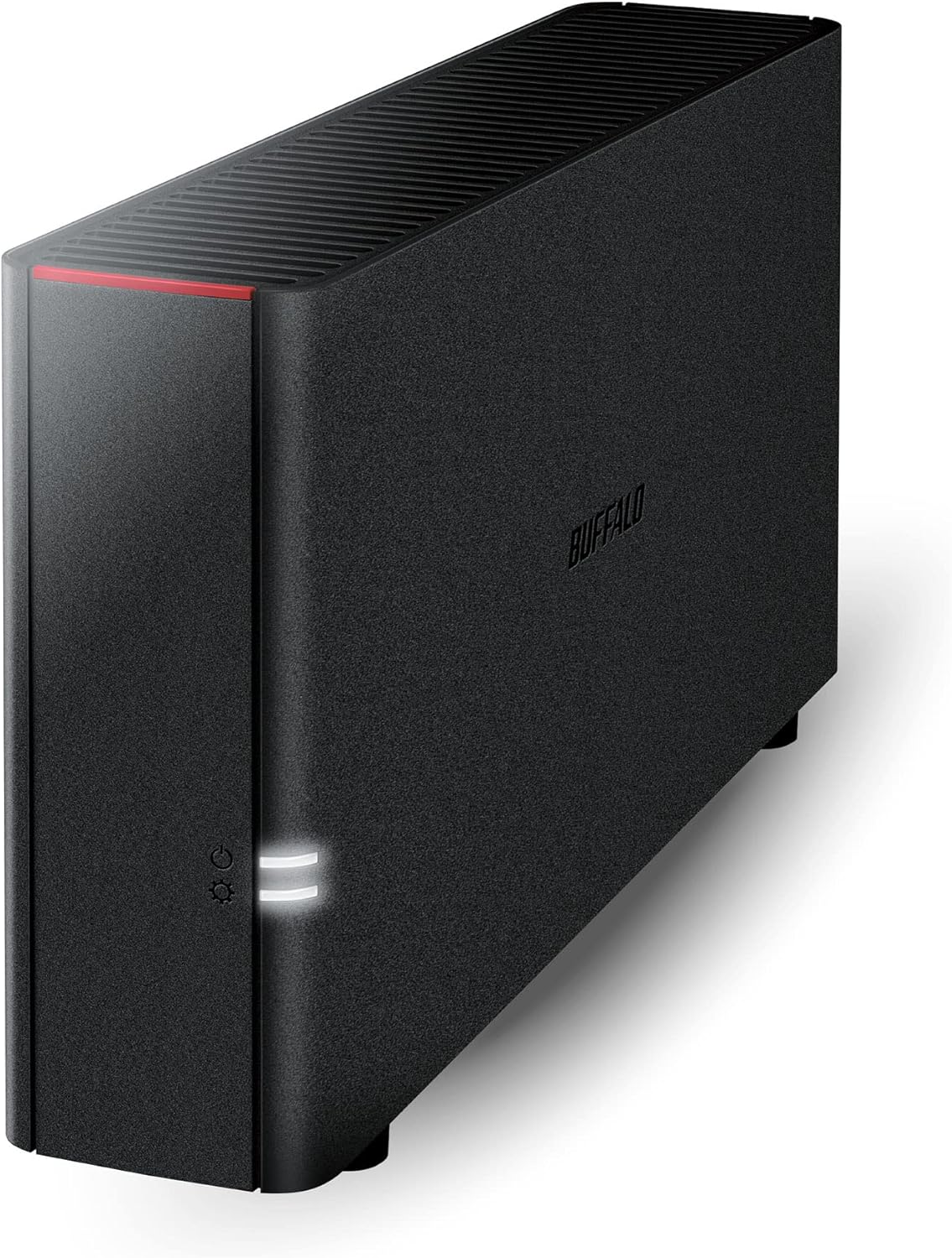


BUFFALO LinkStation 210 2TB 1-Bay NAS Network Attached Storage with HDD Hard Drives Included NAS Storage That Works as Home Cloud or Network Storage Device for Home
Original price was: $159.99.$139.99Current price is: $139.99.
Price: $159.99 - $139.99
(as of Feb 12, 2026 09:27:56 UTC – Details)
Product description

Easy to Setup and Use
Back up and share files from all your computers and devices on your home network.
No PC needed for setup – just connect the NAS to your router to start.
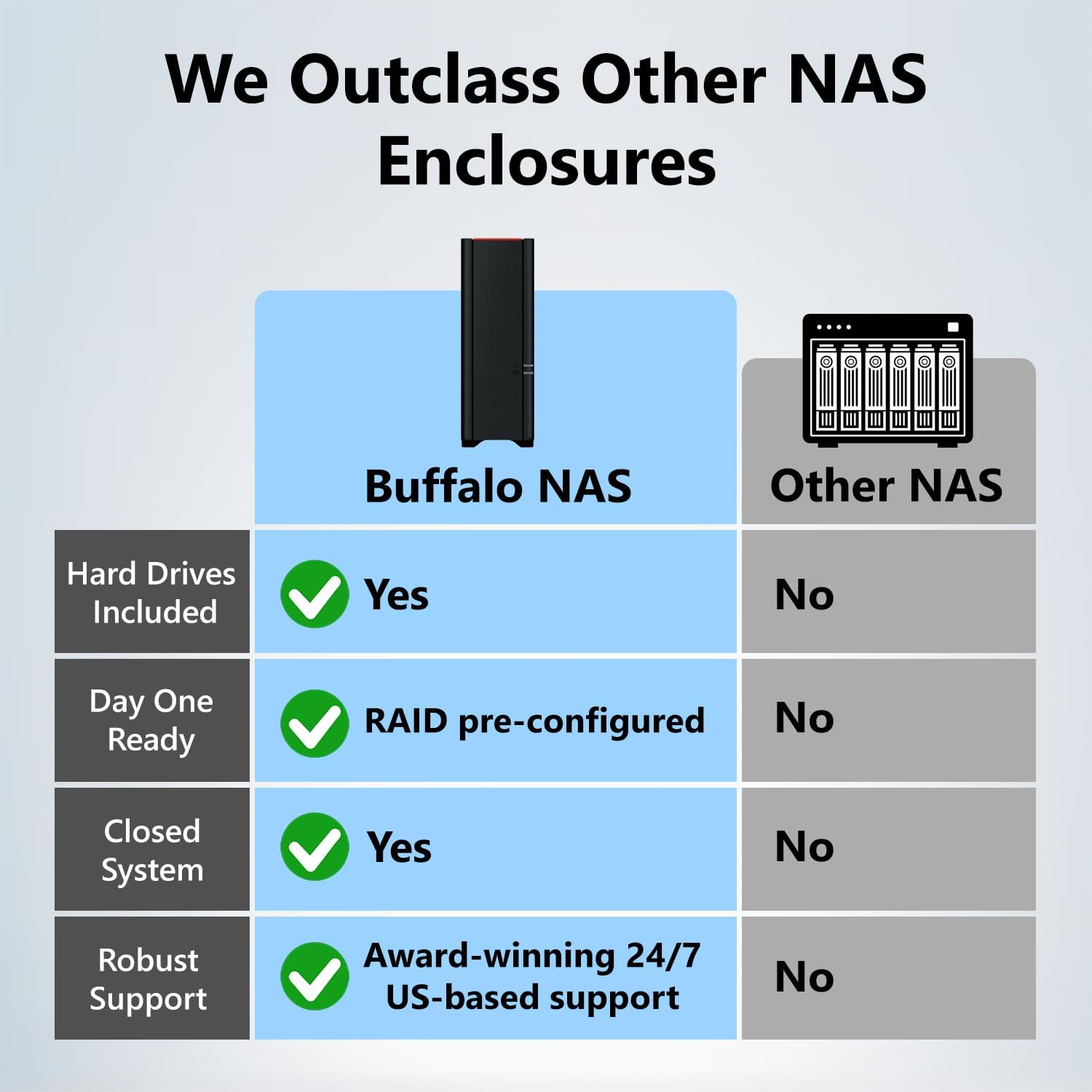
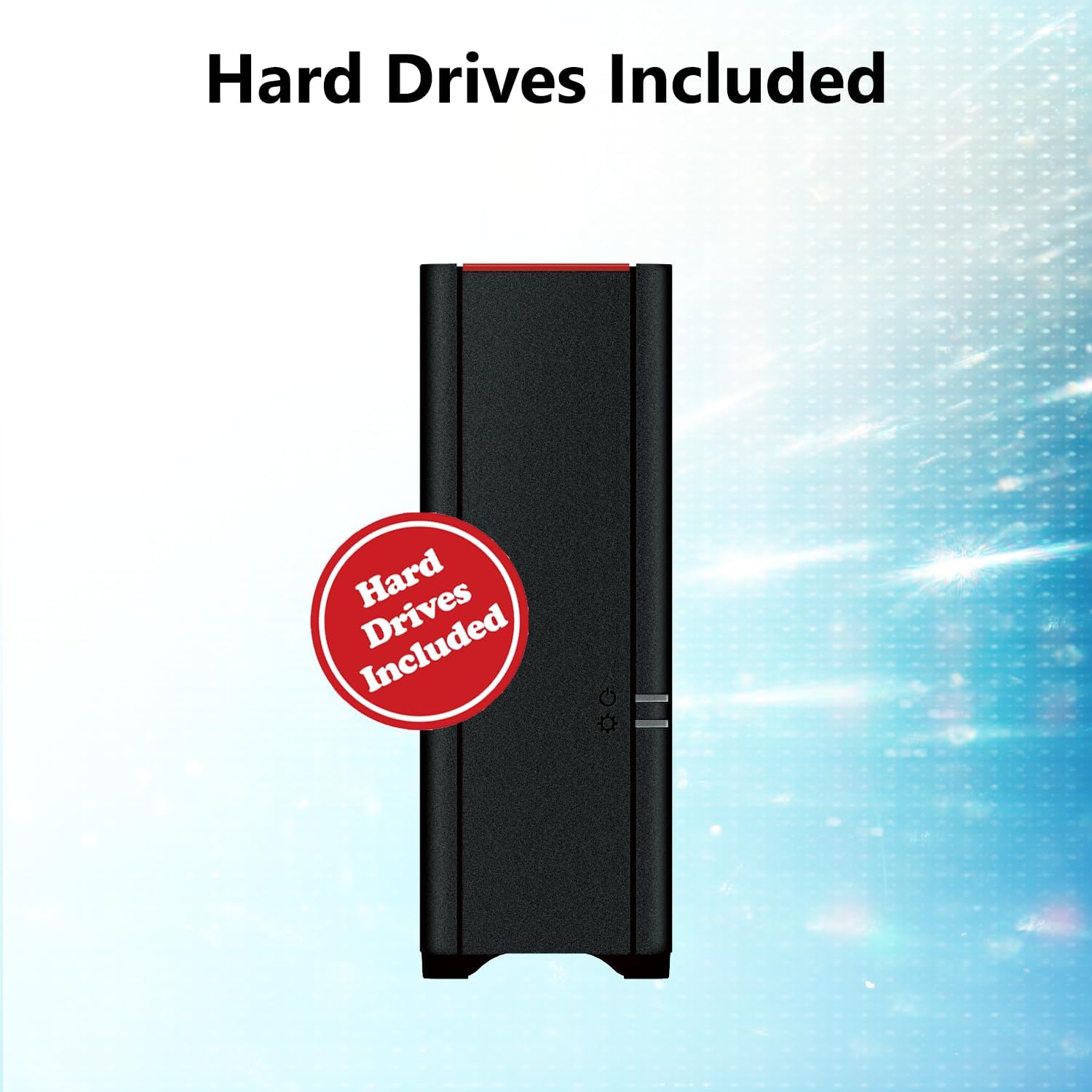
Pre-Tested HDD included, ensuring reliability and easy setup.
Made in Japan – Quality Devices.
24/7 North America Based Support (Including Drives).

Shared Central Storage
One simple convenient location to backup and access your files.
Backup multiple computers and devices onto one single device. Works with PCs, MacOS 15 and earlier, iOS, and Android.
Includes NovaBACKUP back up software and 5 PC licenses.
Conveniently access your files from a secure central location.

Remote Access From Anywhere
Create a free personal cloud to securely access your files anytime, anywhere over the internet.
Securely share files with anyone.

Stream and Share Your Favorite Media
Access and stream your stored media to any computer or mobile device.
Customize folders for both individual or family group access.
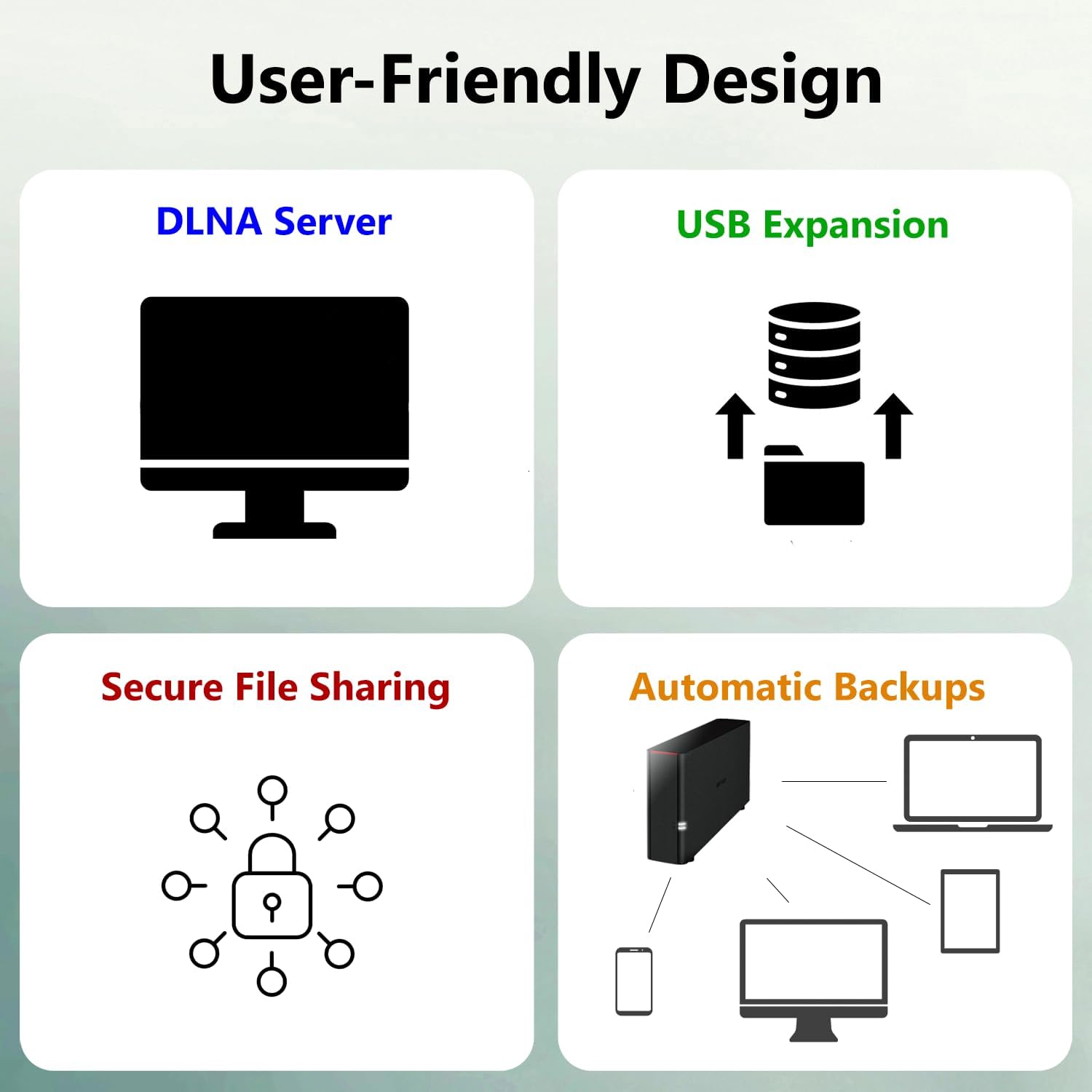
Use this DLNA-enabled media server to enjoy & share your favorite movies, music, and photos.
Add to Cart
Add to Cart
Add to Cart
Add to Cart
Customer Reviews
3.8 out of 5 stars 3,193
3.8 out of 5 stars 3,193
3.8 out of 5 stars 3,193
3.8 out of 5 stars 3,193
Price
$139.99$139.99 $329.99$329.99 $289.99$289.99 $379.99$379.99
Use Case
Economical Home NAS & Private Cloud Economical Home NAS & Private Cloud High performance / Fast Home NAS & Private Cloud High performance / Fast Home NAS & Private Cloud
Number of Drive Bays
1-Bay 2-Bays 1-Bay 2-Bays
Ethernet Connection Speed
1GbE 1GbE 2.5GbE 2.5GbE
Special Features
Budget-friendly, Media sharing-ready NAS device Budget-friendly, Media sharing-ready NAS device High-speed, Media sharing-ready NAS device, 2.5GbE fast ethernet, Hexa-Core processor, Hybrid Cloud High-speed, Media sharing-ready NAS device, 2.5GbE fast ethernet, Hexa-Core processor, Hybrid Cloud
Total Capacity Range
2 – 6 TB 4 – 12 TB 2 – 8 TB 4 – 16 TB
Wnty
2-years 2-years 2-years 2-years
CPU / RAM
800 MHz Dual Issue / 256 MB 800 MHz Dual Issue / 256 MB 1.3 GHz Hexa-Core / 2 GB 1.3 GHz Hexa-Core / 2 GB
RAID Levels
NA 0/1 NA 0/1
Cloud Backup Support
No No Yes Yes
NovaBACKUP (Buffalo Edition)
5 PC licenses 5 PC licenses 5 PC licenses 5 PC licenses
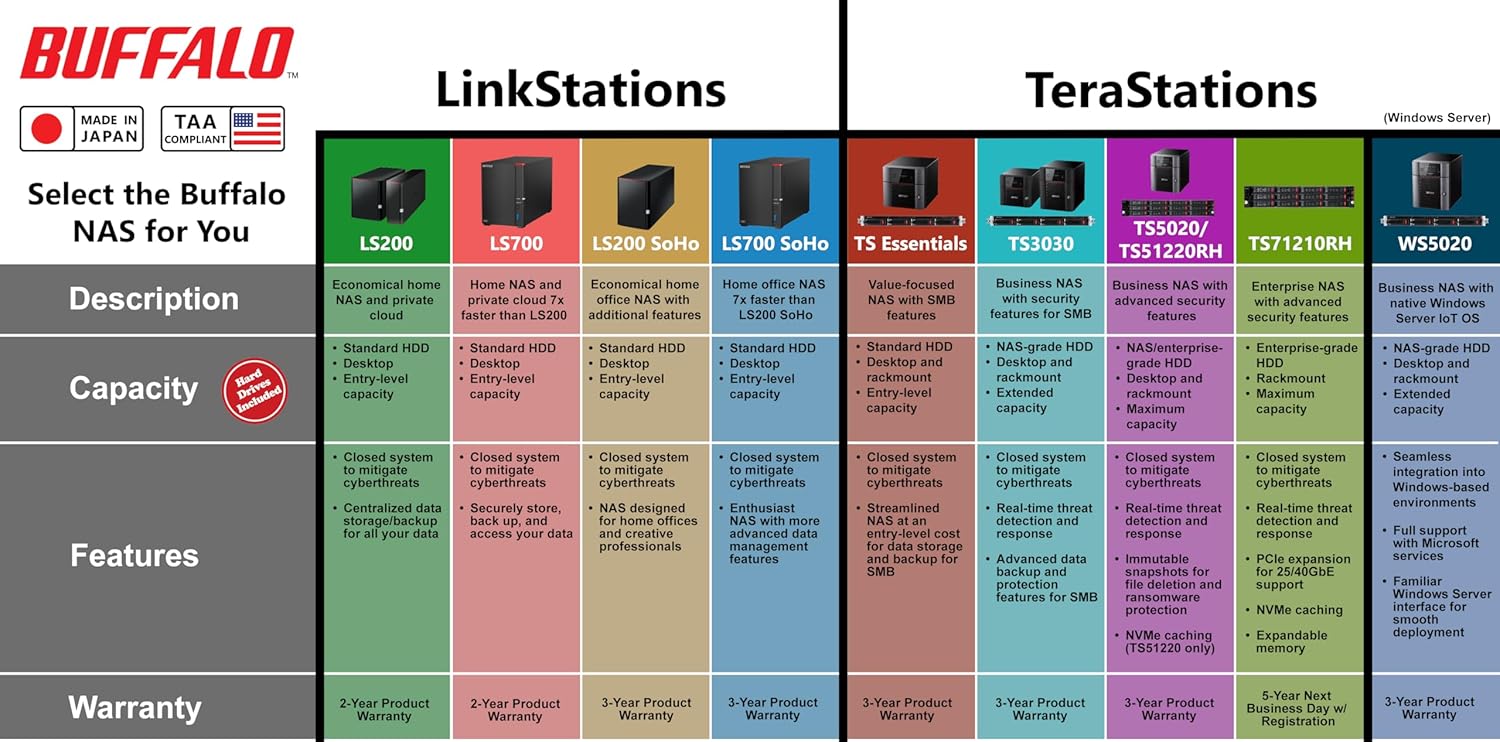
Value NAS with RAID for centralized storage and backup for all your devices. Check out the LS 700 for enhanced features, cloud capabilities, macOS 26, and up to 7x faster performance than the LS 200.
Connect the LinkStation to your router and enjoy shared network storage for your devices. The NAS is compatible with Windows and macOS*, and Buffalo’s US-based support is on-hand 24/7 for installation walkthroughs. *Only for macOS 15 (Sequoia) and earlier. For macOS 26, check out our LS 700 series.
Subscription-Free Personal Cloud – Store, back up, and manage all your videos, music, and photos and access them anytime without paying any monthly fees.
Storage Purpose-Built for Data Security – A NAS designed to keep your data safe, the LS200 features a closed system to reduce vulnerabilities from 3rd party apps and SSL encryption for secure file transfers.
Back Up Multiple Computers & Devices – NAS Navigator management utility and PC backup software included. NAS Navigator 2 for macOS 15 and earlier. You can set up automated backups of data on your computers.
Securely Share Files With Family & Friends – Configure individual access restrictions for folders to ensure your data remains private while securely share storage space or files with others.
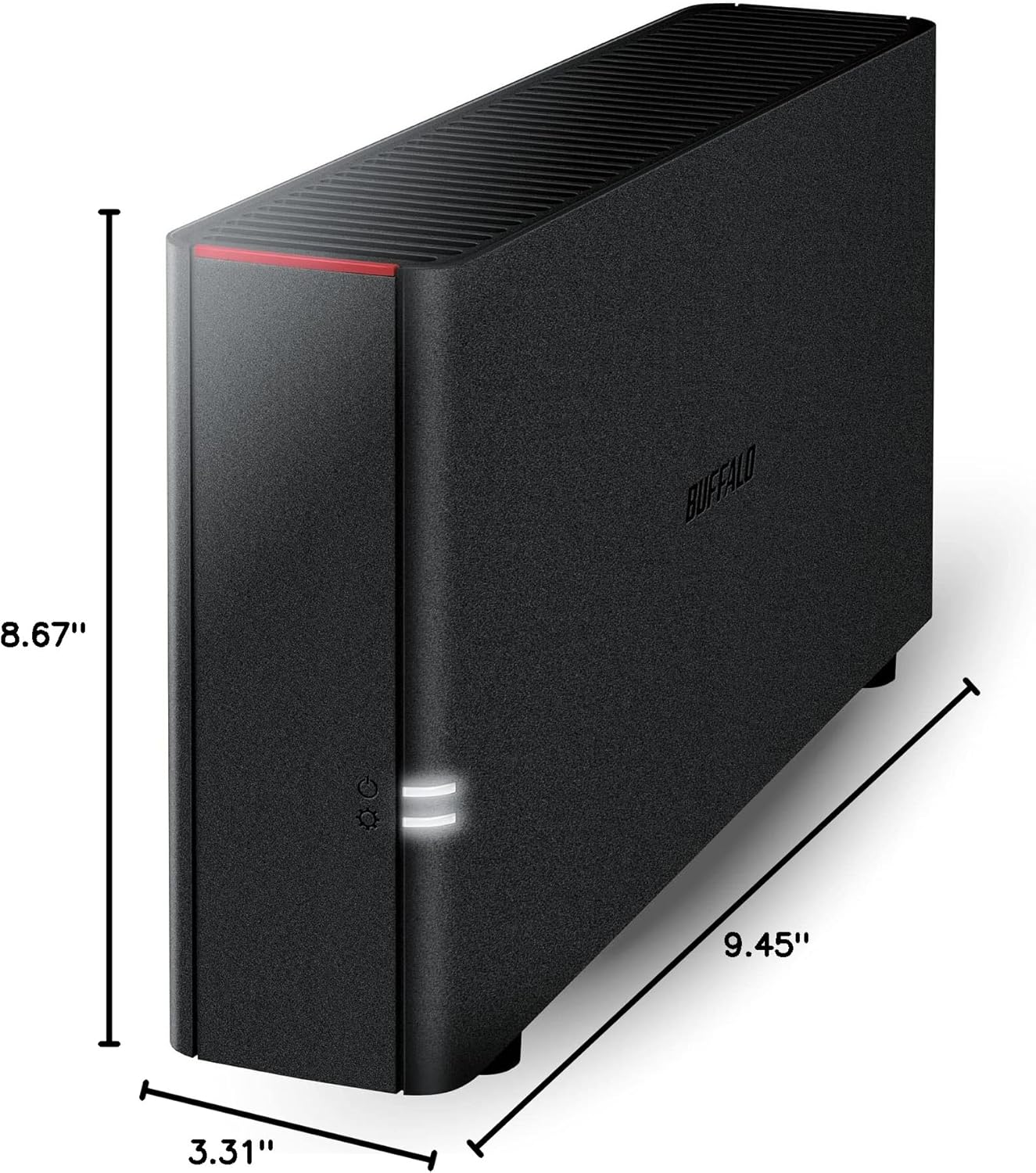
2TB capacity – 1 Drive bay, HDD included.
Secure and Centralize Your Data – Use the NAS as a central storage and backup location. No more searching through different external drives or cloud accounts.
Made in Japan – Quality Devices.
24/7 US-based support, with 2-year warranty, including hard drives.
9 reviews for BUFFALO LinkStation 210 2TB 1-Bay NAS Network Attached Storage with HDD Hard Drives Included NAS Storage That Works as Home Cloud or Network Storage Device for Home


Related products


Analog CCTV Camera HD 1080P 4-in-1 (TVI/AHD/CVI/CVBS) Security Dome Camera Outdoor, 2.8mm-12mm Manual Focus/Zoom Varifocal Lens, Weatherproof Metal Housing 36 IR-LEDs Day & Night Monitoring (White)


ARTIX CL750 Over Ear Headphones Wired with Mic & Volume Control, Audio with 100% Noise Cancelling Computer Wired, Plug in for Laptop, Dj Corded Studio Headphones


Senso Bluetooth Headphones, Best Wireless Sports Earphones w/Mic IPX7 Waterproof HD Stereo Sweatproof Earbuds for Gym Running Workout 8 Hour Battery Noise Cancelling Headsets (Black Blue)


M. Smith –
Works good for Time Machine on Mac Tahoe 26.2
Works great for the Time Machine backups on Mac Tahoe 26.2. Easy to setup by following their quick start guide and downloading the software. I had to do two firmware updates before using it; took about 30 minutes. Downloaded the owners manual and it easily walked me through setting up the Time Machine backup. First backup takes a few hours. Accessing the drive via Finder is easy and drive is very fast. I’ve got it plugged into my Xfinity cable modem with the supplied cable. The drive offers more than I need. I’m not doing the web access or iPhone connection. Noisy when doing the backup. Fits nicely on the desk. Hope it will have a long life like my Mac AirPorts. Going to run both the Buffalo and AirPorts for a bit to make sure all is well and until Mac stops supporting the AirPorts.
Galdor –
Easy Setup and Working Great on Day One
The NAS just arrived a little bit ago. I found the quick setup guide to be very easy to follow mostly because all the steps are so simple. If you need more detailed instructions, the full manual is available for download. I’d say it took me about 5 minutes to hook it up to the network, turn it on, download the software, install it on my PC, and have it up and running. It took me about 10 more minutes to read about setting up folders and set up what I wanted. It was so simple I probably could have skipped the instructions. Then it took me about 15 minutes to set up the DLNA server, which I am completely new to, and have it running on my Roku TV with the Roku Media Player.So far it seems to be working flawlessly, ofcourse we will have to see if that lasts.Pros:1) Extremely cheap when you consider it comes with two 2TB hard drives installed.2) Super easy setup3) Super easy and very simple web interface4) Have it working on multiple computers and my DLNA Roku very quickly5) EULA was super short and simple unlike some other NAS companies that I saw have EULAs requiring that you allow them the right to audit your use of the device, access your site, see your books, etc. Are you kidding me?6) Has a USB connection for an external drive which I think will come in handyCons1) Maybe lacking in utilities compared to some other companies. I just wanted very basic functionality so I’m actually happy without all the extras.2) Speeds copying data over the network to the drive so far have been about 17 MB/s for one computer and combined 24 MB/s when copying from two computers at once. I don’t know how much of that is the device and how much is the other drives I’m copying from. But, it does seem a little on the slow side to me.
Cory Patterson –
Used – No AC Cable. Last Users Data Still There
I got it used. It arrived fast, but had no AC adapter or plug in the box. I found a Netgear AC cable and powered it up. It had the last owners full backups on it still. SMART data showed the drives had several hundred hours of power on, so it wasn’t used for too long. I formatted it and it’s running ok. I had to apply 2 releases of firmware, but it seems stable. I have nothing against Buffalo, but if you’re going to sell on Amazon, make sure the box contains ALL the equipment and securely erase all the Data off it. At the very minimum, Buffalo should send me a power cable and a free goodie for my troubles.
Greg Leroy –
Great Value for Basic Raid Server
The title says it all. This “linkstation” is not the most robust option out there — the supplied hard drives aren’t really server grade. And it doesn’t have all of the peripheral ports one would want — such as extra usb 3.0, micro ssd or Apple thunderbolt.But what is does deliver is a simple, solid server set up by default as raid 1, which will automatically mirror what’s on the first drive. Should a problem arise on one drive, it’s hot swappable. Just replace it with another one and the good drive will automatically backup again on the replacement drive. Which is really all you need for a basic home server or for a small business.System admin is a bit clunky, but manageable. If you ever tried to implement one of the “my cloud” servers, you’ll understand why you really can’t complain.There are two reasons you have a local server on your network, rather than relying upon the cloud alone.Security and fastest restore. Your data is kept in your hands and if you do a time machine or windows backup (both of which work flawlessly) the transfer speeds on a good network is far better than most transfer speeds over the internet. So rather than waiting a day or two for a complete system restore from a cloud backup, which is what many American internet speeds would require, you can do this from a local network server in just an hour or two.Most network professionals rely upon at least a two part backup strategy. A good local backup, which the linkstation provides, and then an identical cloud-based version, in the unlikely case your building and server happens to burn to the ground, your data remans secure. Options are included for internet access of your data, the ability to setup a ftp site, etc, but there are plenty of services like drop-box where this can be accomplished for free.$300 bucks for 4 terabytes of storage mirrored to a second 4 terabyte drive, as I said, just great value.
Retired One –
LinkStation LS210DE19 – 2T byte single drive NASI started using NAS well over 10 years ago. My first NAS (which is still in use is a Buffalo LS-GL284 250 Gbytes) and is around 90%+ full. So then I bought a second Buffalo NAS LS-XLFA8 2T byte unit a few years back but it has become intermittent with an overheating problem causing frequent shutdowns. The files I store on the NAS are not that critical BUT I still wouldn’t like to lose them. Consequently I decided to turf the XLFA8 2T unit and buy a new LinkStation LS210DE19 – 2T byte single drive NAS (and also because it was on sale).As a lot of other reviews state – setup is “not easy” but once set up the NAS does what it’s supposed to do. The instruction sheet that comes with the unit for set-up is less than useless and the CD…. well, it does make a good coffee coaster.I found the “Online Manual” for the NAS to be excellent but at 133 pages in length “ya gotta have patience”. I actually found it a good reference manual after I figured out how to set up the NAS.I set up the NAS using NAS NAVIGATOR2 to find it’s IP address on my LAN and then used the NAS management GUI to perform the setup. After about 6 hours the NAS was up and flying. The area’s I configured on the NAS were the:• Basics – Time, NAS Name, etc• Power management schedule• Local User Names and their privileges• Files folders, their shares and Access Restrictions• Network IP, etc• WebAccess to the NAS (I use an Android phone and the Buffalo WebAccess app)So as can be seen, there are a lot of area’s that I have not set up (RAID / BACKUPS / FTP /DLNA / BitTorrent) and a bunch of other stuff which do not use currently.I did use the NAS “USB Direct Copy” which worked well (good explanation in online manual) and NAS WebAccess on an Android phone was straight forward to set up.File transfer rates on my LAN are about 8-10 megabits /sec. For my type of activity this is OK but others would call this rate very slow. (File transfer rates via WebAccess were/are much faster!!)My final conclusions are that the NAS is a good unit, serves my purpose, is priced OK and I would recommend it to others. Now, if you are new to all of this IP stuff then – “get some help” to set it up.
fernando reyna garcia –
muy bueno
JESUS MORENTE GALLEGO –
El producto tardo mucho pero llego bien. Las instrucciones no venían en español ni en cualquier otro idioma porque eran inexistentes, hubo que buscarse la vida en internet. Después de un mes intentando configurar el dispositivo ME RINDO. La devolución me cuesta un pastón ya que hay que devolverlo a mi cargo por transporte internacional. Me he bajado instrucciones, muy malos tutoriales todos en ingles americano casi incomprensibles para mi.No digo que el producto sea malo puesto que me ha sido imposible configurarlo y usarlo, pero desde luego no es nada fácil de usar.
The Old Guy –
For what it is, perfect! A NAS with only one disk is not a complete solution, because there is no built-in resilience or recovery system. That did not matter, because I have 4 other 4TB drives linked to 4 PCs, and this is simply a central repository. The big advantage is that it is always on, 24×7, when the PC’s are NOT. It is therefore available for update/interrogation from various mobile devices. A full NAS solution would have cost at least twice the price, and most of its functions would have been redundant. It came with a US power supply, but luckily a retired UK unit worked perfectly.
José Israel Reyes –
Justo lo que esperaba, lo co ecte a mi red de oficina con switc gigabit y es rápido, y el dlna funciona excelente, lo recomiendo, aparte de todo. Es silencioso