

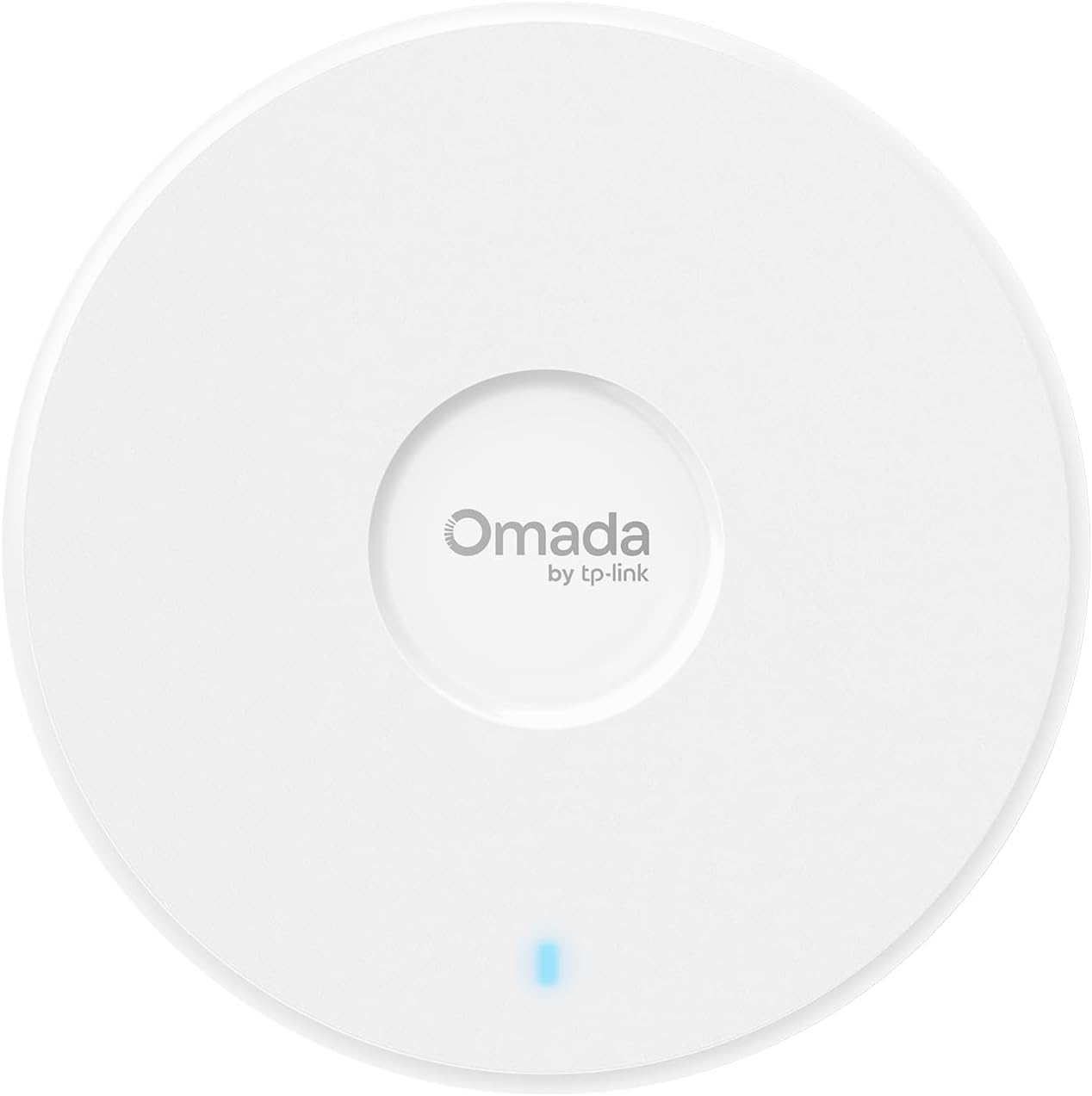


TP-Link Omada WiFi 7 Wireless Access Point | BE5000 Dual Band | 2.5G Port | PoE or DC Powered & Adapter Included | Seamless Roaming | Easy Setup | 5-Year Warranty | Remote Managed(EAP720)
Original price was: $99.99.$89.99Current price is: $89.99.
Price: $99.99 - $89.99
(as of Feb 14, 2026 03:38:58 UTC – Details)
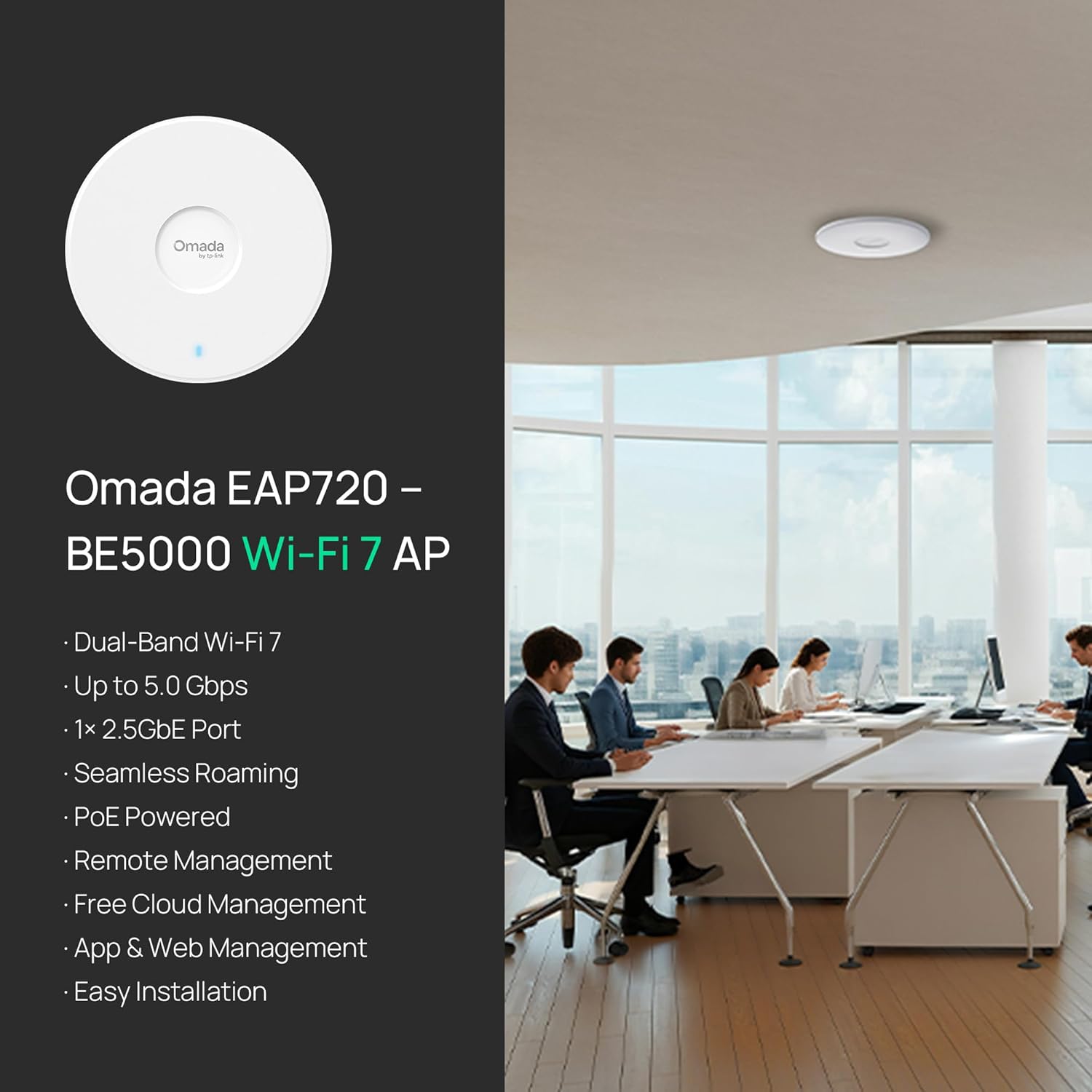
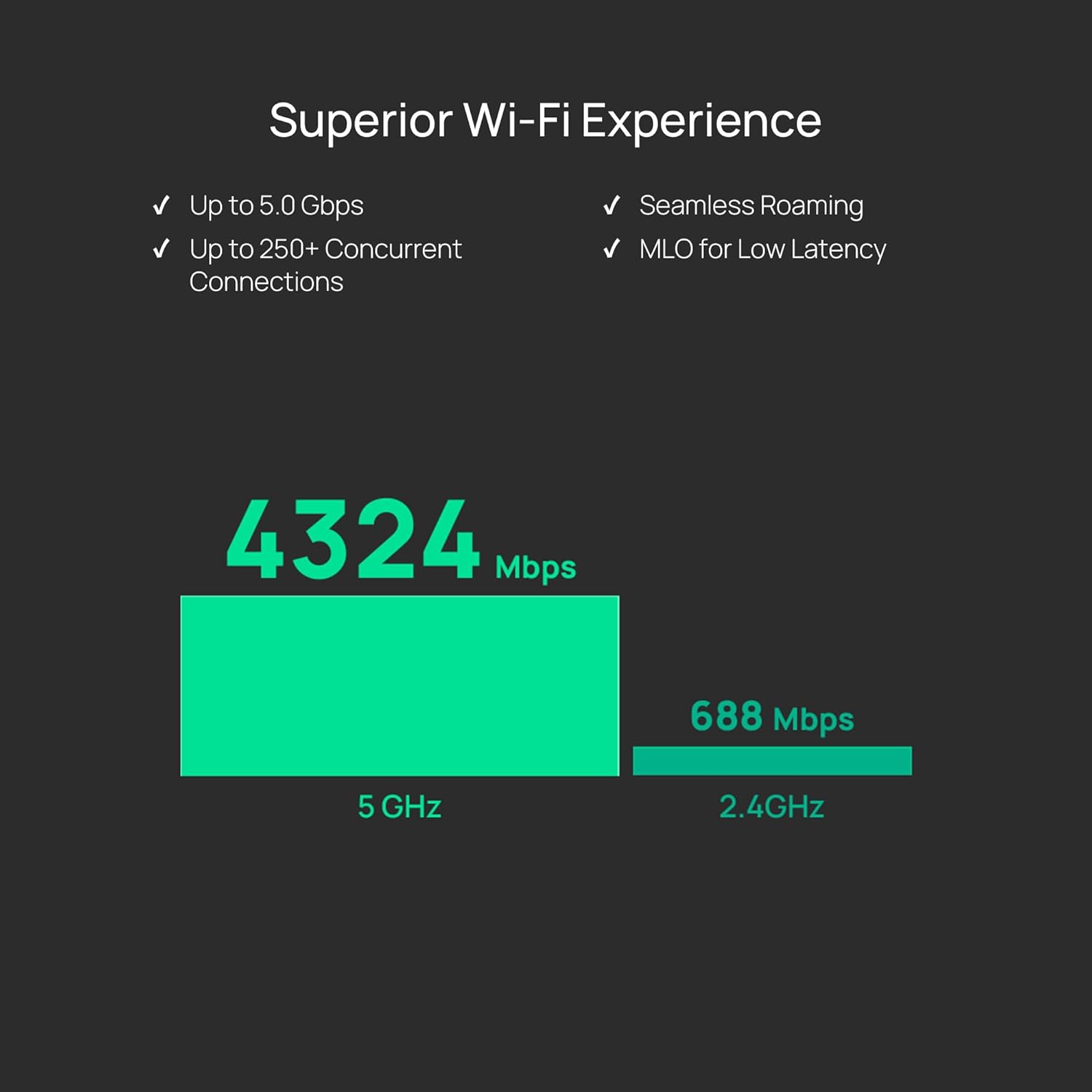
The TP-Link Omada EAP720 is a high-performance Wi-Fi 7 ceiling-mount access point, ideal for businesses. It delivers a total speed of up to 5.0 Gbps across dual bands (4324 Mbps on 5GHz, 688 Mbps on 2.4GHz) using advanced technologies like 4K-QAM and 240MHz bandwidth.
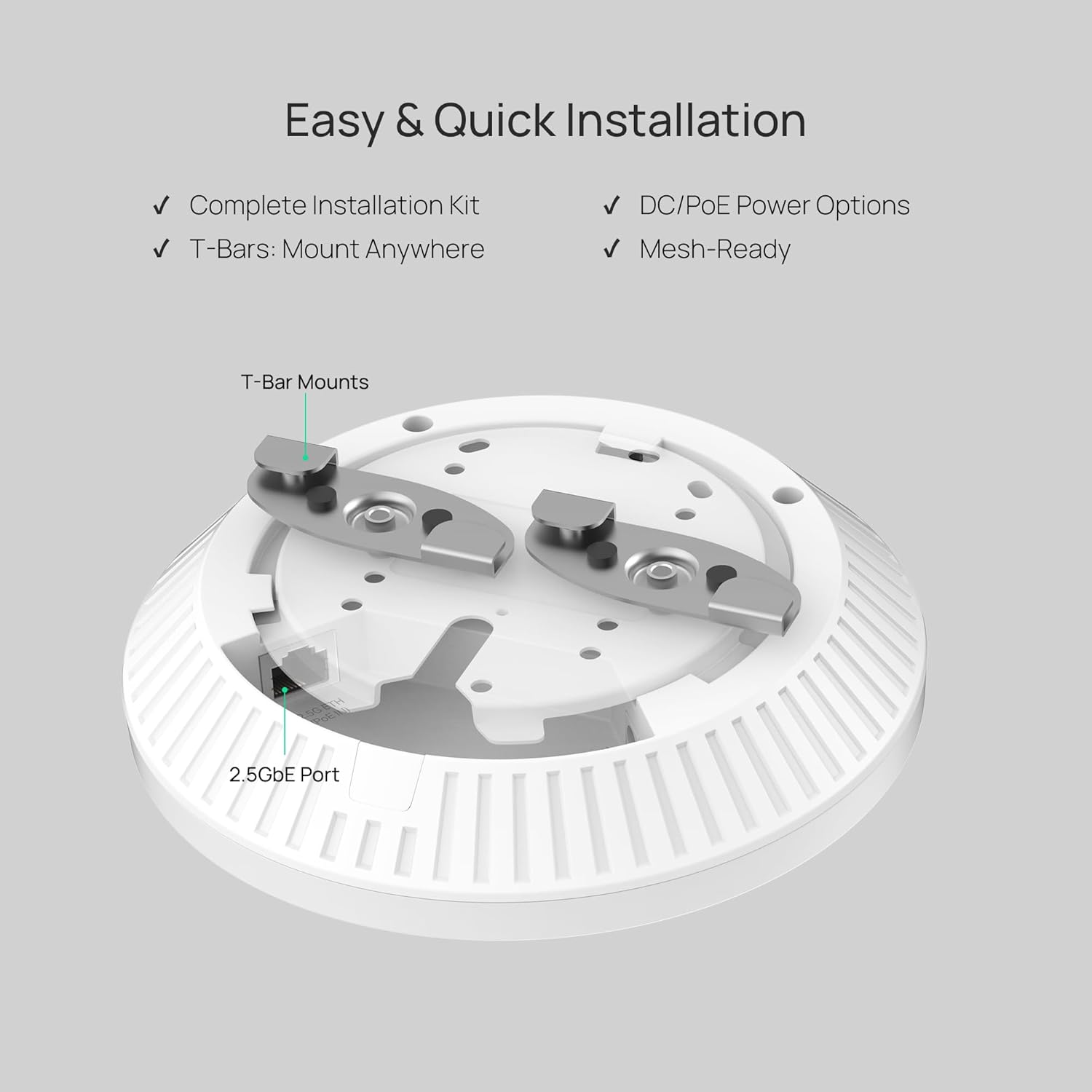
Supporting over 250 concurrent devices, it ensures reliable connectivity in offices or public spaces. With a 2.5G Ethernet port, it boosts wired backhaul. Flexible deployment options include PoE (802.3at) or DC power, plus easy ceiling/wall mounting.
It integrates seamlessly into Omada’s SDN system, enabling mesh networking and centralized management via cloud, app, or local controllers. Enhanced security features like WPA3 and guest network isolation add protection. Perfect for scaling networks with consistent performance.
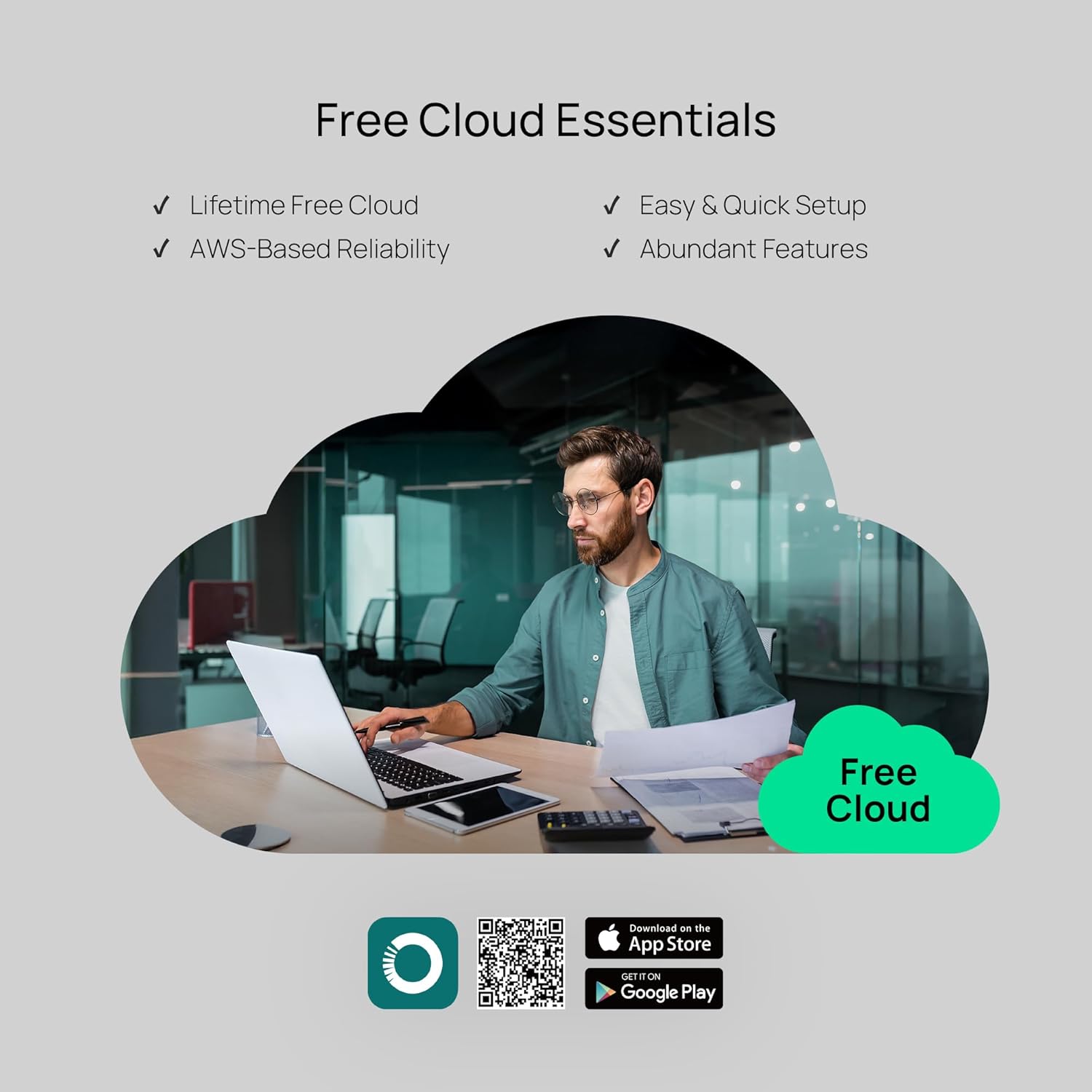
𝐅𝐑𝐄𝐄 𝐎𝐦𝐚𝐝𝐚 𝐄𝐬𝐬𝐞𝐧𝐭𝐢𝐚𝐥 𝐏𝐥𝐚𝐭𝐟𝐨𝐫𝐦 𝐂𝐞𝐧𝐭𝐫𝐚𝐥𝐢𝐳𝐞𝐝 𝐑𝐞𝐦𝐨𝐭𝐞 𝐌𝐚𝐧𝐚𝐠𝐞𝐦𝐞𝐧𝐭: Unlock numerous advanced features by integrating with Omada Cloud Management Platform, such as network monitoring, remote network configuration, AI features, ZTP (Zero Touch Provisioning) etc. More possibilities you can find with your network management
𝐃𝐮𝐚𝐥-𝐁𝐚𝐧𝐝 𝟒-𝐒𝐭𝐫𝐞𝐚𝐦 𝐖𝐢-𝐅𝐢 𝟕: Up to 5.0 Gbps, 4324 Mbps on 5 GHz + 688 Mbps on 2.4 GHz. Powered by Wi-Fi 7 technology, enjoy faster speeds with Multi-Link Operation, increased reliability with Multi-RUs, and 120% more data capacity with 4K-QAM, delivering enhanced performance for all your devices.
𝐅𝐮𝐭𝐮𝐫𝐞 𝐏𝐫𝐨𝐨𝐟 𝟐.𝟓𝐆 𝐏𝐨𝐫𝐭: Equipped with a 2.5 Gigabit Ethernet port to support high-speed networking and future broadband upgrades—no hardware replacement required when switching to multi-gig internet plans.
𝐀𝐛𝐮𝐧𝐝𝐚𝐧𝐭 𝐍𝐞𝐭𝐰𝐨𝐫𝐤𝐢𝐧𝐠 𝐅𝐞𝐚𝐭𝐮𝐫𝐞𝐬 𝐀𝐯𝐚𝐢𝐥𝐚𝐛𝐥𝐞 𝐭𝐨 𝐃𝐞𝐯𝐞𝐥𝐨𝐩: Network monitoring, VLAN segmenting, Bandwidth management, Schedule Setup, Security features, PPSK all seated and right there waiting to be developed for you
𝐏𝐫𝐞𝐦𝐢𝐮𝐦 𝐖𝐢𝐅𝐢 𝐄𝐱𝐩𝐞𝐫𝐢𝐞𝐧𝐜𝐞: Seamless roaming, Mesh, Airtime fairness…etc, business level wifi experience is provided here
𝐅𝐥𝐞𝐱𝐢𝐛𝐥𝐞 𝐃𝐞𝐩𝐥𝐨𝐲𝐦𝐞𝐧𝐭 𝐚𝐧𝐝 𝐄𝐚𝐬𝐲 𝐒𝐞𝐭𝐮𝐩: Supports both 802.3at PoE and DC Power supply for flexible installation (power adapter included). 17.83W total power consumption when powered by PoE. Omada SDN for one-click setup
𝐁𝐮𝐬𝐢𝐧𝐞𝐬𝐬 𝐒𝐭𝐚𝐧𝐝𝐚𝐫𝐝: Enjoy business level quality and performance. Up to 250+ concurrent clients, never lag again even when everybody is streaming
𝟓-𝐘𝐞𝐚𝐫 𝐖𝐚𝐫𝐫𝐚𝐧𝐭𝐲: Backed by our industry-leading 5-years warranty and free technical support from 6am to 6pm PST Monday to Fridays, you can work with confidence
10 reviews for TP-Link Omada WiFi 7 Wireless Access Point | BE5000 Dual Band | 2.5G Port | PoE or DC Powered & Adapter Included | Seamless Roaming | Easy Setup | 5-Year Warranty | Remote Managed(EAP720)


Related products


Senso Bluetooth Headphones, Best Wireless Sports Earphones w/Mic IPX7 Waterproof HD Stereo Sweatproof Earbuds for Gym Running Workout 8 Hour Battery Noise Cancelling Headsets (Black Blue)


TP-Link Tri-Band BE9300 WiFi 7 Router (Archer BE550) – 6-Stream, Full 2.5G Ports w/ 6 Internal Antennas, Up to 2,000 Sq Ft, Add Easy-Mesh Device for Extended Coverage, VPN and Free Expert Support


Slippery Pete –
The perfect solution!
I’ve messed around with trying to place my router in my house, moving it around, changing antenna, putting in boosters… everything to try to get a better signal. I had heard about these on a podcast and decided to give them a try and they work really well. I went with the Omada ones because I picked up the OC300 as well. It has been SOOOO easy to add new access points where needed. I have one on each floor and one outside and paired with the OC300 makes setting up a breeze.Pros:* Easy to set up – if you don’t get an OC200 or OC300 (or use a Raspberry Pi or computer to run their software for free), you simply log in, set up your WiFi networks and you’re on your way. With the OC200/300, you just “adopt” the device and it sets everything up. I now change my WiFi every time I have people over so I can personalize it to them and it keeps them off my primary network.* POE – Don’t want to run power to where you want this? No problem! Just run an ethernet cable and power it over that.* Comes with everything you need for mounting* Great signal strength and covers a lot of area.* I’ve bought all of mine on sale but I would pay full price if needed one in a hurry. Extremely good value for what you get.* There are hidden solutions you can get but people have commented how it looks like I have “professional wireless” in my house. These look just like what you’ll find in an office, if that is important to you.Cons:* None – I’ve been very happy.I’ve switch everyone in my family to these along with an OC200 to run them. Since they have asked me to help them with their networking stuff in the past, it has made my life really easy to be able to run these. I highly recommend them.
RichW –
Reliable AP. Reasonably Priced. Good Performance.
For my home, I prefer a traditional access point connected to a Ubiquity EdgeRouter over Ethernet rather than an integrated consumer wireless router. I had been using a TP-Link EAP225 WiFi-5 AP for over 5 years, and it had been completely reliable. It was time to upgrade to WiFi-6. The EAP650 supports that newer standard, providing an improvement in overall performance. It has been in use for a month and has been perfectly reliable. The signal is also somewhat stronger than the old AP. Supports VLANs, and multiple SSIDs on each frequency band. Easy to configure. A real improvement over the EAP225 is the ability to upgrade the firmware in the UI without having to manually download the firmware file to a PC first. Very nice.
markr –
Excellent Outdoor Access Point
Excellent outdoor access point. Setup through the Omada app was straightforward, and the unit delivers strong, stable coverage over a long distance. Once mounted and powered, it just works. Signal stays solid even through walls and across open areas, and it handles multiple devices without dropping. If you need reliable outdoor WiFi with real range, this is a great choice. It is easy to setup, it is small and well made.
FlawlessJuiceBox –
Blazing fast, reliable, and customizable!
I’ve recently re-worked my home network to use all Omada APs and switches.One access point looks to be enough to cover my whole home, but I may add more in the future.The AP can broadcast multiple SSIDs, VLANS, and bands to allow support for older devices.Pro tip: As long as one AP is plugged into your network with Ethernet, you can connect others using “Omada Mesh”This is great for the “prosumer” who wants to standardize their home network, but is also easy enough for anyone to configure.
Jake –
Great Coverage, but Band Steering Needs Work
The Omada Access Point delivers excellent coverage and integrates smoothly with the Omada Software Controller, making setup and management simple. Speeds are fast and reliable once connected, and roaming between APs works well in my setup. My only complaint is the “seamless” band steering between 2.4GHz and 5GHz — it’s not truly seamless. I’ll sometimes have full Wi-Fi bars but can’t load anything for a few seconds while it switches bands, which can be frustrating during calls or streaming. Overall, it’s still a great AP for the price, but I hope TP-Link improves the band steering in future firmware updates.
Andrey –
Gerência diversos cenários, inclusive para rede de convidados, restringindo e o acesso à rede do cliente.
Fernando Aurelio Ruiz de Chavez Olvera –
Excelente producto!
Rick M –
Set up was a little confusing reading the directions. But after installing the app and following step-by-step, it was easy to figure out. The AX 3000 EPA 650 outdoor once installed works amazing. My outdoor Wi-Fi went from 25 MB to over 700 MB. After it was all connected. Make sure to do your research to see if this will work for you. It is a good product and provides great wifi signal where needed. I noticed that any trees or other obstructions very quickly reduce the signal. So make sure you place it in an area that will offer the best coverage.
Juan Villaseñor –
Me han endulzado la vida literalmente. Gracias por hacerme llegar el punto de acceso Eap650-outdoor. Con este equipo tengo planeado llevar el internet por wifi a una distancia muy considerable de mi casa, calculo 100 mts. Pronto actualizaré está publicación para hacer una reseña más extensa y algunas fotos de la implementación.
Mazen AL-Mesned –
من افضل الاكسس بوينت اللي شفتها ، يدعم تقنية المش والتنقل السلس ، تقدر تشبكة عن طريق محول الطاقة او عن طريق كيبل الاثيرنت اذا عندك السويتش يدعم POE ، راح تستغني عن محول الطاقة .وحجمة صغير وجميل على السقف افضل من الاصدارات السابقة