

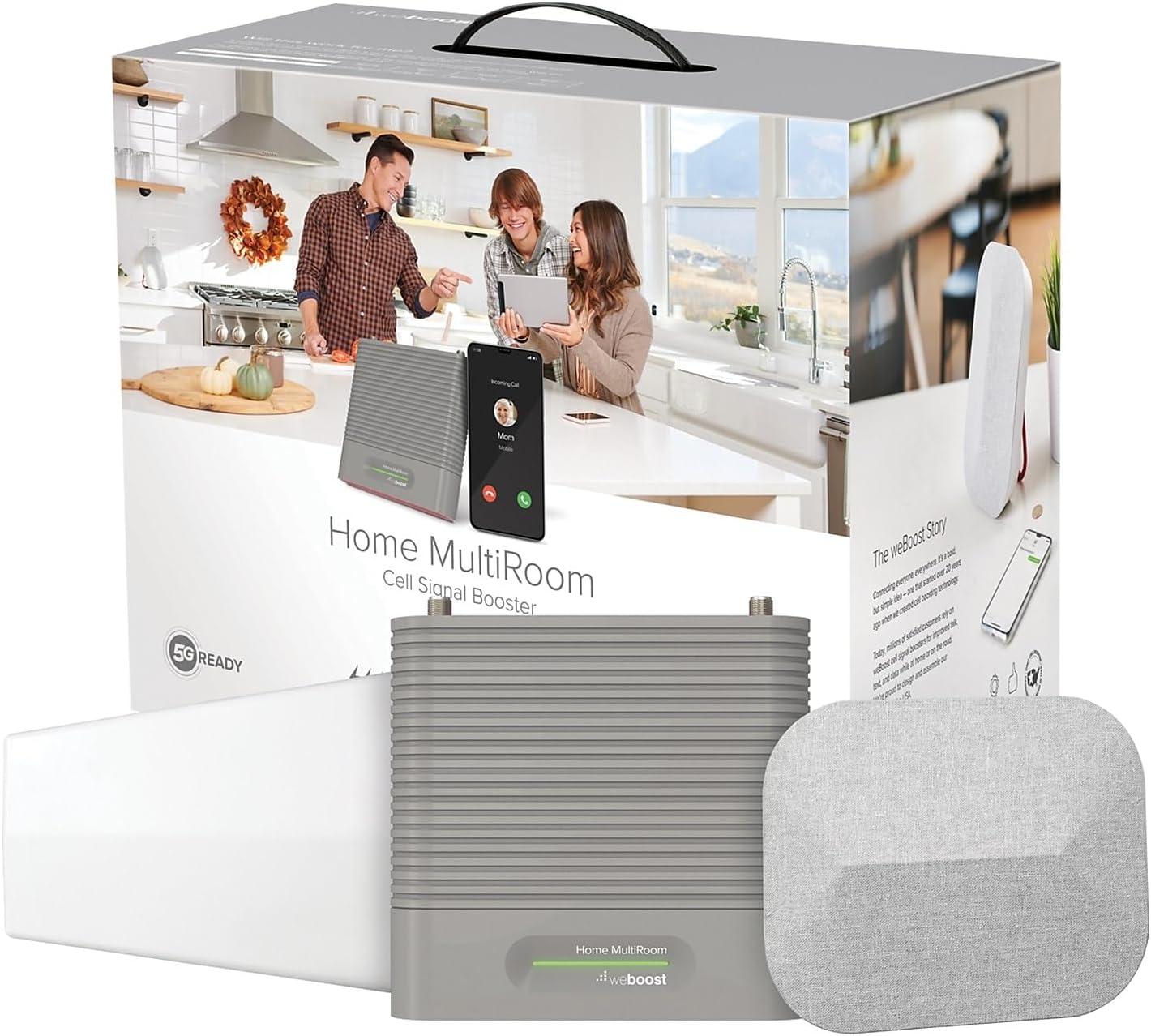
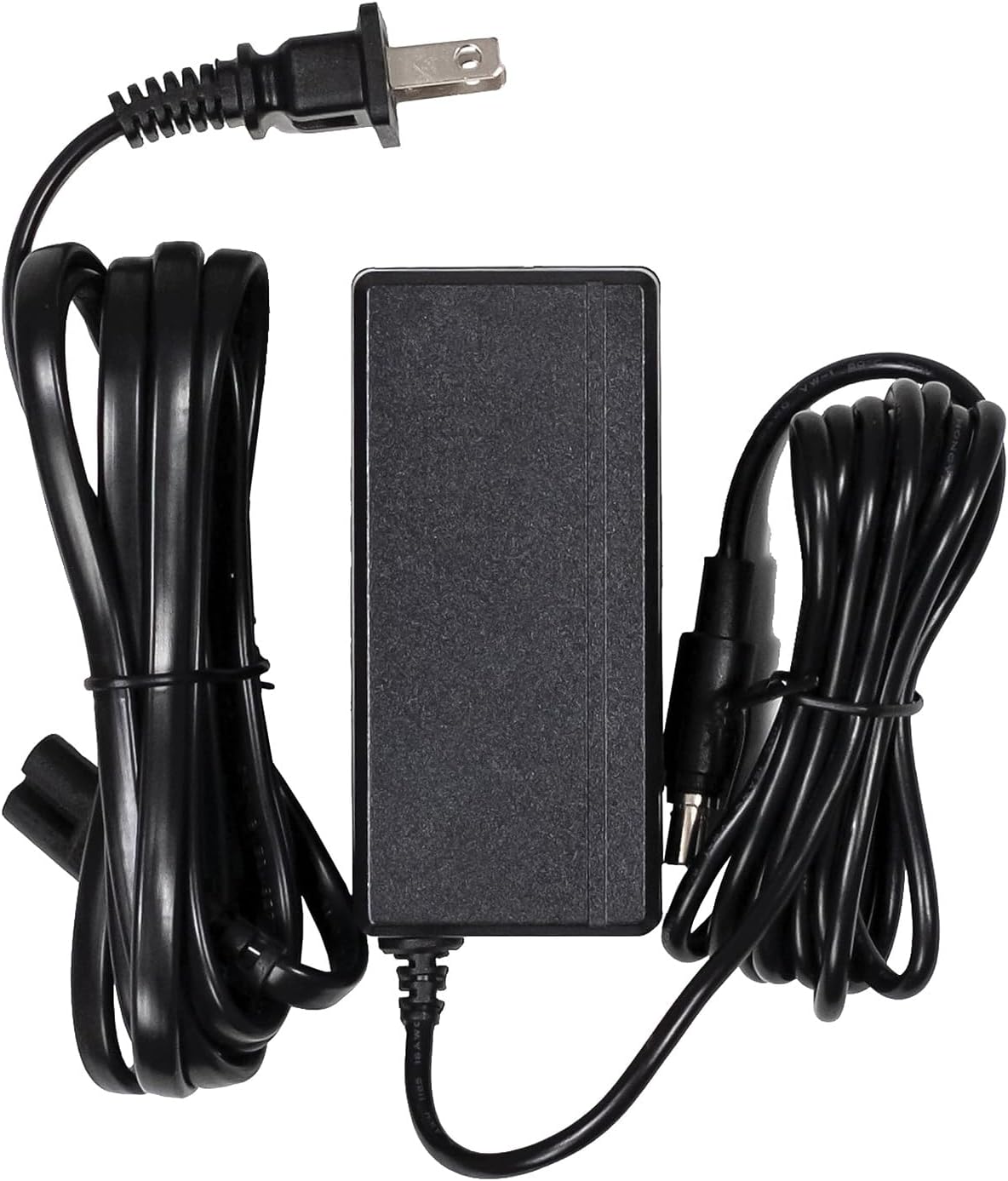
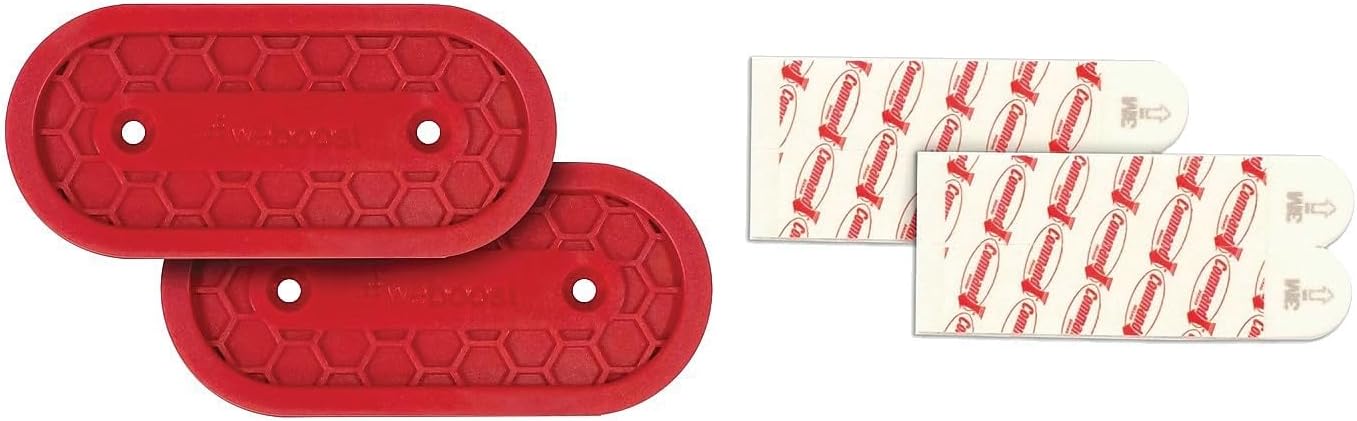
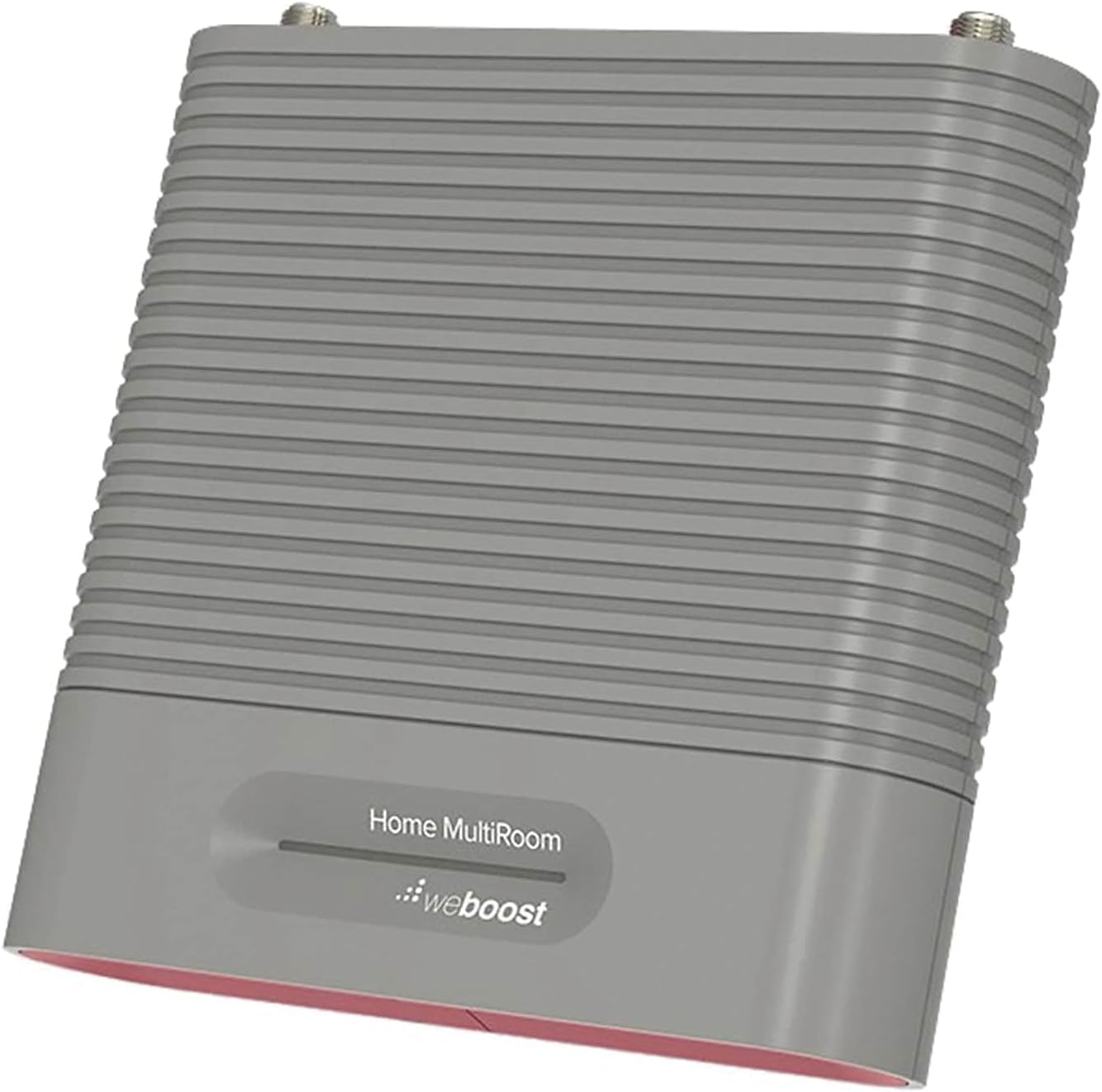
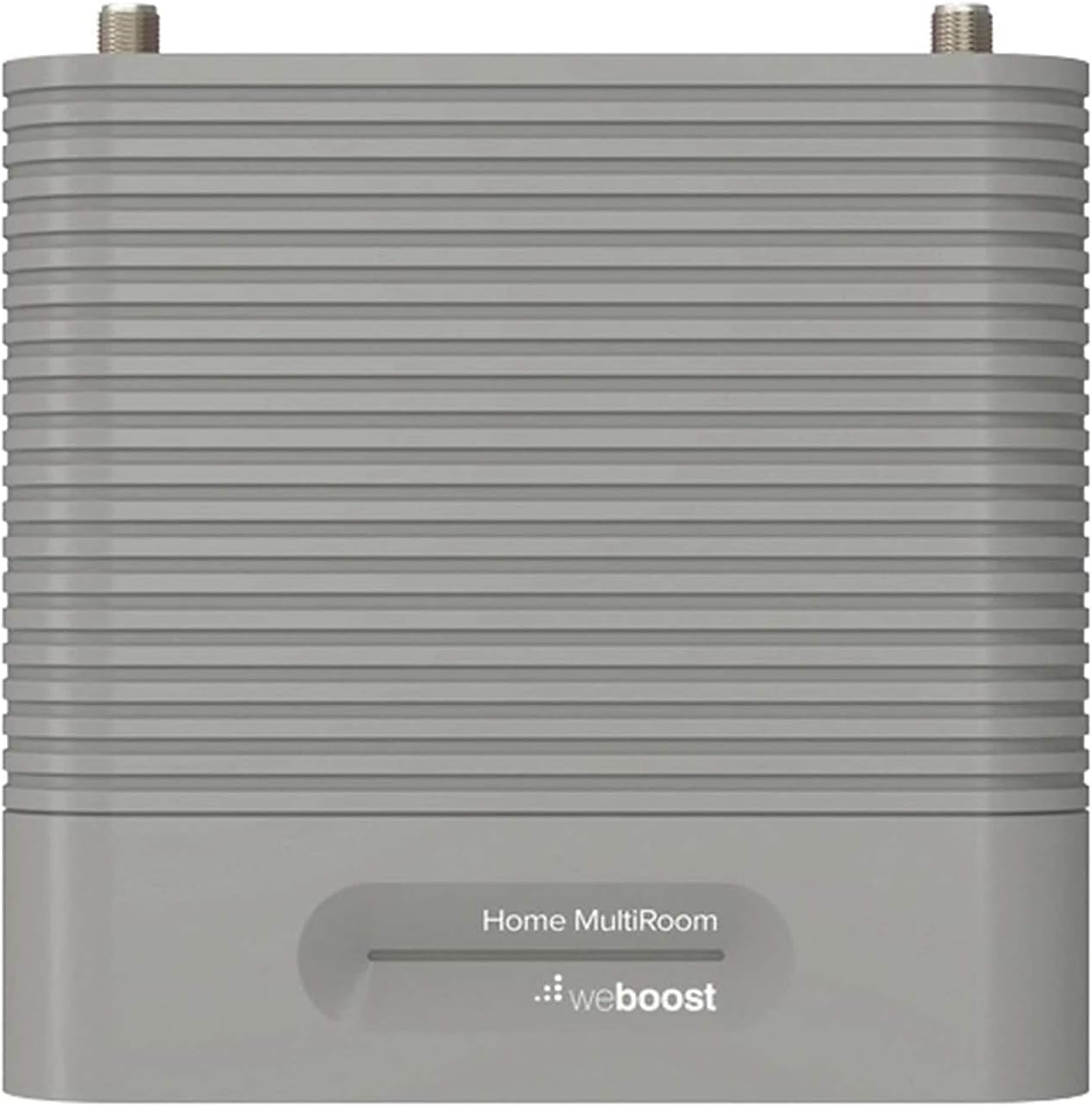
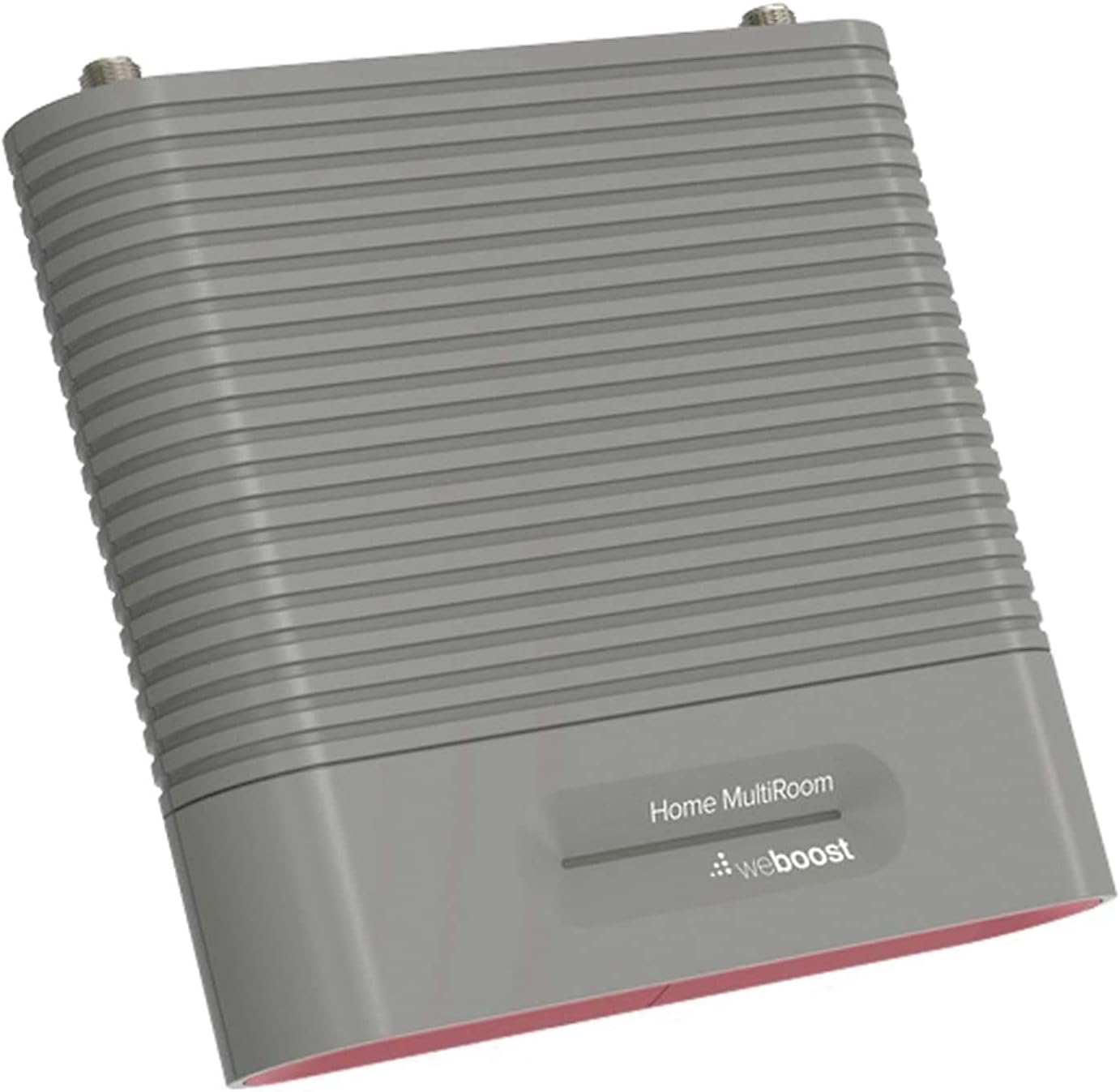

weBoost Home MultiRoom – Cell Phone Signal Booster | Boosts 4G LTE & 5G up to 5,000 sq ft for all U.S. Carriers – Verizon, AT&T, T-Mobile & more | Made in the U.S. | FCC Approved (model 470144)
$569.99
Price: $569.99
(as of Feb 12, 2026 14:59:29 UTC – Details)
Say goodbye to poor reception and hello to crystal-clear calls, texts, and streaming with weBoost’s Home MultiRoom, the ultimate cell signal booster for your home. This powerful device extends your cellular network, delivering reliable signal enhancement in up to four rooms or an area of up to 5,000 square feet. Plus, it works directly off the network so there’s no need for wifi calling, password sharing, and more. Whether you’re working from the comfort of your home office or streaming in the basement, the Home MultiRoom ensures that every corner of your house has superior connectivity.
Installation is a stress-free affair, thanks to the weBoost App guiding you through each step. Plus, with its compatibility with all major U.S., Canada, and Mexico carriers, including Verizon, T-Mobile, AT&T, Dish, and US Cellular, every device in your household can benefit from the improved signal, making dropped calls and sluggish data speeds a thing of the past.
And with no subscriptions or ongoing costs, this one-time investment continues to pay dividends in the form of consistently strong and reliable cellular connections. With this home cell booster, you can embrace the freedom of staying connected wherever you are at home.
Whether road-tripping in an RV, traveling cross-country in a big rig, living in a rural area or in the bustling city, or building a new home or commercial property in a location that struggles with weak signal, our award-winning cell phone signal boosters have you covered without any subscription fees. The weBoost brand stands apart from its competition for its superior customer service, partnerships, and products that are proudly designed, assembled, and tested in the USA. We continue to innovate, develop, and pioneer technology as the industry market leader. We hold over 250 cellular signal amplification patents.
Eliminate Dead Zones, Dropped Calls, And Buffering – Enjoy Fewer Dropped Calls, Incredibly Fast Data Speeds, And Better Voice Quality. Talk, Stream, Post, Text, And Use Apps Where You Couldn’T Before – Even In Rural Areas, Basements, Or Metal Buildings With Up To 100X Better Signal. .Power : 110-240 V Ac, 50-60 Hz, 8 W. Impedance : 75 Ohm
Top Seller, Best For Most People — Cell Booster Enhances Cell Signal For Up To 5,000 Square Feet Or Up To 3-4 Rooms. Finally Use Your Devices In Those Annoying Trouble Spots.
Every User, Any Carrier – Home Multiroom Boosts Signal For Every Cellular Device In Your Home, No Matter What Carrier. No Additional Fees – It’S Covered By Your Current Wireless Plan.
FCC approved- FCC ID PWO460044
Weboost App – Makes Diy Installation Even Easier With Step-By-Step Instruction. Find The Nearest Tower. See Your Signal Strength Before And After Installation.
8 reviews for weBoost Home MultiRoom – Cell Phone Signal Booster | Boosts 4G LTE & 5G up to 5,000 sq ft for all U.S. Carriers – Verizon, AT&T, T-Mobile & more | Made in the U.S. | FCC Approved (model 470144)


Related products


Ailun Privacy Screen Protector for iPhone 16e / iPhone 14 / iPhone 13 / iPhone 13 Pro [6.1 Inch] 2 Pack Anti Spy Private Tempered Glass Anti-Scratch Case Friendly [Not for iPhone 16 6.1 Inch]
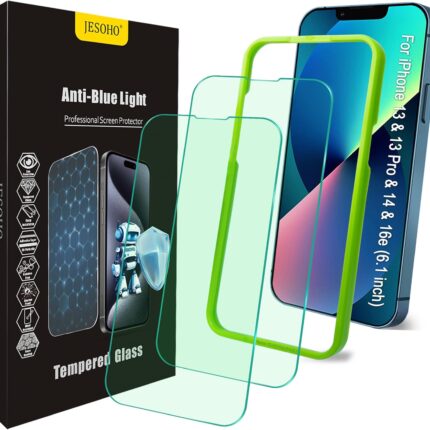

Blue Light Screen Protector for iPhone 16e iPhone 13 iPhone 13 Pro & iPhone 14 (6.1inch), Eye Protection Tempered Glass Film, Scratch-Resistant, No Bubble with Easy Installation Kit, 2 Pack


CANSHN Magnetic for iPhone 13 Case, Upgraded [Full Camera Protection] [Compatible with Magsafe] [Translucent Matte] Shockproof Protective Phone Case for iPhone 13 6.1″ – Hot Pink


JETech Screen Protector for iPhone Air, Tempered Glass Film with Easy Installation Tool, 9H Hardness, Case-Friendly, 6.5-Inch Display, 3-Pack


Kaistyle for Magsafe Car Mount【20 Strong Magnets】Magnetic Phone Holder for Car Phone Holder Mount Dash Mounted Holders Cell Phone Holders for Your Car Accessories for Women Men for iPhone 17 16 15 14


Amazon Customer –
Works as advertised.
My cabin in the country is in a very remote area, down in a valley far away from any big city. Phone connectivity has been spotty to non existant I bought the WeBoost Cabin signal booster as a last resort. I could not be more pleased. I can now make and receive phone calls, send and receive text messages and access the internet on my phone. Install took less than a two hours, including installing the antennea on the cabin roof and making adjustments. My only complaint is the downloaded app for installation is cheesy and needs some refinement. The product itself is just perfect for my particular application. Very satisfied with this product.
BrotherJack –
WORKS AWESOME – but you have to do a couple of things to get it right.
This thing works GREAT!!!! I went from 0 service to 4 out of 5 bars of service with this thing. However, there are two things you need to know to get that kind of performance, so I will tell you those two things, and then post a how-to for how I set mine up.1) You have to research which bands the booster will boost and compare them to which bands your cell phone provider (and your specific cell phone) uses. WeBoost (and others) sell different boosters for different bands and carriers. It would seem obvious – but if this booster does not boost the band(s) you need, then you will get no boost (which is the main complaint the negative reviewers post).2) The antenna is DIRECTIONAL, which means you need to point it in the direction of the tower(s) you are going to be using. If you don’t, it can drastically affect how well it works (or doesn’t).How-To (or How-I-Did):Before I ordered: I used a free phone app for Android called “Network Cell Info Lite” (there are others that do the same thing), which would tell me 1) what bands my phone was using, and 2) what direction the towers were from my current location. With the app installed on my phone, I climbed up on a ladder until I finally got a signal (I got 0 signal on the ground, so climbing the ladder was a necessity). About 15 feet off the ground, I got about -110dbm of signal, and found that the phone would alternate between band 5 and band 13. I checked, and this booster does both of them, so I ordered it. I also checked, and it showed me the location of the towers, both of which were in the same direction, north and east of my location.When the WeBoost arrived (along with a $18 Wilson mast I bought to mount it to the side of my barn), I unpacked the unit and read the directions. I mounted the antenna on the side of the barn about 18 feet off the ground, and pointed the antenna roughly in the direction of where I knew the towers were from my pre-order checklist. Then I ran the cables, and setup the booster and the inside antenna as explained in the directions.I turned everything on, and was disappointed to find I got 0 signal boost. I pulled out the app again, and checked the location of the towers, and realized I had the antenna pointed about 20 degrees the wrong way.When I looked close, I also saw I had it probably 15 degrees out of line on the horizontal axis as well. That’s what I get for ‘eyeballing it’. Back up the ladder with the phone in hand, and this time I got it lined up within about 1-2 degrees of ‘perfect’ (at least according to where the phone said the towers are).OH SNAP, THAT WORKED!!!! The light on the booster unit went from red to green, and I found I suddenly had 4 out of 5 bars of 4G signal when standing in the exact same spot(s) where I previously had 0 signal at all (no 3g, no 4g, not even 1x). Phone worked fantastic, download speeds were great, etc.This specific unit has a higher level of boost (covers more area) than most, and I find that my phone works anywhere within about 100 feet of the inside antenna that re-transmits the boosted signal.So in summary – the antenna is pretty directional, so you need to get it lined up on the tower you want it to boost from pretty well, and you need to have a unit that boosts the band(s) your phone/provider uses. If you can do those two things, this thing works GREAT. If you can’t do those two things, you may have a less than happy experience with this thing (and probably any booster, as they all work on the same principles).Hope this helps.
Jason B –
Worked way better than I expected
So I purchased this for our house in the Phoenix area. We have plenty of coverage most of the places around us, but for whatever reason the signal in our house was not that great. Our phones would not get better than 1 bar and we would lose phone calls and our data was slower than I thought it should be (of course we are on wifi all the time). After talking with ATT over and over and over and over, it was obvious they were not going to do anything to help us out so I decided to give this a try. To be honest I was kind of hoping it would not work since it was $550 and I was not to excited about spending that kind of money on a device to make a cell phone work! But working from home I live on the phone and using WiFi calling never seemed to give the same overall quality, was delayed, etc.Just to give you a quick idea of how I found the towers, since we are all iOS users, there was not a great app for it and you can’t get a great signal meter on the iPhone anymore even with going into the test mode of the phone. This may not be the best way, but it sure worked good for me. I have seen many towers when I am out and about so I decided to drive to each tower that I have seen within a couple of miles of me, and mark them on a map if my signal on my phone was really good when close to it. Each tower I got to, I would turn airplane mode on and back off to make sure it got a fresh signal and if the signal was not that strong, I assumed it was not a tower for me.After getting those marked on a map, I went home and opened up google maps and found the location of each tower, then i used the measure feature (right click on the tower to go to measure) and drew a straight line to the location on my house I was going to place the antenna. After doing this and being in Satellite view, it gave me a very good line of sight and direction to point the outside antenna.I mounted the outside pole on the peak of the roof since that was where it was going to live, and then ran all the wires through doorways before I got crazy drilling holes, etc. Having the outside antenna mounted is important though so that you know it did not end up hanging down and pointed at the ground when you are inside checking signal. After getting things hooked up, I turned on the repeater, cycled airplane mode on my phone and BAM I instantly had full bars! You can see on the images that the signal increased and the speed test was a huge difference!I decided to not even try the other towers since this one worked so well for us. I have not checked other providers yet as we all have ATT so I did not worry about it that much but I do have the ability to rotate the outside antenna pretty easy if I need to.The inside piece looks like a doorbell or something so it’s not that “ugly” and we have it facing out into the larger area of our home. Our home is about 2100 sq ft and it seems to have made a big difference no matter were we go as long as we are not behind the inside antenna. Even directly beside it and around 15′ away we still get a very nice solid 3 bars and calls are perfectly clear.The main reason I did not give it 5 stars is I would like to see a few things different for the price.1. Would be nice if the amplifier had more than just lights on it. Seems like it would not be hard to put an LCD display that gives a bit more info rather than different color lights. I know they have commercial units that do this from Wilson, but for $550 I think it should.2. I would also like the ability to put more inside antennas, maybe ceiling mounted ones in different rooms. Now to be fair, I have not asked Wilson about this yet, but I do not see anything on their website that states I could.3. I wish there was a better way to search for and find your outside cell phone towers. I know this is not their fault, but maybe they could somehow work with a company and develop an app. I mean this is their primary business of celling cell phone repeaters.4. I wish the price was not so high for the features we get.Again as I had mentioned before I was shocked how well it did work. It has only been in for a day but so far it’s been solid. Time will tell and if anything changes I will be sure to come back and update the review.
Stephanie Y. –
False advertisement
The item is listed as like new but it’s not it’s used and not Amazon standards of like new condition. It’s was missing parts and scuffed in multiple places and was not in it’s original box. It also doesn’t work correctly, light is green and everything is setup correctly but doesn’t do what it’s suppose to.”Used – Like New or Open Box: An item in like new condition, without any scratches or scruffs and in perfect working condition. The original protective wrapping may be missing, but the original packaging is intact and in good condition with minor damage possible. The item should be free of any defects and in perfect working order, just as it would be had you purchased a brand new item, just the package is no longer sealed. Instructions are included.”
William H. –
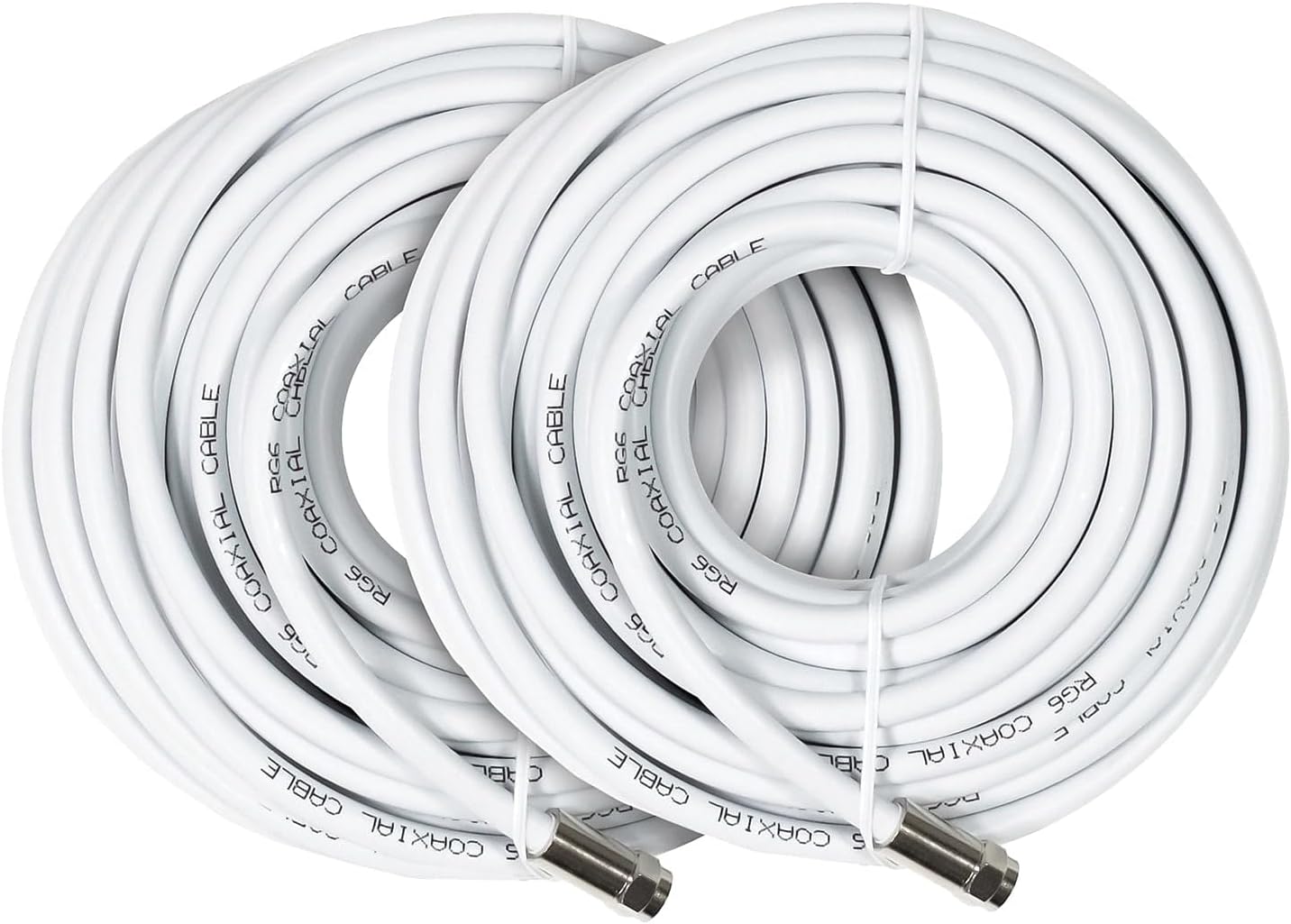
Para los usuarios de telefonía celular en México. Este producto sirve para amplificar la banda GSM sin usar Wi-Fi. Me resolvió un problema de señal que Telcel no atendió. Este es un excelente producto para aquellas personas que tengan problemas de falta o intermitencia señal. Sin embargo requiere una instalación de una antena con un poste debidamente orientada a la torre de servicio celular de tu proveedor de telefonía móvil (hay aplicaciones que buedes instalar en tu teléfono para orientar la antena). Además requiere una instalación de cable coaxial RG-6 o RG-11 a una antena dentro del domicilio como si contrataras un servicio de Internet. Pero hecho esto adiós a la falta de señal. Lo que si recomendaría buscar una buena oferta porque es un equipo algo caro.
Excelente para pelaje blanco –
De no tener señal a tener el 100%, funciona fantástico con Telcel y AT&Y
Alejandro Renteria –
He comprado 2 signal booster de otras marcas que de inmediato emitieron la señal que requeríamos pero en este caso elegí este producto por que queríamos algo de mayor calidad y mayor potencia pero por algún motivo jamás emitió absolutamente ninguna señal a pesar de que el dispositivo principal siempre tuvo el foco indicador encendido en color Verde, y lo peor es que la aplicación para controlarlo no está disponible en México.
Amaury –
No sirve para nada, se intentó instalar de varias formas, calibrar, etc y simplemente no funciona.