

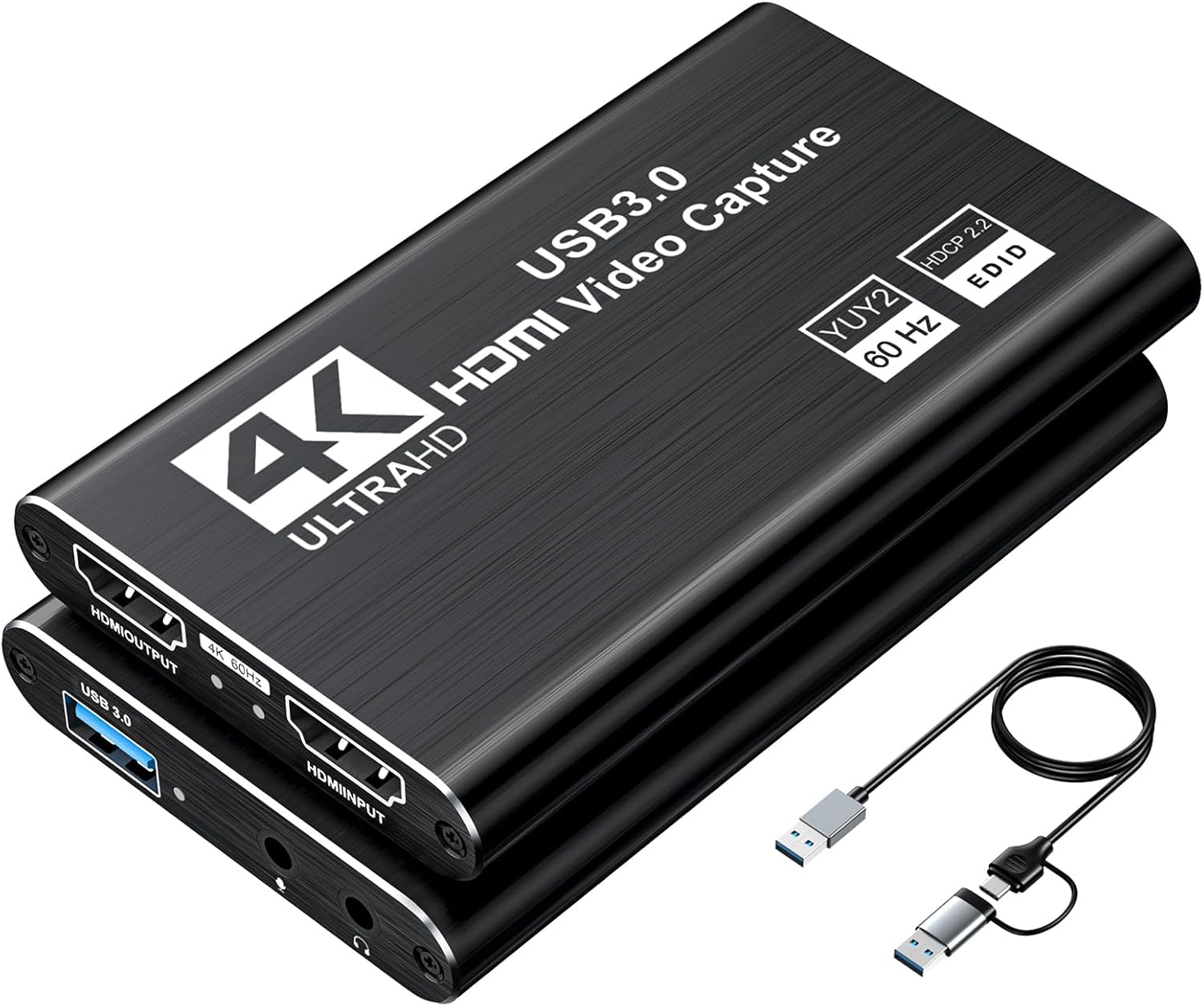
Video Capture Card, Audio Video Capture Card, USB 3.0 Capture Card 4K HDMI Loop-Out, 1080P 60FPS/2K 30FPS Video Game Capture for Streaming Works for PS5/Switch/Camera/PC/OBS(Black)
$27.99
Price: $24.99 - $27.99
(as of Feb 14, 2026 05:47:51 UTC – Details)
From the brand

Video Capture Card with PD


3.0 Capture Card
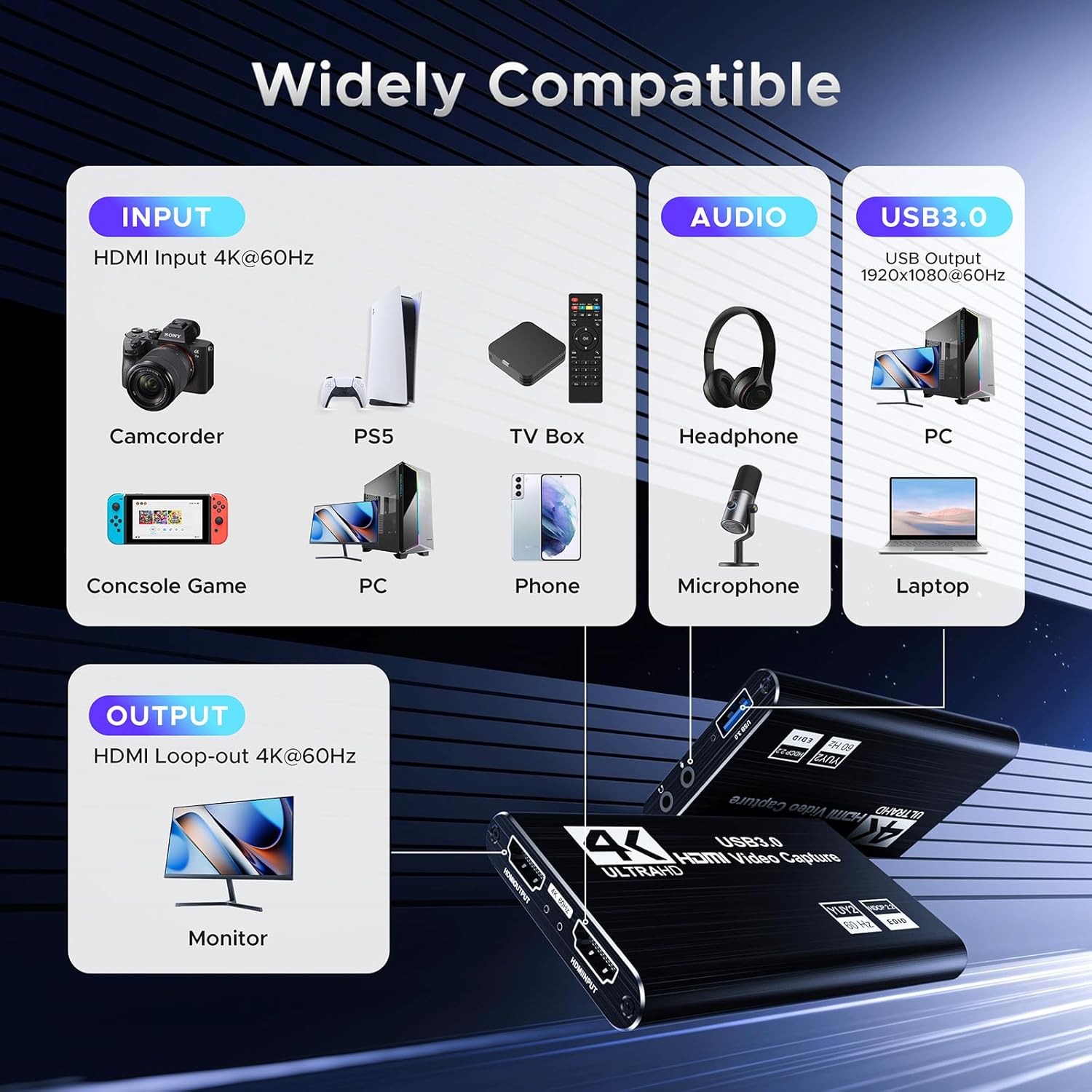
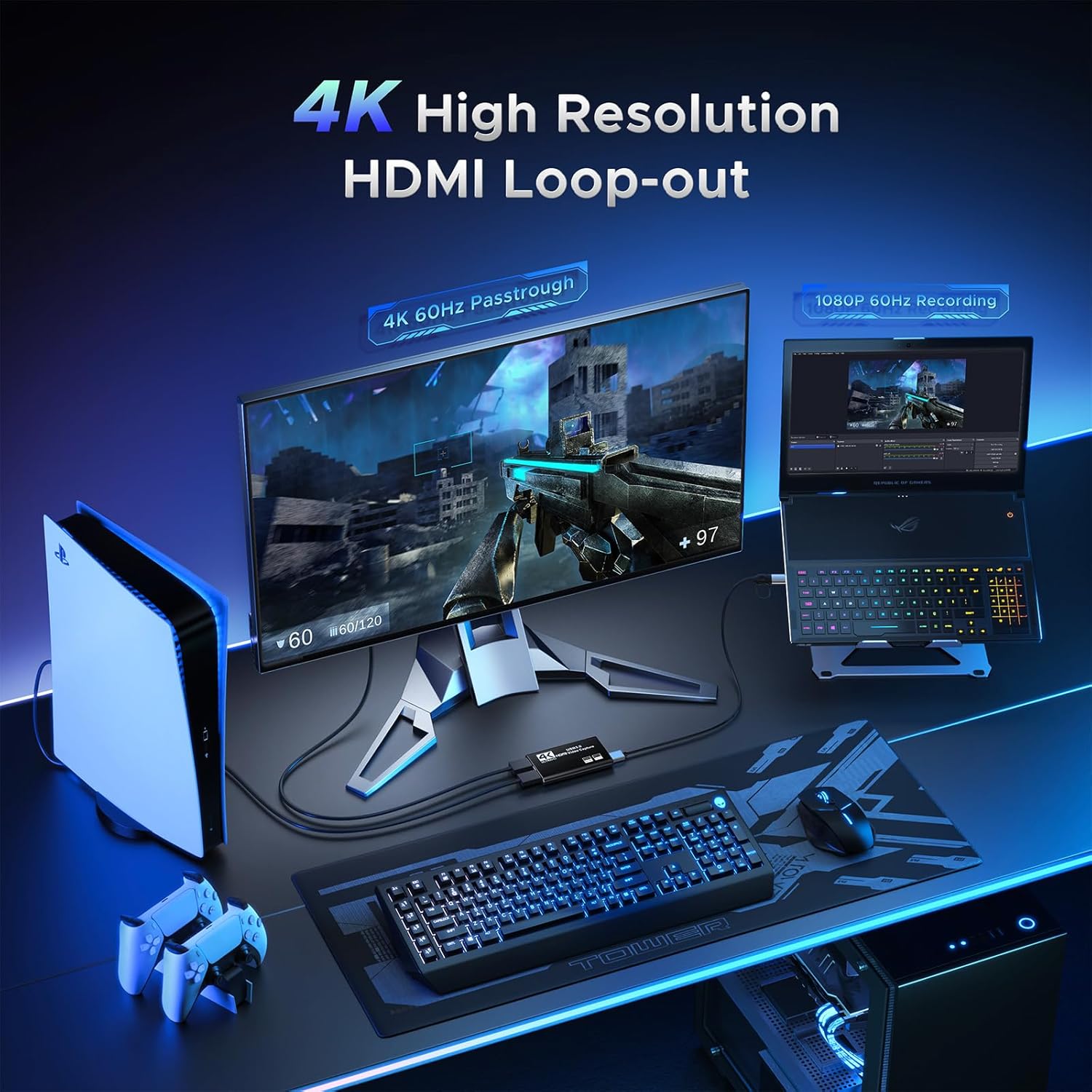
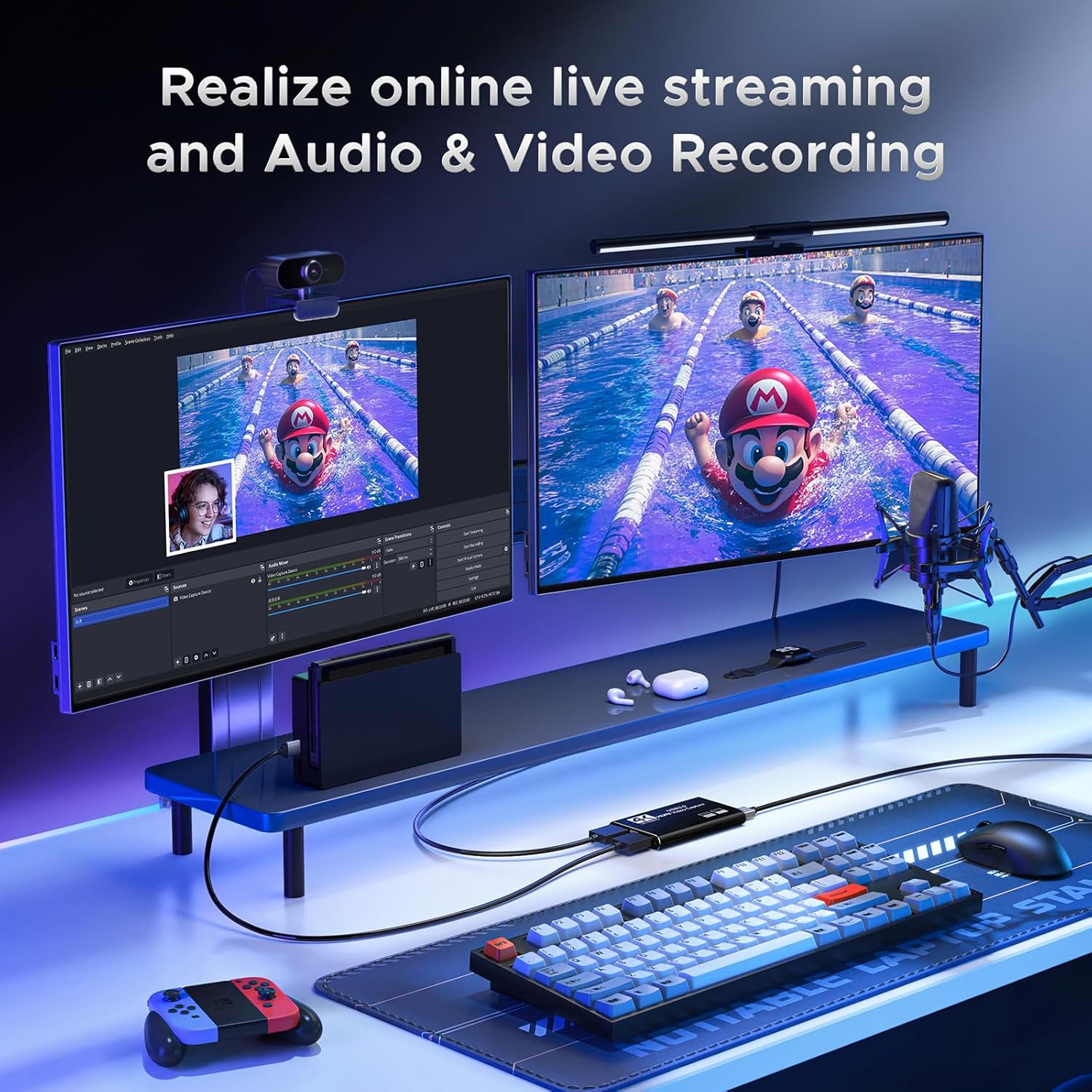
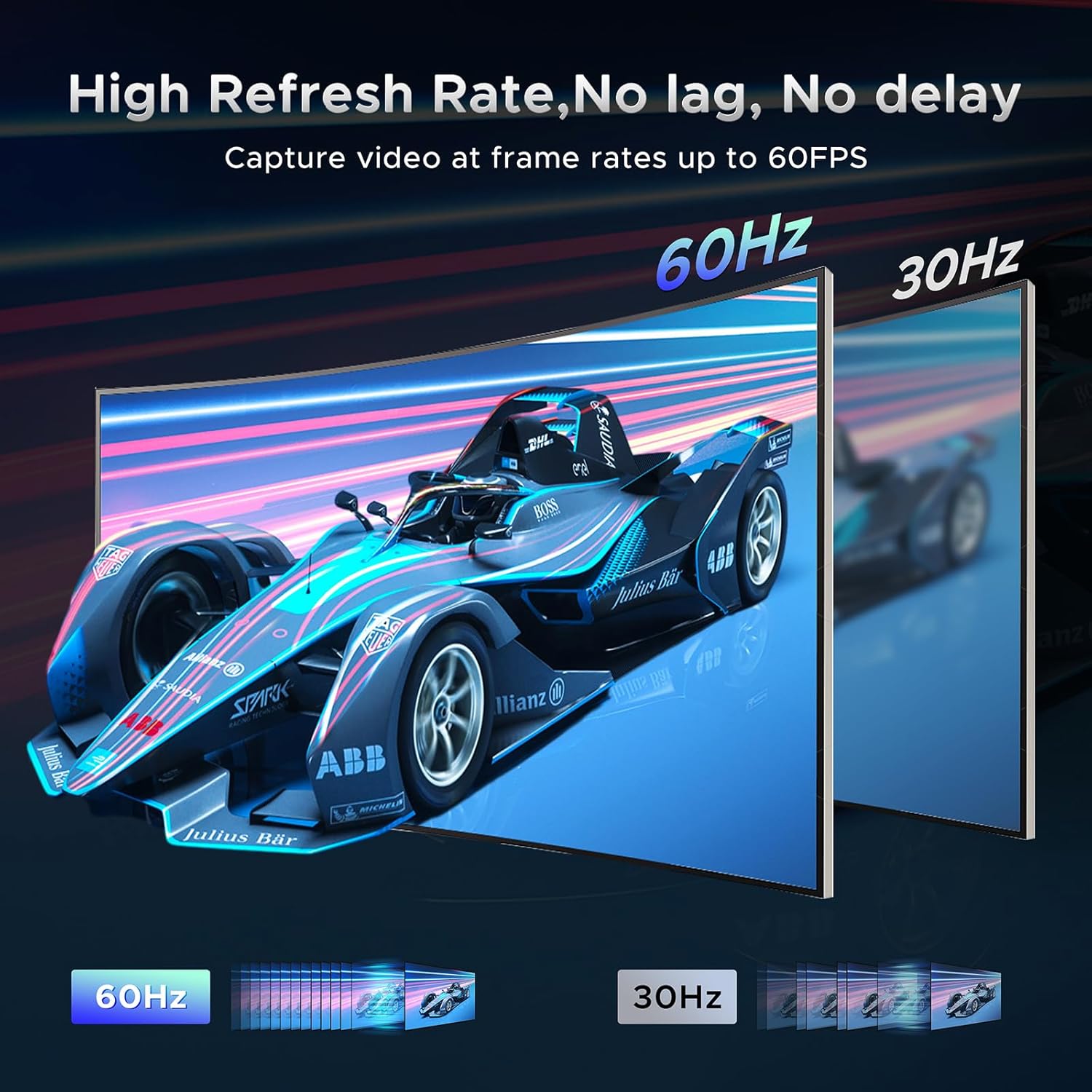
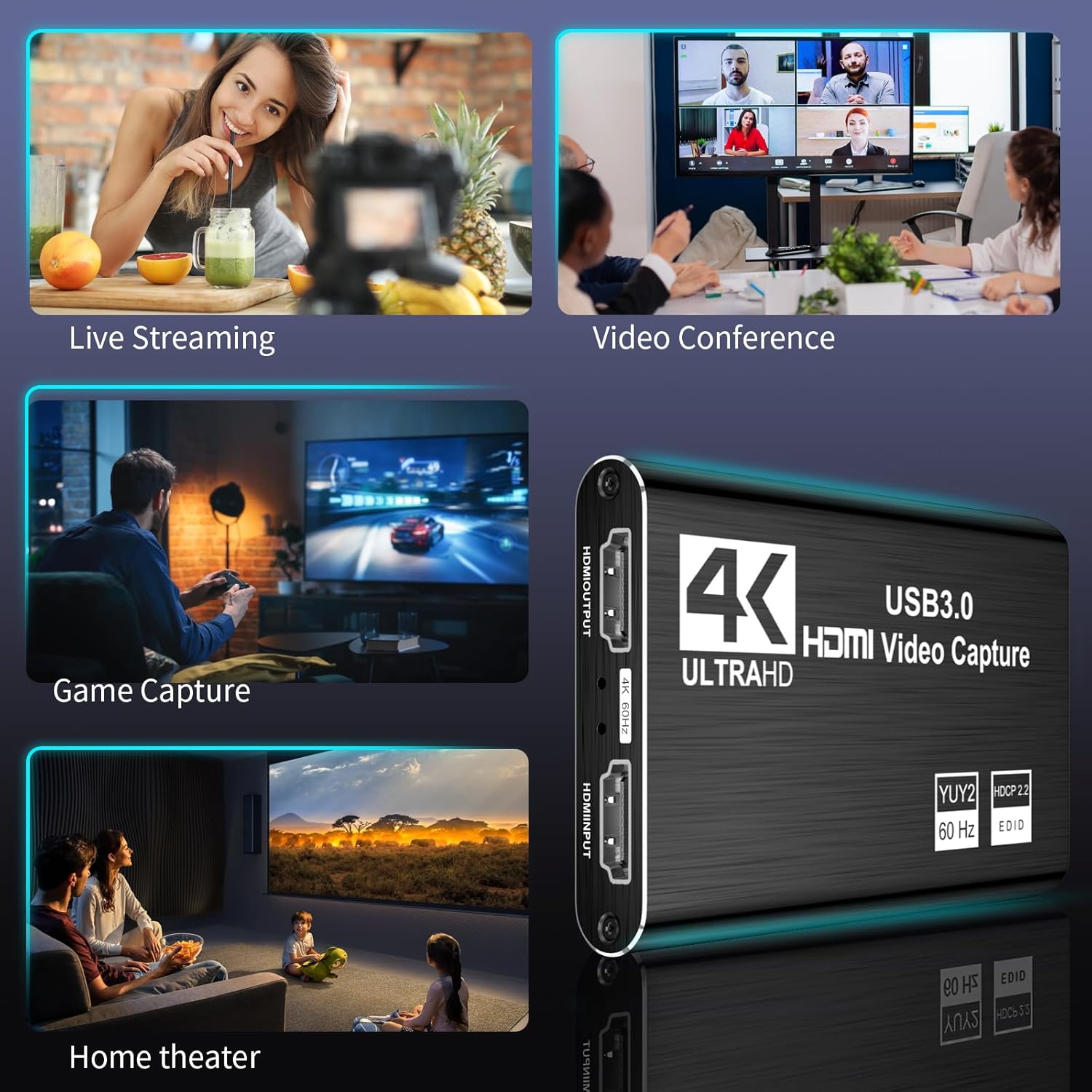
【4K Loop-out & 2K30 Capture】 This HDMI game capture card for switch comes with 5 ports. Faster transmission speed, better meet the needs of high frame rate video capture, support 4K 60HZ HDMI input and loop out up to 4K 60HZ, perfectly adapted to USB3.0 1080P 60fps/2K30fps video output. Support YUY2, easily meet the online capture, real-time recording, online meetings, live games and other functions
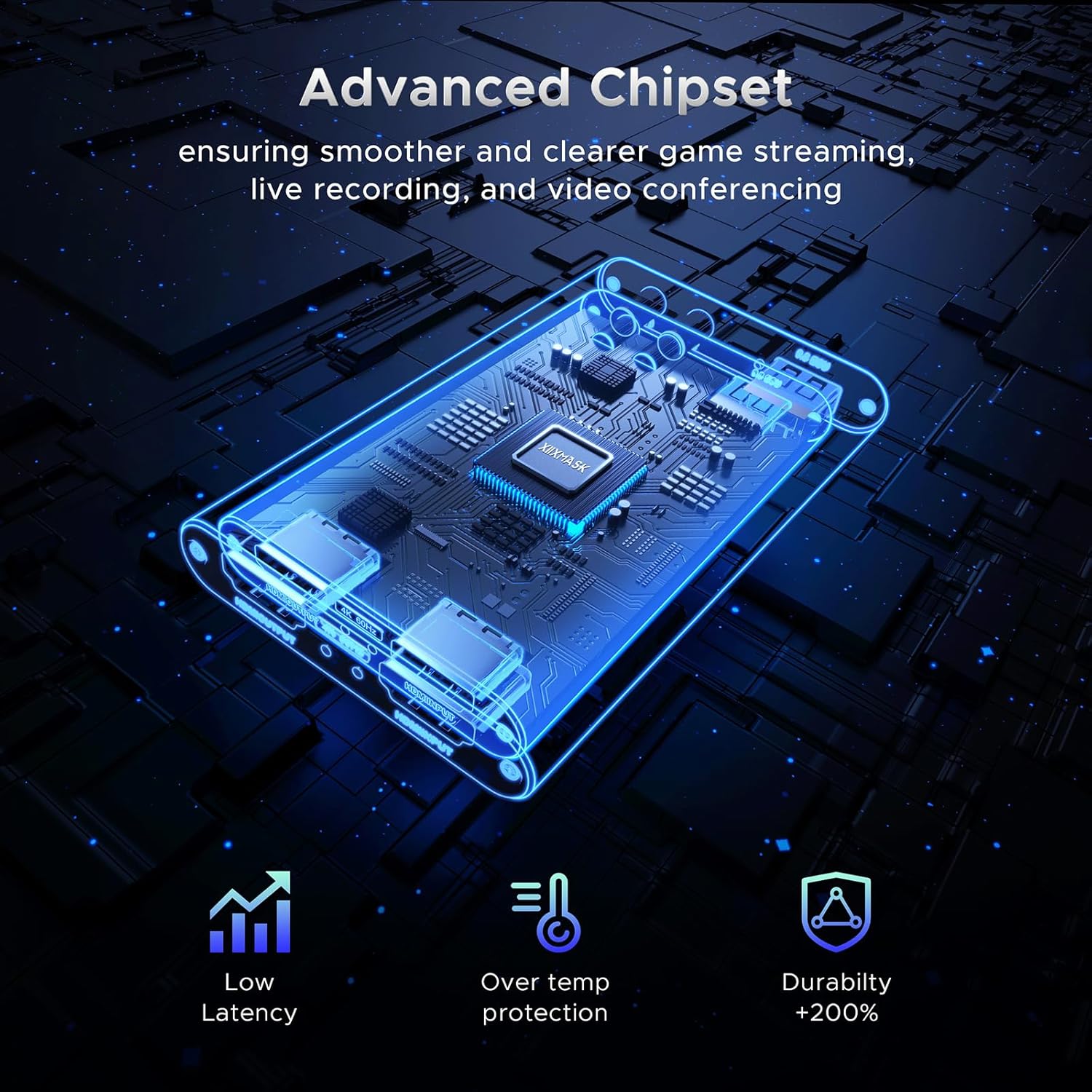
【Strong Stability, Ultra-low Latency】 The HDMI capture card is made of high quality aluminum alloy with strong heat dissipation, and the new cable layout design makes for greater stability and clearer picture quality to avoid blue screens and lag. This HDMI to USB A/USB C capture card supports easy recording of high quality audio or HD video and transferring it to your computer or streaming platform, allowing you to record 60 fps HD video directly on your hard drive and real-time preview
【Support Mic-in for Commentary】This audio video capture card allows you to plug in a 3.5mm headset or microphone so you can easily stream your voice and record your voice through the port. For example, add external audio to a live game or interview. Note: it does not record party chats.
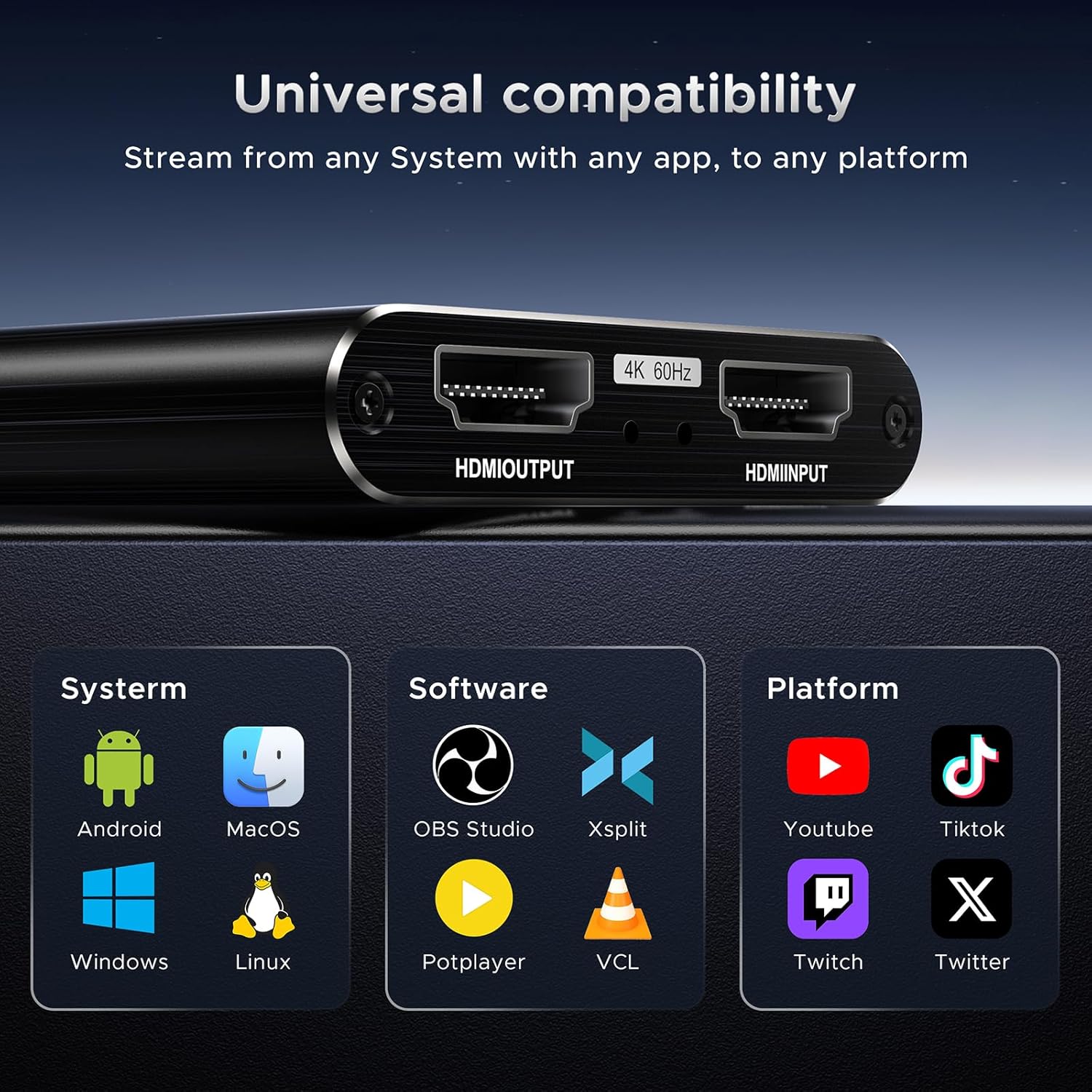
【Wide Compatibility】 Easily streams to Facebook, Youtube or Twitch. With the connection, this HDMI to USB C/3.0 video capture devices can be working on several Operating Systems and various software: Windows 7/ 8/ 10, Mac OS or above, Linux, Android, Laptop, Xbox One, PS3/PS4/PS5, Camera, Webcame, DSLR, Switch, Steam, TV BOX, HDTV, Potplayer/VLC, ZOOM, OBS Studio etc
【Package Content & Note】 1 x HD Video Capture Card, 1 x English user manual, 1 x USB 3.0 to USB A/USB C 3.0 Cable. Please note that you need to restart the OBS Studio software after the audio setup is complete, otherwise it will result in no sound output. If you meet with any quality problems while using this product, please contact us, our customer service online 24 hours a day to solve your problems
13 reviews for Video Capture Card, Audio Video Capture Card, USB 3.0 Capture Card 4K HDMI Loop-Out, 1080P 60FPS/2K 30FPS Video Game Capture for Streaming Works for PS5/Switch/Camera/PC/OBS(Black)


Related products


Analog CCTV Camera HD 1080P 4-in-1 (TVI/AHD/CVI/CVBS) Security Dome Camera Outdoor, 2.8mm-12mm Manual Focus/Zoom Varifocal Lens, Weatherproof Metal Housing 36 IR-LEDs Day & Night Monitoring (White)


Anpviz 6MP PoE Camera, Turret 6MP UltraHD IP Camera Outdoor with Mic & Speaker, 100FT Smart Color Night Vision, PoE Security Cameras with AI Human Vehicle Detection, MicroSD Slot (U Series)


ARTIX CL750 Over Ear Headphones Wired with Mic & Volume Control, Audio with 100% Noise Cancelling Computer Wired, Plug in for Laptop, Dj Corded Studio Headphones


etguuds USB A to USB C Cable 6ft, 2-Pack, 3A Fast Charging Type C Charger Cord for iPhone 17 16 15 Pro Max 16e 17 Air, Samsung Galaxy S25 S24 S23 S22 S21 S20 A17 A16 A56 A55 Flip Fold, Gray




Magdiel Arevalos –
Quality, durability, real reviews, and a fair price—something that truly works.
I am very satisfied with this purchase. The product fully delivers on what it promises, and the quality exceeded my expectations. From the first use, you can tell it’s well made, durable, and works perfectly.The shipping was fast and it arrived in perfect condition. It’s also very easy to use and truly worth every penny. I would definitely buy it again and highly recommend it to anyone who is still unsure. An excellent purchase!
m99 –
Solid capture card for Twitch streaming — great quality for the price
I picked up the XIIXMASK USB 3.0 capture card to use for my Twitch streams, and it’s been surprisingly impressive for the price. I’m running it between my PS5 and PC setup, and the plug-and-play setup was super easy — OBS recognized it right away without any drivers.The picture quality looks clean and sharp, and the latency is minimal, which is huge when you’re gaming live. The HDMI loop-out works perfectly, so I can game on my monitor without any delay while the stream stays smooth at 1080p60.I also like that it’s compact and doesn’t overheat during long sessions. The only small downside is that the USB cable it comes with is a bit short, so you might want to grab a longer one depending on your setup.Overall, this capture card does exactly what it promises — it’s an affordable, reliable option if you want to stream from console to PC without spending big money. Definitely recommend it for beginner or mid-level streamers.
LinckG –
Works as intended.
I wanted a cheap HDMI capture for recording lectures. I’ve been recording my screen with OBS studio, and mixing some video from my DSLR, but the recording time was too short. With this, I can activate Live View on my camera, and get much longer video recording. One note, make sure to plug it into the PC DIRECTLY, and not through a hub or docking station. I tried it on on my docking station to keep a free USB port on the PC, and the video would freeze. Once I plugged it into the PC directly, it works as long as the camera is running.Update: I bought an AC dummy battery, and the camera runs all day long. The capture module has no issues running all day. It get very very slightly warm, but does not have any issues pulling in video for hours on end.The instructions tell you as much, but I tested it as I wanted the free port. Now I have all my ports in use, and have to use my docking station for other use, which is fine, but not ideal. I’ve used USB C and USB A, and both work equally well.
Horizon –
Does what it needs to
Solid, gets the job done for its quality and price. 30fps and solid image quality. Also quick. Very simple barebones capture card
Booby D –
Awesome little capture card
This things awesome! It works super well for capturing my PS5 onto OBS on my Laptop. Im very happy with the purchase. Super quick and easy to hook up.
B –
Defective capture card, doesn’t work
I order this capture card. It didn’t work. I was trying to set up my computer so I could record games and upload them online. I bought this and there was zero picture. Poor quality, bad part. I returned this part bc it was defective. I would not buy this again.
Trey S. –
Great buy
Works great and super easy setup
Kenneth R. George –
High quality output with no sound sync issues.
If connected properly and if you have an Intel processor you will be amazed by the quality of the USB output.
Zachary Williams –
Wow, just WOW. I love this capture card. I used it to hook up my Nikon D5600 DLSR Camera (1080p) as well as my UHD (4K) Cannon Video Camera to my computer.It installs into windows 11 with almost no effort, and has no noticeable latency. It does not run hot, and it’s small footprint on the desk is great for a small workspace. The ability to take in a 3.5mm TRS audio signal was a great addition, so i could do voice over video.The loop out is only 1080p but that works well with studio monitors. I was also able to get it to work with no issues through a USB 3.0 Hub, so very little power draw.Considering the price this a great little unit for a home studio.
Ruben –
I tested this with the Chromecast with Google tv 4k, the ps4 and the ps5. It was not mentioned anywhere but although this device does support 4k at 60hz HDMI passthrough, it does NOT support HDMI output with HDR passthrough. For ppl buying this for Hyperion or hyperhdr this means you would need to buy an HDMI splitter (supporting HDR 4k output) and use one output with this capture card and connecting the USB to the raspberry pi (or whatever other system running hyperhdr) and the other output of the splitter connected directly to the TV. I have not tested yet whether hyperhdr will be able to detect HDR content with this capture card but since passthrough does not support it, it’s likely this info won’t be passed on through the USB either.
thomas rozek –
läuft perfekt
PITAMBER –
Capture card video ke liye thik hPr sound me problem karta h sound clear ni rhta h
Meagan Paige –
Update: problem was entirely user (me) error. I learned that my computer was limiting the access to it and had to go into my camera settings to allow it to be accessed. After numerous YouTube videos and trial and error, my caption card is working great! Keeping my original bellow in case of someone else runs into a similar problem – I’ll also include what I did to fix it.1. I use 1 monitor to game and stream, so make sure you can switch between HDMIs. The USB that comes with the system should be plugged into the PC station and your console (Nintendo Switch for me). Then, you’re going to plug an HDMI cord into your monitor and the devices’ OUTPUT. The INPUT will be plugged to your console (ie Nintendo). You should have two green lights show up.2. On my computer settings, I went to “Camera privacy”, and then “camera device settings”. I think hit “USB3 Video”, “Advanced camera options”, and ensured the media type was 1920×1080 and “allow multiple apps to use camera at once”3. This solved the issue of poor image quality and accessing the image itself in OBS!Previous: Purchased because I wanted to stream my Nintendo games on OBS. Program didn’t recognize the device and when I finally got it to work after watching a bunch of videos, the resolution was trash with no option to bring it up 🙁 very sad results. Will be returning