

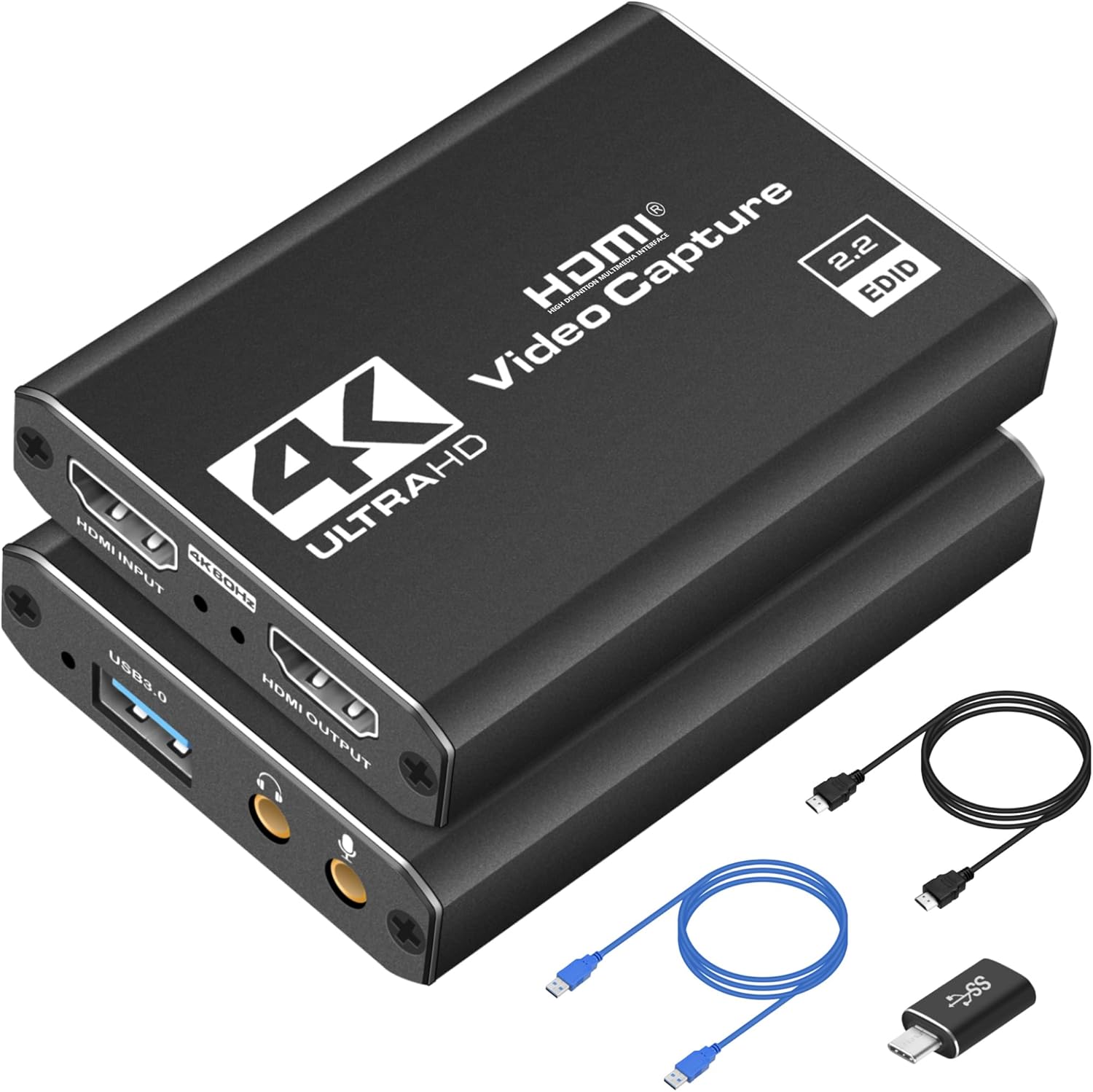


4K HDMI Capture Card USB 3.0 – 1080P 60FPS Gaming & Streaming Video Capture Card with HDMI Loop-Out, Plug & Play, Low-Latency Recording for PS5/PS4/Xbox/Switch/OBS/PC/Mac
Original price was: $36.99.$26.99Current price is: $26.99.
Price: $36.99 - $26.99
(as of Feb 11, 2026 11:39:40 UTC – Details)
Product description

Dcyfol 4K video capture card can capture high quality videos on your gameplay and streaming
Features:
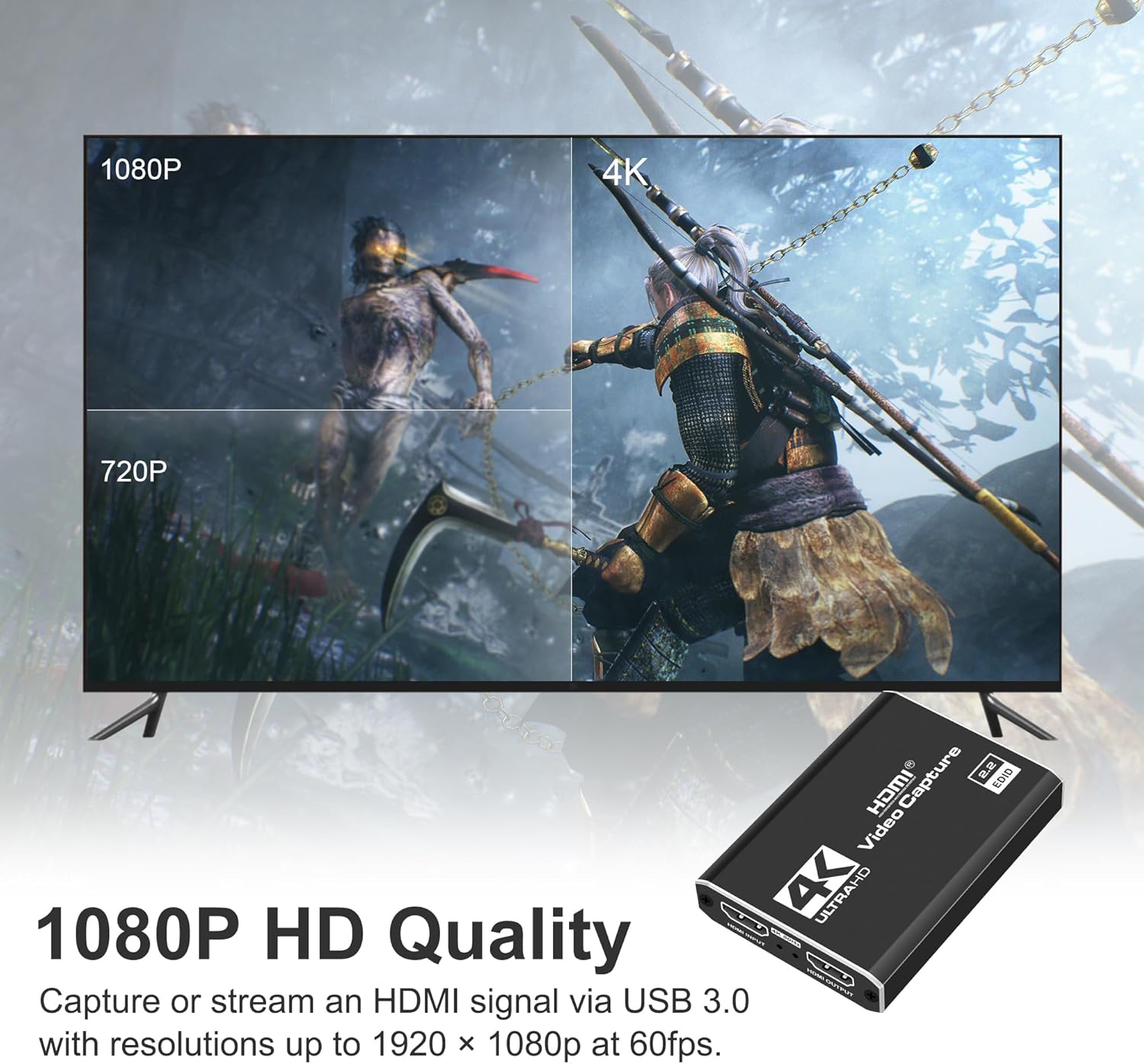
•Support real 1080P 60FPS video capture
•4K clear loop out for preview
•Low delay, no lag
•For gaming capture
•For Live Streaming
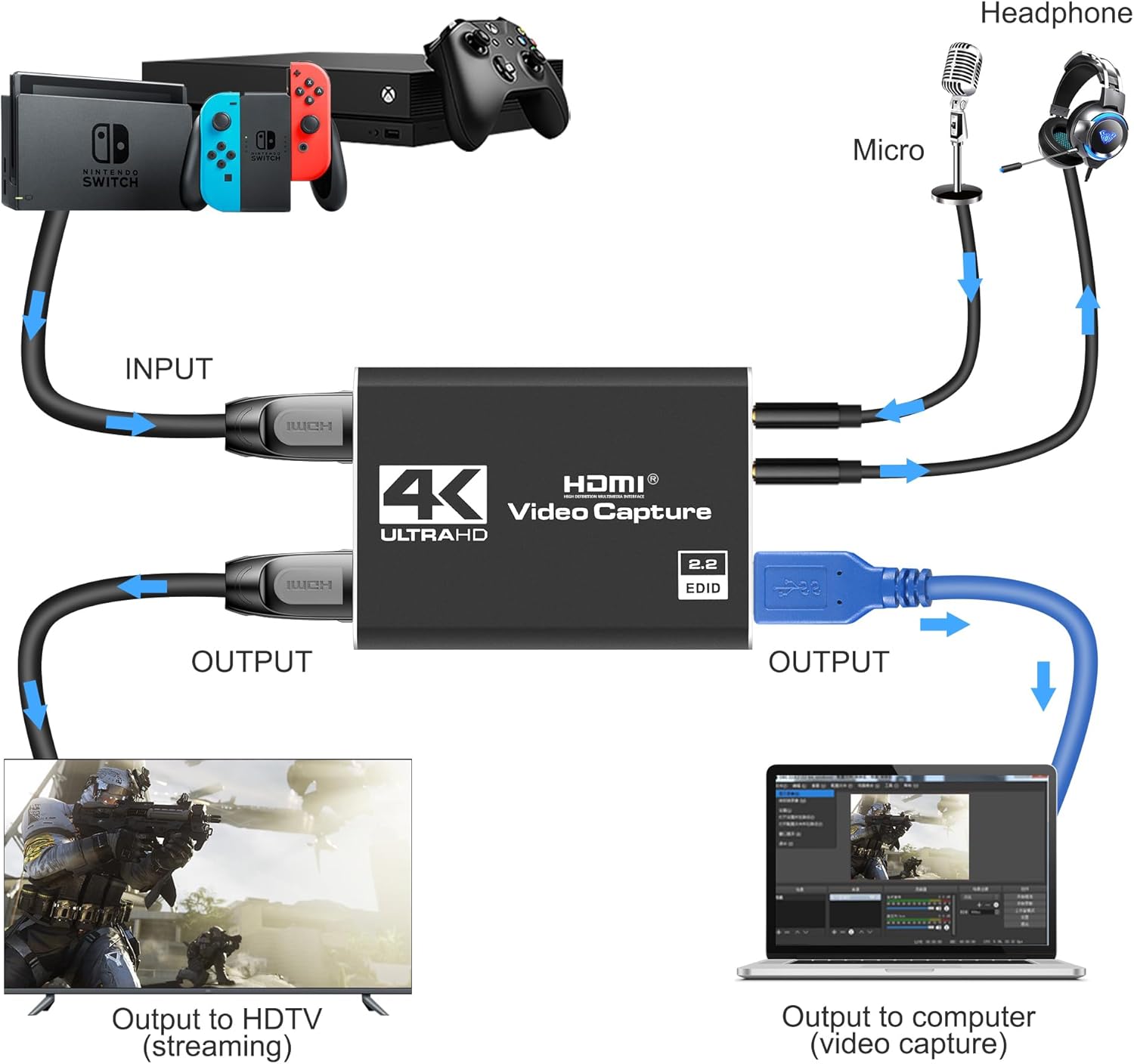
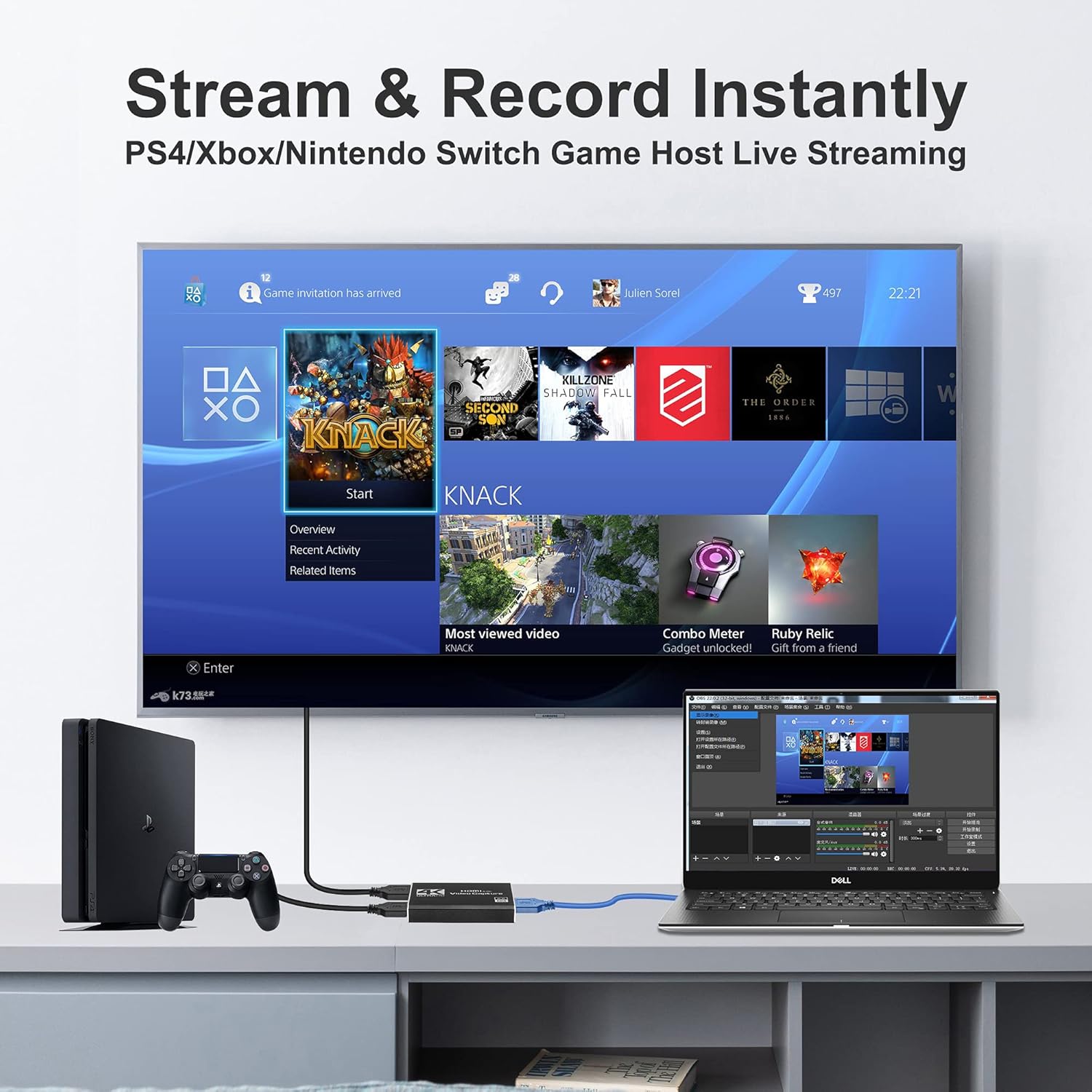
•Support game consoles: Nintendo Switch, PS4/PS5, Xbox


High-end performance chip
Built-in high performance chip, so that your game broadcast, live recording and video conference, more smooth and clear, no delay, no picture interference.

Wide compatibility
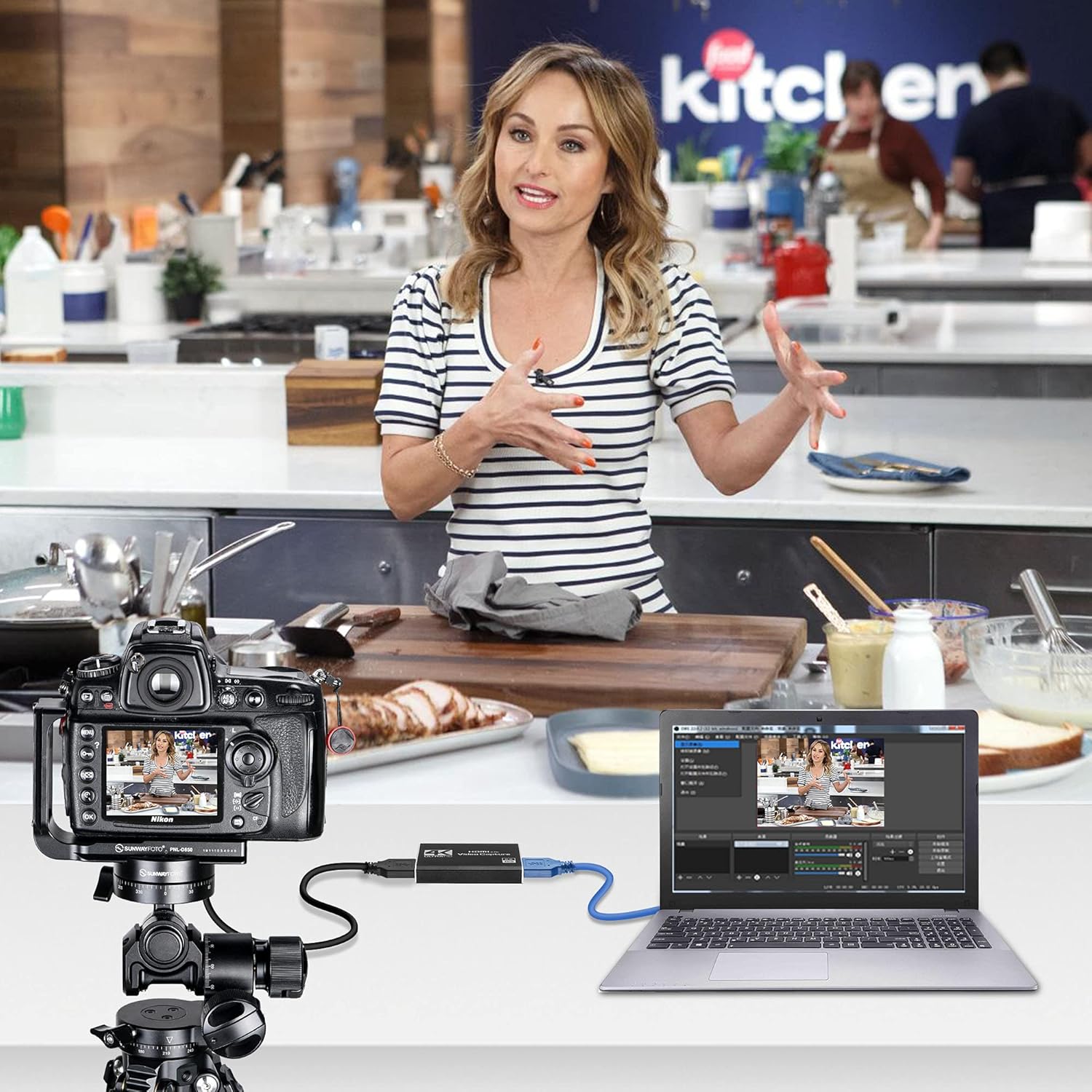
Suitable for most of the mainstream game consoles on the market, cameras, DSLR; And most of the software, OBS Studio, QuickTime Broadcaster (OS X), etc.

Real 60fps video capture
4K 60fps video input loop, full HD 1080p 60fps video capture, make your picture colorful, delicate, clear and vivid.

Works on a wide range of devices and software.
Package includes:
1*Capture Card
1*HDMI Cable
1*USB Cable
1*USB Adapter

FQA:
1. Q: How to get 1080P 60FPS video recording?
— A: It need to confirm your PC support 1080P@60FPS, and set OBS to 1080P@60FPS correctly. (The product page above has a flowchart.)
2. Q: What should I do when there is flickering green screen?
— A: Re-plug the USB and HDMI cables properly, issue is caused by bad connecting. (The product page above has a manual to read.)
3. Q: What to do “there was no sound coming through”?
— A: Add Sources “Audio Input Capture” to get property “Microphone/Aux”, unless your PC has “Desktop Audio”.
4. Q: How to deal with buzzing sound?
— A: Some low voltage USB panels would cause static buzzing sound, change a proper USB panel or rise enough voltage.
5. Q: Can I use a headphone/microphone combo in one cord instead of two separate things?
— A: It won’t transmit your voice unless you add a splitter.
6. Q: When problems happen?
— A: Please contact our rep for further assistance. We are always ready to help you address issues.
High-Quality Video Capture, 4K HDMI Capture Card Ready:Capture smooth and vibrant video with this 4K HDMI capture card, engineered for gamers and content creators who demand crisp 1080P 60FPS or higher video quality. Whether you’re streaming to Twitch or recording gameplay for YouTube, your footage will look professional and detailed
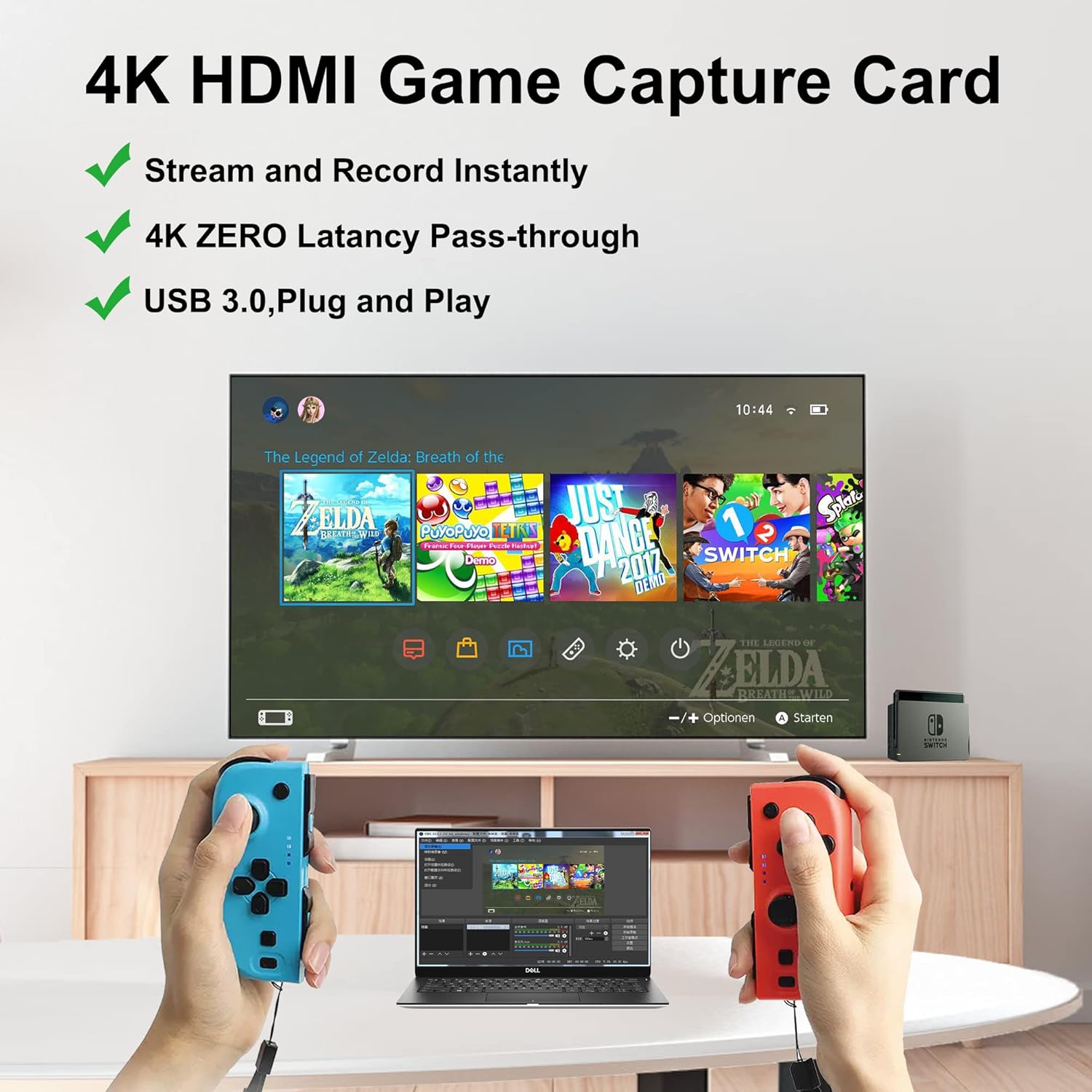
Plug-and-Play USB Capture Card, No Drivers Needed:Designed as a USB capture card for streaming, this device works instantly out of the box, just plug into your PC or laptop and start capturing. Fully compatible with popular software like OBS Studio, Streamlabs, and XSplit, making setup quick and stress-free for beginners and pros alike
Universal Compatibility PS5, Xbox, Switch & More:Stream or record gameplay from virtually any HDMI-enabled device (Nintendo Switch, PS5, Xbox Series X, DSLR cameras, and PCs). The video capture card for gaming supports seamless passthrough so you can play without lag while your audience watches every frame in real time
Low-Latency Performance for Smooth Streaming:This capture card for streaming minimizes delay between gameplay and broadcast, so you get reliable, low-latency capture that’s ideal for competitive gaming, live broadcasts, and podcast sessions. Perfect for those building their channel with high-quality, engaging content
Compact & Portable, Perfect for On-the-Go Content Creators:Lightweight and portable, this USB 3.0 capture card is perfect for creators who travel or switch gaming setups often. Throw it in your bag and stream or record wherever you are, home, events, LAN parties, Streaming or studio sessions
8 reviews for 4K HDMI Capture Card USB 3.0 – 1080P 60FPS Gaming & Streaming Video Capture Card with HDMI Loop-Out, Plug & Play, Low-Latency Recording for PS5/PS4/Xbox/Switch/OBS/PC/Mac


Related products


Analog CCTV Camera HD 1080P 4-in-1 (TVI/AHD/CVI/CVBS) Security Dome Camera Outdoor, 2.8mm-12mm Manual Focus/Zoom Varifocal Lens, Weatherproof Metal Housing 36 IR-LEDs Day & Night Monitoring (White)


tomtoc 360 Protective Laptop Shoulder Bag for 13 Inch 2025 MacBook Air M4/A3240, M3/A3113, M2/A2681, M1/A2337, MacBook Pro M2/M1, 13-in Surface Pro 11th AI/10/9, Water-Resistant Accessory Case

Rosali –
Excellent
Excellent capture card. The configuration was super simple and the video quality is very good, with smooth 4K transmission and no delays. The audio also syncs perfectly. It works wonderfully to record and transmit from consoles and other devices. Totally recommended for its performance and ease of use
Milenis Garcia Ruiz –
Excellent 4K Capture Quality
This 4K HDMI capture device works flawlessly. The video quality is clear and stable, with no lag or interruptions. It’s very easy to use—just plug and play. Perfect for recordings, streaming, and connecting any device without issues. Excellent product, highly recommended.
Katia Pena Zaldivar –
Works well and easy to set up
This capture card works well and was easy to set up. The video quality is clear and stable, and I haven’t had any issues so far. It’s compact and convenient to use. Good value for the price.
Aaron Kobel –
Easy Plug-and-Play Capture Card with Clean 1080p60 Video Quality
I bought this to capture gameplay and camera video for recording and streaming, and it’s been doing exactly what I need.Setup was simple. Plugged it into my computer, connected an HDMI source, and it showed up immediately as a capture device. No drivers, no complicated setup. It works with OBS and other common capture software without issues.Video quality looks clean at 1080p 60fps, which is perfect for streaming and YouTube recording. I haven’t noticed noticeable lag or audio sync problems, and passthrough works as expected so I can still play on my main display while capturing.The unit runs cool, feels solid for its size, and is easy to throw in a bag if you move between setups. For the price, it performs better than I expected.If you need a simple USB capture card for consoles, cameras, or PCs and don’t want to spend a lot, this is a solid choice.
Matt S, –
Doesn’t do 60fps in 1080
Description is deceiving in that it does NOT support 60fps when displaying in 1080p. It is only 30fps. Which is fine for most things, honestly. Does do 60fps in 720p which is adequate for streaming. Given the price point, it is still a good item, just wish the description was accurate so folks know.
lisbet –
Works Well for Streaming and Recording
This 4K HDMI capture card has worked smoothly with my Nintendo Switch and PS5. Setup was simple,just plug into USB and it was recognized right away. The video quality is clear, and recording at 1080p 60FPS looks great for gameplay. The audio stays in sync, and there’s very little noticeable delay when monitoring.It’s compact, lightweight, and easy to carry in a small case. Overall, a reliable option for streaming or capturing gameplay without a complicated setup.
MacCentris –
Does not work at all.
I bought this video capture card, hoping it would be better than the previous one I had, but unfortunately, it doesn’t work at all, and only shows a color bar screen instead. I tried everything I could to get it to work, but despite it all, nothing worked for me. Very disappointing. I thought the problem was OBS, and I thought the problem was the ports I had my cables plugged into, but no, it was the capture card all along. I even used the cables it came with, and it still didn’t work. Using a different HDMI cable didn’t work either. The settings I set in OBS for this capture card were the exact same as the ones I had set for the previous video capture card, and nope, still didn’t work.All i wanted was to use these to cast my PS4’s screen onto my laptop’s screen, especially for recording purposes. Unlike this one, the other video capture card i have actually functions the way it’s supposed to. It’s not the best, there is a bit of latency, but buying this one makes me regret making the decision to buy a new one. The previous one runs around 60fps, and this one is supposed to run around 60fps as well, according to the Amazon page.I’m not sure if it came defective, or if I’m doing anything wrong, as it seemed to work fine for other people, according to other reviews, but I refuse to believe I did anything wrong. All I can say is, if you’re looking forward to buying a video capture card, I recommend buying a different one.
Yaniel –
Extremely high high-quality and videographic autographic is amazing
I don’t usually leave reviews for products, but that’s why I definitely had to the quality feels extremely nice. I thought it was gonna be some type of cheap plastic note. It’s actually full metal has wait to it. The cables are pretty nice too, and don’t feel cheap at all. Now let’s get onto the real deal the streaming/recording. I use this for streaming and recording my content, I have a switch to and I use OBS which you need to install on your computer in order to get your content out of. It’s free to use once you download OBS you’re gonna hit on the bottom ad and then you’re gonna add your capture card and then you’re gonna put a stream from USB port on the very top and the signal goes through very smoothly now to the quality. The video quality is amazing for the price. I mean it’s more than what I expected for this price the colors are actually very similar to the ones in the console. It just makes them a little not too bright like the console but that’s normal. The audio is absolute perfect no crispy audio no echo audio issues pure audio amazing the set up was easy. The only thing was difficult to set up was the OBS to the capture card, but like I said, just follow my steps and you should do it. If you still don’t understand I don’t have trouble look up auditorium on YouTube and you should be running to streaming or capturing videos in no time it’s extremely easy to use. The resolution is amazing works well as intended. The durability feels like it’s gonna last very long as it’s made of metal and not one of those cheap plastic cover covers and the connectivity is super easy and once you have a pair to the OBS app on your computer it will pair automatically as soon as you plug the USB-C onto your computer and you have that open. It will automatically connect now to stream and record videos. You do have to click on your computer to start recording and then you just do anything that you want and then right before you’re done streaming or done finishing the game or recording. Make sure to stop the recording button and yeah, very easy to use extreme high-quality. I’d recommend getting this 100%. I’m definitely getting another one or unless you guys wanna send me another one I will gladly accept it and review it once again an amazing product definitely get this product. Also, I have a switch 2 and a paired perfectly. I was a little skeptical because there were some people here that were saying that it did not pair for me a pair perfectly and quickly. I’m guessing they did not work out the OBS as it’s supposed to so make sure look up a tutorial on how to do that or follow my steps because if not, you’re just gonna get stuck on a black screen you need to activate it first, but it does work on the Nintendo switch 2