

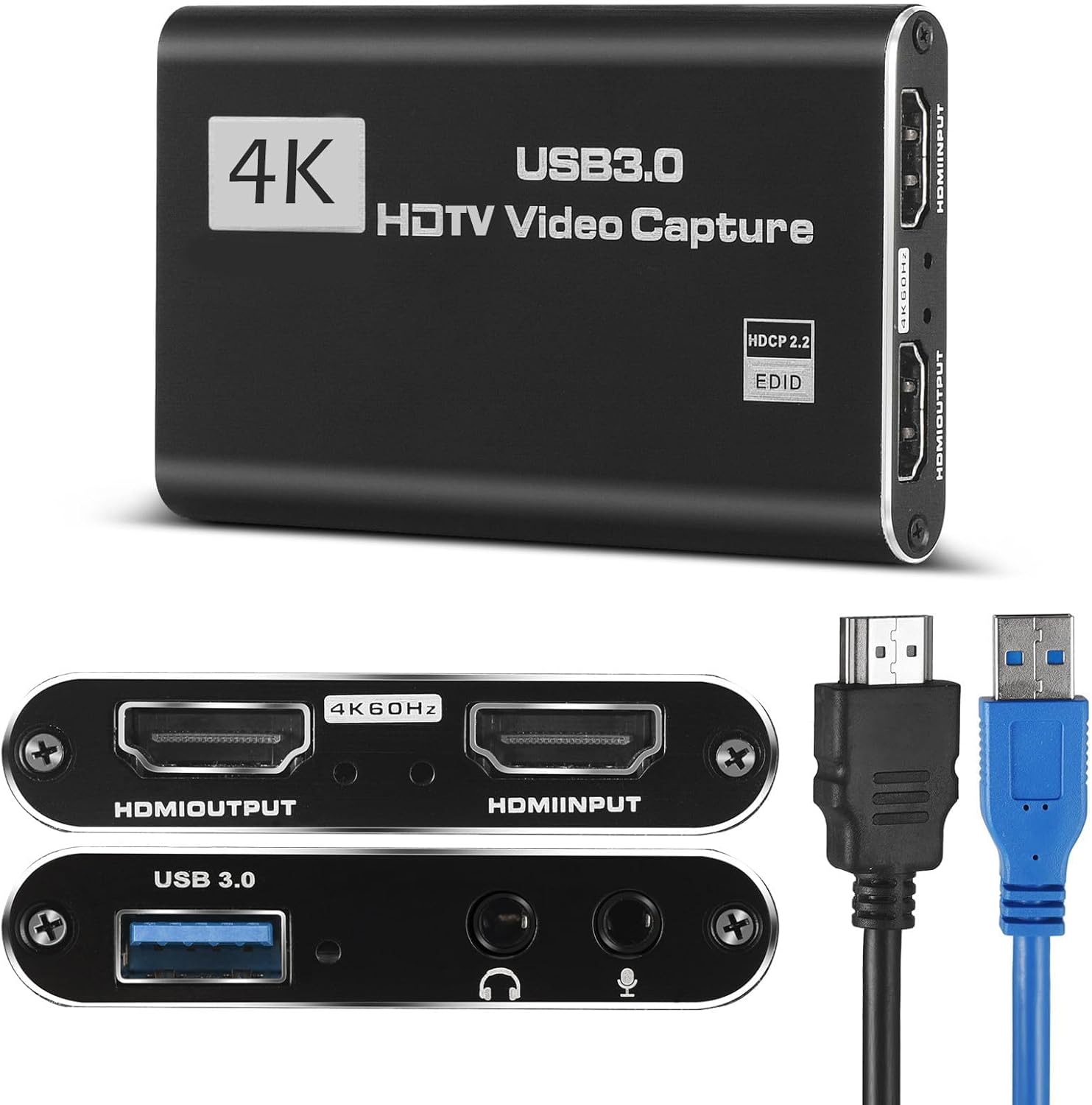
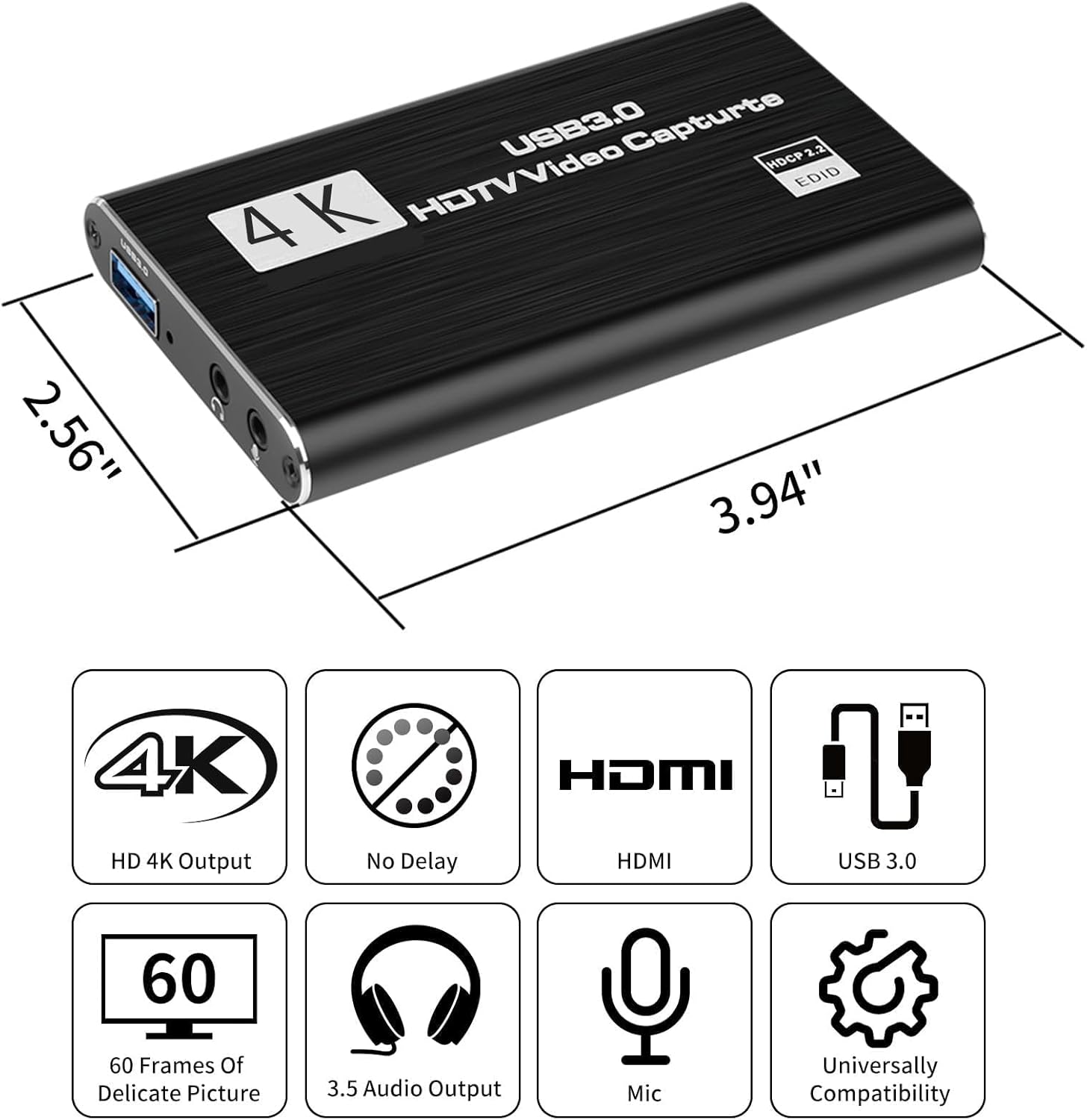

4K HDMI Video Capture Card, Plug & Play USB 3.0 Gaming Capture Card with Microphone – No Driver Needed for PC/Mac, 1080P 60FPS for Nintendo Switch, PS5, PS4, Xbox, OBS Streaming
Original price was: $23.99.$14.99Current price is: $14.99.
Price: $23.99 - $14.99
(as of Feb 14, 2026 04:38:37 UTC – Details)
Product description


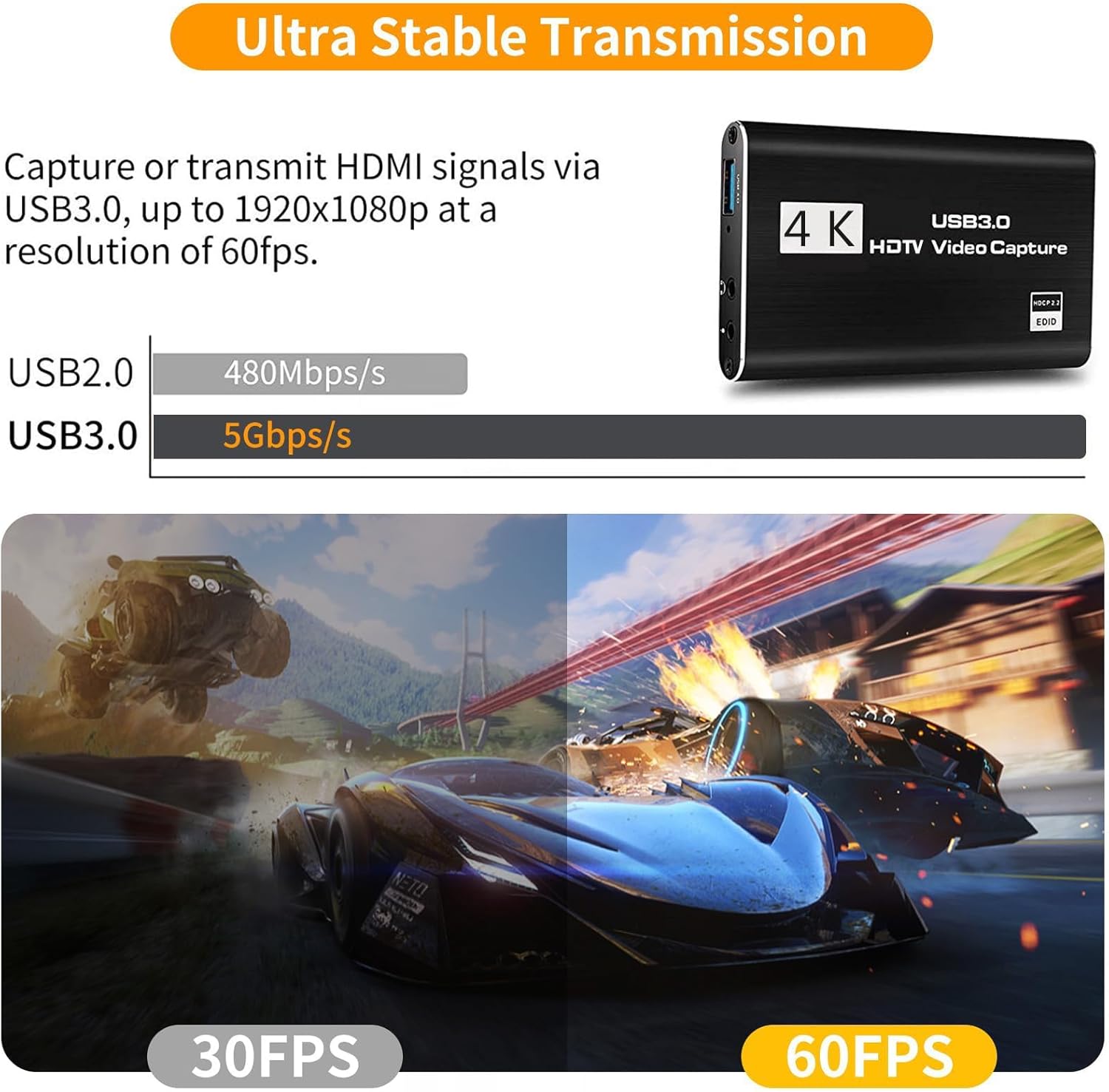
[Zero-Lag 1080P 60FPS Streaming]: Experience smooth, high-definition gameplay capture perfect for Twitch, YouTube, and OBS. Our advanced chip ensures stable 1080P 60FPS recording with minimal latency, so your stream stays in sync with the action.
[True Plug & Play – No Driver Hassle]: Start streaming in seconds. Simply connect via USB 3.0, and it’s instantly recognized as a webcam by Windows, Mac, and Linux—no extra software or drivers required. Perfect for beginners!
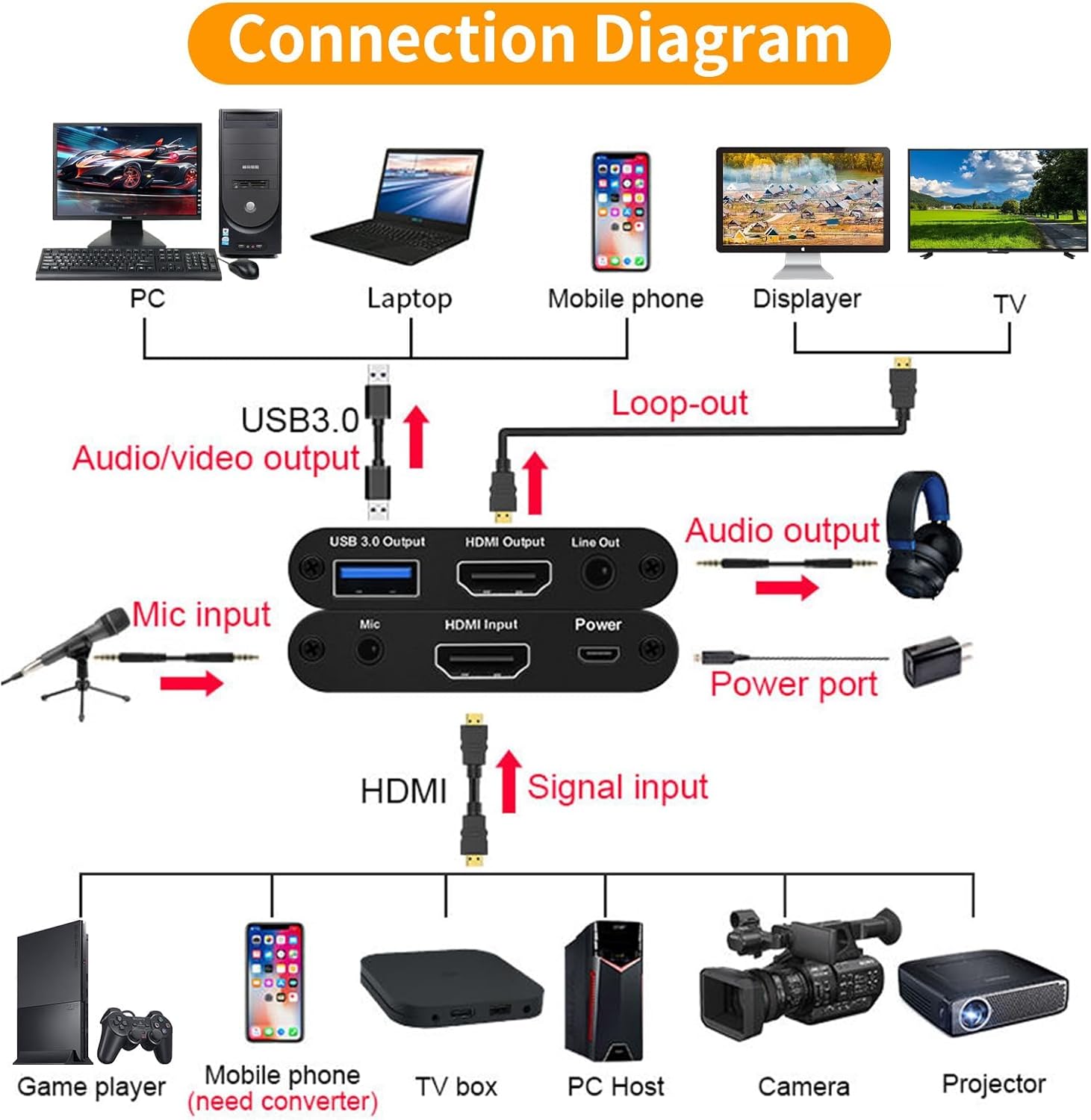
[Built-in Microphone & Audio Mixing]: Add live commentary effortlessly. The dedicated 3.5mm mic input and audio output ports let you mix game audio and your voice clearly, solving common audio sync issues with simple OBS settings.
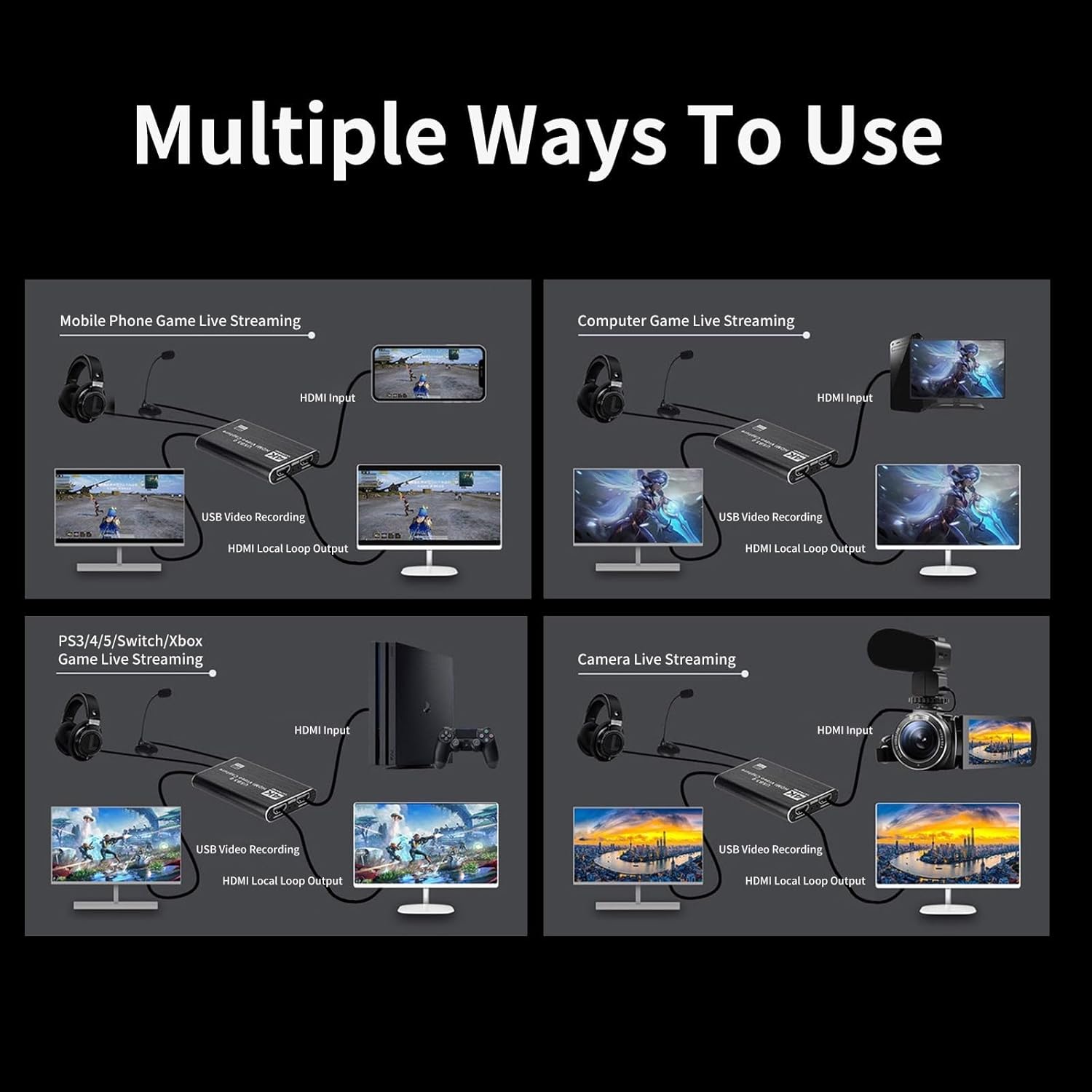
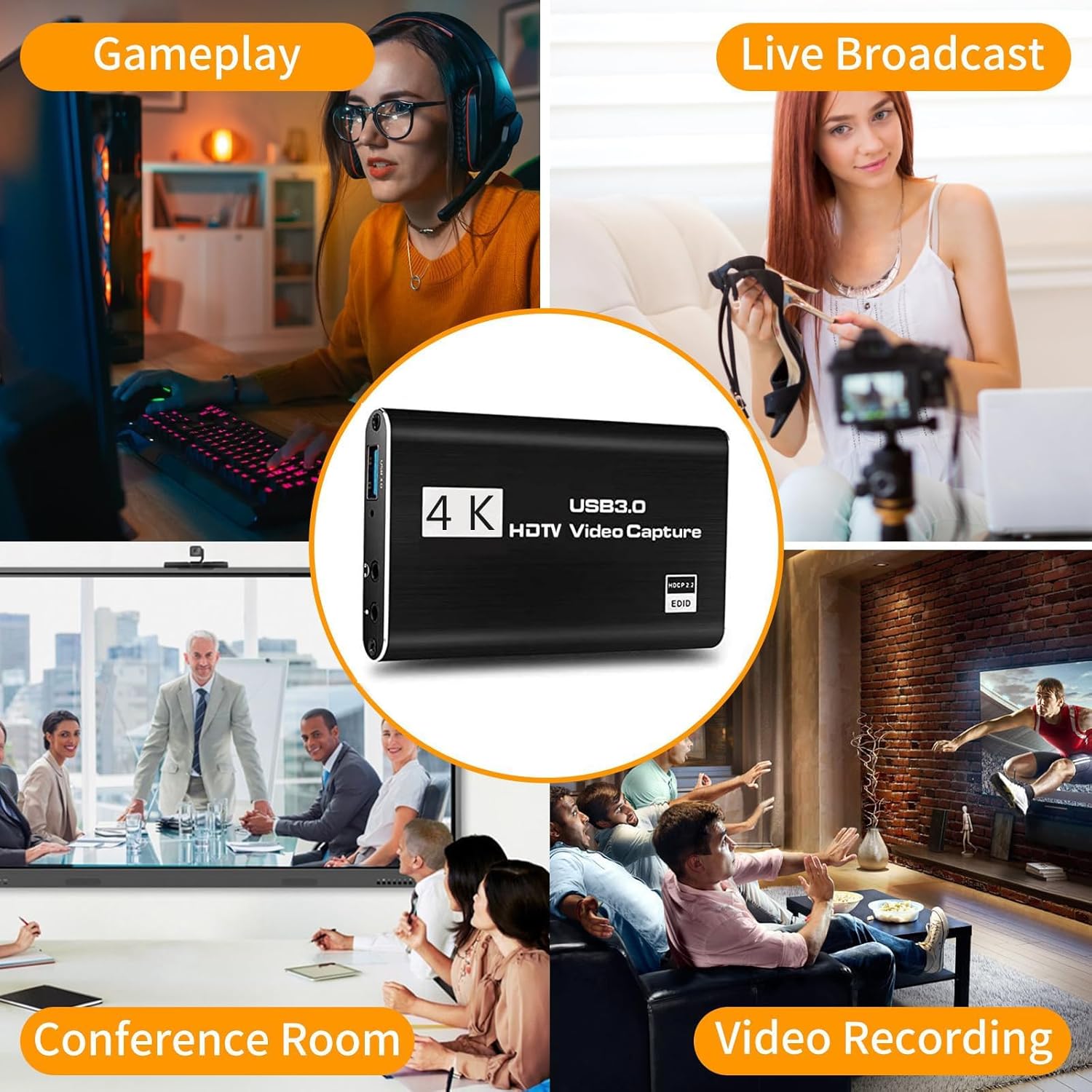
[Universal Compatibility for All Gamers]: Your one-card solution for Switch, PS5, PS4, Xbox, and PC. Records or streams from any HDMI device, including cameras and DSLRs, making it versatile for gaming, teaching, or conferencing.
[Includes Premium Support & 2-Year Warranty]: Backed by our dedicated support team and extended warranty. Access our exclusive online setup video guide to get perfect audio-video sync quickly, ensuring a great experience.
13 reviews for 4K HDMI Video Capture Card, Plug & Play USB 3.0 Gaming Capture Card with Microphone – No Driver Needed for PC/Mac, 1080P 60FPS for Nintendo Switch, PS5, PS4, Xbox, OBS Streaming


Related products


Anpviz 6MP PoE Camera, Turret 6MP UltraHD IP Camera Outdoor with Mic & Speaker, 100FT Smart Color Night Vision, PoE Security Cameras with AI Human Vehicle Detection, MicroSD Slot (U Series)


BAGSMART 15.6 Inch Laptop Case Sleeve Compatible with MacBook Pro 16 Inch,15.6 Inch HP,Dell,Acer Aspire,Asus Notebook, Lightweight Laptop Bag for Women with Shoulder Strap,Pocket,Handle, Pink


Linsoul KZ ZS10 Pro, 4BA+1DD 5 Driver in Ear Monitor, HiFi Wired Earbuds, Gaming Earbuds, Hybrid IEM Earphones with Stainless Steel Faceplate, Detachable Cable for Musician(Without Mic, Black)


Zane a coy –
Great capture card for the price
great product it can do 4k like the listing said the product was easy to set up i just had to change a couple settings in OBS and setting it up was straightforward I haven’t experienced any stuttering or lag at all
Brianna –
Great Capture Quality—Just Needs a Little Streaming Setup Love!
Okay, so here’s the scoop—I’m really liking this 4K HDMI capture card! It delivers solid Full HD 1080p at 60 FPS with that handy built-in mic input, which makes recording voice commentary super easy. Hooking it up is a breeze—plug and play, and you’re ready to roll in OBS or your favorite streaming software.Here’s the one tiny catch: if you’re planning to stream live, be prepared to spend a bit of time fine-tuning your setup. It isn’t entirely plug-and-play for streaming—some research and tinkering might be needed to get everything correlated just right with your audio and video sources. But once you get the hang of it, it’s easy to work into your routine—and it feels reliable and intuitive.All in all, it’s a great value for casual streamers or content creators who don’t need all the bells and whistles—especially with its crisp capture and built-in mic. Just give yourself a bit of setup time, and it’ll become a smooth part of your setup in no time.IN SUMMARY:This capture card gives you crisp 1080p 60FPS recording and even has a mic input for commentary, which is awesome for content creators. It might take a little finessing and setup research for streaming, but once you get it dialed in, it’s super easy to use and works seamlessly in a gaming setup.
Tommy –
HeavenBird 4k HDMI Video Capture Card
Works just as it should. I got a little confused with what Software to use but eventually figured out (with YouTube) that Streamlabs is the simplest to use for me. I use this product almost everytime I use my Xbox Series X to stream my Screen via my Laptop & it’s great. It honestly is just "Plug & Play"aside from figuring what Software to use and settings that up as well. Video & Audio quality are amazing and work as both should. Amazing product for someone like me that’s getting into streaming more.I recommend this product for beginning streamers & lower quality setups.Disclaimer: This does not support 4k 120hz Streaming Quality, only 4k 60hz &1080p 120hz. You’ll have to look for something around $200-300 for that.
john grier –
One of The Best for Your Money
My wife and I, made this purchase for our grandson and he is having an amazing time making his videos, this product is well worth the money.
Debra Lawlor –
Not quite what was advertised
I bought this strictly to play a cozy game (Animal Crossing) on my computer screen — no streaming, no recording.The video freezes constantly, even though the listing claims 4K / 1080p 60fps. Because it freezes more often than it runs smoothly, it clearly cannot handle those resolutions in real-world use.If you plan to use this only for casual viewing on your PC, be aware that it is unstable and not suitable for even short-term play sessions.
Nubari –
Does the job!!
Does the job!! Obviously not 4k but the quality is still good enough!!
Dan F –
First time user – easy and reliable
I had never used one of these capture cards before so I was a little worried when there was no software or computer installation instructions but as it turns out, they aren’t necessary.I should clarify – this DID come with instructions but they only show how to physically connect which cable to each kind of device.Regardless, the software side of things worked out fine.On Windows, the necessary drivers were automatically installed and the device was recognized immediately.In Windows Device Manager, it will show up as ‘USB3 Video’ in the ‘Camera’ category and as ‘Digital Audio Interface (USB3 Digital Audio)’ in the ‘Audio inputs and outputs’ category.Setup process:I plugged this into a Windows 11 computer via the provided USB 3.0 cable,downloaded and installed OBS Studio (it’s a popular opensource (free) app that lets you record or stream whatever is plugged into the HDMI input on the capture card).I opened OBS Studio and added the capture card as a video source (‘USB3 Video’) and as an audio source (‘Digital Audio Interface (USB3 Digital Audio)’).Plugged in a game console, hit record, and that’s all it took!I attached a video of me playing one of those all-in-one retro gaming consoles.I did not record the audio but I can confirm that audio input worked in OBS Studio.It was for another product review but this shows the video quality.*Note that the video has been lightly edited (wherever you see blue captions).
Alex D. –
It’s ok. Decent value for price
Card is ok. Paid $20 and it works, mostly.Some lag and screen drops but 3 stars
Samantha laing –
Great wee gaming capture card audio quality was great easy to use son loves it
Amazon Customer –
Excellent
Lu –
Habe damit ein Video von meiner Switch aufgezeichnet, hat super geklappt! Es wurde ein kleiner Zettel mit Anleitung dazu geliefert und 2 Kabel waren dabei, ein hdmi zu hdmi und ein usb 3.0 zu usb 3.0. Ich brauchte dann nur noch dazu die Dockingstation meiner Switch, wobei für Switch lite ein usb c zu hdmi Kabel wohl funktionieren würde.Ich kann nichts dazu sagen, ob 4k erreicht werden, die Switch kann ja nur 720p
Ingo Peter –
Insgesamt habe ich bisher >4 verschieden USB-Grabber/Capture Systeme gekauft und getestet.Das hier hat mich was Bildqualität betrifft am meisten überzeugt.a) Arbeitet unter Linux problemlos mit qv4l2 bzw. ffplay zusammen.b) Kompletter Lieferumfang: USB + HDMI-Kabel, …c) beste Ausgabequalität aller getesten “passthru” – Systemed) günstiger als viele Sticks ohne PassthruFolgendes Problem ist einigen der Systeme aufgetreten:Die Verwendung eines “teuren” HDMI-Kabels am Input führte dazu das KEIN Bild übertragen wurde.
Sean G –
does the trick, for the price, bargain.