


BrosTrend 2.5Gb Switch, Unmanaged 8 Port Ethernet Switch 2.5 Gigabit Supports Static Link Aggregation & VLAN, Fanless, Desktop Wall Mount, Multi Gig Splitter for Gaming, NAS, PC, Lifetime Protection
Original price was: $88.99.$69.99Current price is: $69.99.
Price: $88.99 - $69.99
(as of Feb 15, 2026 09:10:55 UTC – Details)
Product description
The video showcases the product in use.The video guides you through product setup.The video compares multiple products.The video shows the product being unpacked. BrosTrend 8-Port 2.5G Ethernet Switch Merchant Video


1 Standard Mode
2 Static Link Aggregation
3 VLAN Mode


1 US-engineered Chip
2 Auto Speed Negotiation
3 Works with Cat5e Cables
4 LED Indicators


1 Compact & Fanless
2 Desktop or Wall Mount
3 Comparison Chart
4 What’s in the Box
Plug-and-Play Setup Step 1
Connect the power adapter to the Ethernet switch to power it up.
 Step 2
Any of the Ethernet ports of the switch can function as an uplink. Connect any port to the Ethernet (LAN) port of your router using an Ethernet cable.
 Step 3
Connect the Ethernet port of your other devices to the Ethernet switch. Setup completed.

2.5G Network Switch
Switches Comparison
8 × 2.5G RJ45 Ports
Interface
8 × 2.5G RJ45 Ports
40 Gbps
Capacidad Switching
40 Gbps
MaxLinear
Chip Brand
MaxLinear
Metal Casing
Case Material
Plastic Casing
Yes
Standard Mode
Yes
Yes
SLA Mode
–
Yes
VLAN Mode
–
8 × 2.5G RJ45 Ports
Interface
5 × 2.5G RJ45 Ports
40 Gbps
Capacidad Switching
25 Gbps
MaxLinear
Chip Brand
MaxLinear
Metal Casing
Case Material
Plastic Casing
Yes
Standard Mode
Yes
Yes
SLA Mode
–
Yes
VLAN Mode
–
2.5G Ethernet Switch 
2.5G Ethernet Switch 
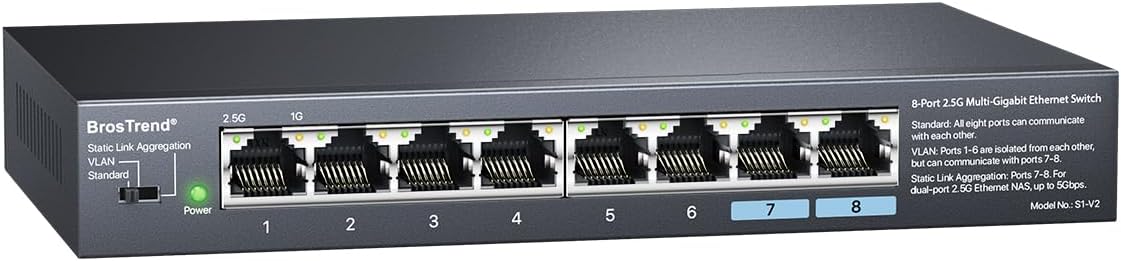
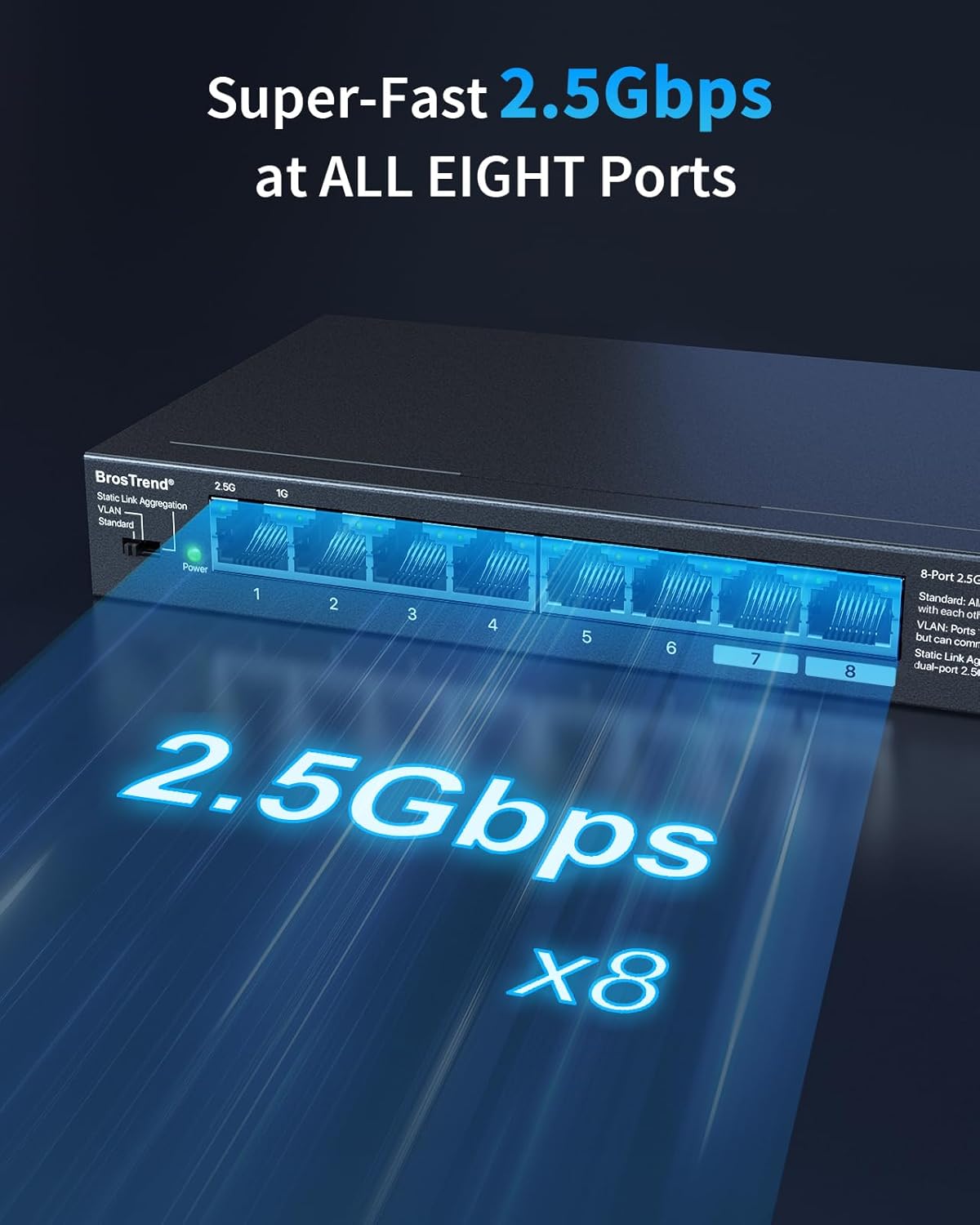
Super-Fast 2.5Gbps Speeds, Next-Gen Connection: Featuring 2.5Gbps speed at all eight ports, the Ethernet switch unlocks peak performance for your multi-gigabit devices and bandwidth. With up to 40Gbps switching capacity, it maximizes data transfer for all connected devices
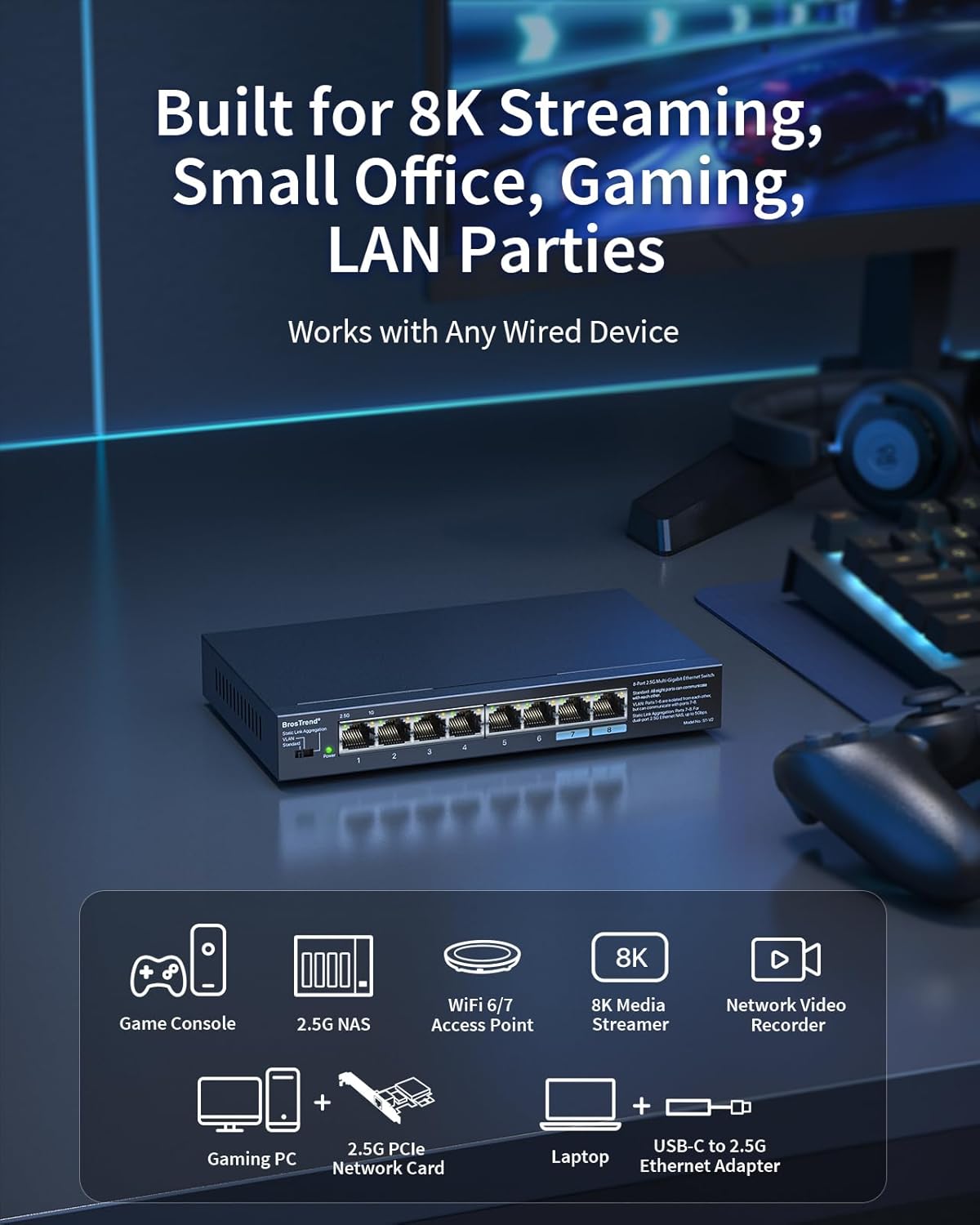
Fast Speeds for Any Application: The network switch handles it all, from home entertainment and gaming to LAN parties and small offices. Works with any wired device, such as gaming PCs, game consoles, TVs, NAS, WiFi access points, laptops, and more
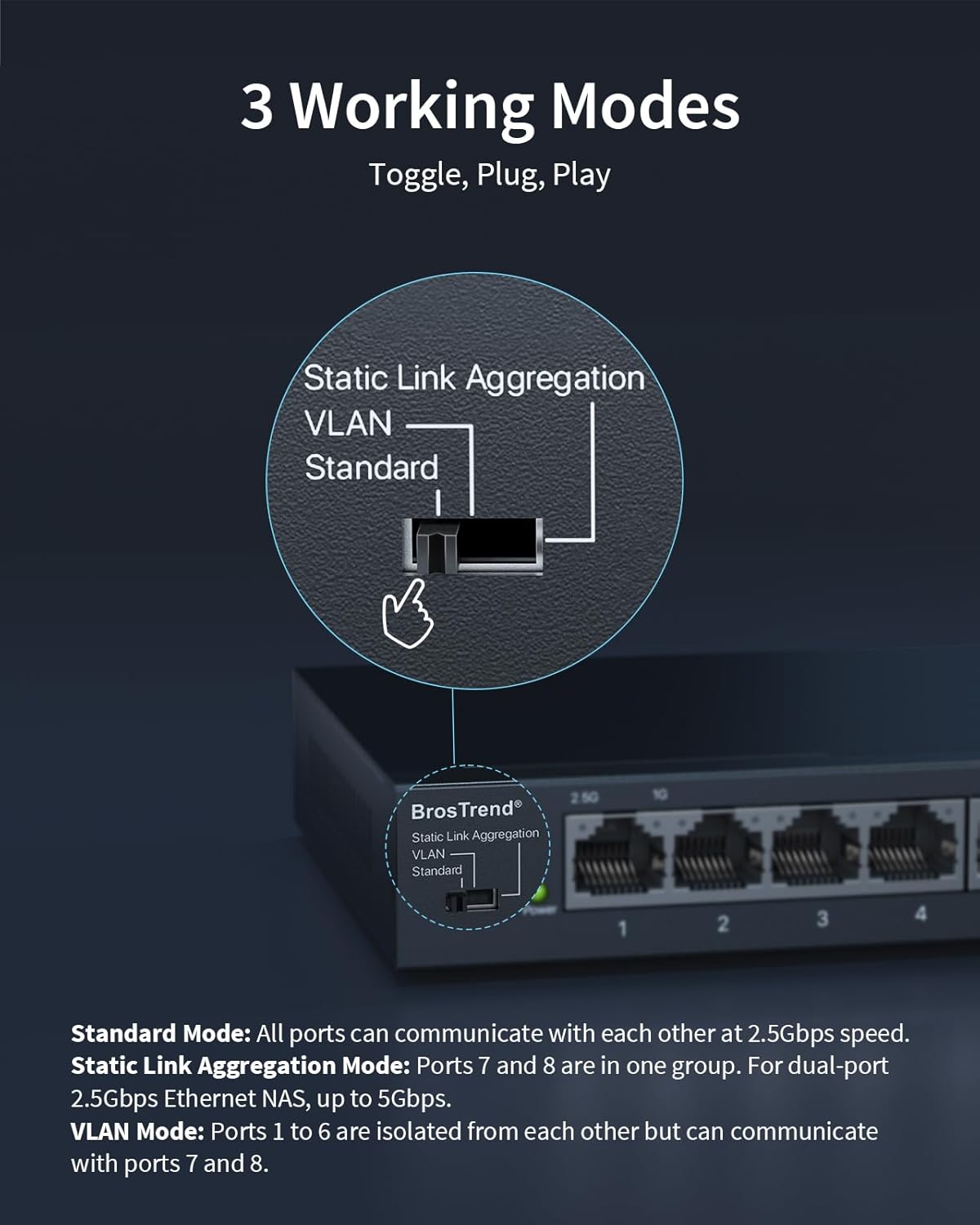
Plug-and-Play: Toggle the hardware button to switch between Standard Mode, Static Link Aggregation, and VLAN Mode. No software installation, configuration, or maintenance needed—this 2.5gb switch works right out of the box
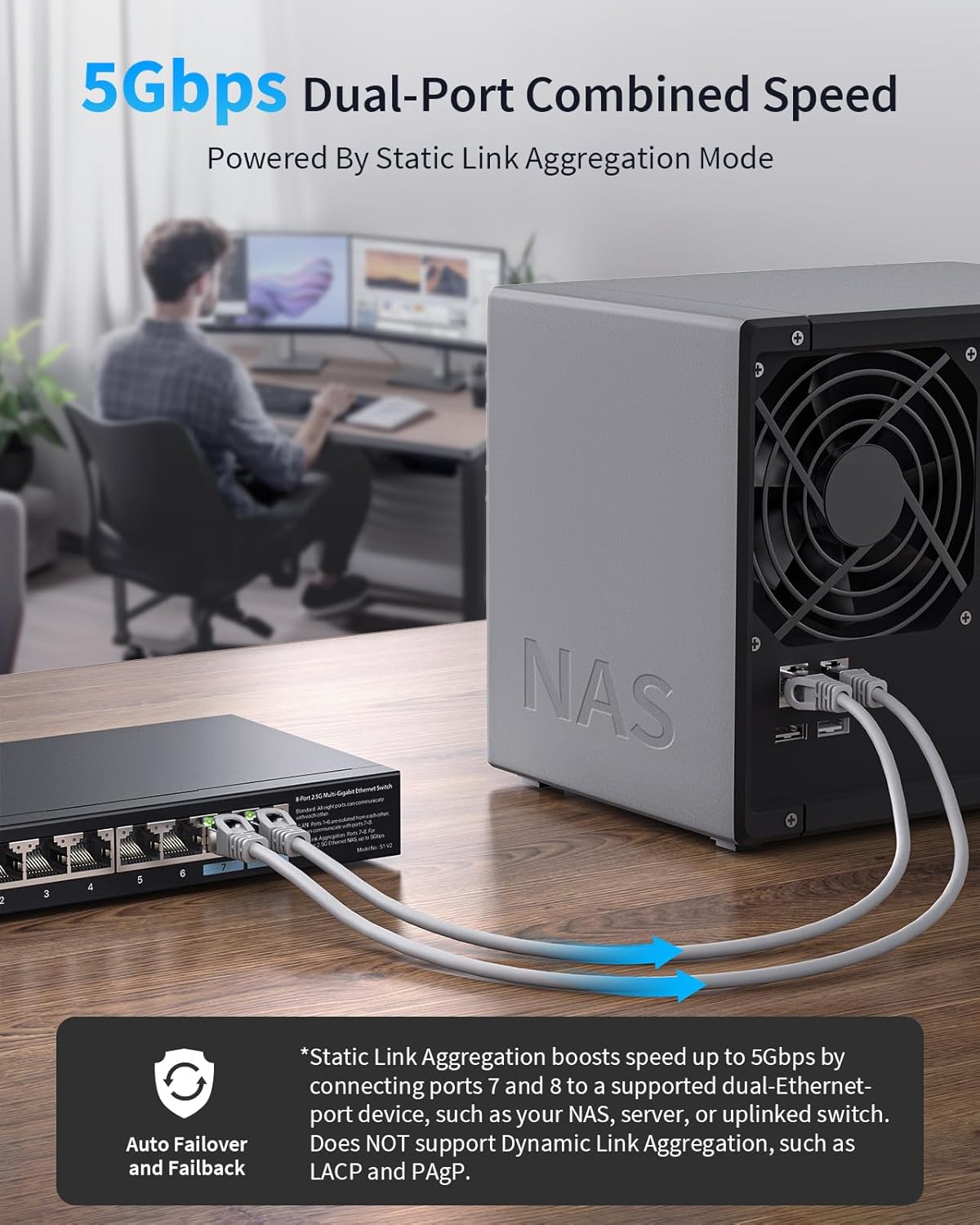
Combined 5Gbps Bandwidth: Unlock up to 5Gbps with Static Link Aggregation on this Ethernet switch 2.5 gigabit—perfect for dual-Ethernet-port devices like NAS and servers. Enjoy smoother streaming, faster file sharing, and seamless data transfers. It also ensures stable connections with auto failover and failback. Does not support Dynamic Link Aggregation (LACP, PAgP)
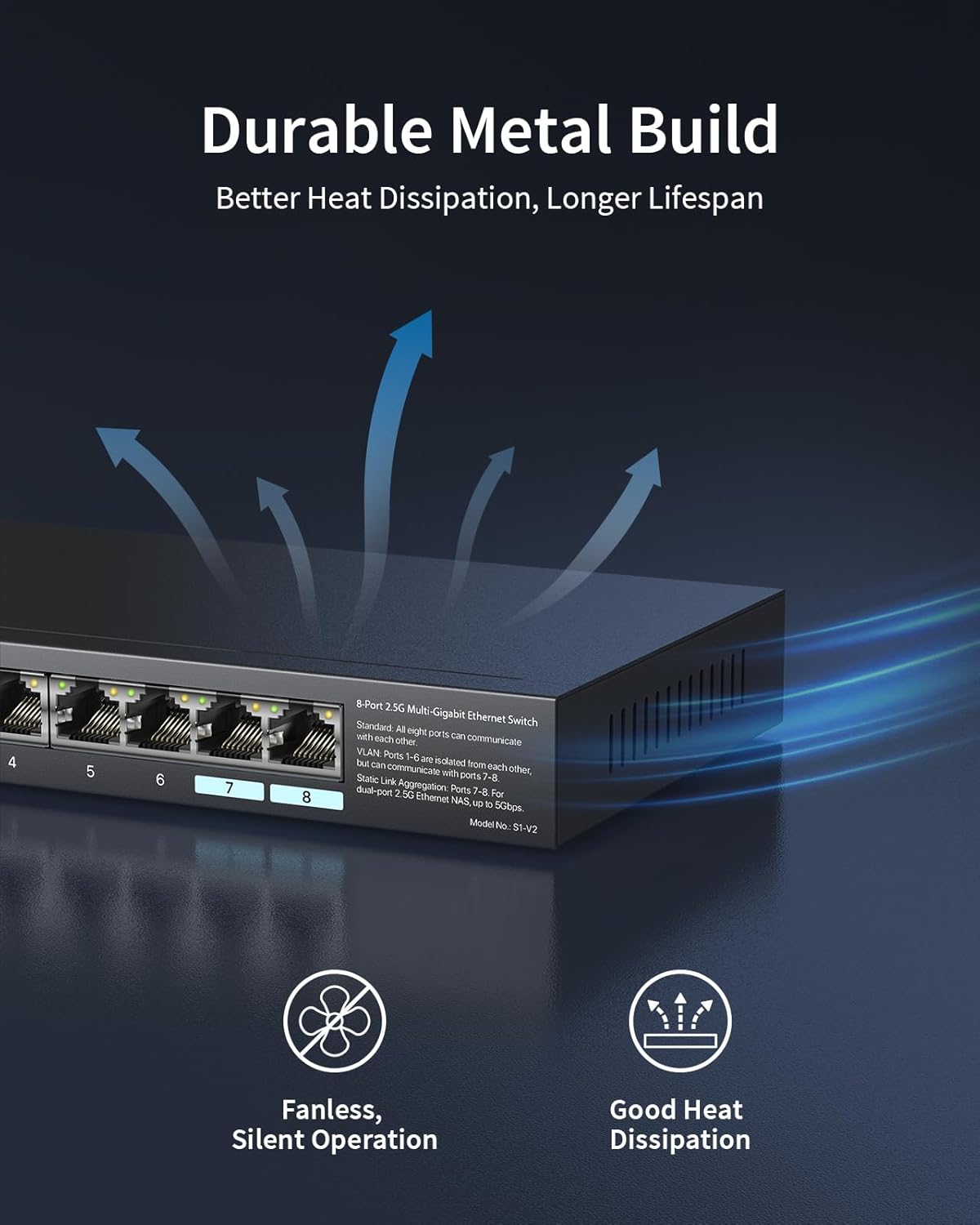
Durable Metal Build: The robust metal casing and well-ventilated construction enhance heat dissipation, keeping your switch cool for reliable performance. Built to last, it ensures a stable network for years to come
13 reviews for BrosTrend 2.5Gb Switch, Unmanaged 8 Port Ethernet Switch 2.5 Gigabit Supports Static Link Aggregation & VLAN, Fanless, Desktop Wall Mount, Multi Gig Splitter for Gaming, NAS, PC, Lifetime Protection


Related products


Anpviz 6MP PoE Camera, Turret 6MP UltraHD IP Camera Outdoor with Mic & Speaker, 100FT Smart Color Night Vision, PoE Security Cameras with AI Human Vehicle Detection, MicroSD Slot (U Series)


ARTIX CL750 Over Ear Headphones Wired with Mic & Volume Control, Audio with 100% Noise Cancelling Computer Wired, Plug in for Laptop, Dj Corded Studio Headphones



Linsoul KZ ZS10 Pro, 4BA+1DD 5 Driver in Ear Monitor, HiFi Wired Earbuds, Gaming Earbuds, Hybrid IEM Earphones with Stainless Steel Faceplate, Detachable Cable for Musician(Without Mic, Black)


tomtoc 360 Protective Laptop Shoulder Bag for 13 Inch 2025 MacBook Air M4/A3240, M3/A3113, M2/A2681, M1/A2337, MacBook Pro M2/M1, 13-in Surface Pro 11th AI/10/9, Water-Resistant Accessory Case


TP-Link AC1200 WiFi Router (Archer A54) – Dual Band Wireless Internet Router, 4 x 10/100 Mbps Fast Ethernet Ports, EasyMesh Compatible, Support Guest WiFi, Access Point Mode, IPv6 & Parental Controls


Gordon R Lyell –
Fantastic switch.
The BrosTrend 8-port 2.5G switch is a solid choice for those looking to upgrade their home or small office network to multi-gig speeds without hassle. It’s an unmanaged switch, which means it’s designed for simple plug-and-play operation. You don’t have to deal with complex software or configurations; you plug in your devices, and it works.Key Features and Performance* 2.5G Speeds on All Ports: The main selling point of this switch is that all eight ports support 2.5Gbps speeds. This is a significant step up from a standard 1Gbps switch and is perfect for connecting devices that can benefit from higher bandwidth, such as gaming PCs, network-attached storage (NAS) devices, and Wi-Fi 6/6E access points.* Plug-and-Play Simplicity: Anyone can set up this switch easily. There’s no need to be a networking expert. You can simply connect it to your router and your devices, and it’s ready to go.* Three Working Modes: While it’s an unmanaged switch, it offers a toggle button for three modes: Standard, Static Link Aggregation, and VLAN.* Standard Mode: This is the default mode for basic networking.* Static Link Aggregation: This feature allows you to combine two ports for a single device, such as a NAS, to achieve up to 5Gbps of bandwidth. This is a great feature for those who need to maximize data transfer speeds for local file sharing.* VLAN Mode: This mode allows for some network segmentation, which can be useful for separating different types of traffic (e.g., guest network, main network).* Solid Build Quality: The switch comes in a sturdy metal casing, which not only gives it a premium feel but also helps with heat dissipation. The fanless design means it operates silently, which is a big plus for a home or office environment.Potential Downsides* No Dynamic Link Aggregation (LACP): While the switch supports static link aggregation, it does not support dynamic protocols like LACP. This is a feature more common in managed switches and might be a limitation for some advanced users.* No Speed-Indicating LEDs: The LEDs on the switch indicate power and activity but not the connection speed (e.g., different colors for 1G and 2.5G). Some users prefer this visual feedback on the ports themselves.Overall ImpressionThe BrosTrend 2.5G 8-port switch is a great value for the money, especially for those who want a simple, high-performance switch for their home network. It’s a reliable and easy-to-use device that delivers on its promise of multi-gig speeds. If you’re a casual user or a home enthusiast looking to upgrade your network for gaming, fast file transfers, or faster Wi-Fi, this switch is an excellent choice. However, if you are a power user who requires advanced features like LACP or a fully managed interface, you might need to look at more expensive, professional-grade switches.
Bruce G –
Excellent Switch at a Great Price
Excellent build quality at a great price. Works well multiple operating modes is a plus. Easy to setup and use. I’d recommend this product.
Trevor Mallard –
Plug and Play. Works well.
Not much to say. It works. Rather well actually. Of course an unmanaged switch is plug and play. It does not have PoE but I knew that when I bought it.I needed to mount this in my cable cabinet where I have the internet feed, router, and 7 CAT 6 cables to various parts of the house. The 8th port is for the connection to the router. Doesn’t matter which port you plug that into. It is light enough that is mounts easily using velcro.It does have additional features, that I didn’t need and won’t use.
Duffy –
Great unit providing significant convenience
Absolutely terrific. It allows me to turn on multiple computers with the press of one button. I cannot recommend it enough. I’m sure you will be as pleased as I am.
Dannel A. –
Good overall, but buggy hardware vlan mode – if you NEED that, don’t buy this.
I use this switch to connect a bunch of entertainment devices in my living room – a couple of game consoles, home theater receiver, and a gaming laptop.Initially I set it to vlan mode because none of those devices need to talk to one another, they just need to communicate to the internet and I can control access through UniFI – but that hardware vlan switch is buggy. It seems to work ok for a while but out of the blue, the devices on the switch will stop getting IP addresses from my router.I ended up turning it back to standard mode – not the end of the world – the switch seems to work fine otherwise, but if you need that vlan mode, you might want not be happy with this switch.
Max Parrott –
Worthwhile addition
This has been a worthwhile replacement of the 1gig switches that I had been using. I have 1gig fiber internet connected to my1gig devices via a network of 6A cables and 3 of these 2.5 gig switches. The result was better reliability and surprisingly, a bump up in speed. Additionally, switches show a 2.5 gig connection between switches.
Perry C. –
Good Product
Awesome plug and play
Ricardo –
Excellent fast and furious switcher
This switch made the difference with the previous one I had installed, it is extremely excellent and super fast and easy to install. I recommend it 1000% percent, 😀😀😀
Pepi –
Parfait pour connecter toute une maison!
Davide –
Ottimo prodotto consigliato
ML –
works great
Arthur Martin –
Worked great
Klappi –
Wer sein Netzwerk ausbauen möchte und dazu noch seine z.B. FritzBox 7690 voll ausnutzen möchte (LAN-Port 1 ist der 2,5 Gigabite-Ausgang), greift zu diesem Switch. 7 Ports (ein Port ist Eingang) bieten bis zu 2,5 Gigabit. Zudem muss gar nichts eingerichtet werden. Einfach vorhandene Netzwerkkabel einstecken und schon geht es los. Natürlich sollte eine Steckdose für die Stromversorgung in der Nähe sein. Der Switch hat auf der Rückseite 2 Öffnungen, damit man ihn auch an der Wand befestigen kann. Das ist wahres plug and play zu einem guten Preis. Ich bin sehr zufrieden!