


Cudy New Gigabit Multi-WAN VPN Router, Up to 4 Gigabit WAN Ports, SMB Router, Load Balance, Lightning Protection, PPTP L2TP WireGuard OpenVPN IPsec VPN Router
$49.99
Price: $49.99
(as of Feb 15, 2026 14:42:23 UTC – Details)
Product description


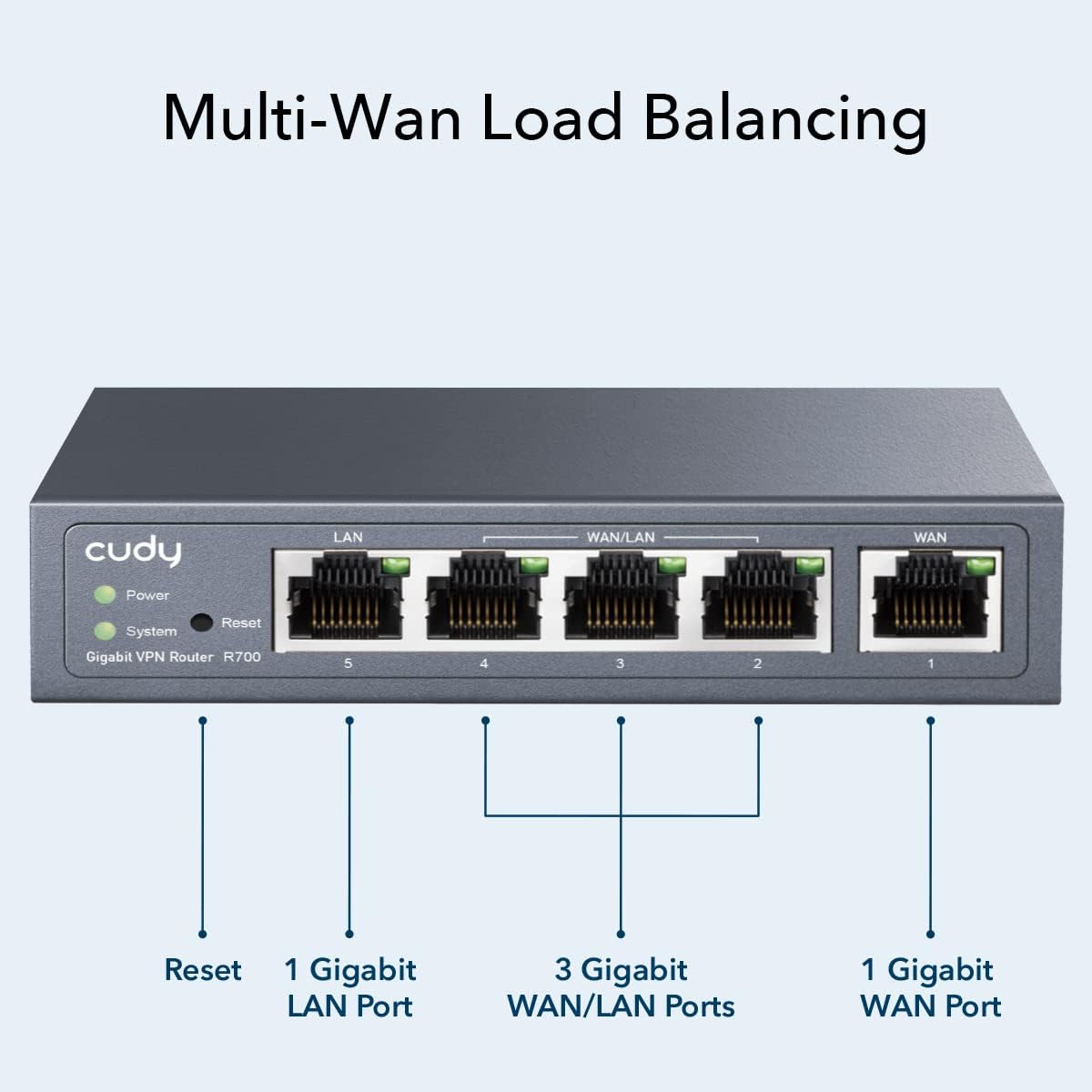
 Multi-Wan Load Balancing
Intelligent load balancing function distributes data streams according to the bandwidth proportion of each WAN port to raise the utilization rate of multi-line broadband allowing one device to satisfy various internet requirements.
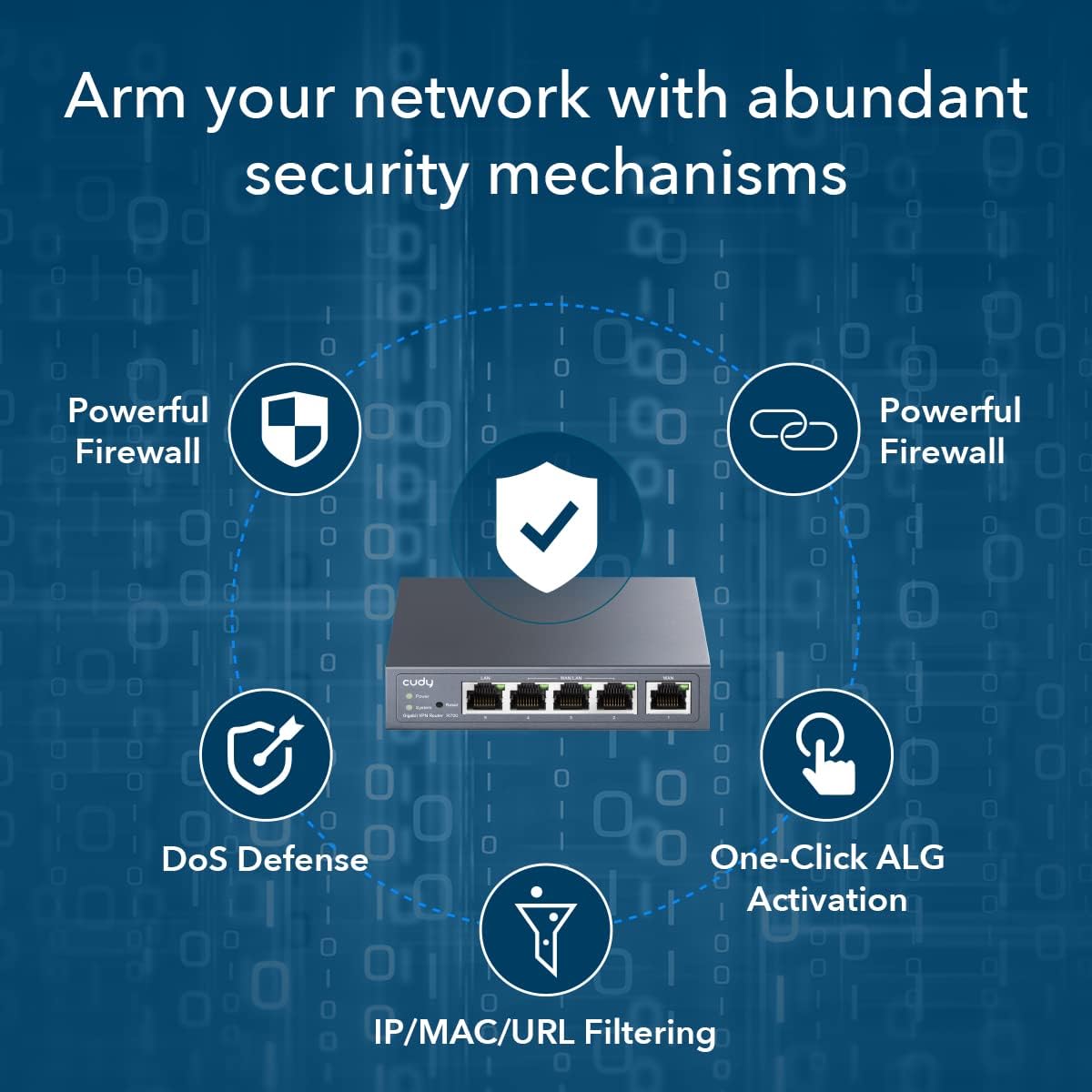
 Internet Access Management Strategy
Standardize users’ online behavior and easily specify the internet access rights and strategies of employee via IP/MAC/URL Filtering and Access Control List (ACL).
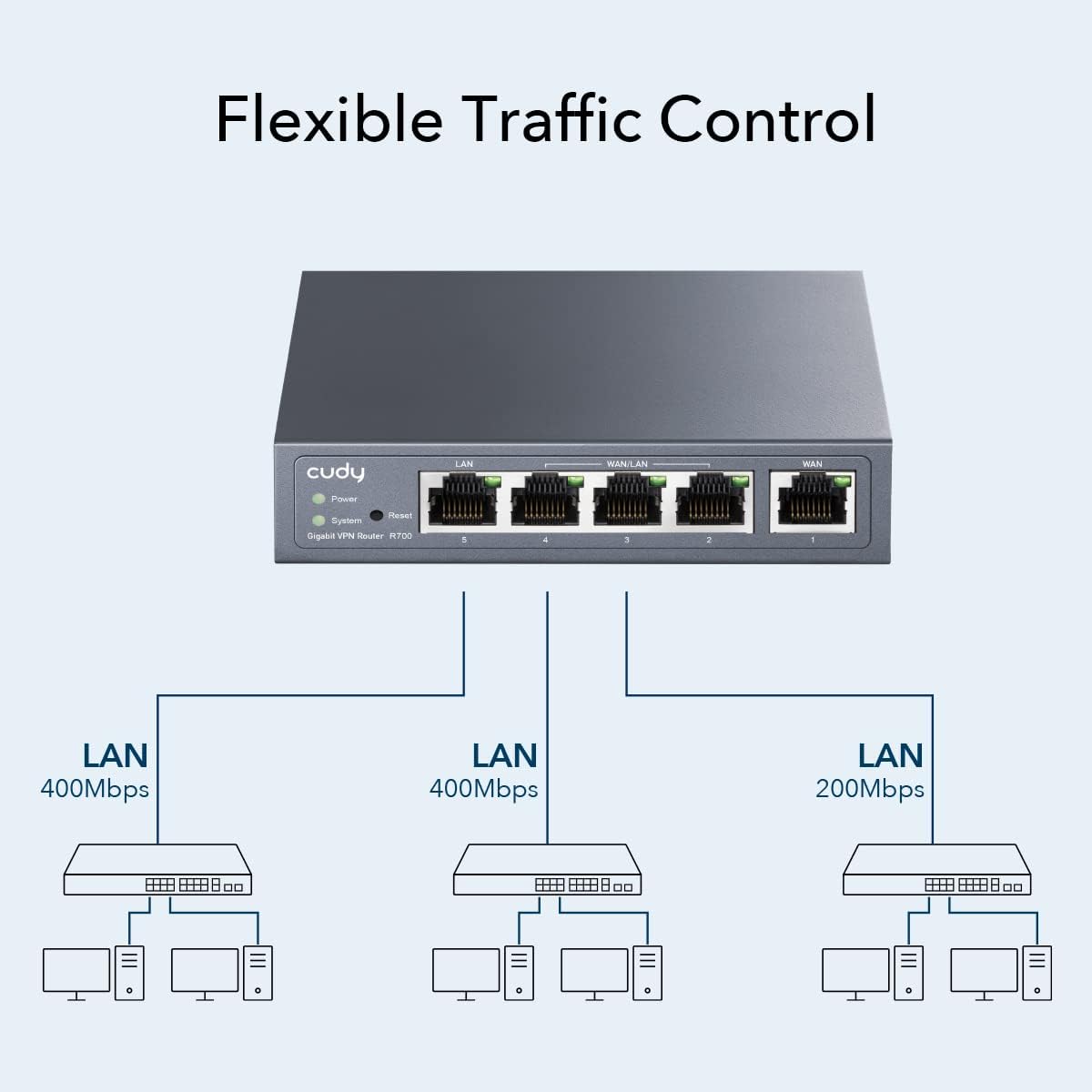
 Flexible Traffic Control
Bandwidth Control and Session Limit enables the administrators to flexibly manage network bandwidth to optimize usage.
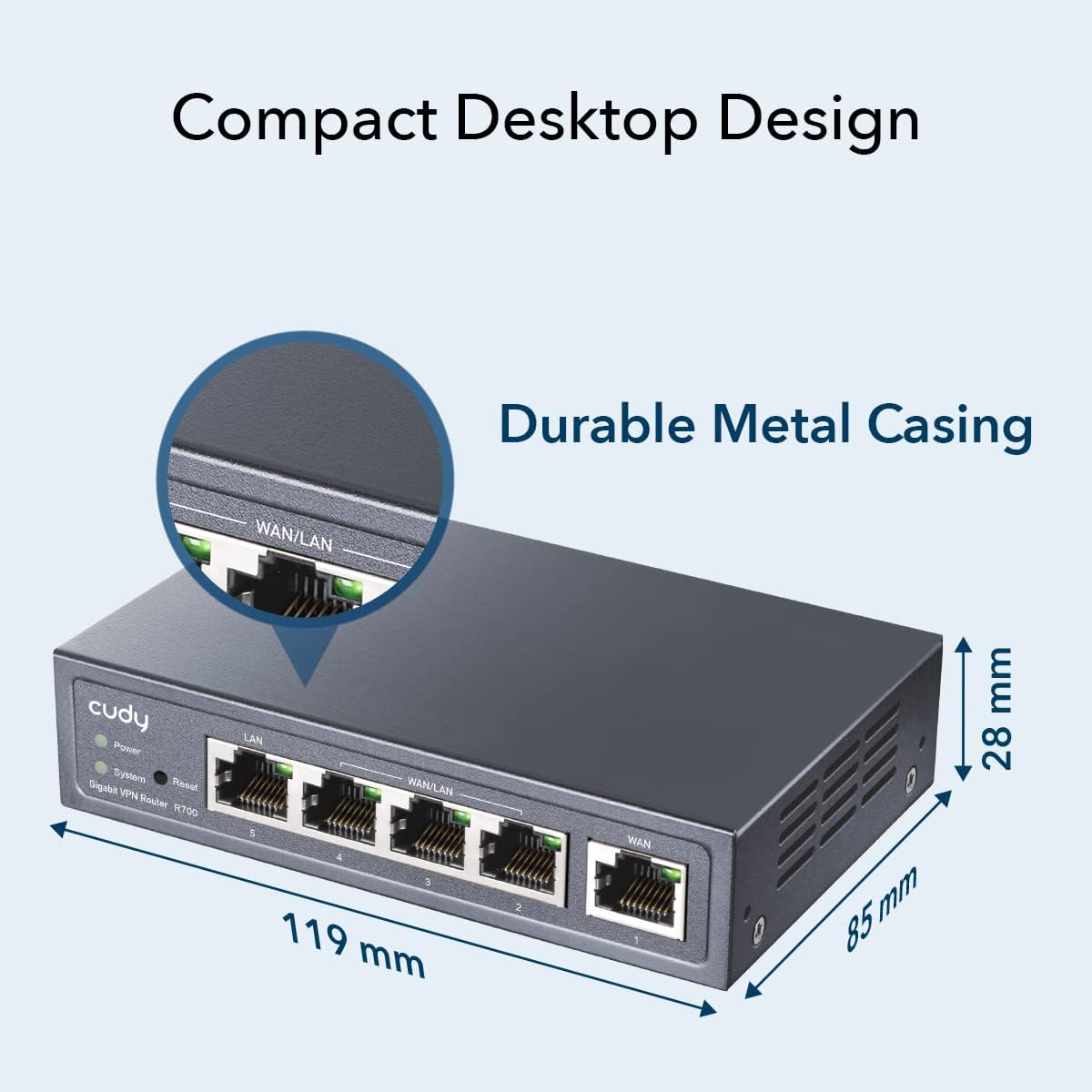
 Compact Desktop Design
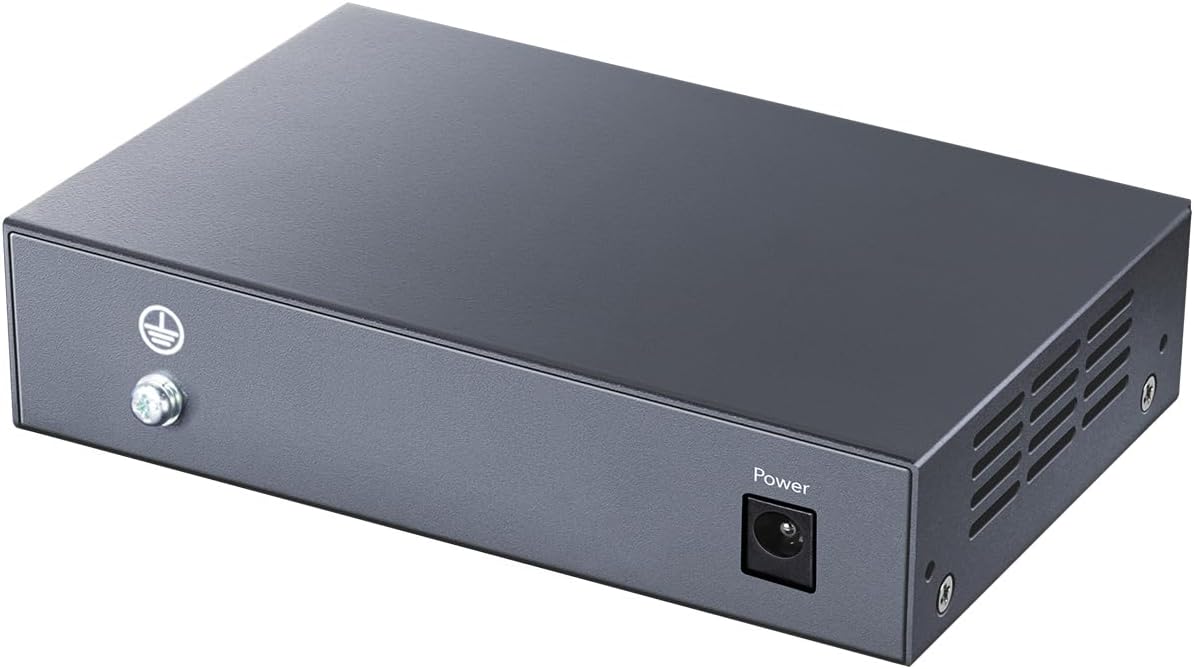
Durable metal casing and desktop/wall-mounting design suited for different environments.

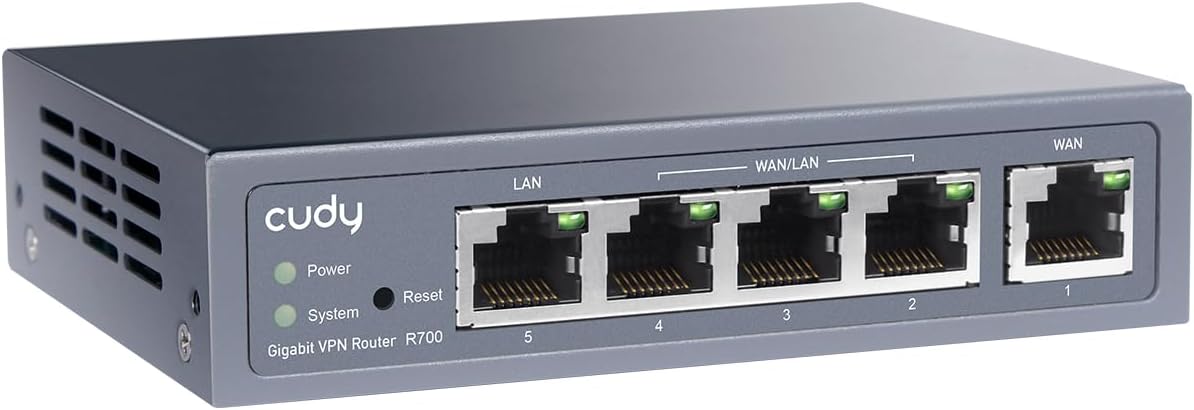
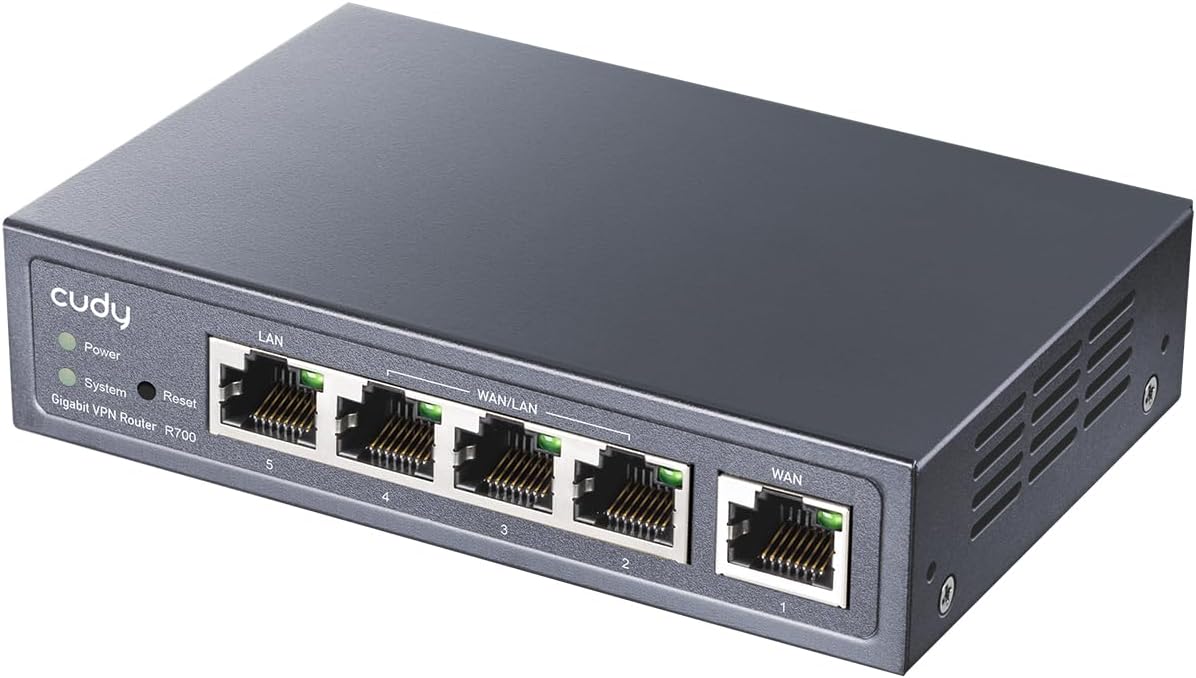
Gigabit Multi WAN Router. 1 Gigabit WAN Port + 3 Gigabit WAN/LAN Ports +1 Gigabit LAN Port. Support configure up to 4 WAN ports optimize bandwidth usage through one device.
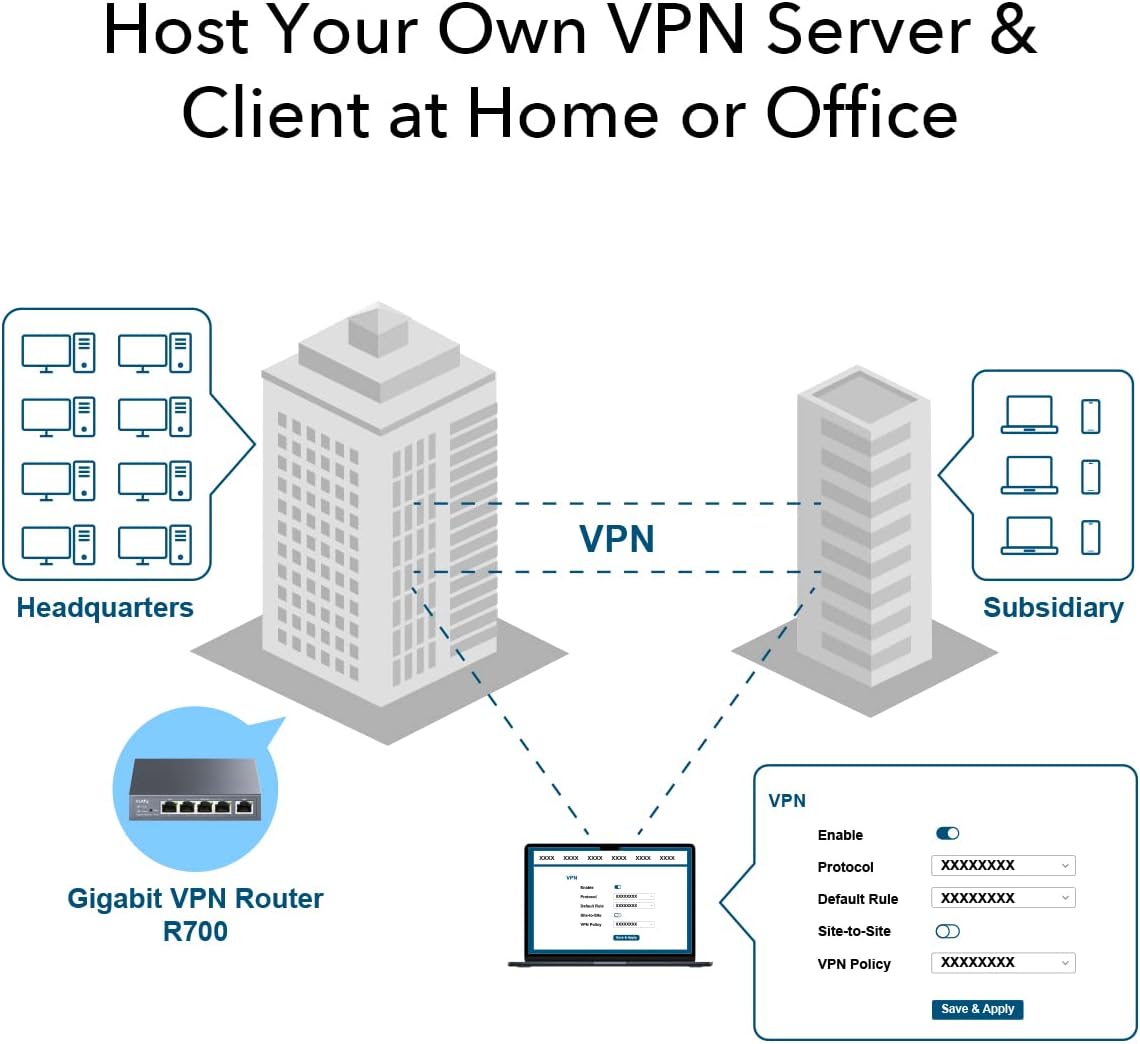
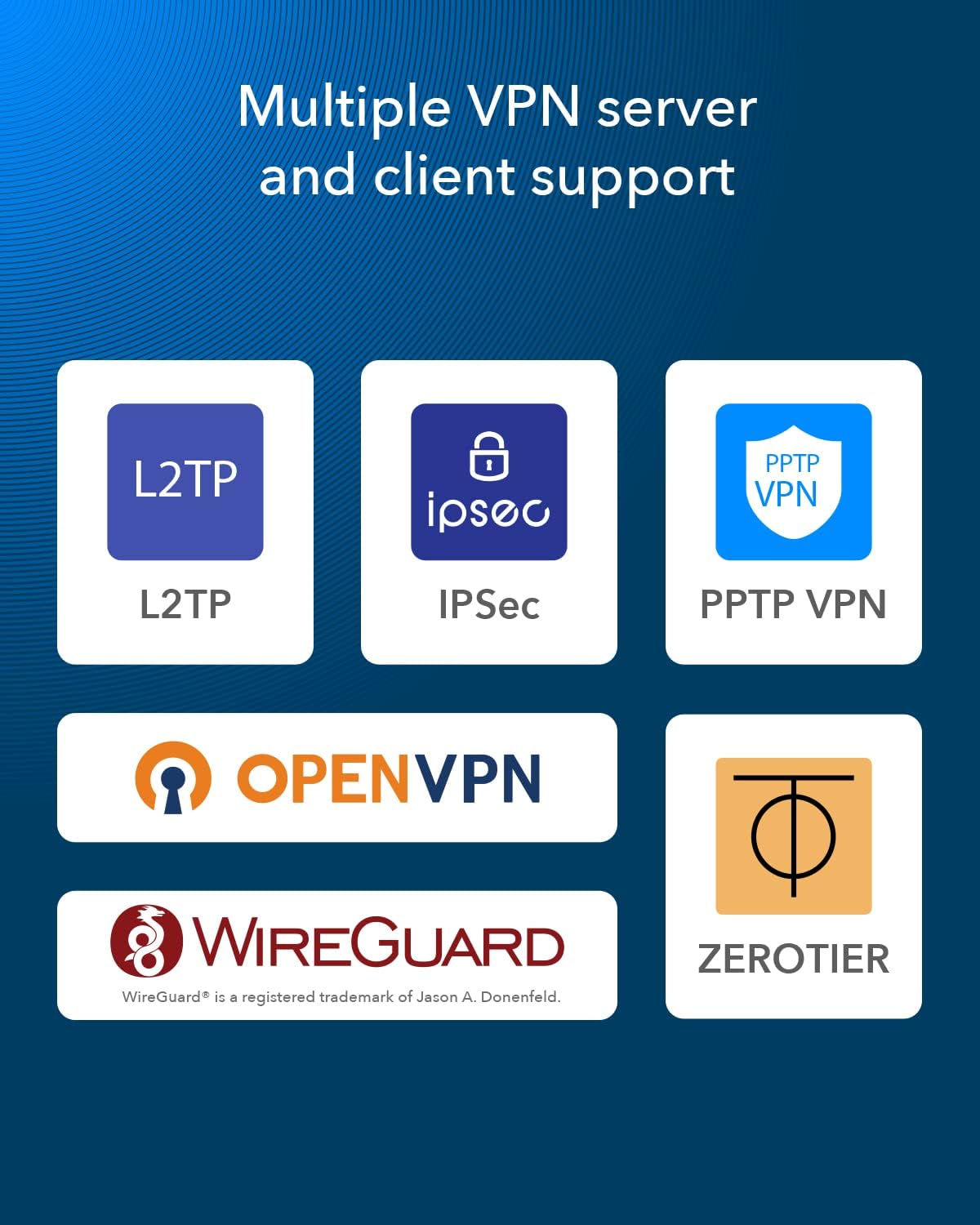
Powerful VPN Router. Support PPTP Server & Client, support L2TP Server & Client, support OpenVPN Server & Client , support WireGuard Server or Client, support IPsec Site to Site VPN, support Zerotier Master & Slave.
Load Balancing Router. Intelligent load balancing function distributes data streams according to the bandwidth proportion of each WAN port to raise the utilization rate of multi-line broadband allowing one device to satisfy various internet requirements.
Easy Internet Access Control. Standardize users’ online behavior and easily specify internet access rights and strategies of an employee via IP/MAC/URL Filtering and Device Control.
Compact Desktop Design. Durable metal casing and desktop design suited for different environments.
10 reviews for Cudy New Gigabit Multi-WAN VPN Router, Up to 4 Gigabit WAN Ports, SMB Router, Load Balance, Lightning Protection, PPTP L2TP WireGuard OpenVPN IPsec VPN Router


Related products





Barbara Buononato –
Excellent performance & failover security for $50…
I bought this for our home network, which has Spectrum main and Verizon 4G LTE backup Internet services. The Spectrum service is delivered through a cable modem in bridge mode to WAN1 of the Cudy R700, and the Verizon Business Gateway is set for IP pass-through on WAN2. The R700 has a standard GUI that is easy to access and the various settings are easy to adjust. As some others have noted, those among us that want to use an unlimited bandwidth main Internet connection and a capped backup connection suffer from a lack of information. I hope that this review will help with this. Log in to the R700 and go to General Settings > WAN Mode and select port 2 to create WAN2. Be sure to click Save & Apply and now you have WAN1 and WAN2 set up. Now connect your uncapped service on port 1 / WAN1 and your capped backup service port 2 / WAN2. You can then take port 5 / LAN and connect it to your home router / home network. Verify the LEDs on all of the ports are flashing to visually confirm activity, and then in the GUI go to System Status to confirm that the R700 indeed “sees” WAN1 and WAN2 “Connected” and online. Click Load Balancing > More Details > Settings > Member. Click Edit on WAN1 and set Metric=1 and Weight=3 and then click Save. Click Edit on WAN2 and set Metric=2 and Weight=3 and then click Save. My R700 came with Firmware Version 1.15.5 UN and required no other modifications than these, and the result is all traffic on WAN1 and zero traffic on WAN2. When WAN1 goes down WAN2 will take 100% of the traffic. Lastly, when WAN1 comes back online, traffic is rerouted 100% back to WAN1 and WAN2 returns to idle / failover mode. I have performed extensive testing to confirm this behavior over several days and confirmed it with data usage details on the cellular account. The failover performance is impressive, and the R700’s interface tracking is superb with its out-of-the-box settings. The R700 can determine if service is up or down with such sensitivity that even active video streams are not interrupted when pulling the WAN1 connection right out of the port. Spectrum service in my area is good, but has occasional outages a few times per year lasting an hour or two at a time on average, and if the power goes down Spectrum goes down too. Our home has a backup generator and our network has a large UPS as well, so the Verizon cellular connection never goes down but it is slower and costly, so it is imperative that it is used strictly for backup use. We work from home and have an extensive amount of IoT devices, tablets, phones, security cameras, lights, thermostats etc. that require a constant Internet connection in order to maintain the control and convenience of the entire home; we now no longer have to worry about the Spectrum outages on account of the failover performance of this multi-WAN device. The Verizon backup service is provisioned for 1 GB of data per month and we have not exceeded the allowance thus far. That said, each additional GB block of data is $15, so again it is crucial that the device NOT use WAN2 at all unless WAN1 goes down, and the R700 does the job very well in my experience. I had to get the information on the Metric and Weight settings from Cudy directly, which did respond to my email about a week after I sent it, so I just posted this review in order to help anyone that wanted to employ the R700 for a similar purpose. Please be aware that if the above steps are not taken, the WAN1 and WAN2 ports when enabled will be utilized in Load Balancing mode with the device defaults, which will effectively divide your traffic between the interfaces, which WILL consume data on WAN2; in other words, NOT failover. I hope this helps and I am very happy that with a small investment of just a little time and patience on the R700 to make sure it was set the way we needed. There is no other device of this type available at this time that can deliver this kind of performance for $50. It’s a solid device with good performance at a great price, well worth just a little effort during setup to ensure your highly online life remains connected through the inevitable outages that will come. A++
Justin Oros –
YOU NEED THIS IF YOU WORK FROM HOME!!!
I have two home internet providers because I work from home and need to be able to access the internet for work even if one of my internet providers goes offline.I also wanted something that was less hassle than having to connect to my other internet when one of them went offline.This Cudy Multi-WAN VPN Router was the answer I was searching for.It’s simple to setup and easy to use. Just follow the Quick Setup guide in the box.1) Power the device on.2) Connect Internet1 to “WAN” port (this port is already configured to be a WAN port)3) Connect Internet2 to “WAN 2” port (you will need to configure this port to be a WAN port)4) Connect your computer or Wireless Access Point to “LAN 1” port5) Configure WAN 2 port to be “WAN” and not “LAN” (super easy to do, just follow the Quick Setup guide to connect to the device)Don’t forget to change your Cudy admin password!I went to download the latest version of the device firmware from the manufacturers website but I found that the device was already running a newer version of firmware than what was actually available for download from the site.Pros:AffordableQuick and easy to configure (if you have some basic IT knowledge but a non-IT person might struggle with the port configuration… I thought it was pretty straight forward)Fast (due to load balancing, my two internet speeds are basically combined now, increasing my download/upload speeds)Auto-connects you to the other internet, if one should fail.Cons:I’ll let you know if I find any!Conclusion:I highly recommend this product for anyone looking to use a “backup internet” for remote work who also wants an automatic and seamless failover.
Amazon Customer –
Good stuff
Works well love the failover.
Chad Moore –
Smart little router
Replacing an Omada device that was, admittedly, probably overkill. Load balancing across three ISP was a snap. Load balancing, port forwarding, VPN etc were set up in maybe an hour. Plain language and intuitive like an old school Cisco SMB. Would consider other Cudy products in the future.Only downside I can see is maybe firmware updates. Unless I’m just not looking right, it doesn’t seem to have a check in place. Looks to be a manual process of going to the site and checking periodically for updates.
Jeffrey Brady –
Easy to setup failover between multiple ISPs + lots of other functionality. A steal at this price!
I have worked with Enterprise networking gear and getting failover setup can be tricky. I got this for home since my wife and I both work from home and we need reliable connectivity. While our Internet from the cable company is pretty reliable, it does go down from time to time. We added T-Mobile Home Internet Backup to our home and I wanted to automate the failover. This gadget works great for this purpose. You can have it failover or spread your connection between multiple ISPs. There are a lot of VPN options both inbound and outbound you can setup. The box is rock solid stable particularly with the weekly reboot I have scheduled at 2am in Sundays. My own concern is Cudy hasn’t released any firmware updates, but the unit does have that option if they do.
Seguino de Zeeuw –
Works well, easy with wireguard
Jan –
Produkt funktioniert gut, das einrichten ist etwas knifflig aber alles zu schaffen… ich habe nur das problem das ein Vodafone Cabel anschluss immer nur kurz mit dem gerät funktioniert danach wird er von der Cabelbox von Vodafone nicht mehr erkannt, aber ich vermute das dies ein Problem von dieser Vodafone Box ist und nicht von dem Gerät in allen anderen Netzwerken hat es prima funktioniert.
Jon B –
Really powerful router. I use this with nextdns and zerotier VPN. Very easy to configure with a little knowledge of networking.Small unit, easy to conceal. Gigabit ports make the network fast enough (no good if you have fibre broadband over 1Gbps).Using on our busy home network and after 3 weeks there has been no need reboot or adjust settings so stability is looking very good.I’ll definitely be wanting more of these for commercial use with zerotier.
Serialoser –
Le but étant d’avoir une connexion de secours 4G en cas de panne de ma box fibre, ce routeur multi-Wan répond à mes attentes. La bascule peut toutefois prendre 1 minutes.Pour le paramétrage, j’avoue n’avoir pas tout compris étant profane sur les config réseau et le menu étant principalement en anglais, pour l’instant je n’ai pas configuré de VPN mais je ne l’ai pas pris pour ça. Outre les connexions de secours possibles par ce routeur (jusqu’à 4), il permet de soulager ma box qui à priori ne supportant pas les gros trafiques et était sujet à de nombreux plantages lorsque la bande passante était sollicitée. A ce prix là, nous sommes forcément limités à 1 Gbps par port, donc bridage des connexions au débit supérieur…Pour ma part, ce débit me suffit largement pour l’usage que j’en fais.
nmqk –
Produit robuste, facile à mettre en œuvre.L’interface utilisateur laisse à désirer néanmoins très fonctionnelle.Gestion du log est difficilement utilisable, peut-être faire un tri du plus récent au plus ancien pour mieux trouver les problèmes….