

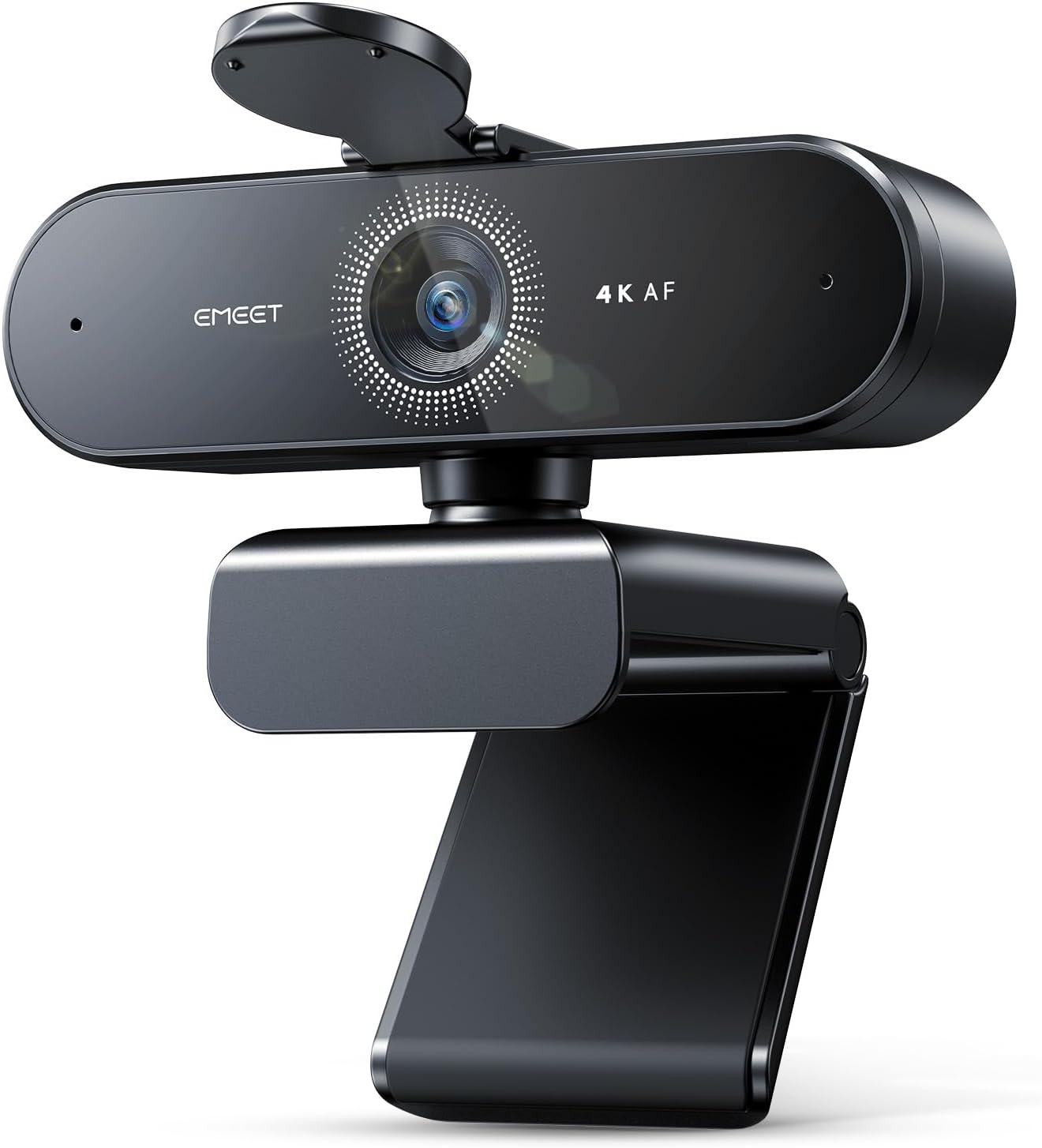



EMEET NOVA 4K Webcam for PC – Ultra 4K HD, PDAF Autofocus, Dual Noise-Cancelling Mics, 73° FOV, Auto Light Correction, USB-A, Privacy Cover, Ideal for High-End Business Meetings&Live Streaming
Original price was: $69.99.$52.99Current price is: $52.99.
Price: $69.99 - $52.99
(as of Feb 08, 2026 20:27:10 UTC – Details)
Product description
The video showcases the product in use.The video guides you through product setup.The video compares multiple products.The video shows the product being unpacked. EMEET NOVA 4K Webcam for PC Merchant Video
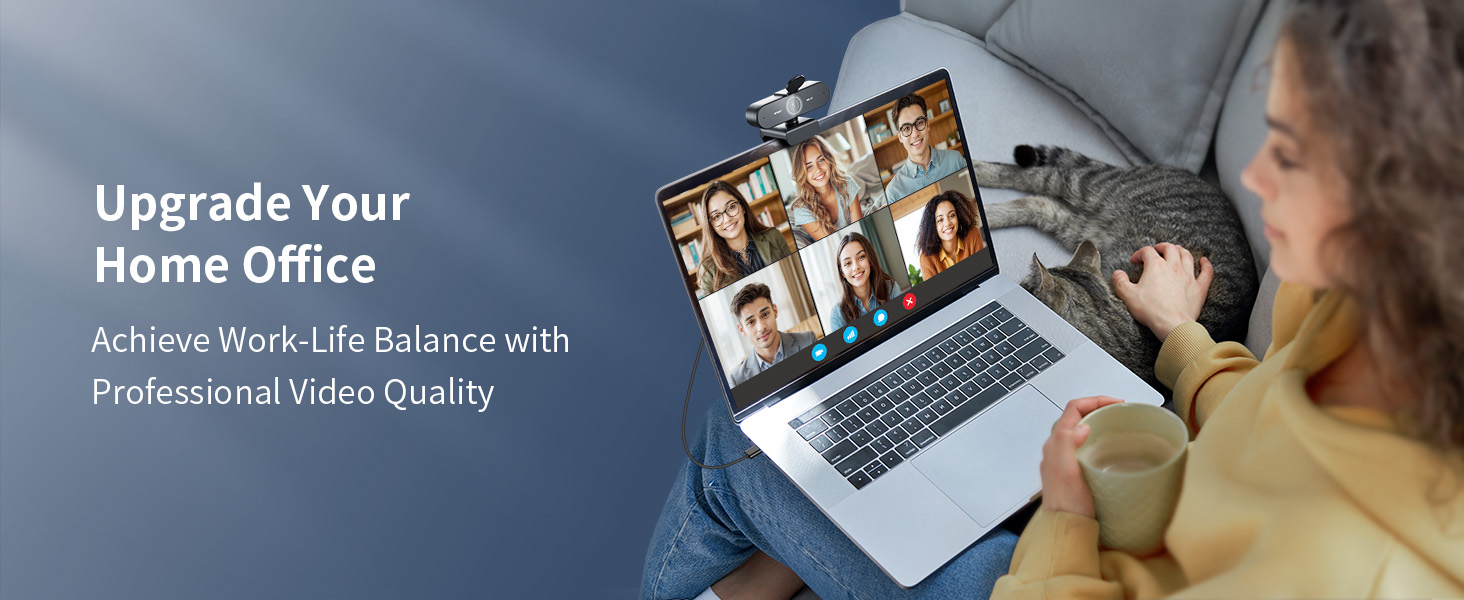

1 Perfect for Home Office
2 Ideal for Online Learning
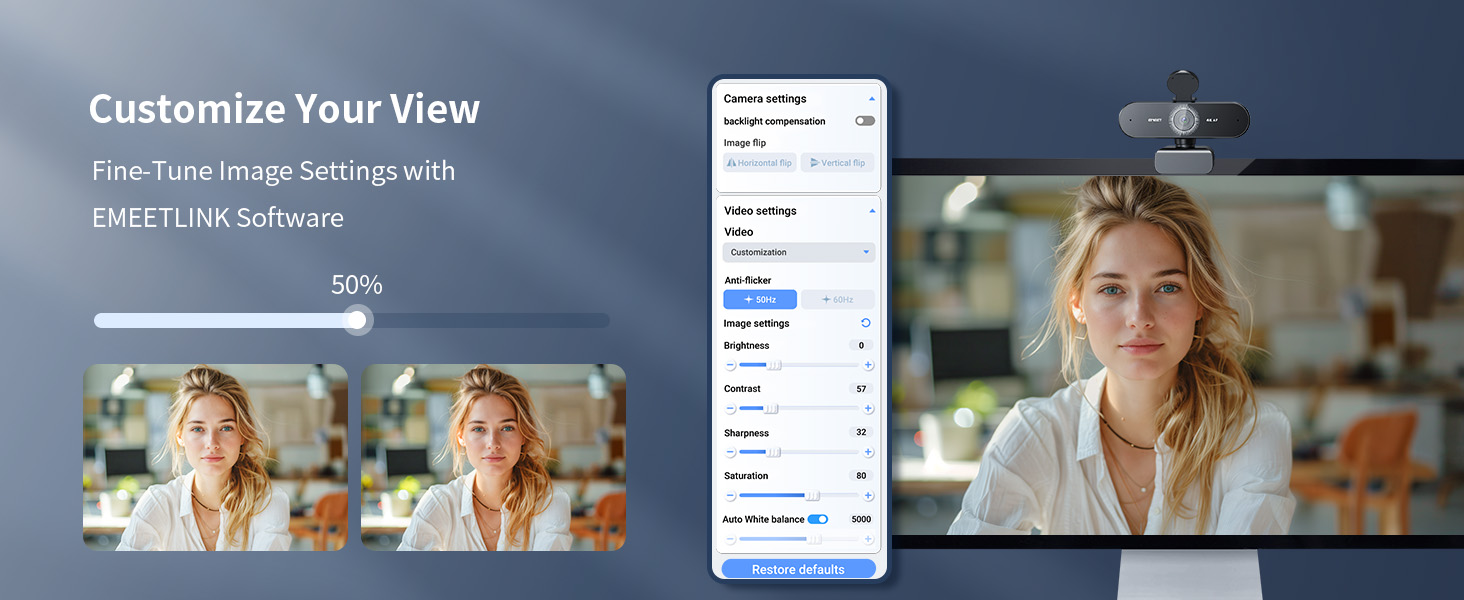
3 Customize Your View


1 Dual AI Microphones
2 Privacy Protection
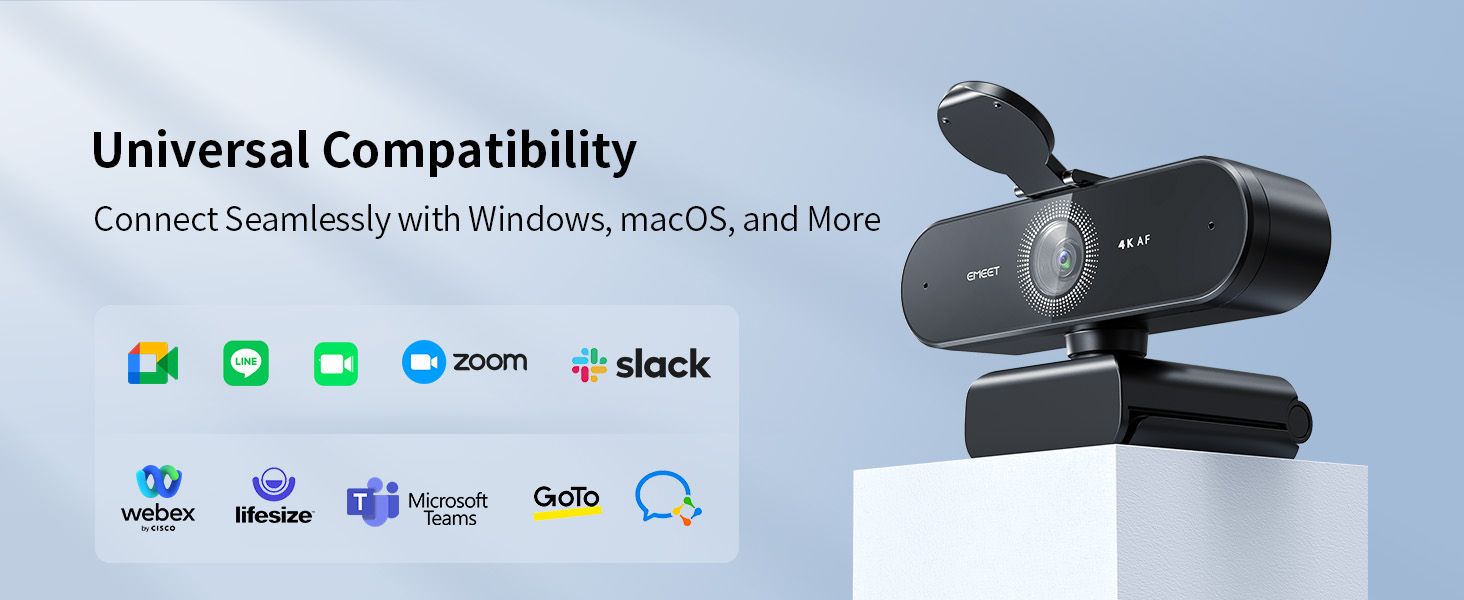
3 Universal Compatibility
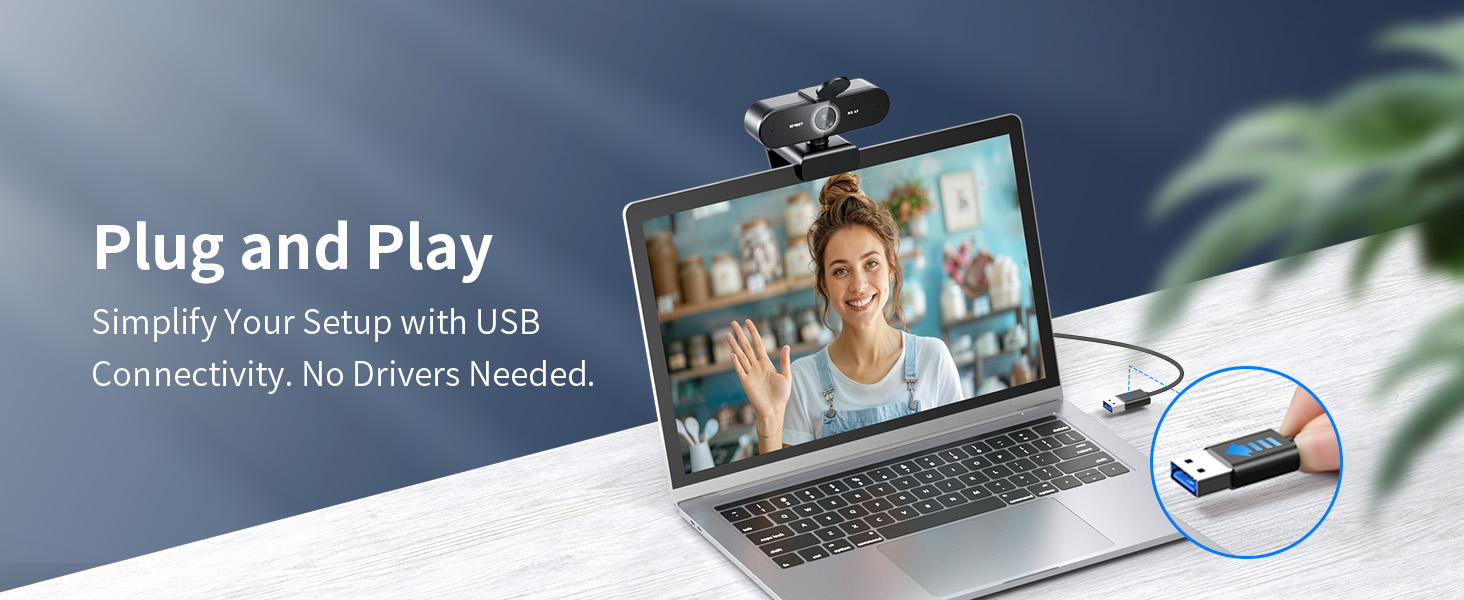
4 USB 2.0 TypeA Plug & Play
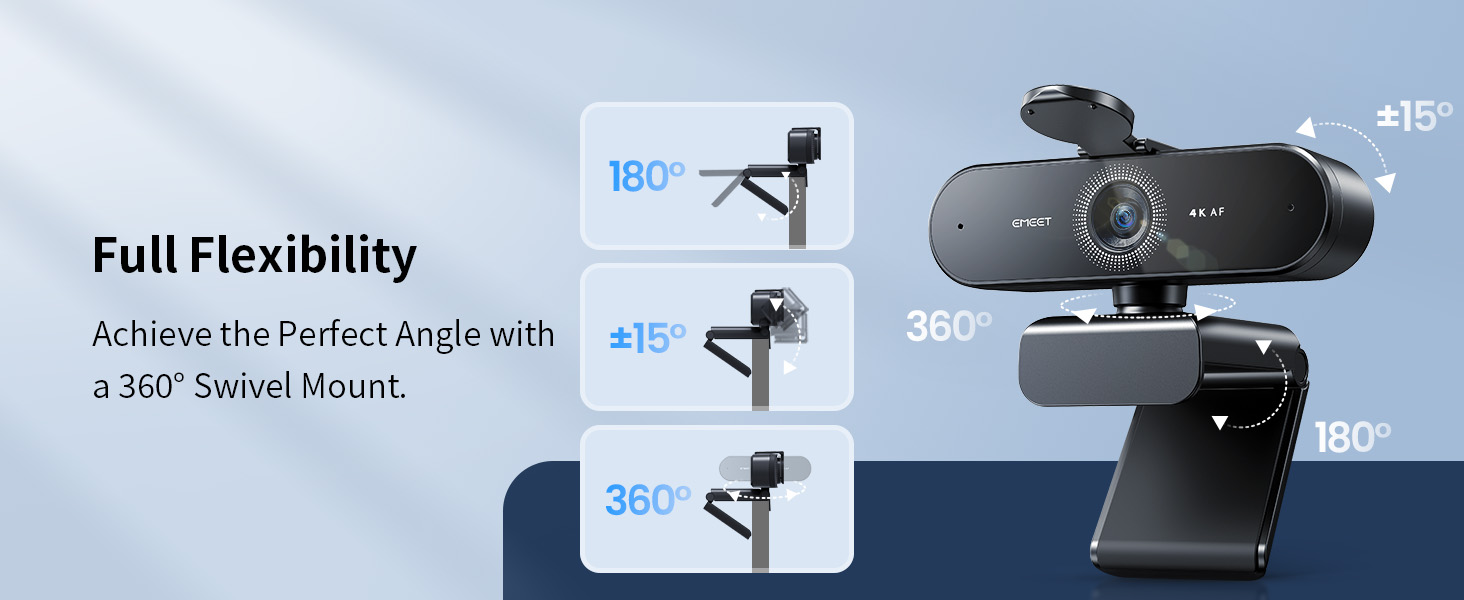
5 Full Flexibility

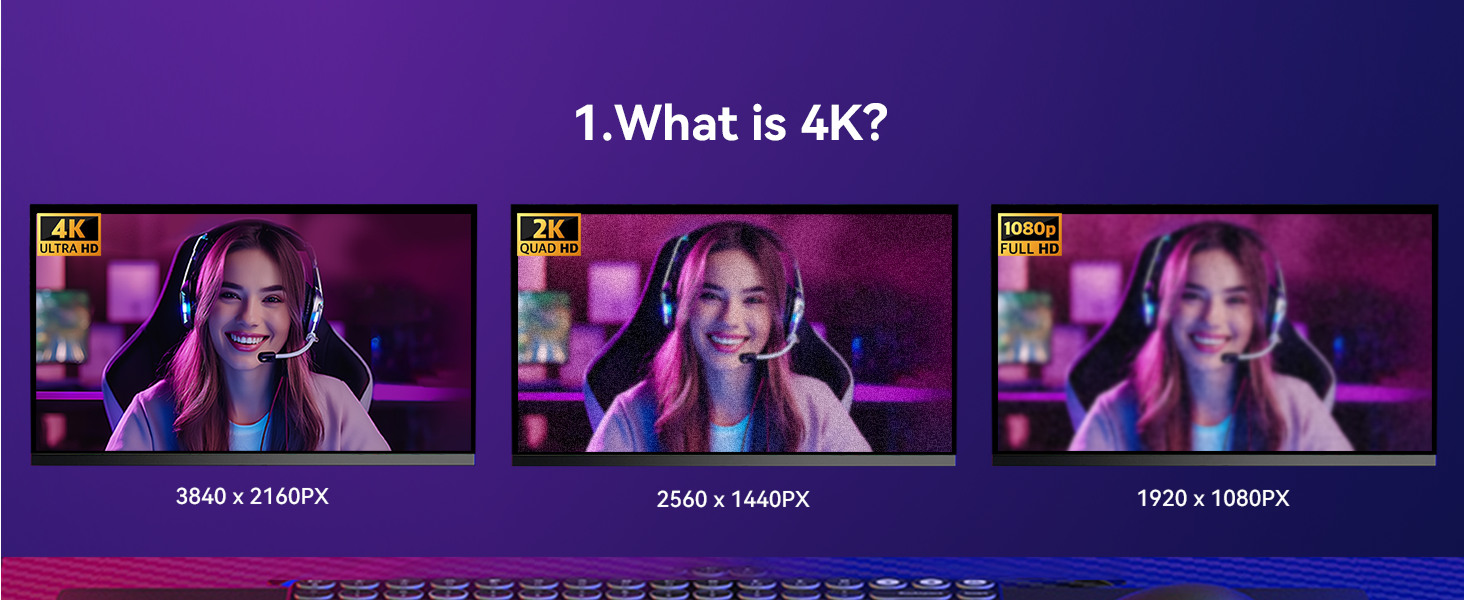
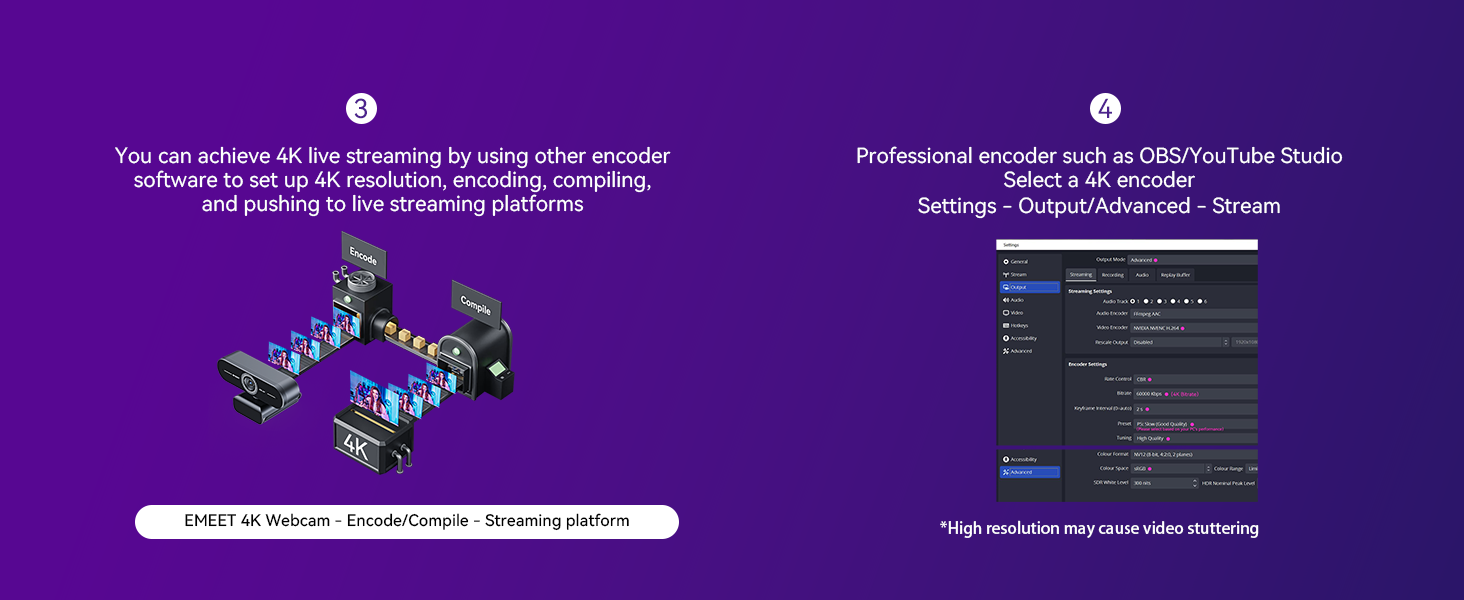
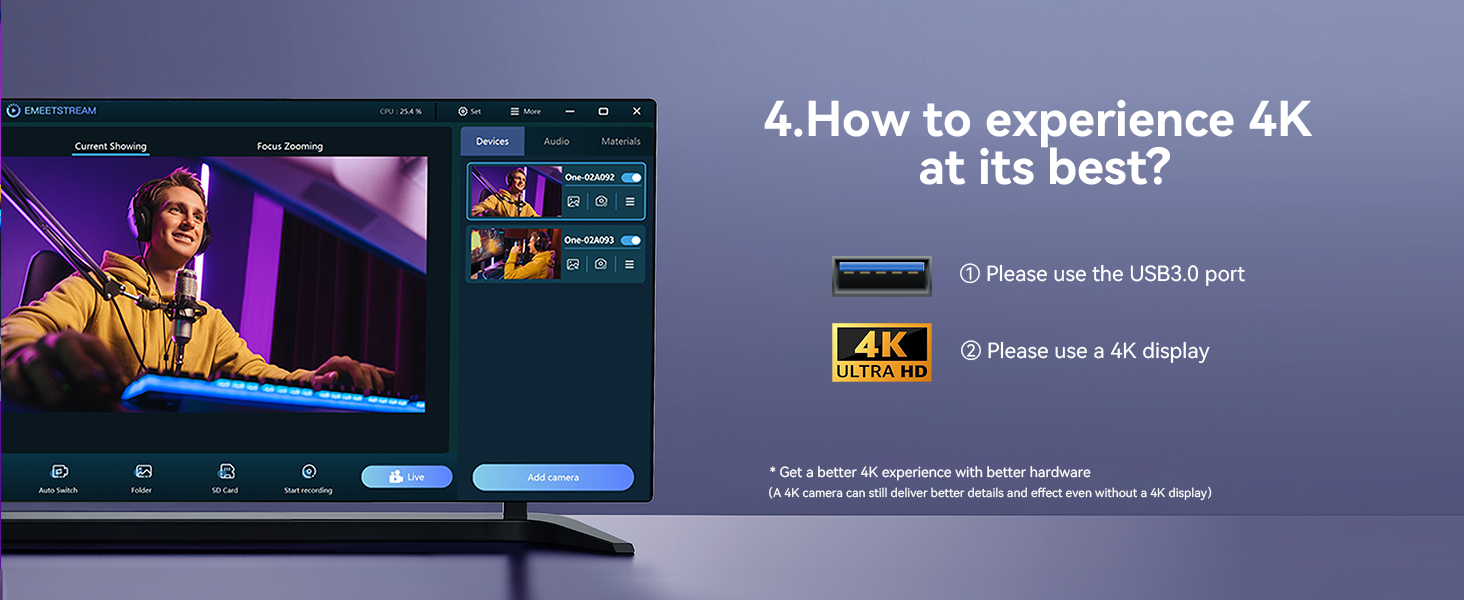
1 What is 4K?
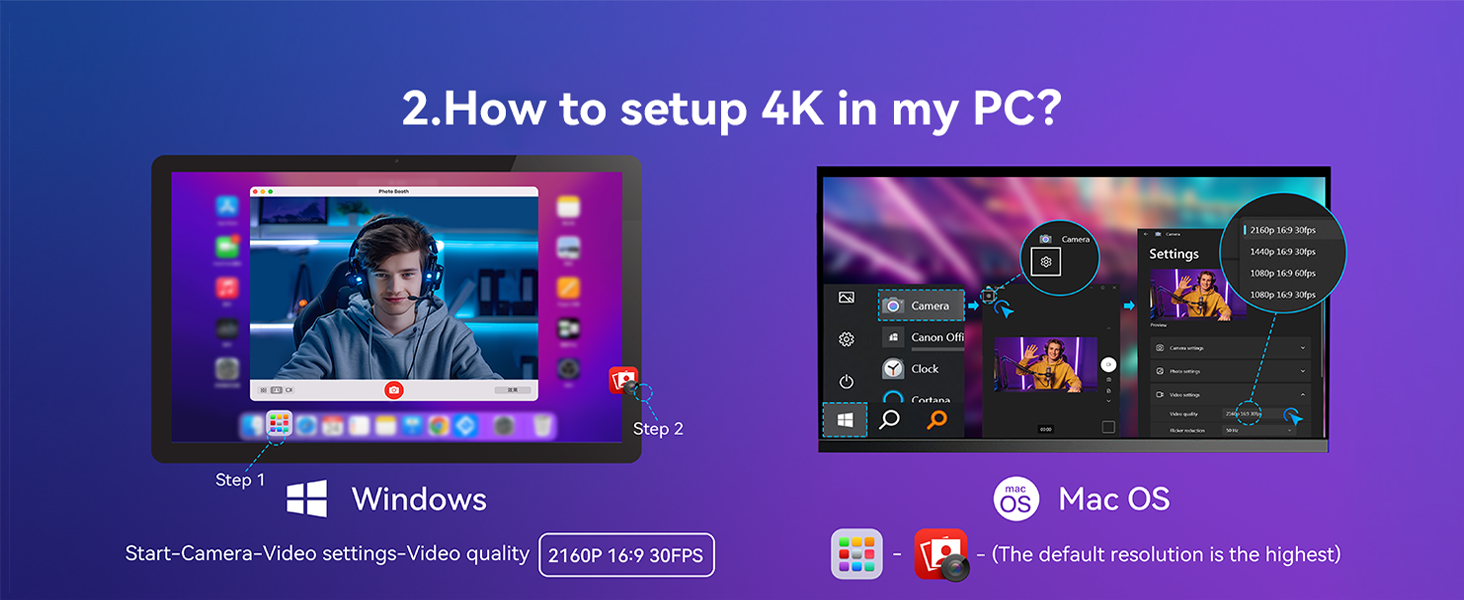
2 How to setup 4K in my PC?
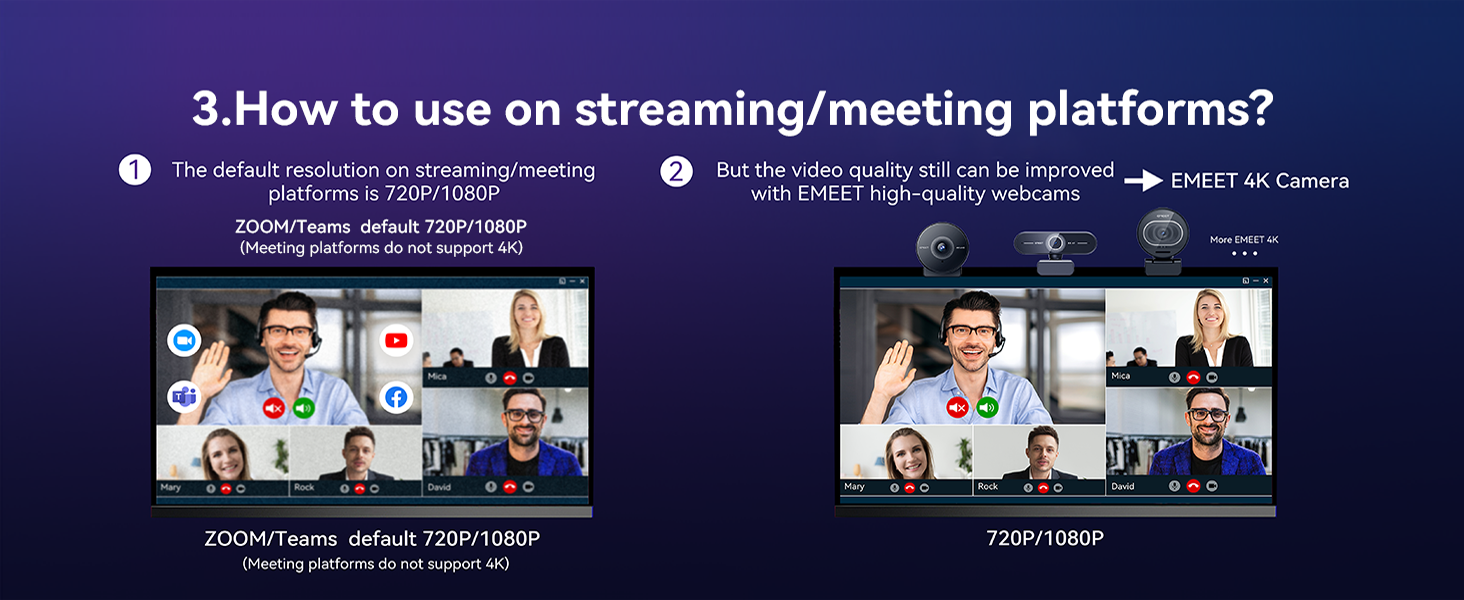
3 How to use on platforms?
4 How to use on platforms?
5 How to experience best 4K
Which operating systems are compatible with the NOVA 4K webcam?
The NOVA 4K webcam is compatible with the following operating systems, please make sure your device is running one of these operating systems for use:
Windows 10 and 11
macOS 10.14 and above
Android TV version 7.0 and above
Is the NOVA 4K webcam compatible with video conferencing software?
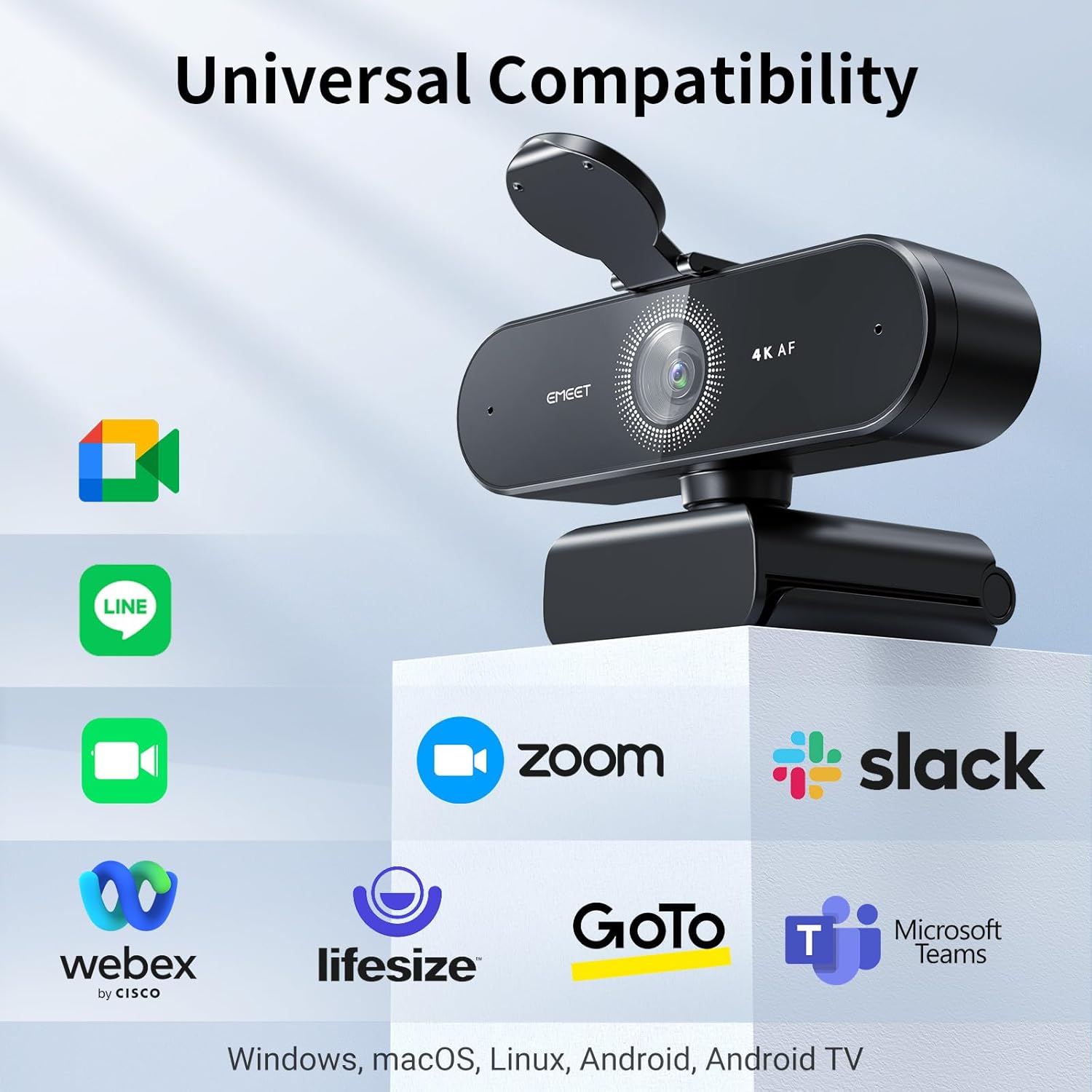
Yes, the NOVA 4K webcam is compatible with a wide range of video conferencing software. It works with Zoom, Microsoft Teams, Google Meet, Cisco Webex, Facetime, GoToMeeting, Lifesize, Slack, Line, TrueConf.
What type of USB port does the NOVA 4K webcam require?
It requires a USB 2.0 or Type-A USB port for proper functionality. Please ensure that your device has the appropriate USB port to avoid connection issues. Using other types of USB ports (such as USB-C) may result in not recognizing or functioning.
What should I do if the NOVA 4K webcam is not working?
If the webcam is not working, please follow these troubleshooting steps:
1. Check compatibility.
2. Verify USB port type.
3. Try a different port or device, and Update drivers.
4. If the issue persists, go to find us for further assistance.
Which versions of Windows are supported by EMEETLINK software?
The EMEETLINK software supports Windows 10 and later, 64-bit operating systems. It is not supported on ARM architecture-based Windows systems.
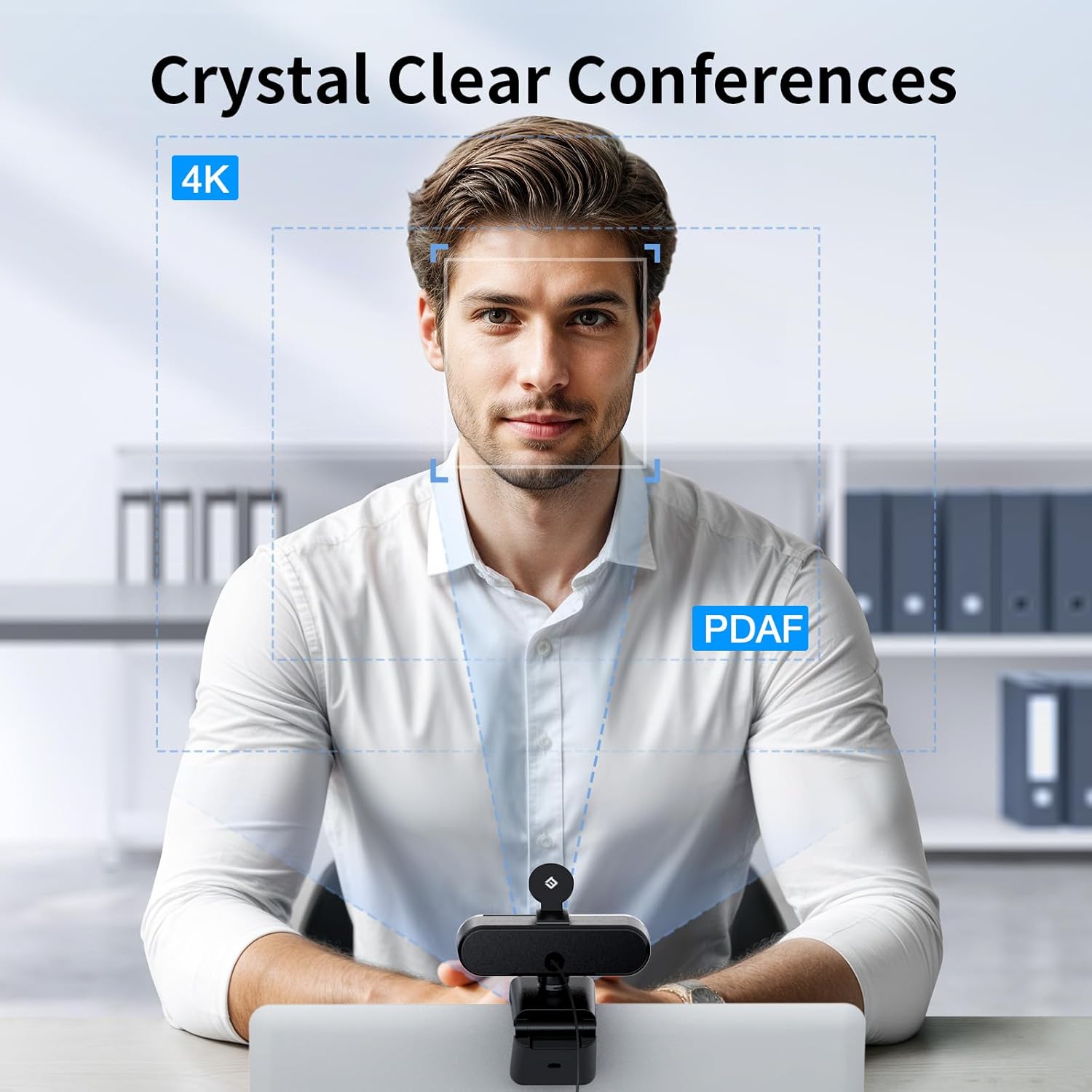
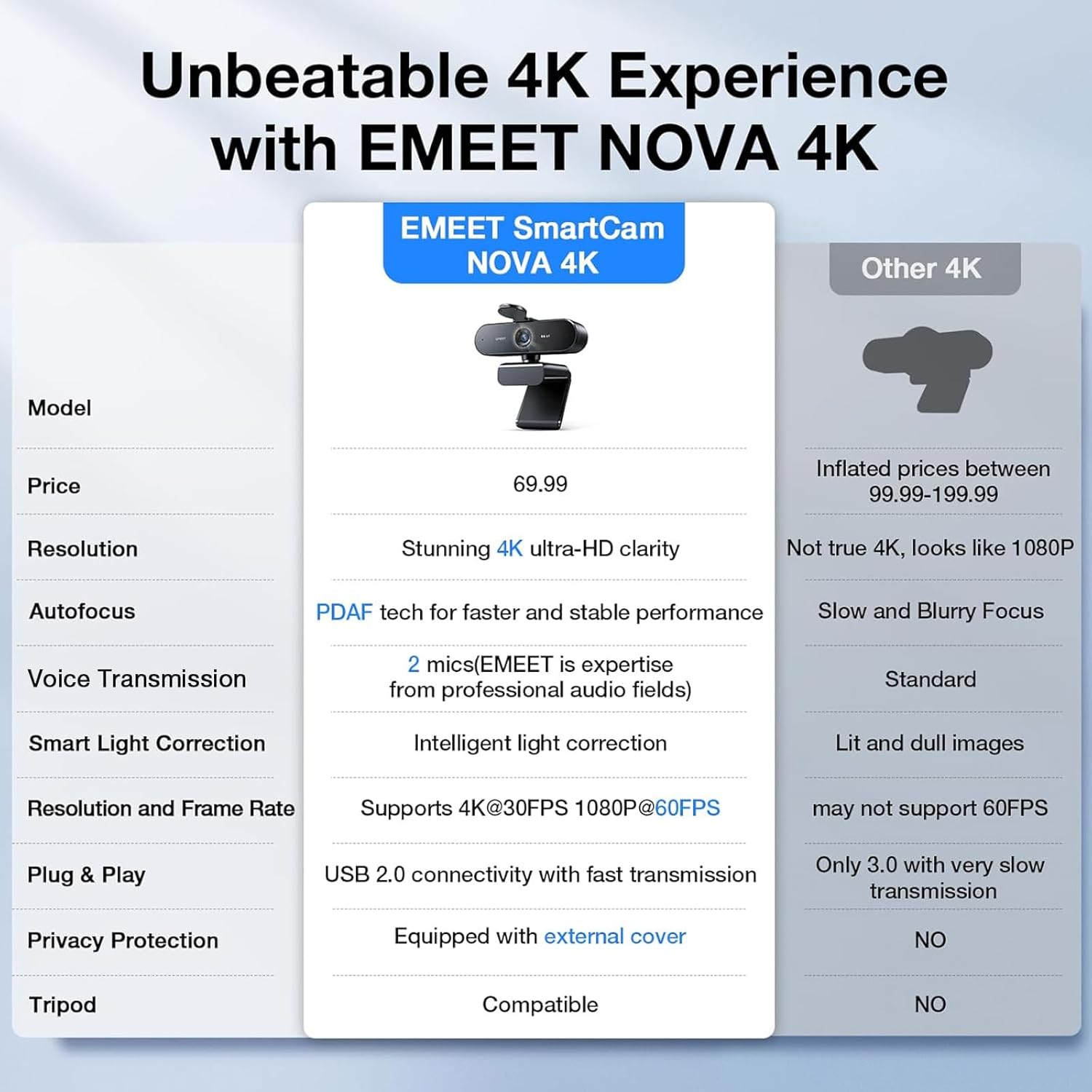
Unrivaled 4K Performance – Experience unparalleled clarity with our EMEET NOVA 4K webcam, featuring a 30FPS rate and a CMOS sensor for the ultimate high-definition visual experience. Ideal for crucial business meetings, online education, or personal streaming, this webcam for PC ensures every detail is captured with precision. The 4K resolution enhances visual appeal and engagement. Note: Video resolution defaults to 1080P; Switch to 4K via built-in camera software or APPs like PotPlayer/OBS.
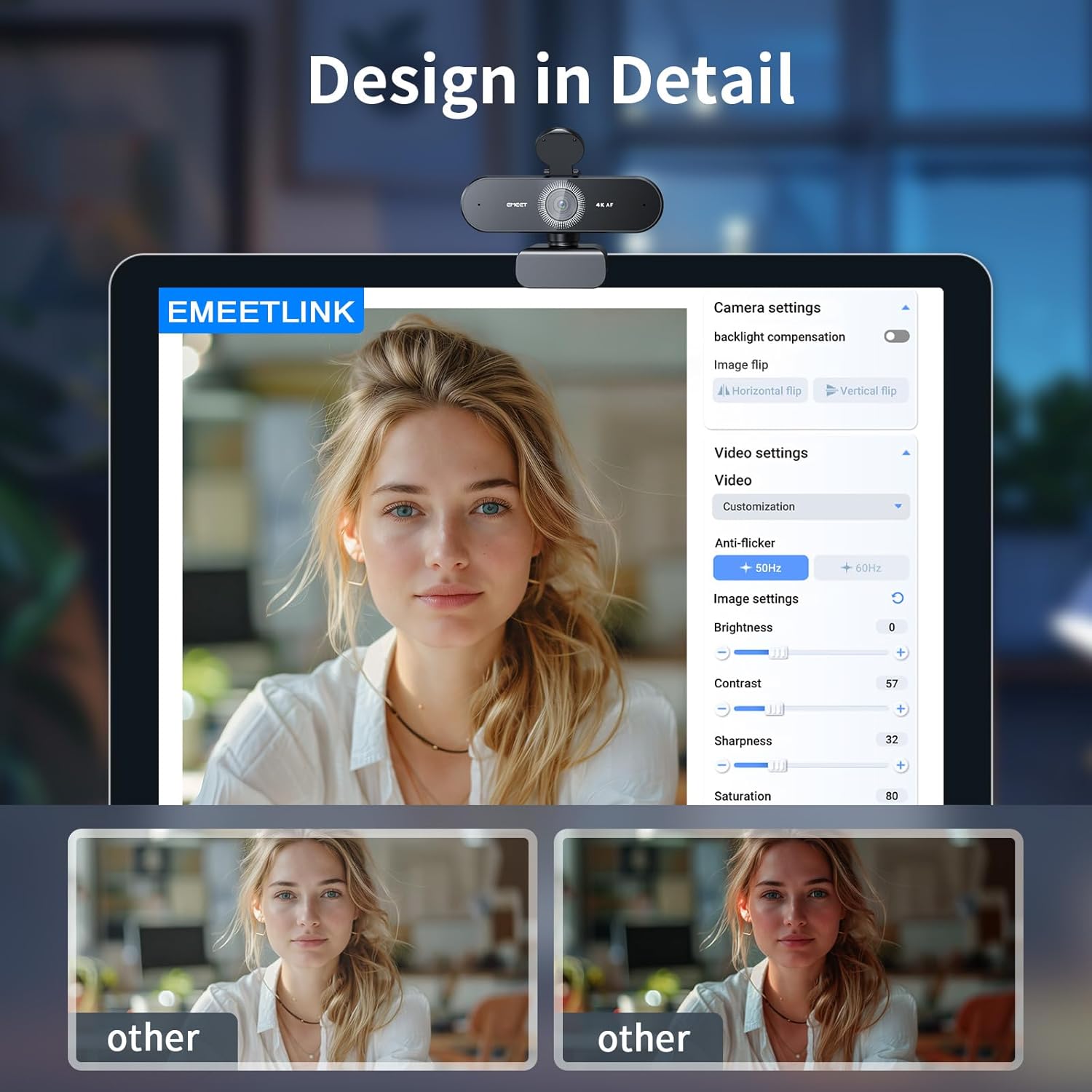
Precise Autofocus, Clear Display – This 4K webcam features PDAF tech for fast and accurate autofocus within a fixed range of 7.9–118 inches (manual focus not supported), ensuring sharp images even with motion. It offers automatic light adjustment and a fixed 73° FOV for balanced visuals. EMEETLINK software lets users adjust brightness, contrast, and saturation, e.g., activating backlight compensation for better brightness. It does not support facial tracking, closing autofocus, or adjusting FOV.
Superior Audio Clarity, Unmatched Compatibility – Featuring 2 built-in microphones and advanced noise-cancelling technology, the NOVA 4K Webcam delivers clear, natural audio up to 8 feet away—ideal for busy offices or home use. For optimal performance (100–10KHz), keep the mic unobstructed, position it close to the speaker, and use it in a quiet environment. NOVA 4K Webcam is fully compatible with Zoom, Teams, Google Meet, and major systems like Windows 10/11, macOS 10.14+, and Android TV 7.0+.
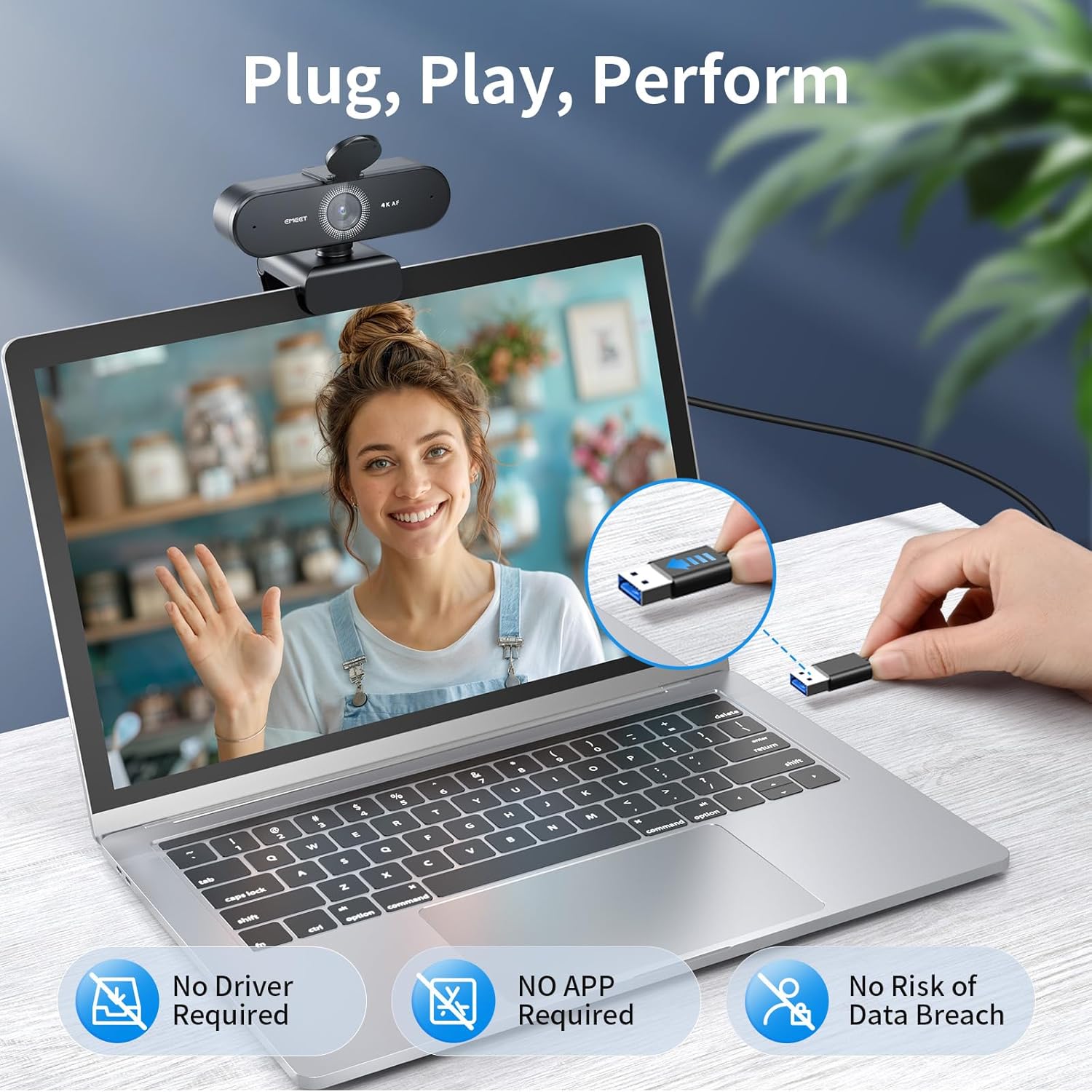
Plug&Play Connectivity, Guaranteed Privacy – Simply connect this USB 2.0 Webcam to any device with a Type A port and start your video communication instantly. A privacy cover is used to prevent unwanted surveillance. Relying solely on physical connections without WiFi or Bluetooth, wireless signal interceptions are eliminated. With no need for drivers or cloud storage, it offers a controlled environment that maintains data locally. It is ideal for professionals and settings that demand privacy.
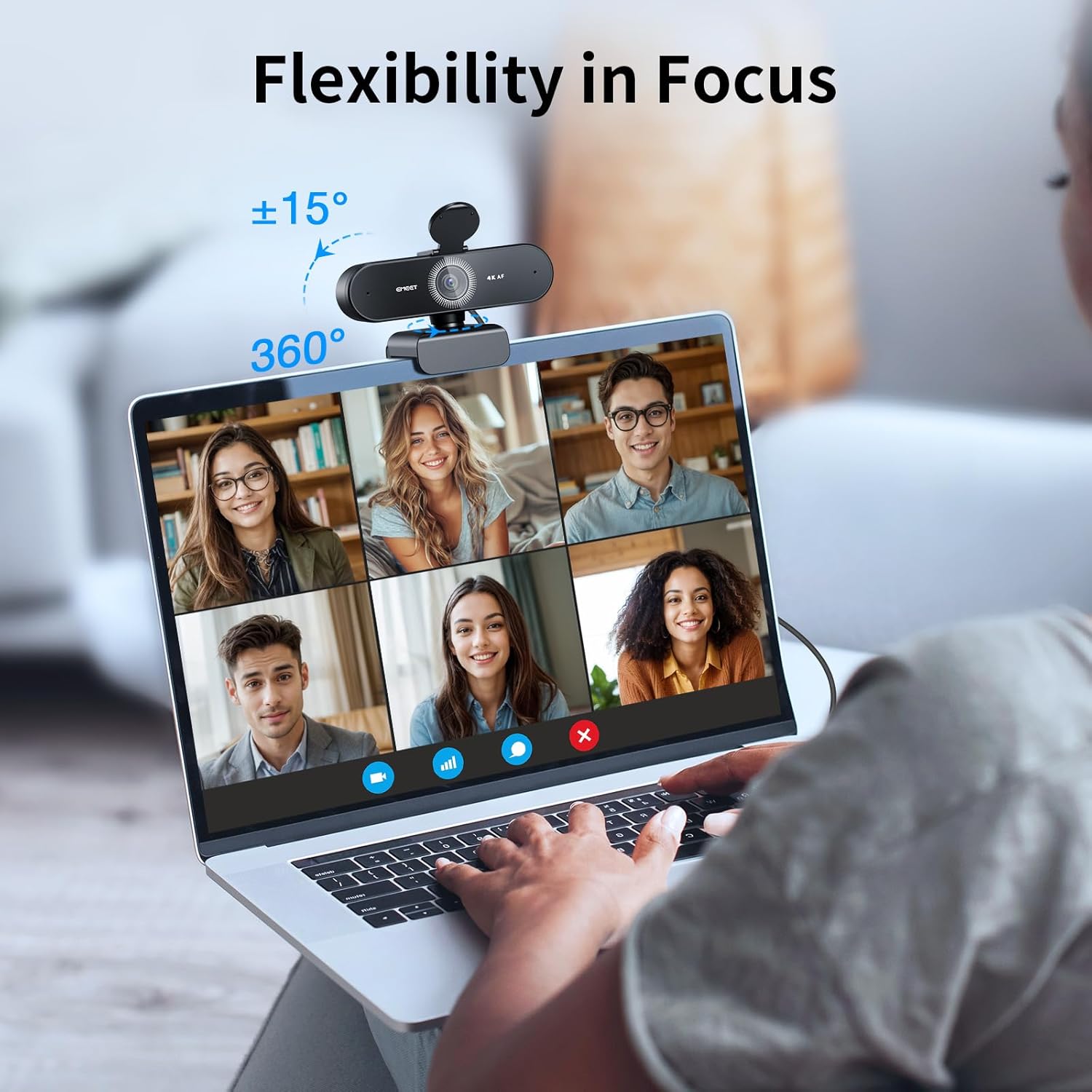
Flexible & Secure Design – The EMEET 4K webcam features a universal joint for 360° horizontal rotation, 15° vertical adjustment and a 180° adjustable stand, plus a standard ¼ inch nut for a tripod. Such flexibility allows you to capture perfect angle in any setting. Designed with stability, the PC camera boasts a robust swivel connection between the lens and its stand, uses an internal rubber material that grips securely to computer, and firmly integrates into the device with a 1.5m fixed cable.
13 reviews for EMEET NOVA 4K Webcam for PC – Ultra 4K HD, PDAF Autofocus, Dual Noise-Cancelling Mics, 73° FOV, Auto Light Correction, USB-A, Privacy Cover, Ideal for High-End Business Meetings&Live Streaming




dhbailey –
Excellent 4K webcam that still looks great on HD monitors
I teach online music lessons so it’s imperative that I have a working webcam, so I bought this as a backup for the Logi camera I mainly use. If this had been available when I bought the Logi I would have only purchased this one! The price is amazingly low, the quality is amazingly high, the quality of the microphone is better than the Logi but it’s also 5 years newer than my Logi webcam.I love the privacy flap — I did have to install it because it’s easier for them to ship with it not installed (or they began adding it after the packaging was already designed) but it was easy. Every web-cam should come with such a privacy device that easy and quick to engage.The quality is excellent, the software that you need to install works very well. Plug the camera in and you’re ready to go — the software isn’t actually needed for use with Zoom or other online video-conferencing software but it does give us a degree of control for local use if we wish, such as for recording videos in our offices.
Essi –
Good Beginner Cam!
Crispy quality. Functions well can adjust setting on app. Great for beginners. Good value for money. Not sure about sound quality got a separate mic for that.
Whedbee –
Incredible Webcam — Better Than My Mac M4’s Built-In Camera!
This 4K webcam has completely elevated my video call experience — five stars without question! I use it primarily for Microsoft Teams meetings, and the difference in video quality compared to my Mac M4’s built-in camera is night and day. The image is crystal clear, colors are vibrant, and it handles lighting changes really well without getting grainy or washed out.Setup was plug-and-play, and it integrated perfectly with Teams right away. I’ve even had coworkers comment on how sharp and professional my video looks. If you’re doing regular video calls or remote work, this webcam is absolutely worth the investment. It’s hands down the best upgrade I’ve made to my home office!
Randy Martinez –
Great camera for the price, don’t worry about the mic sound.
So far so good. No complaints.The picture is very nice. Great camera.The mics are probably fine for video conferencing. But I use my camera for live streaming myself painting. I talk some while I paint, and the mics pic up my voice fine, but it’s echoey and picks up my chair creaking and other sounds around my desk I don’t want. I don’t want to say the sound is bad, it’s not, it’s just not ideal for a live streaming or pod cast. That is not really the fault of the camera. You’re never gonna get podcast quality mics that are built into a tiny camera. Don’t get hung up on the audio not sounding like a condenser mic. You should not have that expectation. If you are live-streaming on a budget, the mics work well enough, but I advise to save up and get a condenser mic or lavalier mics asap.Let your camera just be a camera. This one, for my needs, and especially the price, is awesome!
Charles R. Whealton –
High quality camera at a reasonable price…
It’s a quality video camera. I use it with Windows 11 and Zoom Meeting, but it also works with any video based web interface that has accessed it.
Courtney Letlow –
Crystal clear video
The EMEET NOVA 4K Webcam exceeded every expectation I had. The picture quality is incredibly sharp—true 4K that actually looks like 4K. The autofocus is fast and smooth thanks to the PDAF system, so I don’t have to worry about adjusting anything during calls or live streams.The dual noise-cancelling microphones surprised me the most. They pick up my voice clearly while cutting out background noise, which makes meetings sound more professional without any extra equipment. The auto light correction handles everything from bright daylight to dim evening lighting without washing out the image.Setup was plug-and-play with the USB-A connection. The 73° field of view is great—wide enough to look natural but not so wide that it feels distorted or shows too much of the room. The included privacy cover is a thoughtful touch and fits securely.If you want a high-end webcam for business meetings, streaming, or content creation without spending a fortune, this one is an easy recommendation. It’s reliable, crisp, and makes a real difference on screen.
PNW Sam I Am –
It does what it’s supposed to do. That’s a win.
Clear, easy set up and worked right out of the box. My old L-brand can decided to stop working with my graphics card. The was a decent, worth-it replacement.
Bradley J, Briegleb –
Good image – tough mounting
Good images.However, it takes a bit of work to figure out how to get it onto the back of a laptop screen. Otherwise, excellent product.
Fanhio –
This webcam is aimed at users who want their on-screen presence to look genuinely polished, whether for business meetings, content creation, or live streaming. The image quality is noticeably crisp, with good colour balance and detail that holds up well even in less-than-ideal lighting. It gives a clean, professional look that’s a clear step up from built-in laptop cameras.Autofocus reacts quickly and keeps the image sharp without obvious hunting, which is useful if you move or gesture while speaking. The field of view feels well judged for desk use, fitting one person comfortably without distortion. Audio quality is also solid, with voices coming through clearly and background noise kept under control.Setup is straightforward and doesn’t require technical tinkering, while the physical privacy cover adds reassurance when the camera isn’t in use. Overall, it’s a strong choice for anyone who spends a lot of time on video calls or streaming and wants a reliable, high-quality setup that just works.
Priscilla Camargo –
Imagem tão boa, que dá para ver todas as minhas rugas!
Robert Russell –
Great little webcam with mic! Crisp pictures and good sound. Auto focus is wonderful.
Kindle Customer –
Fantastic for the price. Clear image quality and autozoom feature works well.
Luisa Rocha –
Muitoooo boa, qualidade impecável!!! Ótimo custo benefício. Já tô recomendando pras minhas colegas psicólogas