

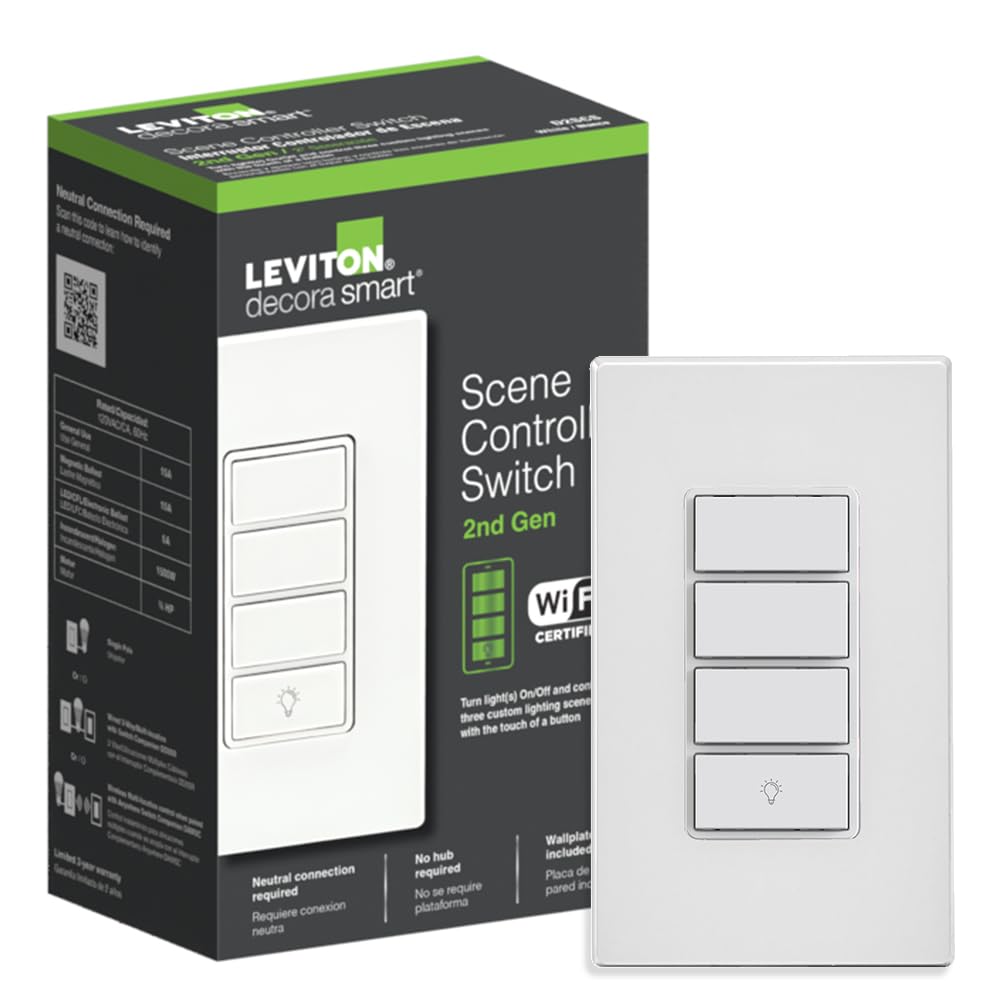

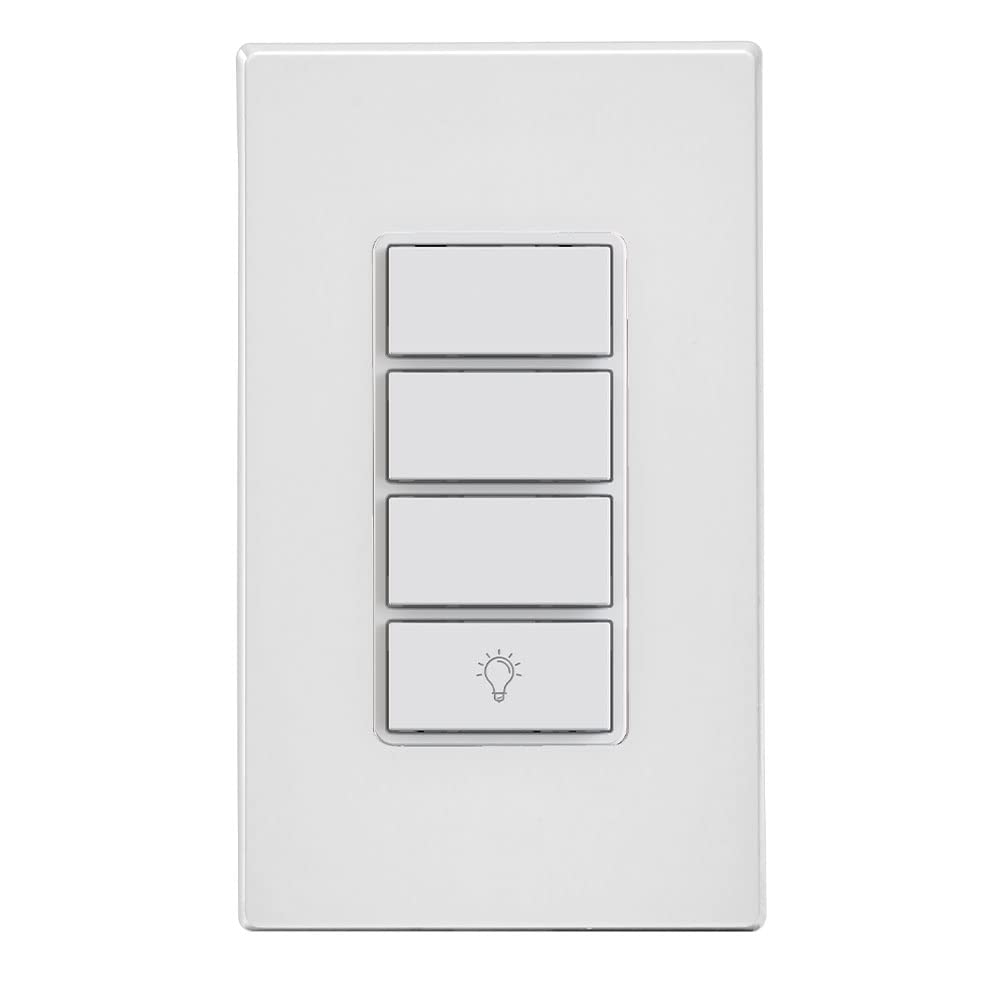


Leviton Decora Smart Controller Switch, Wi-Fi 2nd Gen, Neutral Wire Required, Works with My Leviton, Alexa, Google Assistant, Apple Home/Siri, & Wired or Wire-Free 3-Way, D2SCS-1RW, White
Original price was: $52.99.$39.00Current price is: $39.00.
Price: $52.99 - $39.00
(as of Feb 13, 2026 04:04:09 UTC – Details)
The D2SCS Leviton Decora Smart Wi-Fi 2nd Gen Scene Controller Switch and My Leviton app simplify controlling lights and devices. Replace your existing switch to get a smart switch and three scene buttons. The bottom button controls wired loads/lights and supports voice control with Google, Alexa, or Siri. Use the My Leviton app to assign custom scenes like “Movie Time” or “All Off” to the top 3 buttons. It also works with HomeKit for controlling scenes and accessories (requires Apple Home Hub and compatible iOS device). Order custom engraved buttons via the My Leviton app (US Only). Control this smart switch from another wall location in your home – works with optional DD0SR Wired Switch Companion or DAWSC wire-free Anywhere Switch Companion. Rated for General Use/Magnetic Ballast 15A, LED/CFL/Electronic Ballast 5A, Incandescent/Halogen 1500W, Motor 3/4 HP. Neutral wire required. 2.4 GHz network compatible. 2-Year Limited Warranty.
MULTI-BUTTON CONTROL – Add On/Off control of connected light(s) and three custom lighting scenes via My Leviton or Apple HomeKit; supports 2.4GHz Wi-Fi Networks
QUICK INSTALL – Replace your existing light switch to add smart home control; simple wiring using wire leads; Neutral wire required; Built-in switch supports General Use/Magnetic Ballast 15A, LED/CFL/Electronic Ballast 5A, Incandescent/Halogen 1500W, Motor 3/4 HP
EASY SETUP – No complex programming. Use the app to assign custom room scenes or activities, such as “Movie Time” or “All Off” to the buttons. Order custom engraved buttons via the app to personalize (US Only)
FLEXIBLE OPTIONS – On or Off of multiple Decora Smart Wi-Fi devices, On/Off toggle control of an individual Decora Smart Wi-Fi device, Scenes, Activities, IFTTT support, and Works with HomeKit; use the Apple Home app to set up control of HomeKit scenes and devices (requires Apple Home Hub and a compatible iOS device).
SUPPORTS WIRE-FREE 3-WAY – Add Wireless Multi-location control when paired with optional Anywhere Switch Companion (DAWSC); also works with DD0SR wired companion for hard-wired 3-way
12 reviews for Leviton Decora Smart Controller Switch, Wi-Fi 2nd Gen, Neutral Wire Required, Works with My Leviton, Alexa, Google Assistant, Apple Home/Siri, & Wired or Wire-Free 3-Way, D2SCS-1RW, White










ScottM –
Best engineered smart switch at a very reasonable price
Best smart switch on the market at a reasonable price. I give it 9.5 out of 10. Being able to set the max brightness allows you to avoid flicker with some bulbs, which is a great feature. It is super easy to set up switches on the phone app. The phone app works great, it shows two way status, never lost connectivity, has scenes and you can segregate by room. Very important for me is that you can dim from the companion switch, and it operates the same as the master switch. While you can’t have more than one companion, you can use 2 anywhere switches to have 4 switches that operate the same light.The ability to have an anywhere switch is fantastic. This product was incredibly well thought out and engineered by Leviton.The only thing that keeps it at 9.5 instead of 10 is I wish the bright / dim was hold the top or hold the bottom, rather than a separate side button.
Javier –
Great switch and easy install!
I bought this so I could set lighting schedules for my daughter’s basement bed room which has no window. The install was quick and pretty straight forward especially if you are replacing an existing switch. You will need to identify the traveler which is usually red and the hot wire which is black, Your white wires are required for this switch to work and might be by-passed and wired together in you existing switch configuration. I installed this as a single switch and it looks great. The connection took a bit and you will probably need to down load the manufacturers app for connection to you smart home. I had to run the set up about 4 or 5 times before it connected. Once connected Alexa was quick to discover the device. The dimming is smooth and there is no flicker or hum to the lights or the switch. The speed of the light at the switch or using smart home is pretty instant. This is one of the easier smart switches I have installed and had little to no issues. I would totally buy this switch again. I would pay twice this amount to never have to go down stairs to wake my daughter up again. I just tell Alexa to turn on the lights and play music in her room. Instant response!
Jimmy –
Great Switch for Apple Homekit
Easy to set up and works perfectly. Challenge was it does require a neutral connection which isn’t used on a normal switch it replaced but the neutral can be found in the box usually with a wire nut on it. Just hooked up to this and it worked.Great switch and works with home kit for Siri voice control.
Mark Franz –
Simple to Install, Works Perfectly
I now have three of these installed at various locations in my home to make turning on/off lights much more convenient than where their hard-wired companions are installed. Pairing them is simple, installing is simple, and they function exactly like a normal light switch. Start to end this takes five minutes to install. Just know that you must have a compatible Leviton wired switch for this to work, so you might need to change out the wired switch at the same time. You can also use these with a wall plug to control lamps.
Yeah Dude –
Does the job, but I like the first revision better
First rev failed and I had to replace it with this one. First one had screws and this one had pigtails. These switches take up a lot of room in the box – the extra wire from the pigtails made it a challenge to fit.
Burbank Robert –
Leviton needs to go back to the drawing board (review written by a technician)
A review is sometimes only as good as the experience of the person who is leaving it. For this reason, I often ignore some reviews and give much more weight to others. I will begin by saying that I have over 20 years experience as a computer technician and have a family full of people who work in trades (plumbing, heating, air conditioning, and electric) so my home network and my electrical system are in solid working order. I have a wireless mesh network blanketing my property and there are no dead spots anywhere in my house. Here is my review of this item:(1) Ergonomics. Unlike other switches, this Leviton switch is a completely smooth, flat, featureless plastic surface. It is impossible to reliably locate the on button in complete darkness – it is exactly the same as the off button. While you can talk to it (and that has its own issues), the buttons should be easy to locate with your eyes closed and should be slightly illuminated so that you can see it but not be annoyed by it.(2) Connectivity. As you will see in other reviews dating back to 2017, the devices bings and bongs, bleeps and beeps, randomly and annoyingly throughout the day and night. It disconnects from the internet whenever it feels like it. My wireless access points are not more than 20 feet away and not one of my 4 Leviton switches can maintain a solid connection. The Tp-Link Kasa switch that is directly next to it has zero connectivity issues, and all my mobile devices have no issues with the home wifi. Leviton’s response to my email is that the wifi is getting affected by the fact that it is installed in a metal box with a metal cover. “Unfortunately, for wireless in-wall devices, metal wall boxes or metal wall plates typically attenuate the signal, so even if connected, it could be intermittent. While we recognize that it is difficult to change a metal wall box, if you can, we recommend using Leviton Decora wall plates.” If this is true, then why aren’t the competitors’ smart switches affected by the metal? As you can see in my photo, the Tp-Link Kasa switch is right next to the Leviton switch and has never had any connectivity issues.(3) Lighting Performance. To dim or brighten the lights, you must hold down the power on or off buttons. It makes the job very imprecise. In addition, every Leviton switch produces an audible hum over the internal speaker whenever the dimmer is used (I have halogen as well as LED bulb fixtures and it happens on all of them). Maybe because it is so compact, Leviton needs to shield the internal speaker from the feedback of the dimmer. I do not know why it happens but it happens on all four of mine.(4) Smart Home Performance. Occasionally, I will tell Alexa to turn on the lights, she will say “OK”, and nothing will happen. I tell her to turn them off, she says “OK”, and nothing happens. I then have to completely reset the switch and join it to my Alexa network. I have never had to do this with my Alexa Echo or my cheaper switches from Leviton’s competitors. Other times, I will send it a voice command and it will stutter and lock up. When I try to use the switch to “drop in” on another Alexa device, it completely locks up the device and says “Calling with Alexa is not supp…Calling with Alexa is not supp…Calling with Alexa is not supp…” in a loop. Leviton says it is a known bug. Leviton has now informed me that using the switch to make a call is not supported, even though it has both a mic and a speaker and is connected to Alexa. Um… why not?Bottom LineIf you expect this to be an Alexa Echo inside your wall, it is not and it probably never will be. If you expect it to do its job as a dimmable light switch, it will do a poor job of it when compared to switches that are a quarter of the price. If Amazon is your smart home platform of choice, buy an Alexa Echo for half the price of this switch and you will get all the features along with some decent quality speakers. Then, buy your remaining switches from Tp-Link Kasa (pictured in the photo) or another capable manufacturer to round out your smart home purchase. I had high hopes for these switches but they are all being returned after 2 months of struggling to make them work.
Bill K. –
Fantastic devices to control your home!
Fantastic home automation devices! We were forced to replace our home automation because of WeMo support ending. I seriously researched Leviton to see how long they’ve been around and whether they would just disappear like Belkin has. They’ve been around a long time, so I felt secure in the purchase of these devices. And, super easy to use, easy to connect to our network and the app. Love the Leviton app as it allows for scenarios that can control one or all devices installed. Absolutely love these devices.
Amazon Customer –
Easy to install and use if you have some electrical knowledge
Westboro Steve –
Great outdoor outlet, it was one of the easiest devices I ever paired with HomeKit. Has both Canadian and US safety approvals (which for me is a must-have for anything that’s going to be plugged in and left unattended).I’m using it to control a fountain pump in the garden. It’s very hard to find a HomeKit outlet that is suitable for electric motors and pumps (most are for lighting only), so was very happy to discover this unit had “fountain pumps” listed as one of the recommended uses!I’ve tried other outdoor HomeKit outlets for lighting, and found that they occasionally lose contact with HomeKit, and need to be unplugged and plugged back in to regain connectivity. So far, this unit has been rock solid (I’ve used Leviton HomeKit light switches inside my house, and they’ve been super-reliable and never needed resetting, so fingers crossed this unit will stand the test of time too).Worth the extra money in my opinion, best HomeKit outlet I’ve ever used.
arturo m. –
Excelentes ,con cosas por mejorar: notificaciones de haberse realizado una acción,El grabado de los botones y en términos generas súper bien . Requieren de internet paran funcionamiento de las escenas .si NO hay sigo,las escenas no funcionan. Por lo demás EXCELENTE
Paul –
Easy to set up, install, and easy tu use.
Steve G –
Exactly as advertised. Comes with all the hardware I expected. Instructions were clear for the different installation configurations. If you are unsure of how to install it based on your current wiring, I found it helpful to take a couple of pictures and ask Chatgpt to walk you through it. You definitely don’t need to hire an electrician to figure this out. Switch was as expected, great quality.