

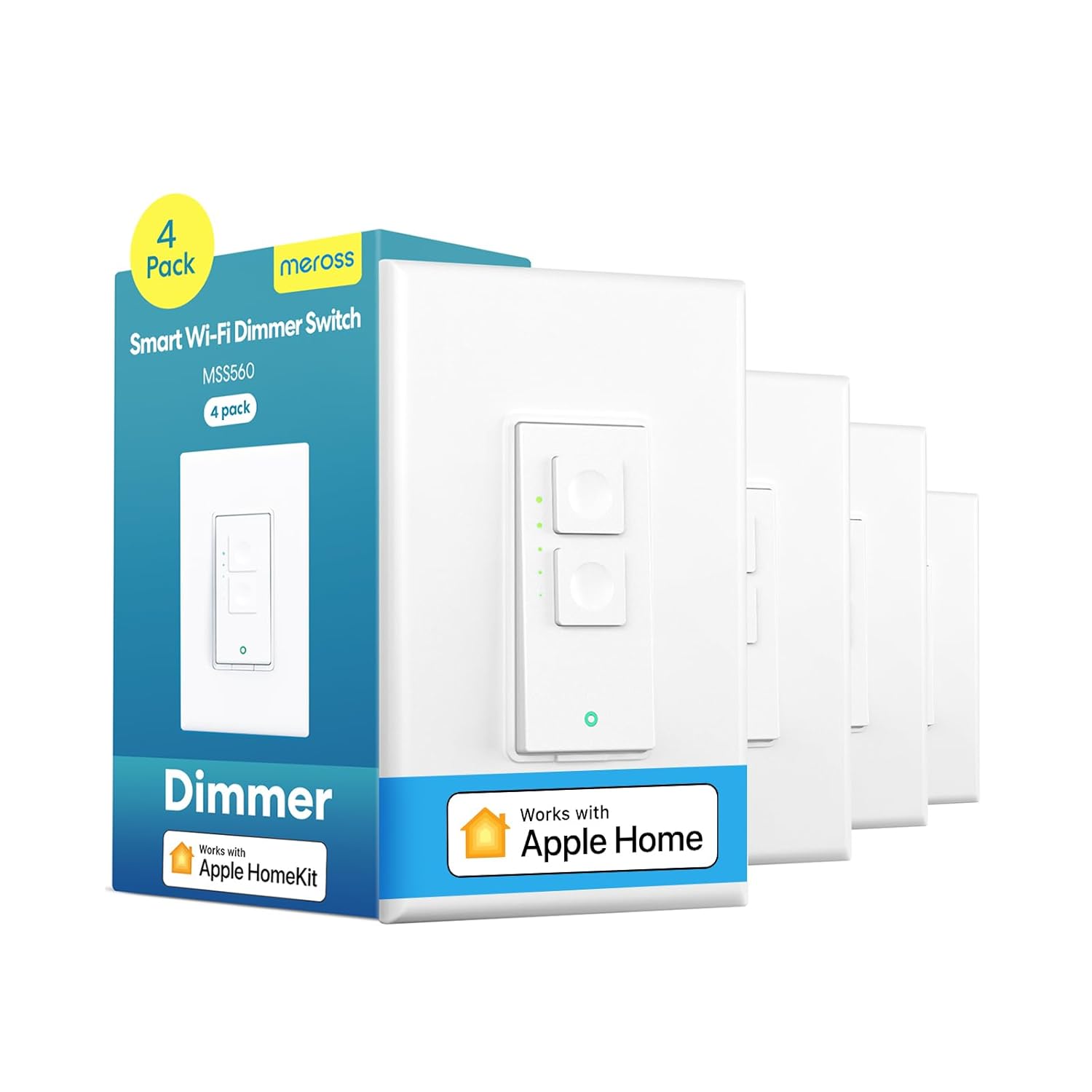

meross 4 Pack Smart Dimmer Switch Single Pole Supports Apple HomeKit, Alexa Google Assistant & SmartThings, 2.4Ghz WiFi Light Switch for Dimmable LED, Neutral Wire Required, Remote Control Schedule
Original price was: $75.99.$13.25Current price is: $13.25.
Price: $75.99 - ($13.25 / count)
(as of Feb 14, 2026 05:10:28 UTC – Details)
From the brand


At Meross, we create products that empower people’s lives. We believe in making homes smarter and people’s lives easier. We believe everyone deserves a smart life, and it should be simple, smart, and stable.
Smart Switches Support HomeKit
Outdoor Plugs Support HomeKit
Smart Bulbs
More Products from Meross
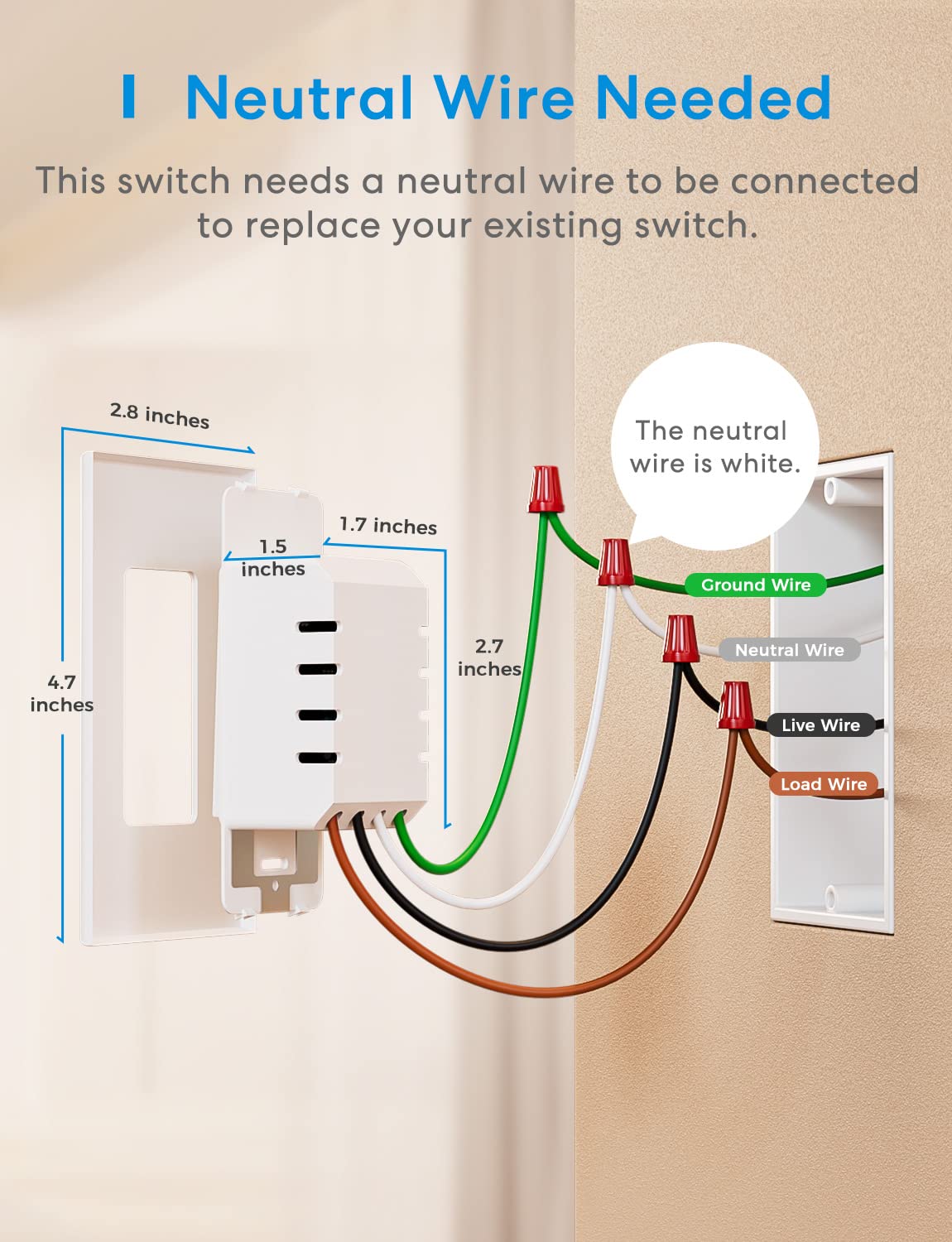
Neutral Wire Required: Please make sure your electric box has a neutral wire (in white color) before purchasing Smart Dimmer Switch. If you are not sure, please take a photo of the inner part of your electric box and send it to us. We can check it for you timely.
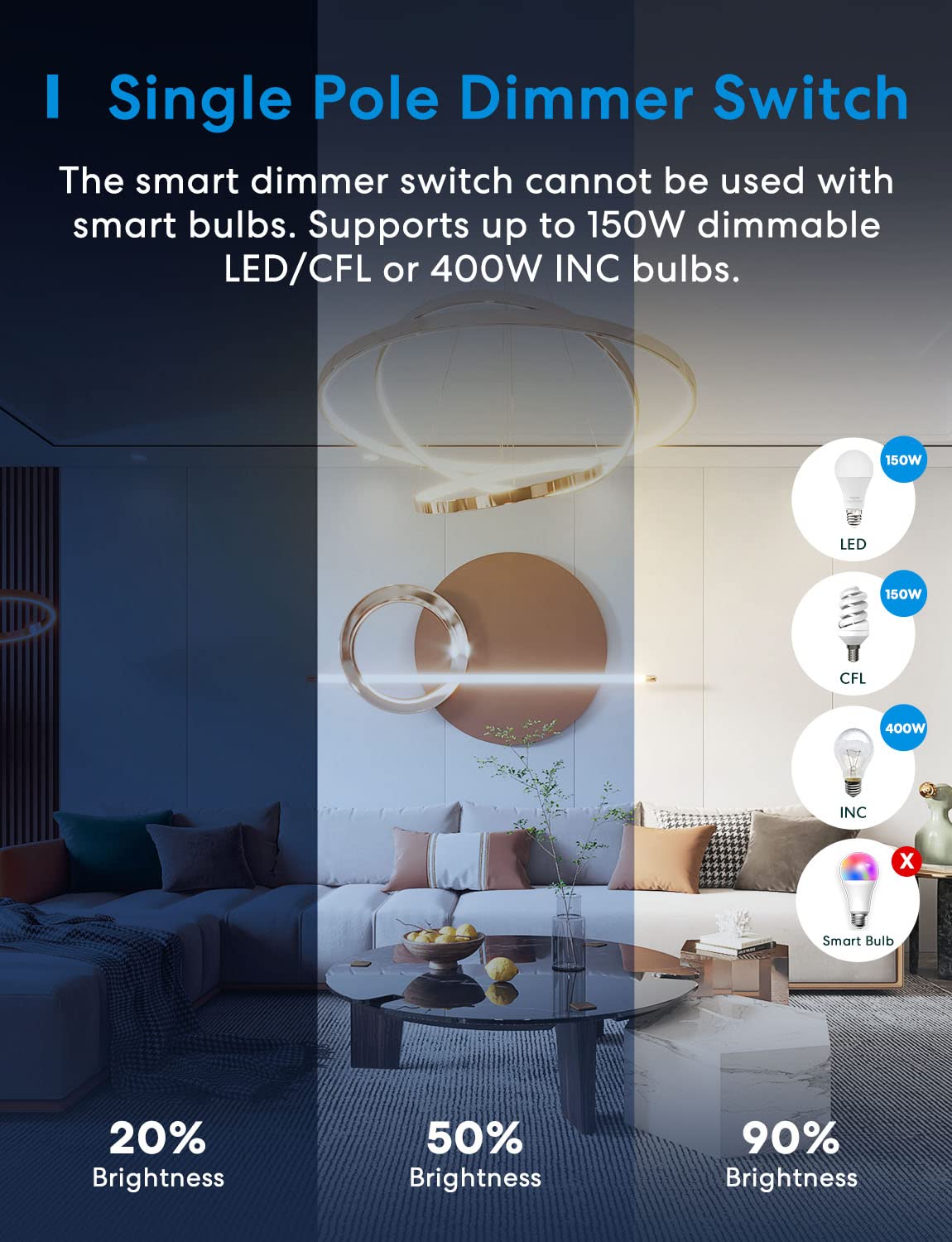
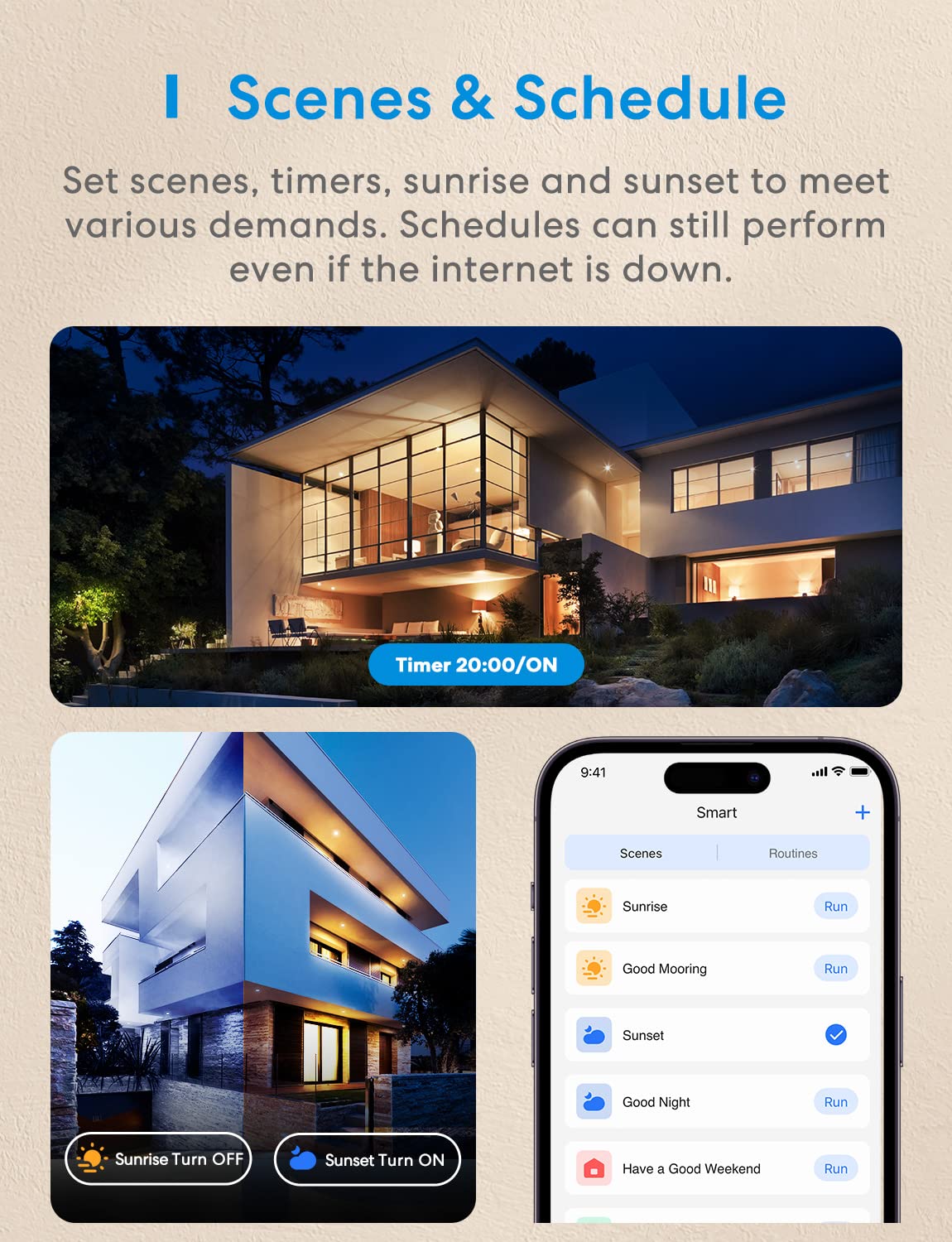
Schedule and dim your light from 0% – 100%: Dim the light for the scenes you need. You can dim the WiFi dimmer switch via the Meross app, Apple HomeKit, Amazon Alexa, or Google Assistant with voice commands, or the wall switch hardware buttons. You can also easily schedule it to turn on/off or dim the light automatically. Sunrise and sunset settings are supported.
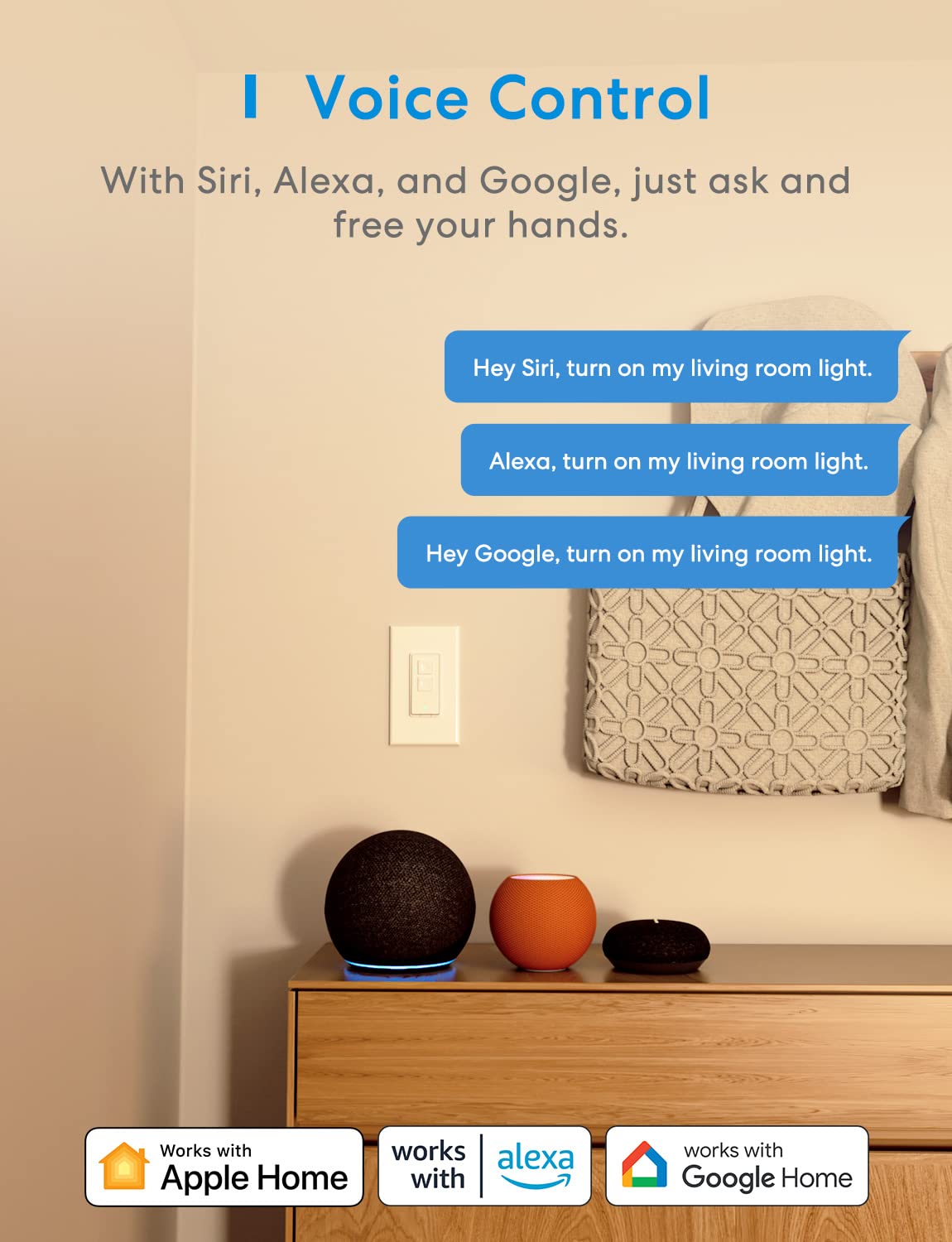
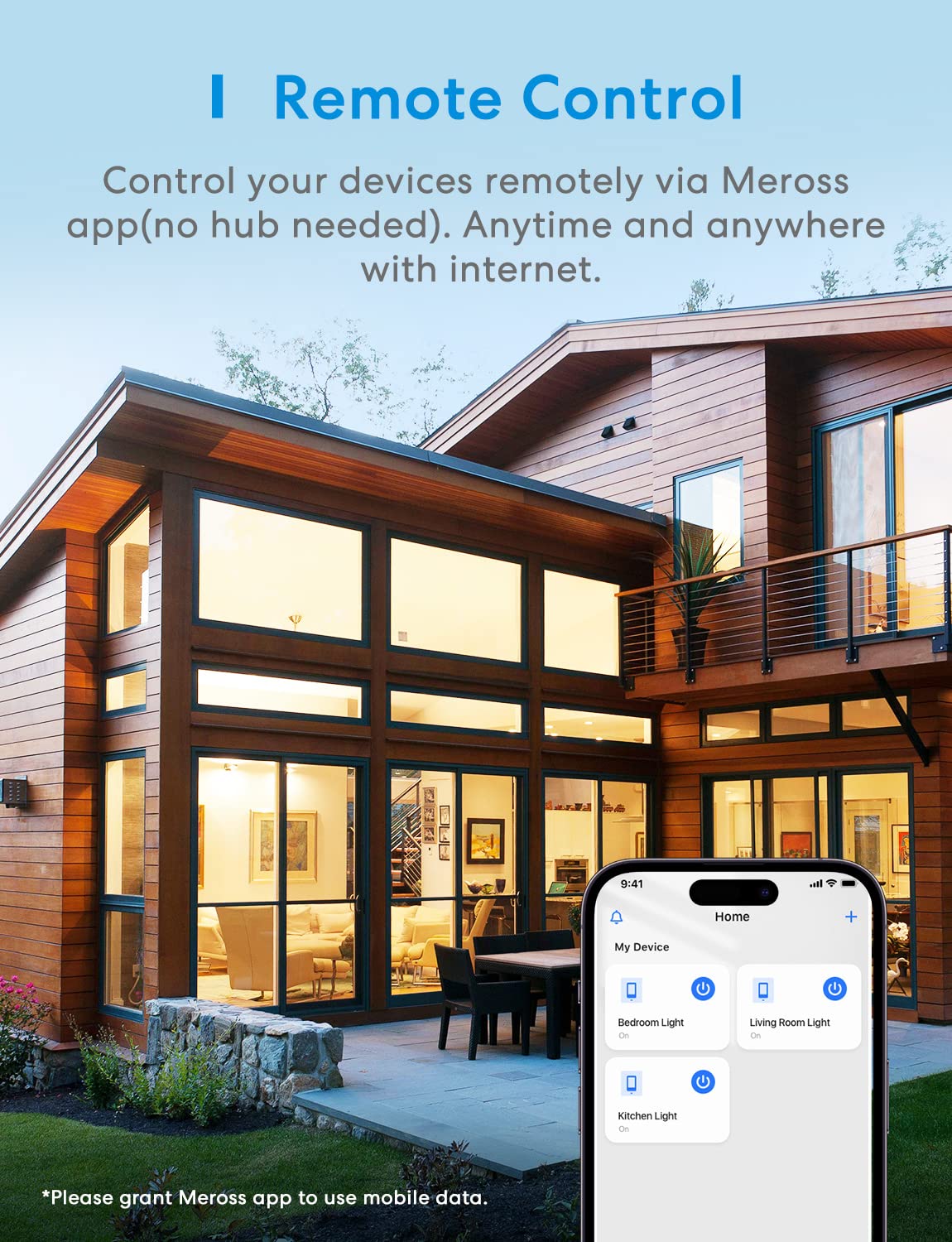
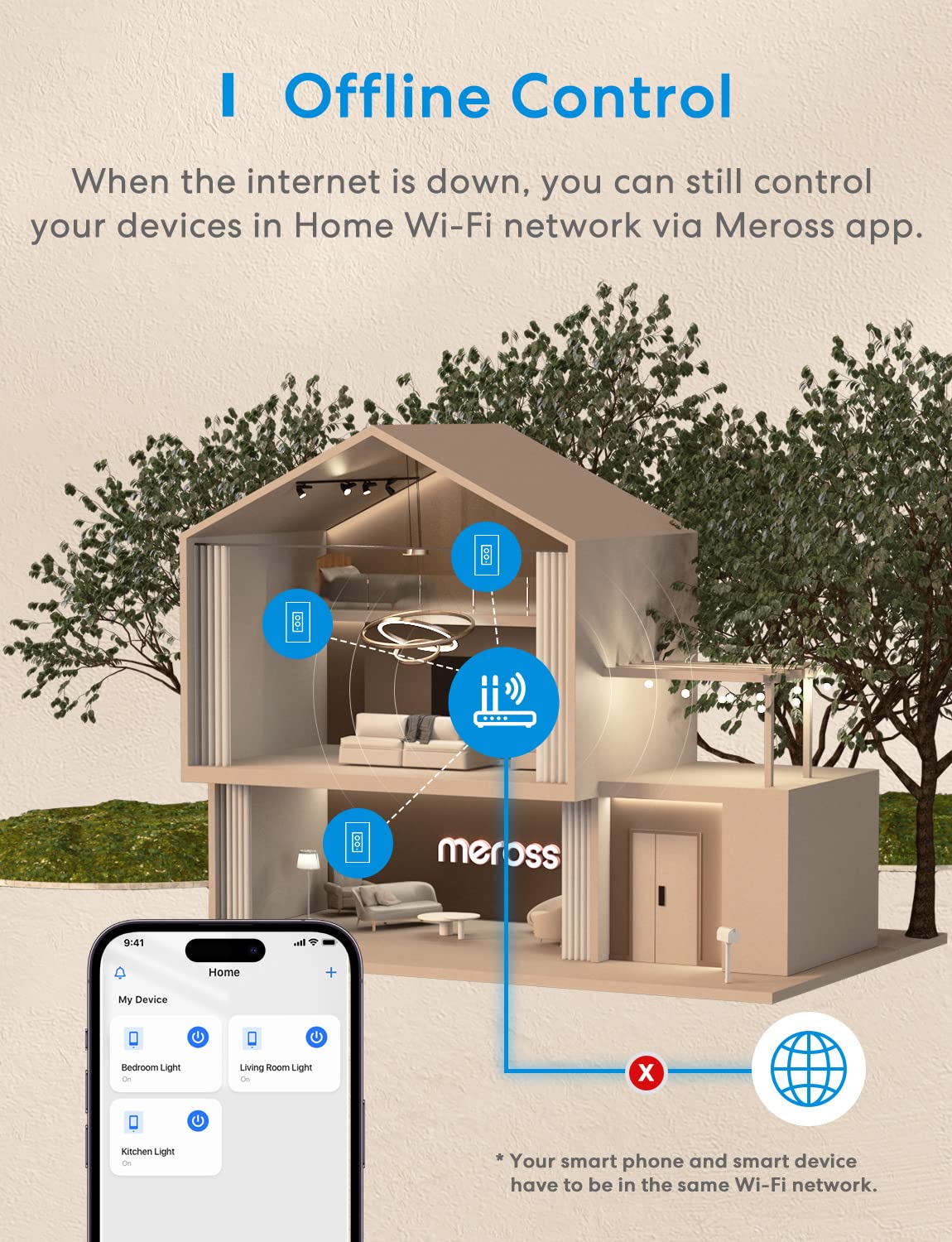
Remote and Voice Control: Control your light from anywhere with internet access at any time with a smart dimmer switch. ONLY supports the Meross app. Compatible with Apple HomeKit, Apple Watch, Siri, Carplay, Amazon Alexa, Google Assistant, and SmartThings. You can give simple voice commands to turn on/off the devices that are connected to the Meross WiFi switch.” Hey Siri, turn on the light”. All data is securely transmitted and stored using AWS servers in the US.
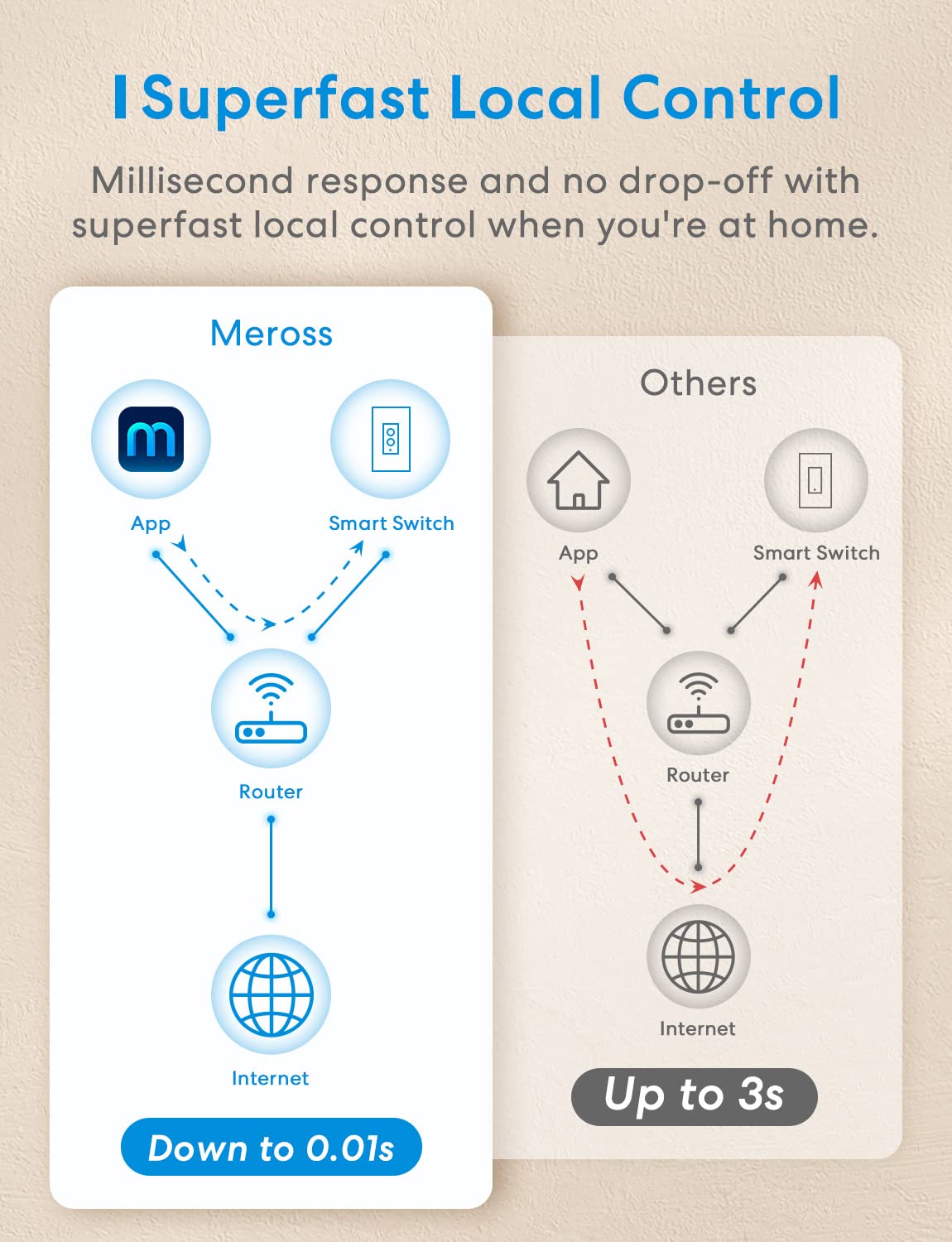
Easy installation: With Meross’s patent design, it only needs less than 15 min installation. Works in a single pole setup only (Not 3 Way). Meross smart switch fits for your existing 1/2/3/4 gang standard-size Decora/GFCI wallplate. The dimmer smart switch works with the 2.4G WiFi only, does NOT support 5G WiFi, and no hub is required.
Note: Certified by FCC/ ETL. The Meross dimmer switch housing is made of PC+ABS fire-retardant material. Protection against electricity overload. Just a reminder that HomeKit remote control requires an additional networked Apple device at home such as a HomePod, or Apple TV. If you have any questions about your switch types, installation, or WiFi connections, please contact us, and we’ll help you sort things out.
9 reviews for meross 4 Pack Smart Dimmer Switch Single Pole Supports Apple HomeKit, Alexa Google Assistant & SmartThings, 2.4Ghz WiFi Light Switch for Dimmable LED, Neutral Wire Required, Remote Control Schedule


Related products


GHome Smart Plug Mini, WiFi Smart Outlet Plug Works with Alexa and Google Home, Timer Outlet with APP Control, Smart Plugs Only Supports 2.4GHz Network, No Hub Required, ETL FCC Listed, White


Govee Dual Smart Plug 4 Pack, 15A WiFi Bluetooth Outlet, Work with Alexa and Google Assistant, 2-in-1 Compact Design, Govee Home App Control Remotely with No Hub Required, Timer, FCC and ETL Certified


Govee Floor Lamp 2, RGBIC, Warm Cool White LED, Compatible with SmartThings, Matter, Alexa, 1725lm, Music Sync, Scene Modes, Smart Floor Lamp for Living Room, Bedroom, Black(1 Pack)



Philips Hue Signe Smart Color Changing Floor Lamp, Black, White and Color Ambiance, Pack of 1, Control with Hue App, LED Floor Lamp Compatible with Alexa, Google Assistant, and Apple Homekit


TP-Link Tapo Smart Light Bulbs, 1100 Lumens High Brightness (75W Equivalent), Matter-Certified, 16M Colors WiFi Light Bulb, Dimmable, Works w/Siri, Alexa & Google Home, A19 E26, Tapo L535E(2-Pack)
Mesechinus –
Great switch, simple install and setup
I have bought many of these and nearly the entire house now uses Meross switches for lighting.These are relatively simple to install. You absolutely must have a neutral wire in any switch box in the wall in order to use these. While a neutral wire (typically white) is present in most switch boxes, one might not be present in older homes (built before 1985 or so). These will fit in a standard sized switch box, but if you have an unusually shallow switch box, they won’t fit.The installations instructions are quite clear, and several videos available showing how to install this, some by Meross, and some by others.After installation, initially the device is connected to and controlled by the Meross app. It is very easy to connect the device to the Meross app by following the instructions in the app. Once you have connected it to the Meross app, you can follow instruction in the Meross app to integrate the device into Alexa. If you have already connected the Meross app to Alexa for previous Meross devices, the new device will immediately work with Alexa. You can even remove the Meross app from your mobile device and Alexa will still properly control the switch and other Meross devices. (This also works with Apple Homekit, but I have not used that and so I can’t speak to that.)The switch and dimmer buttons work perfectly with my LED lighs. The dimmer requires some slight additional setup in the Meross app.The tactile click of the switch and the dimmer buttons is a major plus. I used to use a more expensive brand that did not have the click and I found it very annoying.Up to maybe twice a year, one of the switches seems to lose track of whether it is on or off. For example, if the light is off and I say “Alexa, turn on office light”, Alexa responds, but the lights don’t turn on. This is because the switch seems to think the lights are already on. To fix it, I just say “Alexa, turn off office light”, followed by “Alexa, turn on office light”. Then the lights turn on properly.Please note: some people will tell you that in lieu of a neutral wire, you can just use the ground wire. DO NOT USE GROUND IN LIEU OF A NEUTRAL. If you don’t have a neutral wire in the switch box, have an electrician run one in the wall from the nearest outlet. No current should be flowing through your house ground. That could lead to electrical shocks or even a fire, and it is not legal.Pros:1. Clear installation and setup instructions (including numerous videos available)2. Nice tactile click when you press the switch or dimmer buttons.3. Excellent quality – I have installed about 25 of these and every one worked right away and all are still functioning fine up to three years after install.4. No hub needed when using with Alexa.5. Much less expensive compared to other brands but device appears solidly made.6. Comes with a fancy screwless cover plate for a smooth look.Cons:1. Very rarely switch seems to lose track of its status, but easily fixed.2. Cannot be installed in an unusually shallow switch box.3. Requires a neutral wire which may not be available in older home switch boxes.I obviously recommend this switch as I keep buying more to add to the home.
MacWiz –
Finally, one that works reliably
I have been working with smart home stuff for awhile now and have not been extremely satisfied with much of it. I had another ‘smart’ dimmer wall switch before that was too ‘fussy’ and would work sometimes and not others. I am an Apple guy, but haven’t been largely satisfied with stuff supposedly Apple compatible. I purchased the Meross switch knowing it was not compatible with Apple, but it is wonderfully compatible with my Amazon Echo (Alexa). I have been using this switch for sometime now and can say unequivocally that, in conjunction with my Alexa, it has been flawless. It just works! When I have visitors like my daughter, her husband or my girl friend who visit and are not familiar with vocal commands, the Meross can be operated manually with the little tap control at the top of the switch that varies brightness. As it happens this switch is used to control the chandelier over my dining room table and it is wonderful. As the dining mood changes, I can say “Alexa dim dining room to 35% or set dining room to 100% brightness”. Installation requires connecting the neutral wire to the switch (as to many others) as well as the ground and the ‘hot’ side. This could present an issue in a tightly wired, small box, but the installation is straightforward. Again what I love most about this switch is that it is so reliable. I have never had it go offline or need to be reset. it is quite trustworthy and, as I said, fully compatible with the Amazon Echo.
Angela –
Not bad
I’ve been using Meross products now for a few years as they are an affordable alternative to Hue and work well with HomeKit. Like all Meross products Ive used, this light switch is very easy to set up.The functionality of the dimmer is just fine. It’s inferior to a regular dimmer because the dimming function is not smooth and requires you to tap the button to dim each level. A slider would be much nicer. It also takes a few seconds for it to respond. However, it does solve a smart lighting issue I had and so it’s fine for now until a better option comes along.
Deanne Thornton –
Great HomeKit Dimmer
I have tried a few HomeKit switches and dimmer most of which had many problems and always left me unsatisfied. This one is different. Installation was easy with the included directions. The design is good and fit well in the cover plate the original dimmer, as seen in the picture. Initially, It would not connect to HomeKit and reported the dreaded “no response”. Deleting and trying again everything worked.The function of the dimmer is nice. There is an On/Off switch on the bottom and the dimmer level is retained between switching. The response with either hardware buttons or HomeKit is good without the delay of some of the ones I have tried.I am going to buy another switch to replace the other dimmer in the picture. That is a good endorsement.
Jorge Valverde Franco –
supero mis expectativas , producto muy bueno que opera con siri y funciona muy bien, solo al principio batalle para instalarlo porque esta mas enfocada a android
AY –
This dimmer was easy to install, and works well with Apple HomeKit. The dimmer function works flawlessly (unlike the 3-way version). However, there is one desirable feature (to me anyway) missing – that is one of the device settings – LED – can only be enabled, or disabled. There is no “night light mode” choice which is available on the 3-way dimmer MSS570x and 2-way smart switch MSS510x.I hope this missing feature will be added via firmware update later on.[UPDATE] I contacted tech support and they confirmed that there is a new firmware version to provide the night light mode setting but just not yet released but they would push it to my switch to enable it. I revised my overall rating from 4 to 5 stars.
Erick Camarena –
Funcionó de manera excelente, fue muy fácil configurar con HomeKit y no tiene desconexiones. Excelente producto
Louis Palardy –
Made a choice to use Alexa, but after 11 months Amazon delayed to fix issue and indicated my Echodot mini 4th gen not connections to Wi-Fi would require replacement but warranty was over. Bought Apple HomePod mini, discovered Gosund were not compatible with Apple. So choose Meross as replacement.Works better, setup done 1st time, never loosing wifi connection. Unfortunately, scanning QR code from AppleHome allocation does not work with this switch. I had to enter the 8!digits number manually. Besides that very impressed, so much easier that previous switch to install and reliability flawless so far!Note: not sure why you have products Google/Alexa compatible only and other Apple HomeKit/Google/Alexa. Found this annoying when ordering and it’s not always clearly indicated.AMAZON SEARCH, does not filter well Apple HomeKit product.
Cristobal –
El dispositivo funciona perfectamente segun lo indicado, tiene buen precio en relacion a productos similares. La unica razon por la que no le doy 5 estrellas es por algo que es muy especifico de algo que me hubiese gustado tuviese pero no parece tenerlo. Si esto no es importante para ti el dispositivo vale las 5 estrellas.Pros:- Me gusta que los botones son fisicos y dan retroalimentacion de haberlos presionado, comparado con otras marcas/modelos donde es touch y no se tiene ese sentimiento de interruptor tradicional.- Funciona como atenuador desde 1 hasta 100% de luz mediante el uso de la app.- El conectar el dispositivo a la app es muy sencillo asi como vincularlo con google home.- Contras:- Mi mayo conflicto es que los niveles de atenuacion son fijos. Es decir solo se puede 5 niveles predeterminados de atenuacion mediante los botones, y el nivel mas bajo no es el minimo que se puede obtener. En la app como se mencionaba antes puedes configurar hasta 1% nivel de luz, sin embargo en los botones andara como en el 10-20%. Al configurar la app por primera vez parece que uno puede configurar ese rango, pero almenos en mi caso no parecio fijarse de forma permanente. Pero repito uno puede configurar a minimo en la app o por comando de voz (2% en Google home, por algun motivo en home solo deja al 2%, pero directo en la app se puede el 1%)Esta limitacion probablemente no le importe a muchos y en lo personal tampoco me afecta demasiado y entiendo el porque el dispositivo funciona de esta manera. Lo ideal seria se pudiera configurar el numero de niveles de atenuacion y el minimo y maximo nivel de luz para los botones fisicos.- La segunda contra, que no es como tal critica pero que DEBEN tener en cuenta quien sea que compre el dispositivo. Es que el interruptor REQUIERE el cable neutro. Y es importante conectar los cables correctamente. Si el interrupor en tu hogar esta colocado en el lado neutro del circuito (es decir el interruptor corta el circuito después del foco) el interrupotr no funcionara. Se necesitara que re-conectes la instalacion electrica del foco para que pases el interruptor al lado “vivo”. Este fue mi caso, y requer[i hacer ajustes en el registro del foco cambiando el flujo de corriente para poner el interruptor antes del foco. No es muy complicado de hacer, pero para una persona que no le sepa o no tenga la paciencia para moverle al cableado y aprender de electricidad recomendaria que se la piense dos veces antes de comprarlo a menos que este dispuesto a contratar a algun electricista que se lo instale en caso de que no funcione facilmente al querer hacerlo usted mismo.