

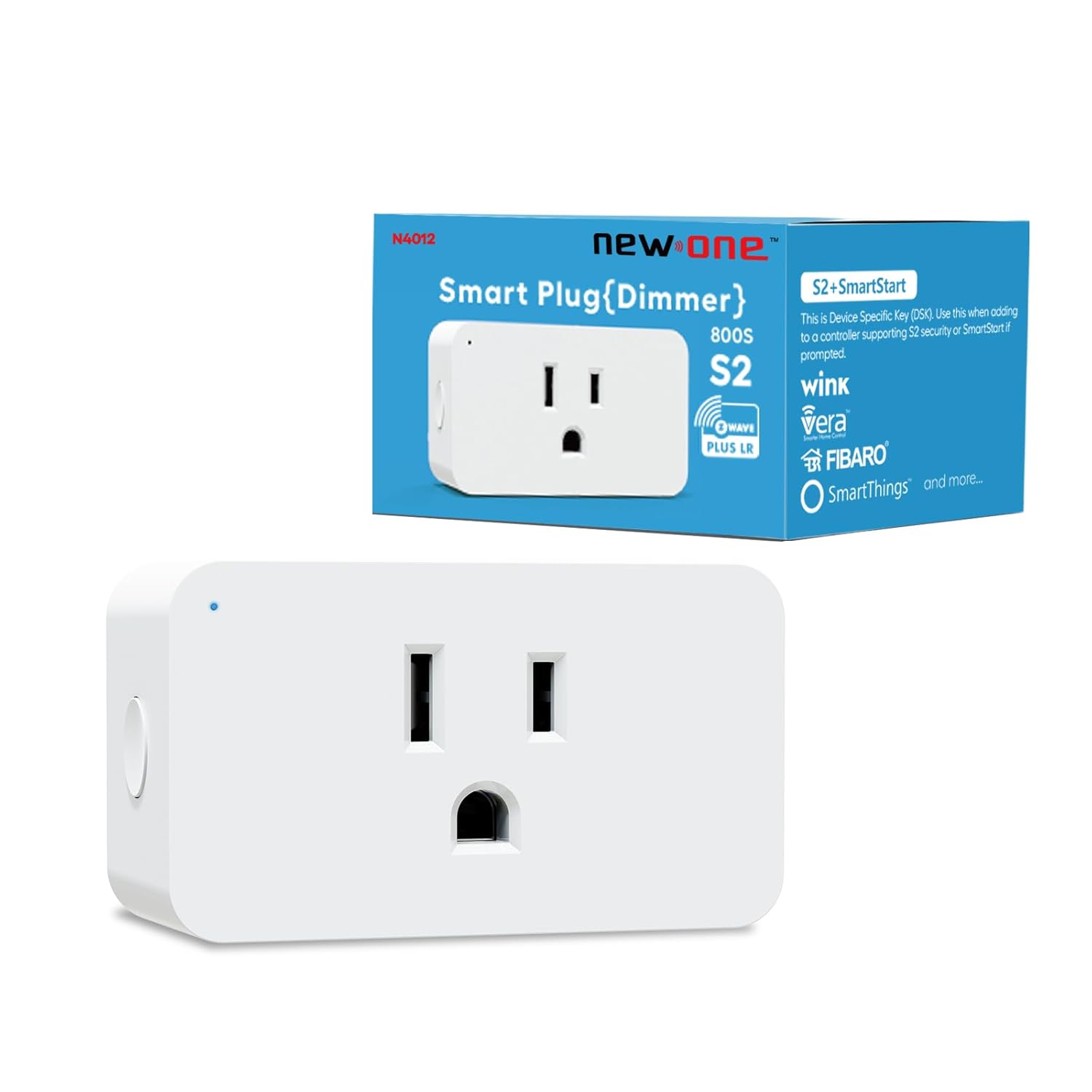
New One Zwave Dimmer Plug, 800 Series Z-Wave Smart Dimmer Plug, Bult in Zwave Repeater, Z-Wave Outlet, Z-Wave Hub Required, Work with Hubitat, SmartThings, Vera, Wink, Fibaro, Homeseer, 2GIG
$27.99
Price: $27.99
(as of Feb 15, 2026 14:50:22 UTC – Details)
Product description
New One Z-Wave Plug 800 Series 
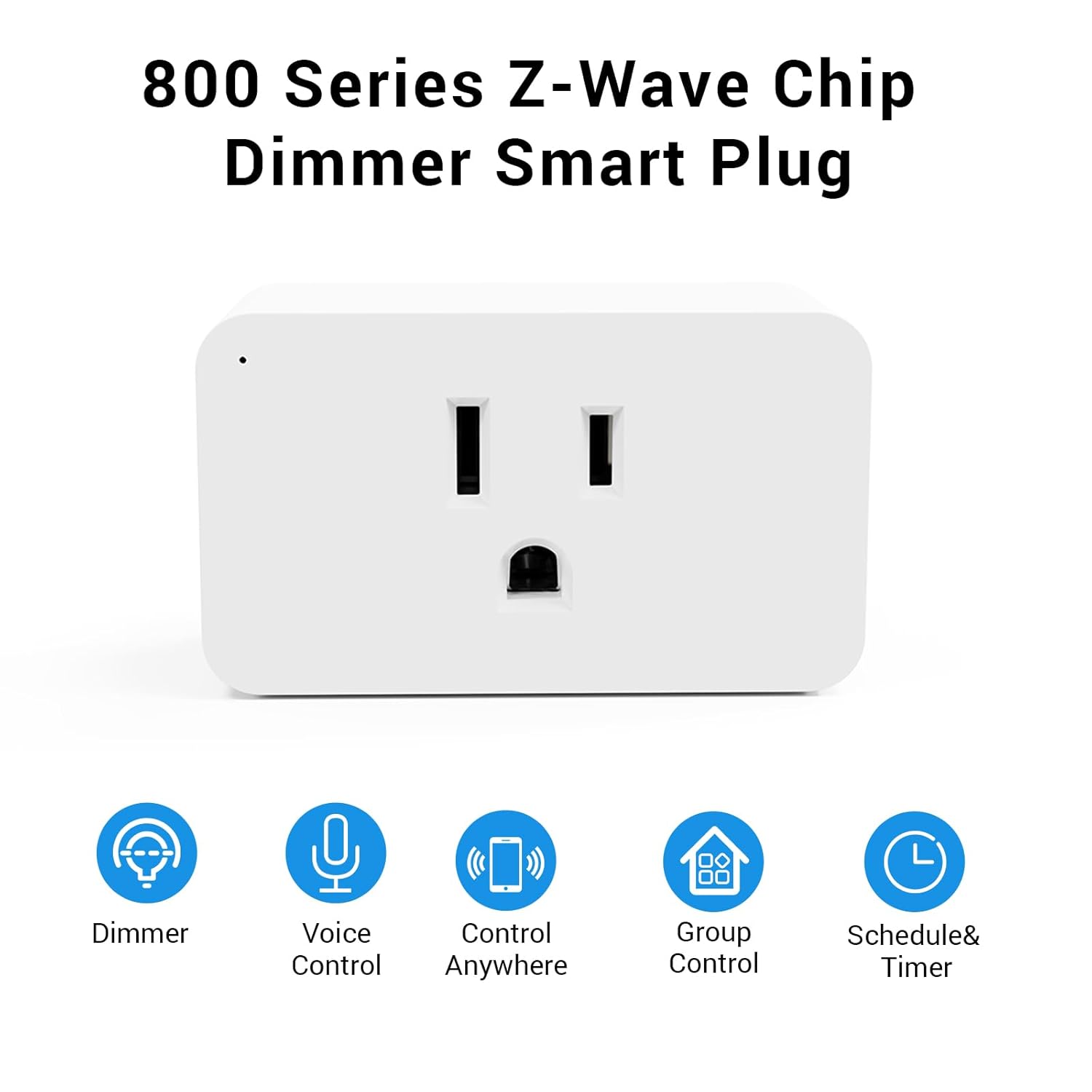
800 SERIES ZWAVE DIMMER PLUG


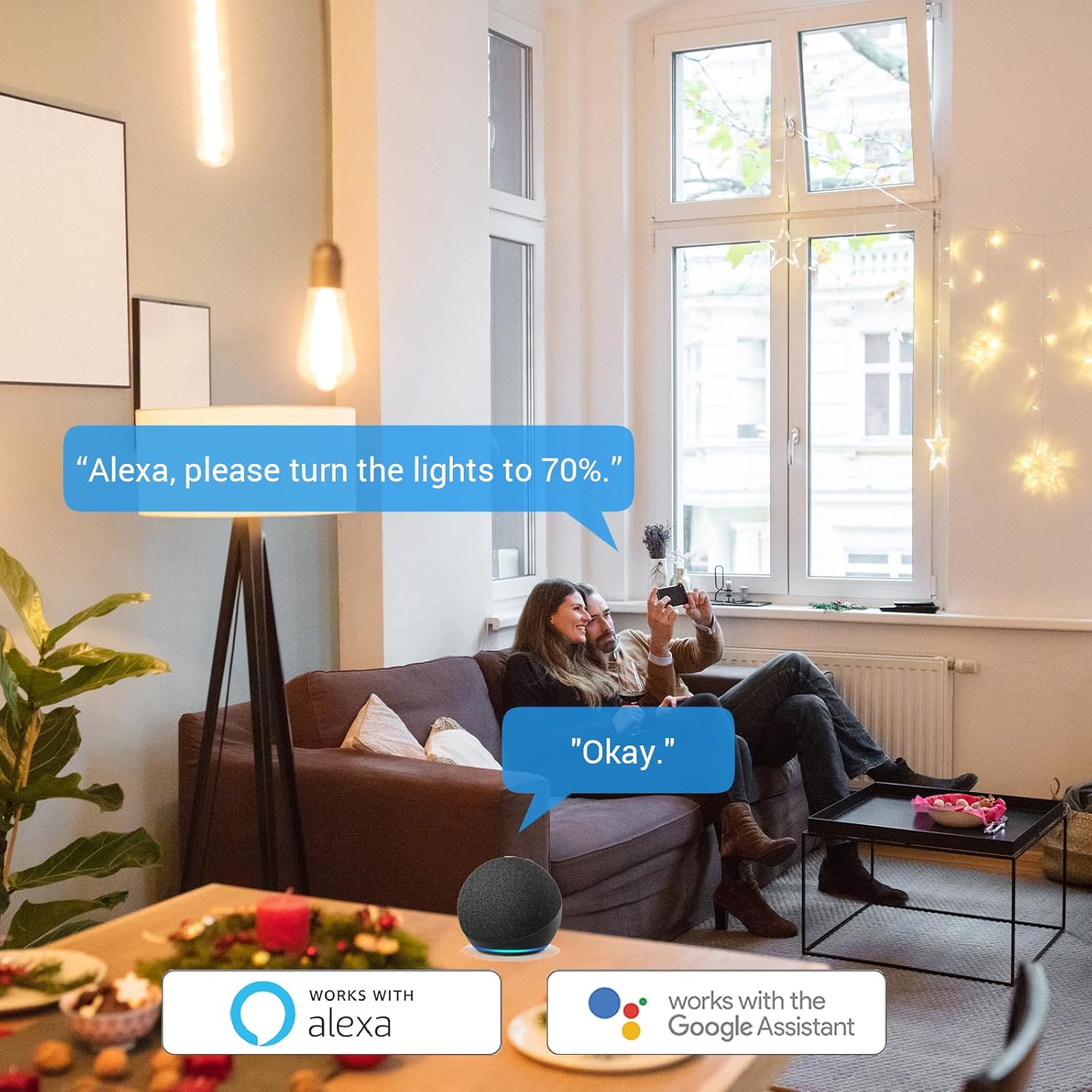
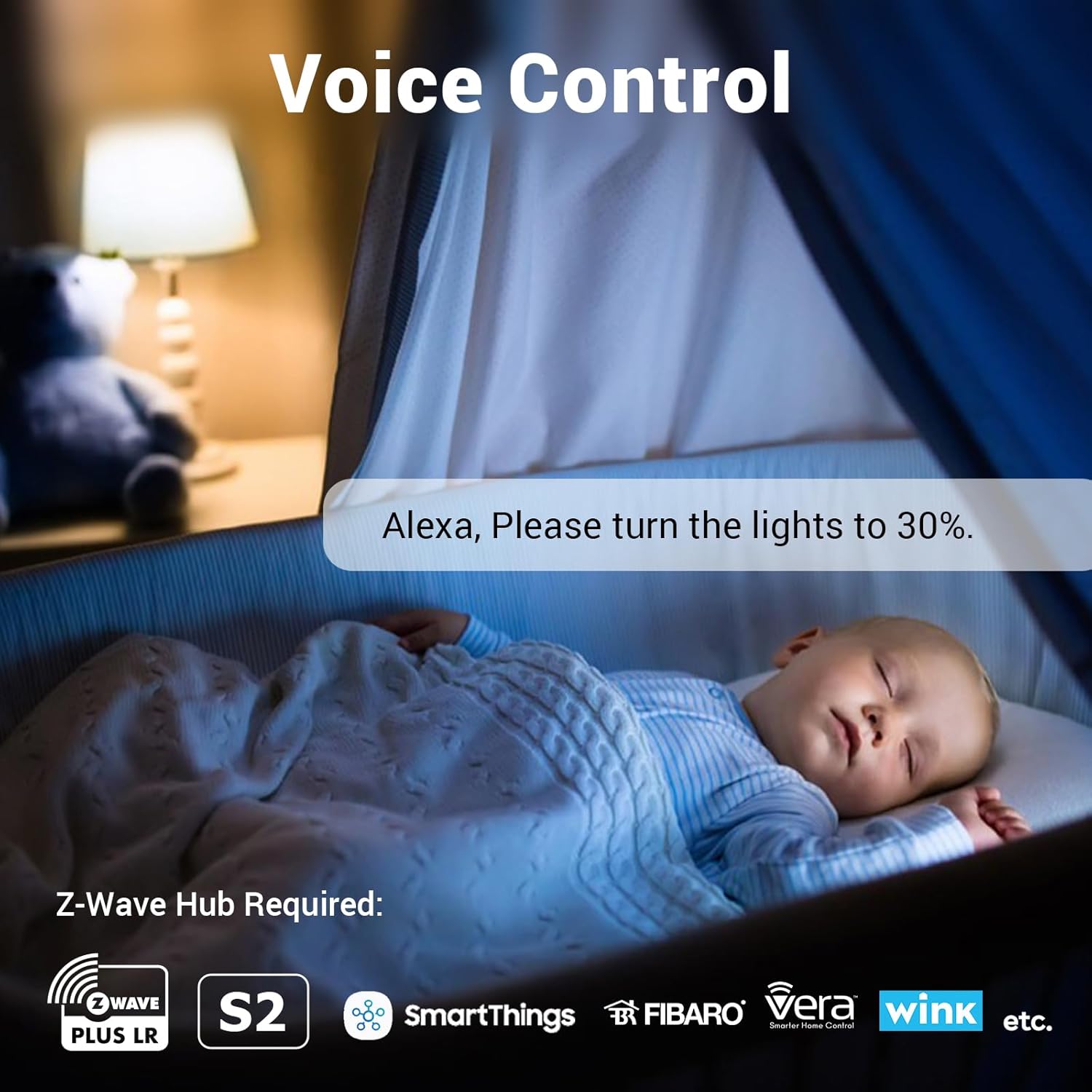
1 Voice Control
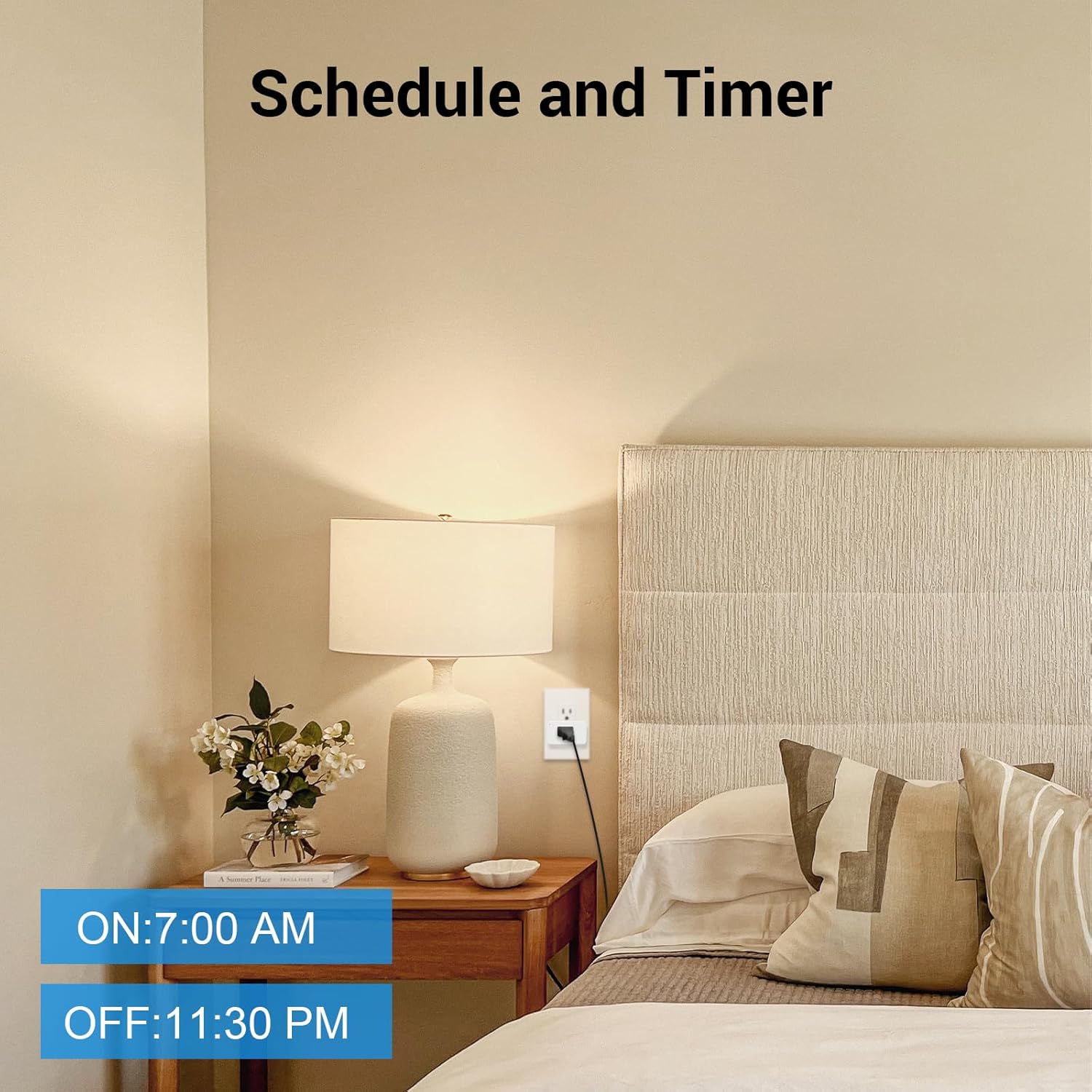
2 Schedule and Timer
3 Remote Control
4 Wide Applications
800 Series Z-wave Smart Dimmer Plug
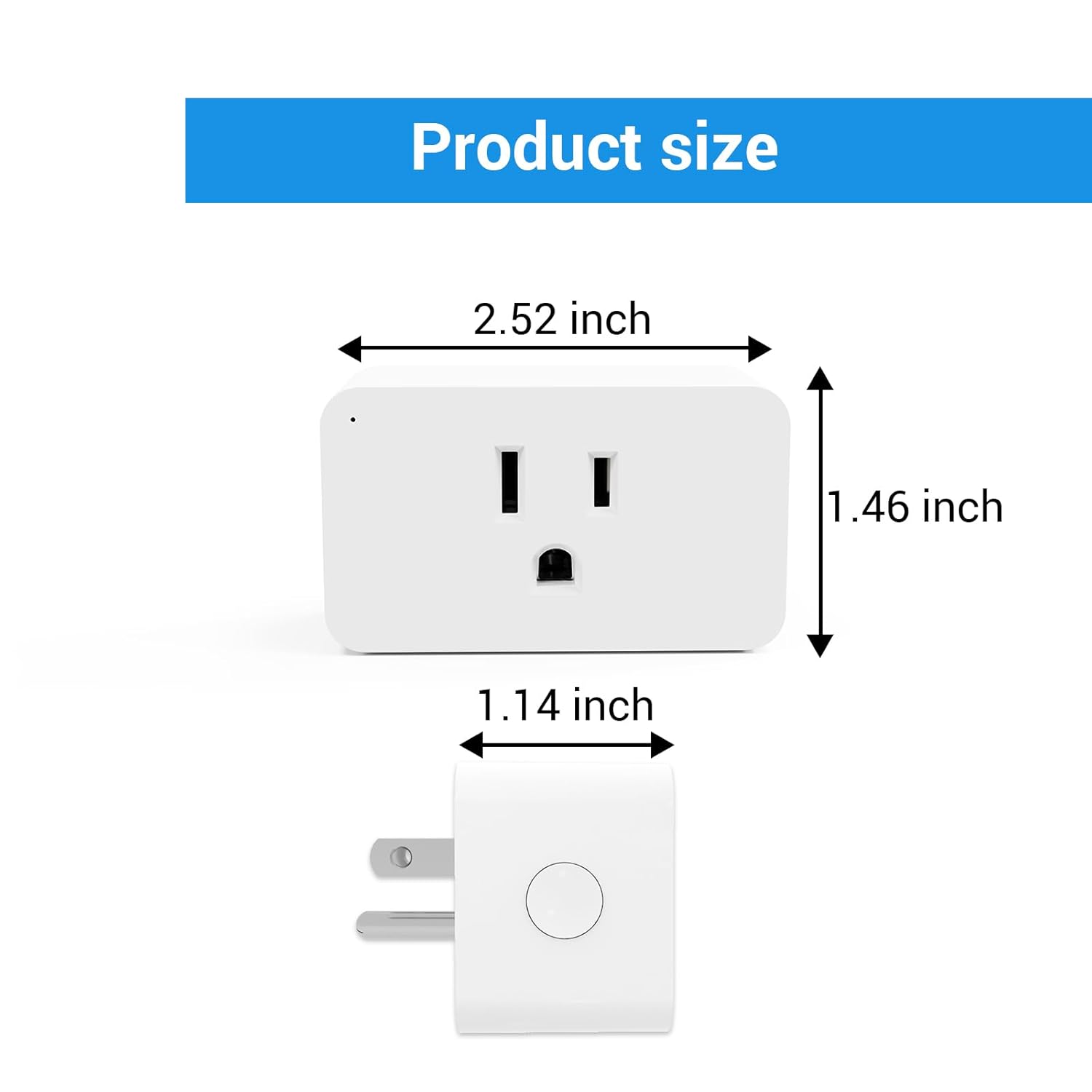
Item Model N4012-800 Z-Wave Frequence 908.42MHz Hub Compatibility SmartThings, Hubitat, Vera, Wink and so on. Item size 2.99*1.46*1.02 in Certification Z-Wave, FCC Max Loading 300W Input 120V 60Hz Temperature range for use 32°F~104°F (0℃~40℃) Z-Wave Chip 800 Series
 Z-Wave Plus
Simply scan the code to connect zwave smart plug to your zwave hub.
 ZWave Hub Required
Control your lights remotely with ease by pairing this device with your Z-Wave certified hub/gateway. Compatible with SmartThings, Fibaro, and more.
 FCC Certified
FCC Certified, safe smart plug. The 800 Series Z-Wave Plug with S2 security. It pre-sets the program.
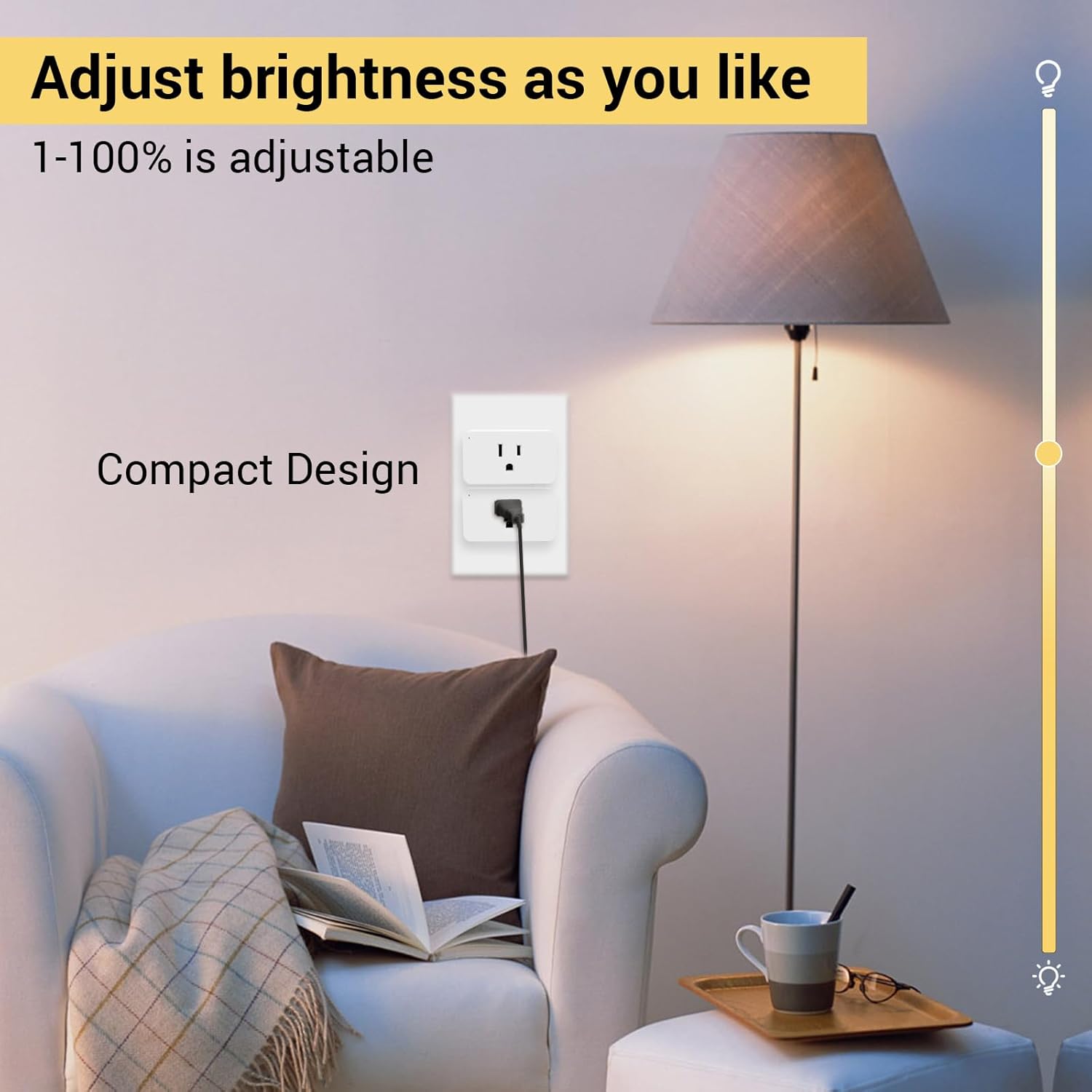
 Compact Design
The size of the zwave outlet is designed to limit space and you can use 2 smart plugs at the same time in a standard outlet
Do I need a hub?
Yes, you need a zwave hub first.
Compatible with Hubitat, SmartThings, Vera, Wink, Fibaro, Homeseer, 2GIG.
Note: Can not connect with ECHO PLUS , Vivint Hub!
Which lights can be used this smart dimmer plug?
It is compatible with dimmable LED lamps, bulbs, CFLs, halogen, incandescent, string and fluorescent lamps, Its load power must be less than 300W.
How to reset the dimmable smart plug?
Press the button twice quickly holding it 10 secs on a 3rd press.
New One Smart Plug
Add to Cart
Add to Cart
Add to Cart
Add to Cart
Customer Reviews
4.4 out of 5 stars 181
3.6 out of 5 stars 10
4.2 out of 5 stars 252
3.9 out of 5 stars 35
4.3 out of 5 stars 183
4.3 out of 5 stars 183
4.2 out of 5 stars 252
Price
$24.29$24.29
—
$26.99$26.99
—
$13.99$13.99
$15.29$15.29
—
Item Model
N4011-800
ZW97M
N3012
ZW96SD
TS961
TS962
WF36M
Connectivity Technology
Z-Wave
Z-Wave
WIFI
Z-Wave
Light Sensor
Light Sensor
WIFI
Max Loading
1800W
1000W
300W
400W
1000W
1000W
1875W
Dimmer
✘
✘
✔
✔
✘
✘
✘
Set Schedules/Timers
✔
✔
✔
✔
✔
✔
✔
Voice Control
✔
✔
✔
✔
✘
✘
✔
Application scenarios
Indoor
Outdoor
Indoor
Outdoor
Outdoor
Outdoor
Indoor
[800 Series LR] 800 Series Zwave Outlet extend data transmission range. Add LR via SmartStart in an 800 Series Hub. Z wave Outlet can transmit up to 1300 Ft in open areas
[Voice Control and Dimming] Dimmable Z-Wave plug can be adjusted to different brightness through Google Assistant and Alexa. For example, “Alexa, turn the desk lamp to 30%”
[S2 Security] S2 Zwave smart dimmer plugs have a unique matching QR code (DSK). Zwave devices use strong data encryption to ensure security between devices. And there are mechanisms to intercept attackers and replay messages
[Compatibility] Zwave smart plug needs to work with a hub! The Z-Wave smart plug is compatible with SmartThings, Vera, Wink, Fibaro, Homeseer, 2GIG, Hubitat and other hubs. Note: Can not connect with ECHO PLUS, Vivint Hub
[Z-Wave Repeater] All New One Zwave Plugs can act as Z-Wave repeaters to transmit signals when working. Note: When the Zwave Smart Outlet acts as a repeater, it can only relay up to 4 layers of signals
[Mini Design] The compact design of Z-wave Dimmer Plug means that smart plugs can be used in a same outlet. MAX 300W
10 reviews for New One Zwave Dimmer Plug, 800 Series Z-Wave Smart Dimmer Plug, Bult in Zwave Repeater, Z-Wave Outlet, Z-Wave Hub Required, Work with Hubitat, SmartThings, Vera, Wink, Fibaro, Homeseer, 2GIG


Related products

eufy FamiLock S3 Max Smart Lock with Palm Vein Recognition – Keyless Entry Door Lock for Front Door, 3-in-1 Wi-Fi Keypad Deadbolt+ 2K HDR Camera+ Doorbell, ANSI/BHMA Grade 1, Rear Lock Video Screen


GHome Smart Plug Mini, WiFi Smart Outlet Plug Works with Alexa and Google Home, Timer Outlet with APP Control, Smart Plugs Only Supports 2.4GHz Network, No Hub Required, ETL FCC Listed, White




Gilles –
Easy setup
Easy setup, works fine every time.
K-Loy –
Works perfect with home assistant
Add this to my home assistant without problem. It is fun flawless since the day of installation and it’s on the complete opposite end of my house from my server Zwave antenna. I use mostly Zooz devices but I am satisfied with this.
Frisco-Stan –
Unique Product Measures Power (Load)
I needed a z-wave switch that would really handle tbe maximum rated load for my outdoor Christmas lights. These worked great! With the built-in power measuring feature I was able to evenly split the load between all my lights. Note is you exceed load it does shut off automatically as stated however it instantly esets and turns back on, thus you see them blink off than back on… clearly indicates an overload condition. I redistributed the load and it all worked perfectly… this built in analytic displays electric consumption in watts so very nice if you need that info. Very happy with product.
Ryan Pomaski –
They work….ish?
Of course, got them in a two pack.. one was Included with zero fuss, the second one was being cranky. I had to exclude and delete it out of Homeseer a few times before it started to behave. I’ve also noticed that they’re seemingly a little slow to respond to commands, I’ll sometimes have to issue the command twice before it starts. I don’t know if that’s a failure, or just lag as of yet though… they’re also much smaller than it appears in the photo. One thing to note is that if you have a power strip with the outlets rotated to support wall warts, it’s entirely possible that these will block 2-3 outlets. A tiny extension cord (Like B000233WJ6) would solve that, albeit in a kinda unsightly manner.
Kelly Hennessy –
Long-distance range and reliable
I use this to control my outdoor landscape lights on an automatic timer. The plug is far away in my garage through multiple walls, and it still works like a charm with nearly zero standby power draw. I highly recommend Z-Wave plugs over WiFi plugs.
Kangua –
Easiest to install to SmartThings
This dimmer plug is the easiest to install to SmartThings by simply using the QR code. The installation was done in seconds! This is an exemplary SmartThings product that any 3rd party device maker should learn from.The dimming function works exactly as described when a COB LED strip is attached. 5 stars for sure!
Dylan Zalewski –
TL;DR: Save yourself some headache. Don’t buy the cheap option.
I bought a 2-pack of the basic Z-Wave smart plugs (on/off only). Pairing was a breeze and they appeared to work. However, after moving these to their desired location (well within range of the hub and certainly within range of the rest of the network) they started behaving strangely. They had a delay of about 10-15 seconds and would randomly drop from the network. Worse still, all the other devices in my Z-Wave network began misbehaving as well. I rebooted the hub and all the devices in the network just to be safe and same thing. I unplugged these plugs and everything started behaving properly again.I know this is not an issue with my hub or my network (I only have about 20 devices right now, including these and they’re all within range of the hub and hum along happily without these plugs). Looking at the logs on my hub it appears these plugs were the source of broadcast storms. I’ve since initiated a return and ordered the similar Aeotec product (a brand I know I can trust).
DaleC –
Hubitat hub compatible. . . oh Yeah!
Works out of the box with HUBITAT hub. The system automatically associates the device with the built-in Minoston Mini Plug Dimmer device driver which works perfectly with the device. The plug has a unique way to initiate the paring by quickly pressing the button 3 times. I have no idea why some reviewers complained about the device connection being hard to do because it is totally straight forward like all zwave devices to include with the exception the trigger to initate is 3 quick presses.
Client d’Amazon –
Domotique, fonctionne très bien avec Jeedom en zwave
Luis C. –
Lo instalé en la habitación de mi hijo para controlar el brillo de su lámpara de mesa. Este es de los pocos dimmers donde la lámpara trabaja bien en el rango completo de intensidades.Lo agregué a mi red Z-Wave controlada por Home Assistant, una vez que ingresé el PIN, lo detectó inmeditamente y fué posible configurar parámetros adicionales muy fácilmente.Se puede controlar desde la app o localmente:- 1 click: enciende/apaga la carga- 2 clicks: activa el brillo máximo (programable)- mantener presionado: sube / baja gradualmente el brillo