

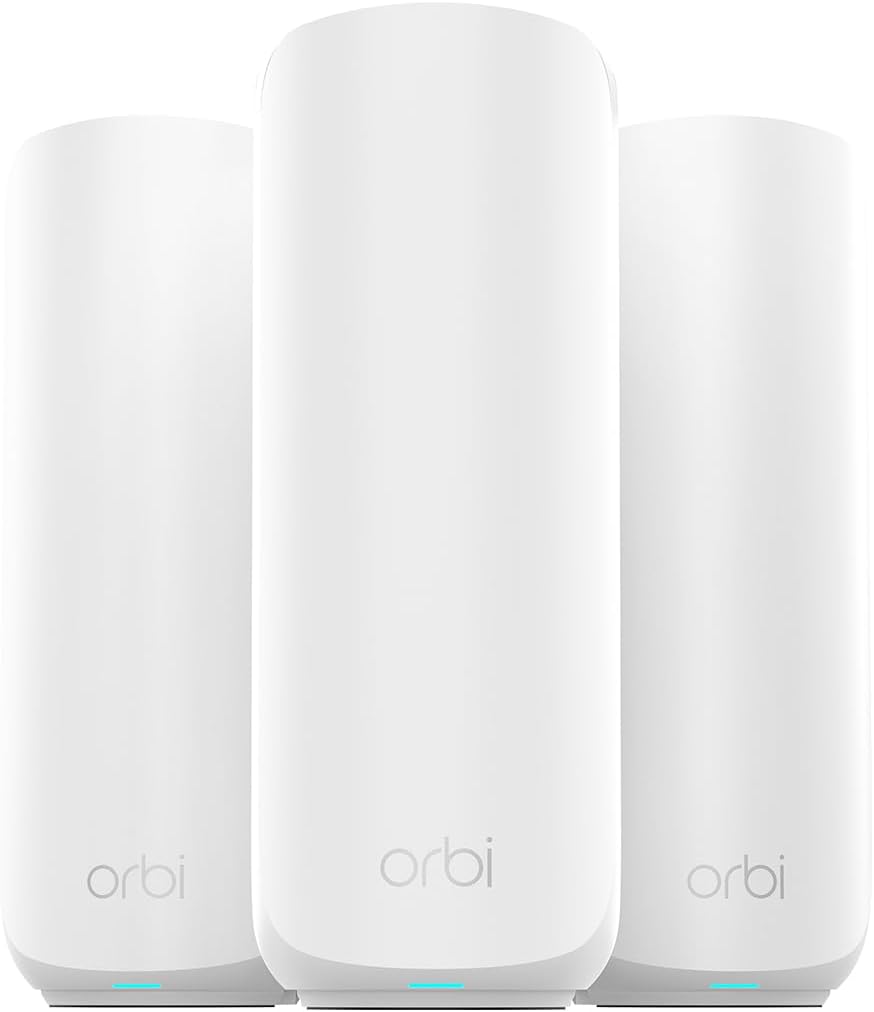
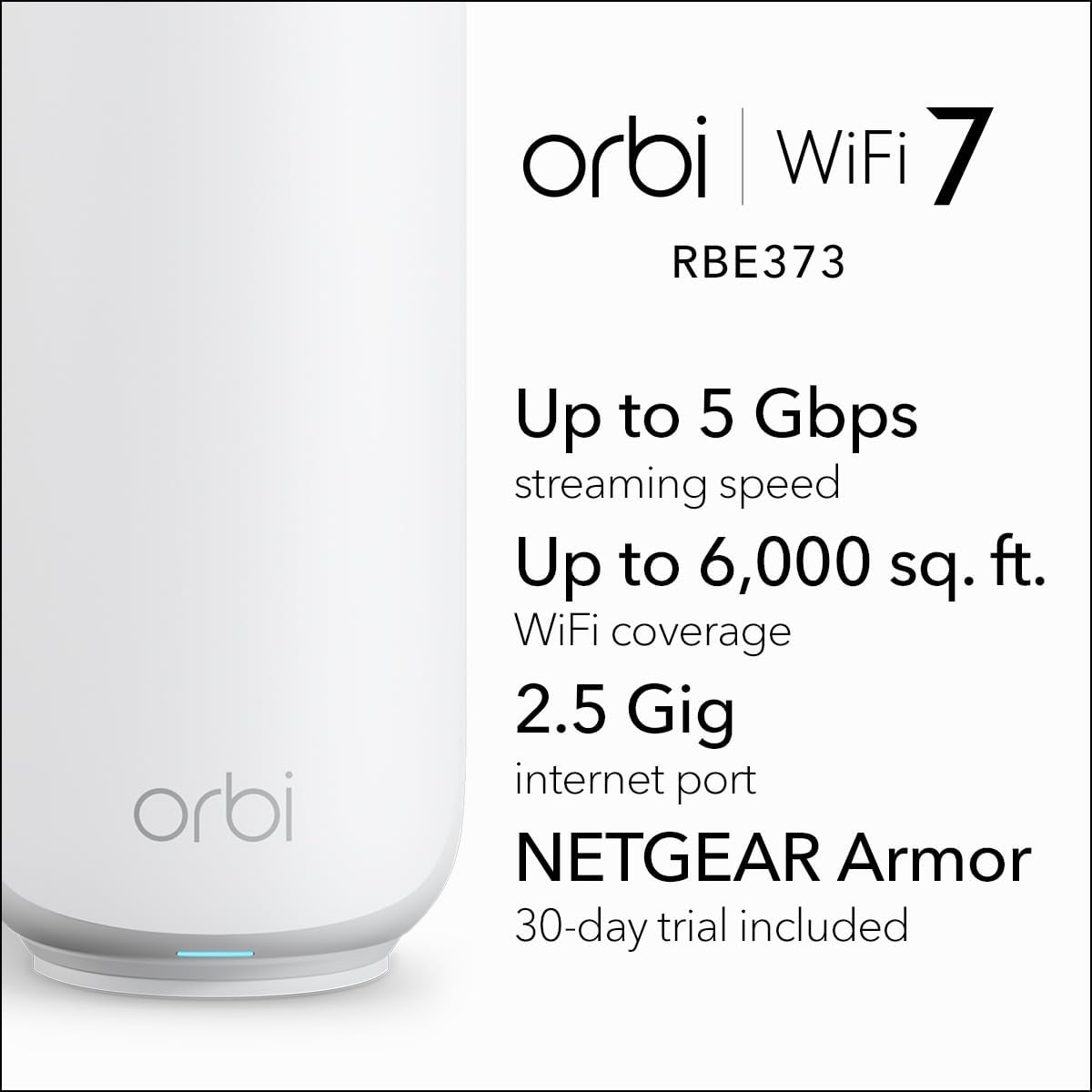

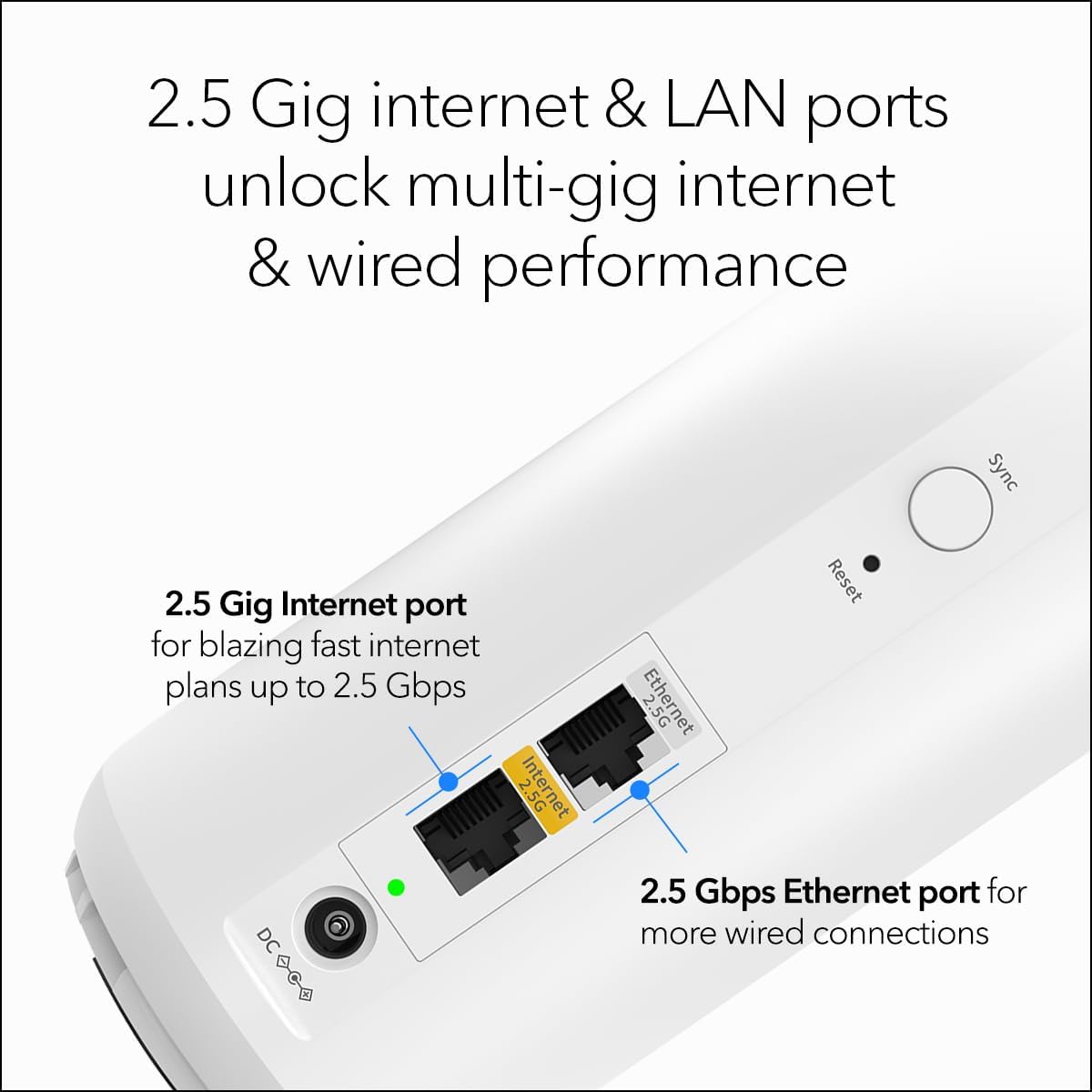
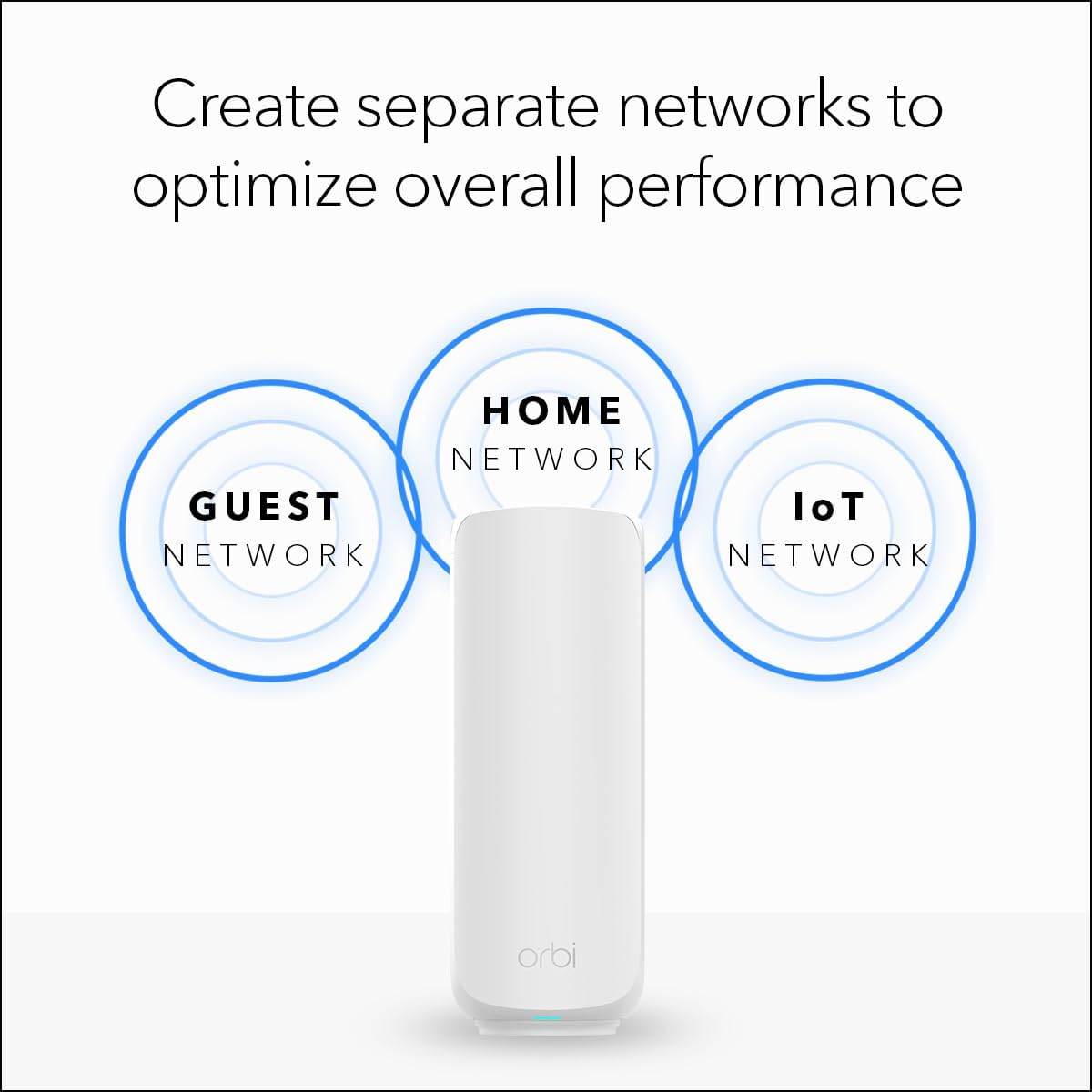

NETGEAR Orbi 370 Series Dual-Band WiFi 7 Mesh Network System for Home (RBE373) – Wireless Router + 2 Extenders, Security Features, 5 Gbps, Covers 6,000 sq.ft., 70 Devices, 2.5GB Internet Port, BE5000
Original price was: $349.99.$329.99Current price is: $329.99.
Price: $349.99 - $329.99
(as of Feb 13, 2026 21:32:36 UTC – Details)
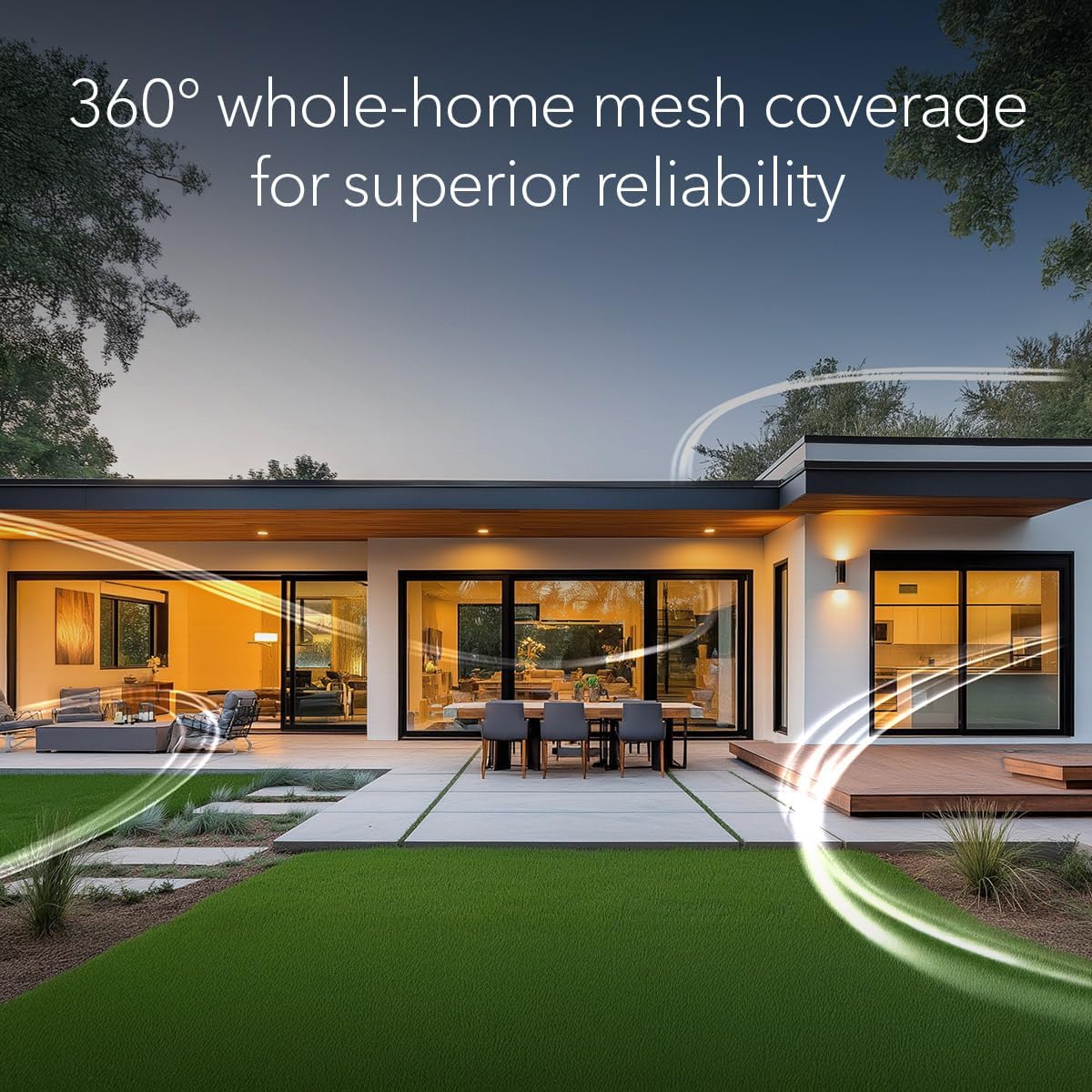
Orbi WiFi 7 is in a class of its own, designed for a new era of entertainment, hybrid work, and smart home convenience. The Orbi 370 Series unlocks the power of WiFi 7 with speeds up to 5 Gbps, 1.7X faster than WiFi 6. In addition, the Orbi 370 brings exceptional 360° WiFi coverage for whole-home connectivity. Product dimensions: 8.02 x 4.72 x 2.95 in (203.7 x 120 x 75 mm) each.
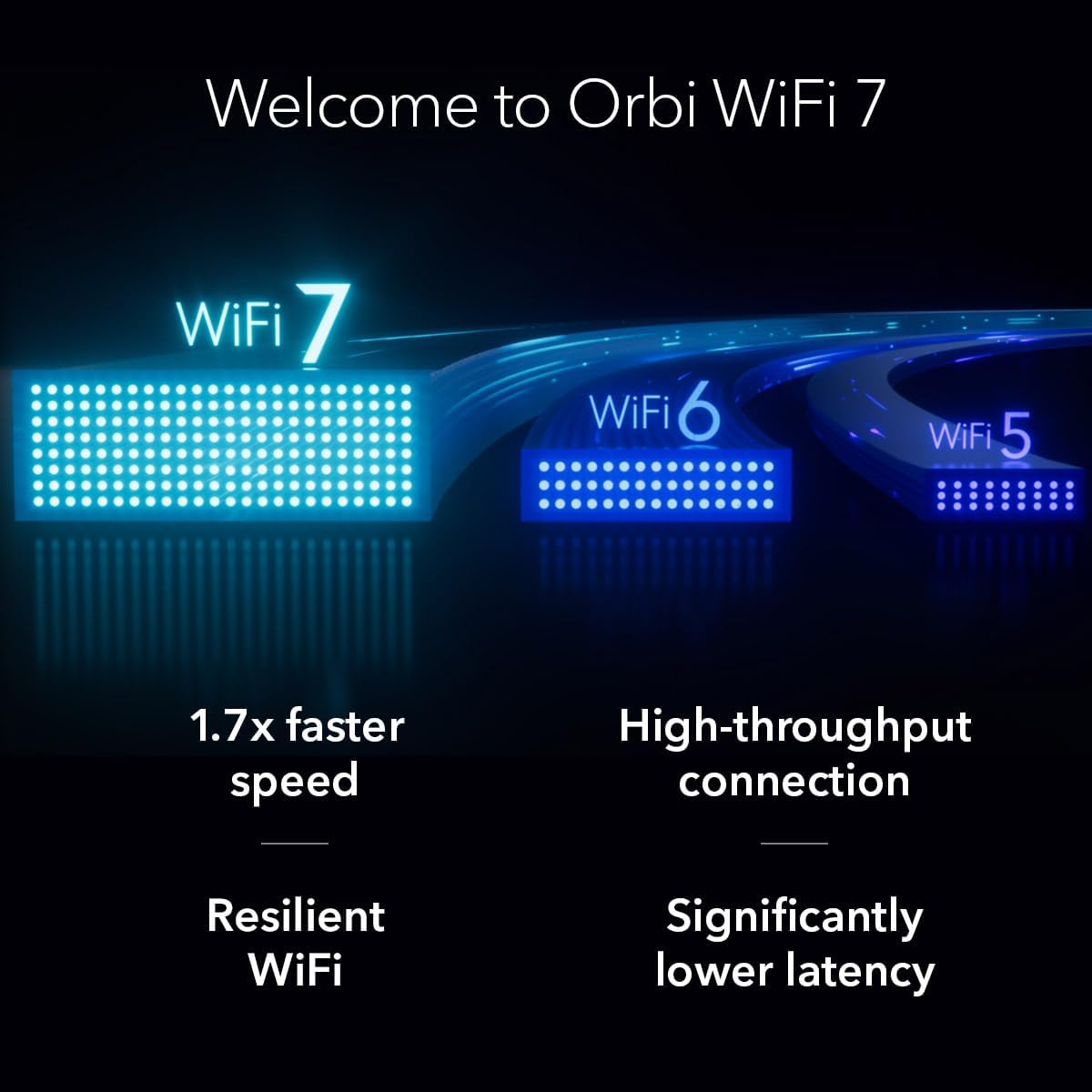
Orbi 370 Series with WiFi 7 delivers speeds up to 5 Gbps for consistent performance across many devices at once
WiFi 7 delivers 1.7x faster speeds than WiFi 6, powering your mesh WiFi network and remaining fully backward compatible with older devices
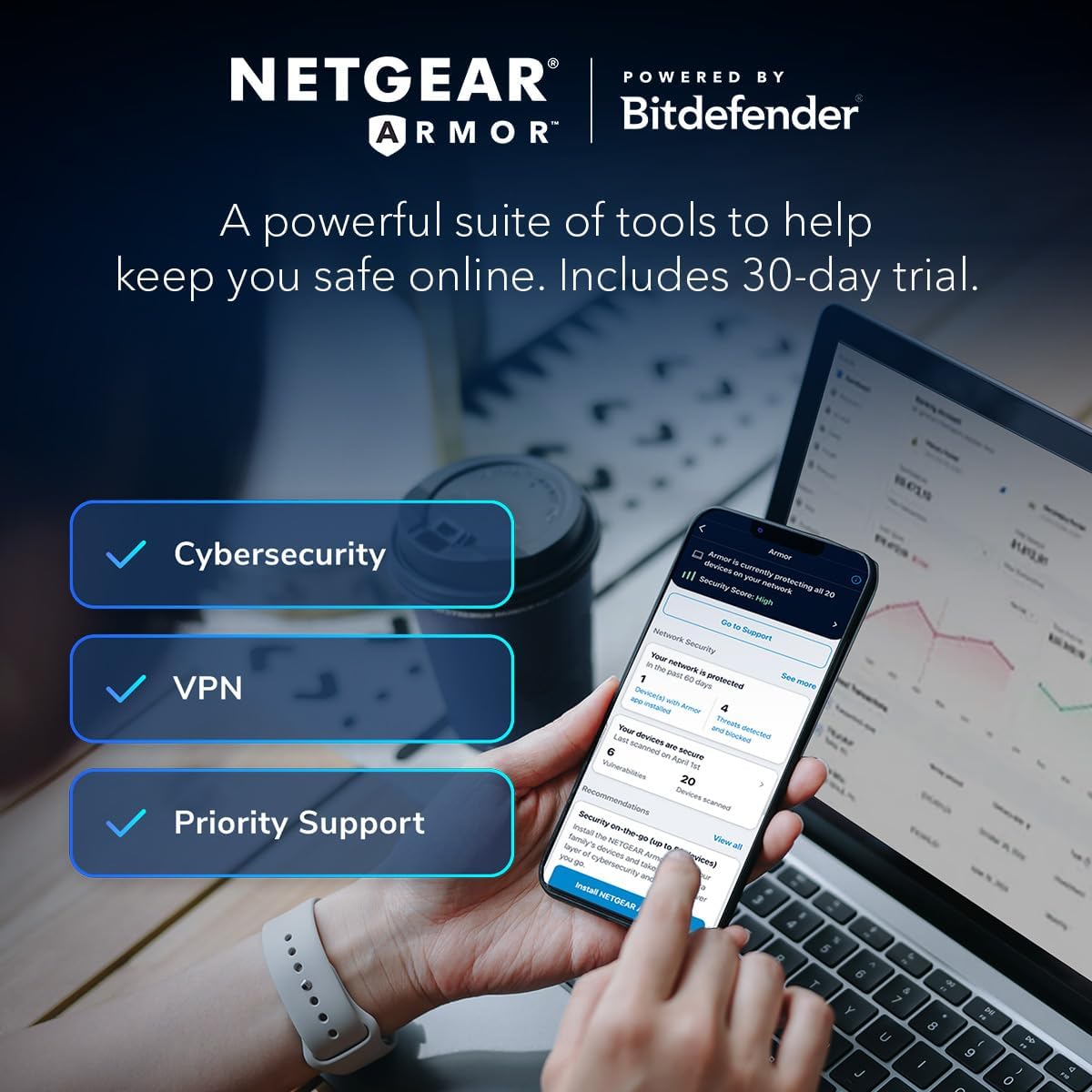
NETGEAR mesh systems and routers come with security measures built in, including automatic firmware updates. Our Advanced Router Protection enables enhanced safety features and updates designed to help protect you and your family
Orbi Dual-band technology with Enhanced Backhaul helps deliver reliable WiFi speeds for your entire home
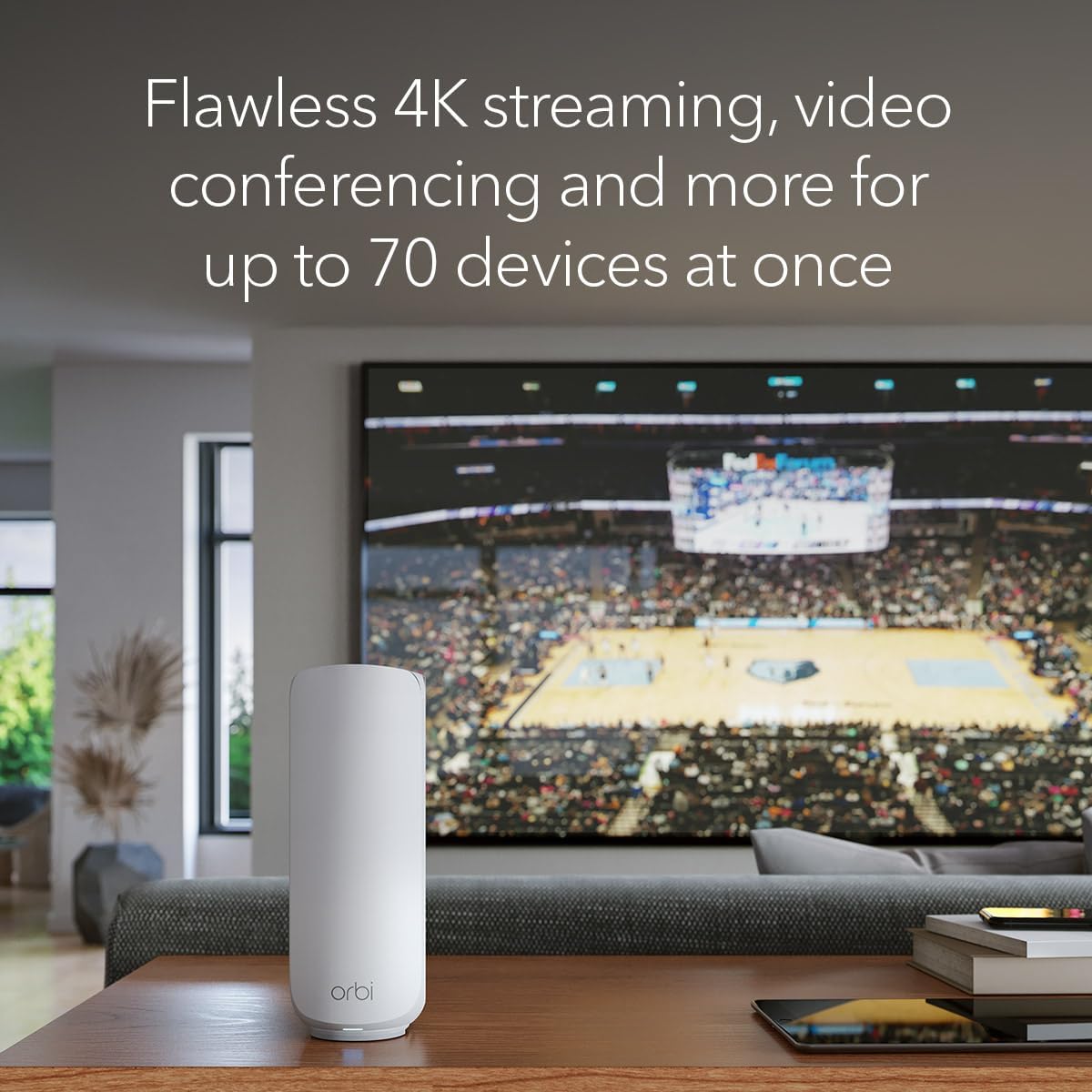
Orbi powers 4K streaming, video conferencing, and gaming simultaneously, so everyone in your household can enjoy uninterrupted performance
7 reviews for NETGEAR Orbi 370 Series Dual-Band WiFi 7 Mesh Network System for Home (RBE373) – Wireless Router + 2 Extenders, Security Features, 5 Gbps, Covers 6,000 sq.ft., 70 Devices, 2.5GB Internet Port, BE5000


Related products


Analog CCTV Camera HD 1080P 4-in-1 (TVI/AHD/CVI/CVBS) Security Dome Camera Outdoor, 2.8mm-12mm Manual Focus/Zoom Varifocal Lens, Weatherproof Metal Housing 36 IR-LEDs Day & Night Monitoring (White)


Anpviz 6MP PoE Camera, Turret 6MP UltraHD IP Camera Outdoor with Mic & Speaker, 100FT Smart Color Night Vision, PoE Security Cameras with AI Human Vehicle Detection, MicroSD Slot (U Series)





Michael –
Best wifi coverage I’ve ever had! The review is a little long.
I think the title says it best, but to give more perspective, I have a Mac, so early on I started using Apple wifi routers. I’d also had some experience with various Netgear routers before switching to Apple. At the time, the main reason I switched to Apple was because it was the only wifi router/switch that I could attach an external USB drive and my printer via a USB hub, essentially allowing me to have wireless backups and printing. I stayed with Apple through the iterations of routers up to the current Apple Extreme that supports wireless b/g, n, and ac. In my 1546 sq’ house the coverage hit the main spots I’d be using wireless, but there were also dead spots and weak signals. My family recently moved to a 2176 sq’ house and I knew I wanted to upgrade my wifi. It worked fine in certain areas, but I would get spotty coverage even on the same floor, but on the other end of the house because of walls etc. Initially I bought an Apple Express to extend the signal (being the cheapest solution), but this was a bad move as Apple Express only goes up to wireless N and it didn’t really help as expected. The extension was marginal and I still have the same issue upstairs. I looked at those gigantic routers that have half a dozen antennas, as well a Eero. With Eero I liked the idea that traffic could be rerouted to a different Eeros spread throughout the house, if one was having trouble. Then I ran across Orbi. Seeing it was a Netgear product and not being terribly impressed with early model Netgear products, I was hesitant. I read a bit about it and saw that it couldn’t re-route traffic like Eero and started to lean towards Eero, when I read some more reviews and found out what I think really sets Orbi apart from other products, the dedicated back channel. Various reviews noted that Eero is a good product, but as you added more Eero units (I believe beyond three) for more coverage of your house, you will eventually start to lose bandwidth. The reason being the same antennas used for your Internet access are also used to send and receive traffic from each Eero. With the Orbi, there are dedicated separate antennas used for the router and satellite to communicate, and dedicated separate antennas for your Internet access. With the RBK50 the backhaul is 4×4 TX/RX. Some of the smaller models have a 2×2, but you can read the Netgear Orbi website for details. It’s also sized to cover 5000 sq’ with just the router and the satellite. What made me decide to go with the Orbi is a coworker got it and said it was the best system he’d ever bought. He is outfitting his house with many wifi gadgets and his Orbi is handling everything, so I took the plunge. I went with the RBK50 because although the 5000 sq’ is more than double my house, I too plan on adding some wifi devices around the house and back yard, so I essentially wanted to get more than what I thought I’d need. I also found Amazon was selling this model for a little bit more than the 3000 sq’ model which I was initially intending to buy. So it was a no brainer. One thing about the setup. It’s done via an app on your phone or you can go to the website. It’s recommended you use the app and that’s what I did. There is a quick setup guide, which is what I did first then thought it was connected to the Internet and I’d then download the app to finish. That didn’t work. Download the app before you start your setup. After the app is installed, just follow the setup guide which will tell you when to use the app and complete your configuration. The pairing of the satellite and the router took a little bit longer than I was expecting, maybe 3 to 5 minutes instead of 1 or 2, but it paired just as the instructions said, without issue. I just had to be more patient. Once the system was up, I did a quick speed test with the included app and got 179Mbps down and 6Mb up. Down that’s more than I’m actually paying for. Now here is where I got really impressed. Not only did a strong signal in every corner of my house, I went through into the backyard at the farthest points and all around the house and got the same strong signal and still 179 Mbps down, in my backyard. I was able to walk across the street to my neighbors house and only lost 1 bar of signal. I decided to try something my coworker did which was start a video on my laptop while in the house near the router, and let it run as I walked all around the house, out into the backyard and across the street to the neighbors house. Not once did the video drop, buffer or skip. I’ve been using it for almost two weeks now and I love it. And it looks great. You won’t have an ugly spider looking router sitting on top of your corner table or counter top. My two cents, it’s worth every penny.
Mitchman –
My Orbi Experience
Orbi Home WiFi System by NETGEAR. Better WiFi Everywhere with 3 Gigabit Speed, Tri-Band Mesh WiFi, Easy Setup, Replaces WiFi Range ExtendersI purchased the RBK50 Orbi kit (router plus one satellite) from Amazon on Dec. 6, 2016 to provide WiFi service for my 2400 sq. ft. two story home with full basement.Prior to installing the Orbi, I recorded the device MAC addresses of the current router and hardwired computers in case I needed to clone their MAC Address later when installing the Orbi. I also recorded the MAC Addresses and the IP Addresses of my printer and NAS for which I had created DHCP reservations. I hoped to be able to replicate the DHCP reservations within the Orbi so that it wouldn’t be necessary to delete and recreate the file shares and printer devices on every computer. I also downloaded all firmware versions for both the router and satellite along with the device documentation onto the hard drive of the hardwired computer I planned to use for configuring the Orbi manually since others had indicated issues with the automatic firmware upgrade in the release version of the firmware.I followed the manufacturers instructions for installing the Orbi and since those steps are well documented I will not elaborate further. It was unnecessary to clone any MAC Addresses (TWC). I did deviate slightly from the instructions in that I initially set up both the router and satellite in the same room since I anticipated having to manually apply the firmware updates and I wanted to avoid multiple trips up/down stairs in case I had to reset the satellite.Once the router had established an Internet connection and I had modified the admin password, the setup wizard tried to find updates but never did, so I clicked on the ‘Update Manually’ icon. Per the instructions I updated the satellite first and was pleasantly surprised that once the units rebooted both the router and satellite were updated to firmware version 1.4.0.16.My next step was to power on my printer (I should have done this before powering down my previous router) and then proceed to replicate the DHCP reservations. I then had to cycle power to both the NAS and printer so that they got their reserved DHCP addresses. I verified access to the NAS file shares and successfully printed a test page, so I was satisfied that I could proceed to the next steps.I next relocated the satellite to my basement and was surprised that the satellite registered a blue light for its connection status to the router. I then powered on and established a network connection with the wireless devices one at a time both upstairs and downstairs. This process was thankfully uneventful.Satisfied with the setup and configuration, I proceeded to use a WiFi Analyzer app on my phone to take signal strength measurements throughout the house on both 2.4 GHz and 5 GHz frequencies. This revealed weak 5 GHz in areas of my first floor, so I relocated the satellite to the first floor. Again, I saw a blue signal strength indicator on the satellite. Weak first floor 5 GHz issue resolved! I had no immediate need for WiFi in the basement, but I did have a UPS there which I wanted to use to power the satellite. Oh well…Since I had experienced no NAS access or printing issues upstairs at the router, I didn’t expect there would be any difference elsewhere. However, later in the evening when my wife tried to print a web page from her computer downstairs I discovered that I was narrow sighted in that regard. Just as an FYI, her computer was powered down during the transition to the new router.I determined from the Orbi “Connected Devices” page that my wife’s computer had an IP Address, but it could not detect the printer. I verified that her computer had the same Orbi access control (access allowed, access control disabled) as the other computers having wired connections.As a test, I moved her computer (laptop) upstairs so that it connected to the router instead of the satellite. This made the printer detectable but still inaccessible. I had to delete and then recreate the printer device on her computer in order to restore printing ability. After printing a test page upstairs, I powered down the computer, took it downstairs, powered it back up, logged in, and successfully printed another test page. Later on I tried to access the NAS and discovered I had never set up NAS access for my wife’s account on her laptop. Network browsing did not detect the file share or the NAS, but I was able to map the file share with no issues using its IP Address (\192.168.1.107Public) when using the proper credentials.Since I had preserved the printer’s and NAS’s IP Addresses when transitioning to the new router, I had hoped to avoid these issues. As I think longer about this, I seem to recall that I used DNS resolution rather than the hard-coded IP Address when I originally mapped the file shares, which explains the need to remap them after the transition to the new router. I could have inserted entries into the HOSTS file if I had thought about it, but I try to keep things as uncomplicated as possible and so declined this step.Observations:1) Wired throughput has shown little change on download (maybe 1 – 2 Mbps faster), and a slight increase of several hundred KB on upload.2) Overall web pages (Edge) seem to load noticeably faster.3) Wireless devices have all retained their connections with no drops since being connected to the Orbi.4) Device performance has been flawless.There have been two firmware updates since the original installation and both were successfully applied automatically as opposed to manually.
Pier –
La configuración no puede ser más sencilla y el rendimiento en cuanto a velocidad y cobertura es simplemente excelente.El router anterior era bastante bueno (con tecnología beam y AC1300) pero debido a la construcción de la casa la señal de Wifi llegaba muy débil al piso de arriba. Probamos con varias soluciones pero nada funcionaba bien. Ahora con el satélite en el segundo piso hay cobertura perfecta incluso en los rincones más alejados del piso de arriba.Es un producto caro, pero la calidad está acorde al precio.Super recomendado!
Swarup S. –
I purchased the Netgear Orbi RBK50 for my home for the purpose of providing whole home wifi. I am very happy and satisfied with my decision and my review is as follows The Problem :1. I have more than 30 devices, on both 2.4 GHz and 5 GHz which were overloading my earlier router.2. Earlier router wasn’t able to reach to each corner of my house, at least the 5GHz band wasn’t able to. So although I had a 100Mbps UP/DOWN internet line, I was unable to get the full speed at most of my house locations.3. My smart home devices would lose connections and my in-home streaming setups like plex or steam link or chromecast would lag and buffer making the experience a dull one.4. Although my home is pretty new, it does not have ethernet cabling, its not possible for me to run a ethernet cable down my house too. The Solutions I tried1. I tried using wifi extenders, but they end up eating away half of my bandwidth. This was fine for smart home products, and light web activity, but in-home streaming was suffering. 2. I tried dedicated WDS routers and router in Wifi client mode. That worked, but it had its own challenges of manually switching to the best signal every time I changed rooms, also the nuisance of handling multiple SSIDs.3. I tried powerline adapters, although I liked this setup, but I felt them to be slow, and again I had to put a router at the end of the powerline adapters to extend the wifi coverage, which again kind of repeated the problems mentioned in point 2 and 3.So I was left with 2 choices, either try a high end routers with dedicated amplifiers or go for a good mesh wifi system. After a lot of research I decided to go with the RBK50. Here are my points regarding the pro and cons.Pros:1. Dead simple setup. The Orbi app and the web interface both are neat and well guided. 2. Good configuration control. Not as highly configurable as the Nighthawk series, but this was not meant to provide that can service, so expecting those features from Orbi would be unfair. It does what it was designed for, that is to provide a seemless mesh Wifi setup.3. Range is awesome, I get great 5GHz coverage. 4. Throughput is great. I can use in-home streaming over plex, while I am playing games on steam link over wifi, while my wife is watching netflix in 4k, without a bit of lag or stutter. 5. All my devices, including my smart home devices readily connect to it, and so far it hasn’t needed any power cycle.Cons:1. I am not sure there is any. Maybe the mobile app needs a bit more polishing.Double edge sword :Although having single wifi ssid for both 2.4GHz and 5GHz workss like a charm, and normally gets the job of allocating the device to proper band, done smoothly, I have seen it to fail sometimes too, like my iPhone still attached to 2.4GHz even when I was sitting right next to the router. I simple re-connection solved the issue though.One more issue that I had was a very particular one, with a particular brand of smart home devices. Somehow the vendor app wanted me to connect to 2.4GHz wifi to be able to configure my devices, which kinda make no sense, but in this case I was unable to switch to the 2.4GHz on my iPhone, and ended up having to use an older phone that had only 2.4GHz wifi chip to configure my devices. But once configured, the devices worked flawlessly with the Orbi.I must say this one is a awesome product and netgear never ceases to deliver the very best. I am thoroughly impressed and planning to buy one for my parental home too. Thanks Netgear for such an awesome product.
Juan Carlos Garcia –
Estuve viendo las posibilidades para poner una red en mi casa que llegará a todos los rincones – el problema que siempre había tenido es que en 2 habitaciones siempre se perdía un poco la señal – Traté con repetidores, extensiones de red, pero la verdad ninguno me daba la velocidad deseada. Entonces empecé a investigar sobre Netgear Orbi – también consideren que siempre me ha gustado la marca Netgear – y después de instalarlo y poner un satélite en la parte de arriba un poco alejado y otro aquí – puedo decir que este sistema funciona de maravilla, todos los rincones de mi casa tienen red inalambrica y la señal siempre es la mejor. No solamente es fácil de instalar para los no expertos, pero también tiene funcionalidades avanzadas para los más expertos en redes en el que puedes incluso configurar un NAS dentro de esta red. Así como también tiene la posibilidad de conectar un VPN directamente desde el router en toda tu casa y con una interfaz sencilla. Lo recomiendo ampliamente.
Tim L. –
After installing the Orbi mesh system I had solid wifi signal throughout my home. I highly recommend this product
Khushi –
Best MESH Router SystemThere are almost many reviews and majority claimed difficulty installing this mesh router. For me it was a breeze installing it in just half hour and getting it going. (Of course that is because I have pretty good knowledge on networking & also did my research well watching youtube videos). Unboxing the box was a great adventure. I had sparkle in my eyes and grin that lasted pretty long till i touched and turned both the router and the satellite in my hands.Since I have a fibre connection installation was just a breeze.I decided to use the android app on my mobile, after connecting the internet cable coming from the modem to the wan port of my Orbi Router.Thereafter I only followed instructions on my mobile app. But I decided to configure more through my mac browser and used orbilogin.com and opened the web page.It took a minute for the Orbi page to open after I entered my user & password And Voila I was in the Netgear Orbi router administration page.I could see in green connected to internet. While the router downloaded the firmware update I went down to the other floor of my house to install and plug the Satellite. After I saw the blue light glow I knew I had great connection strength and I was connected to my Orbi router.After updating I checked each wifi device at my house (almost 30 devices) and setup the given SSId and password after searching for the Orbi wifi.I was really impressed at the way all devices were connected and it was a dream getting this Router satellite pair installed.After all was done I used Speedtest to check my wifi at every corner and could not hide my stupid grin and moment of thrill as how perfect the wifi and signal strength was working. I have a 100mbps speed from my provider and got almost close to it or above from each dead spots as well as the rest of my House.I am indeed impressed by this gear. I have been using the Linksys Wrt-1900ac router with an Amplifi mesh point but got close to nil mbps at few spots in my home inspite of having a 1900ac router which was perfect for the house but I could not get the range for the 5khz bandwidth which I wanted.Now this ORBI makes all bandwidth into one network and auto gives the speed depending upon where you are located. Having a triband radio really helps. One radio is only been activated for the Satellite and Router to communicate to each other. This avoids bandwidth loss.My network is working perfectly and I am glad I made a choice to buy the ORBI. I was deciding to go for Google wifi, Ubiquiti Amplifi & ORBI but finally zeroed down to this powerful mesh system the ORBI from Netgear. ORBI has won many awards and is NO 1 spot amongst Mesh Router Systems.Even the Mobile app (Android) is not that bad to use. It is pretty user friendly. Netgear keeps updating the same. Nothing is perfect but this app is manageable and works very well. You can control all your devices from the palm of your hand using the app and also pause/resume any device you want. Gives you all information you need about your network in your hand using your mobile.For those wanting to switch to a mesh Router look nowhere and buy the Netgear ORBI System. Strongly Recommended. Don’t get hung up on the fact that the Netgear Orbi operates on a hub-and-spoke topology versus mesh, the bottom line is that this is an outstanding Wi-Fi router. By including a three-port switch on the router and a four-port switch on the satellite, it strikes a better balance between unobtrusive industrial design and conventional router featuresP.S Got it during the Prime Only Sale Day. Apparently the price has been dropped further by almost Rs1200/- So those wanting a good wifi router system open your wallets and go for it till its available. I have lost Rs1200/- already but have no complaints.