



Retro Game Stick with 40,000+ Classic Games, 23 Emulators, Plug & Play 4K HDMI Output,Dual 2.4G Wireless Controllers,64GB TF Card, Multiplayer Arcade Console for TV, Family & Kids Gift, 2026 Editions
$44.99
Price: $44.99
(as of Feb 12, 2026 11:25:34 UTC – Details)
Product description
The video showcases the product in use.The video guides you through product setup.The video compares multiple products.The video shows the product being unpacked. retro game console Merchant Video


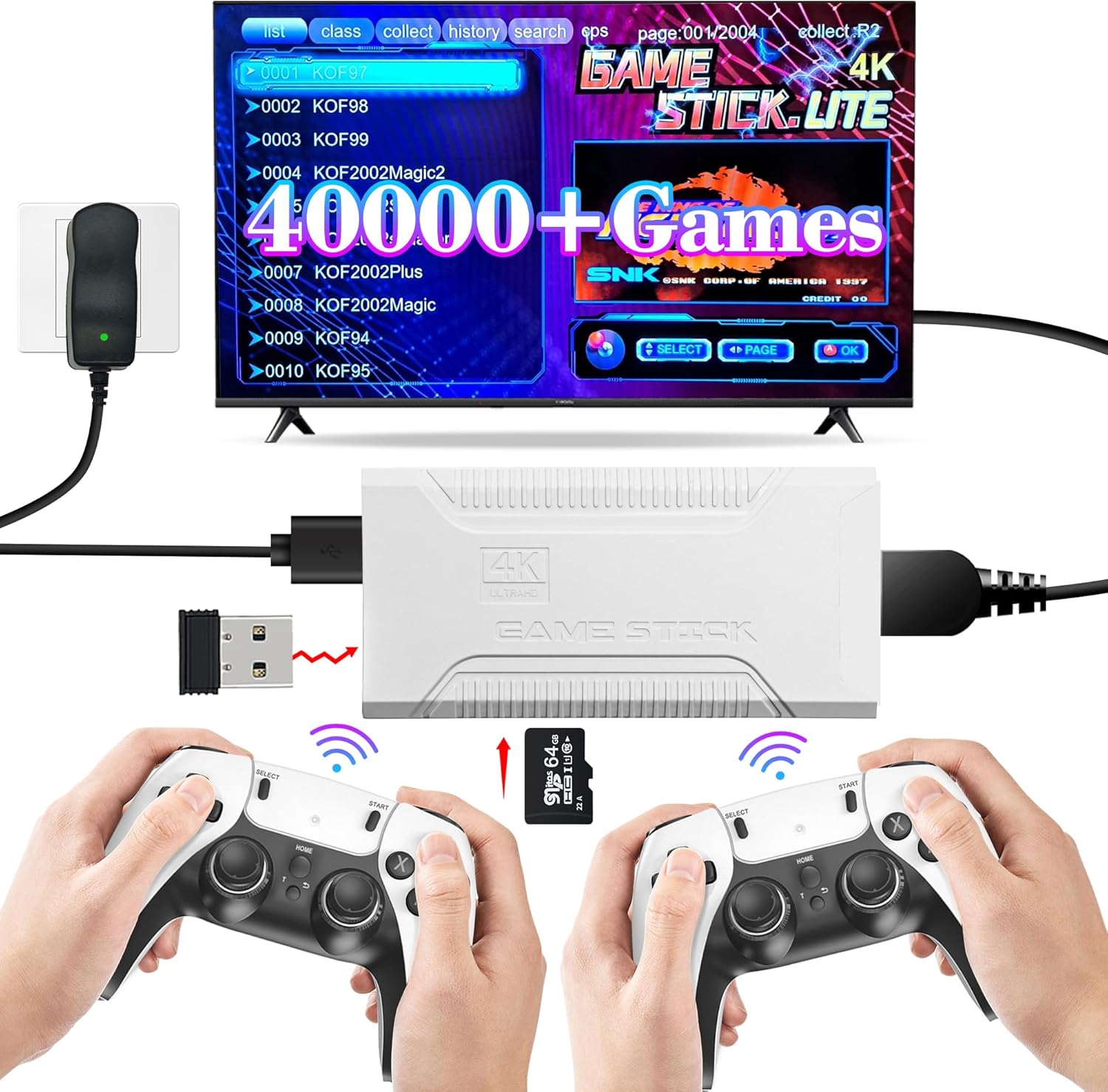
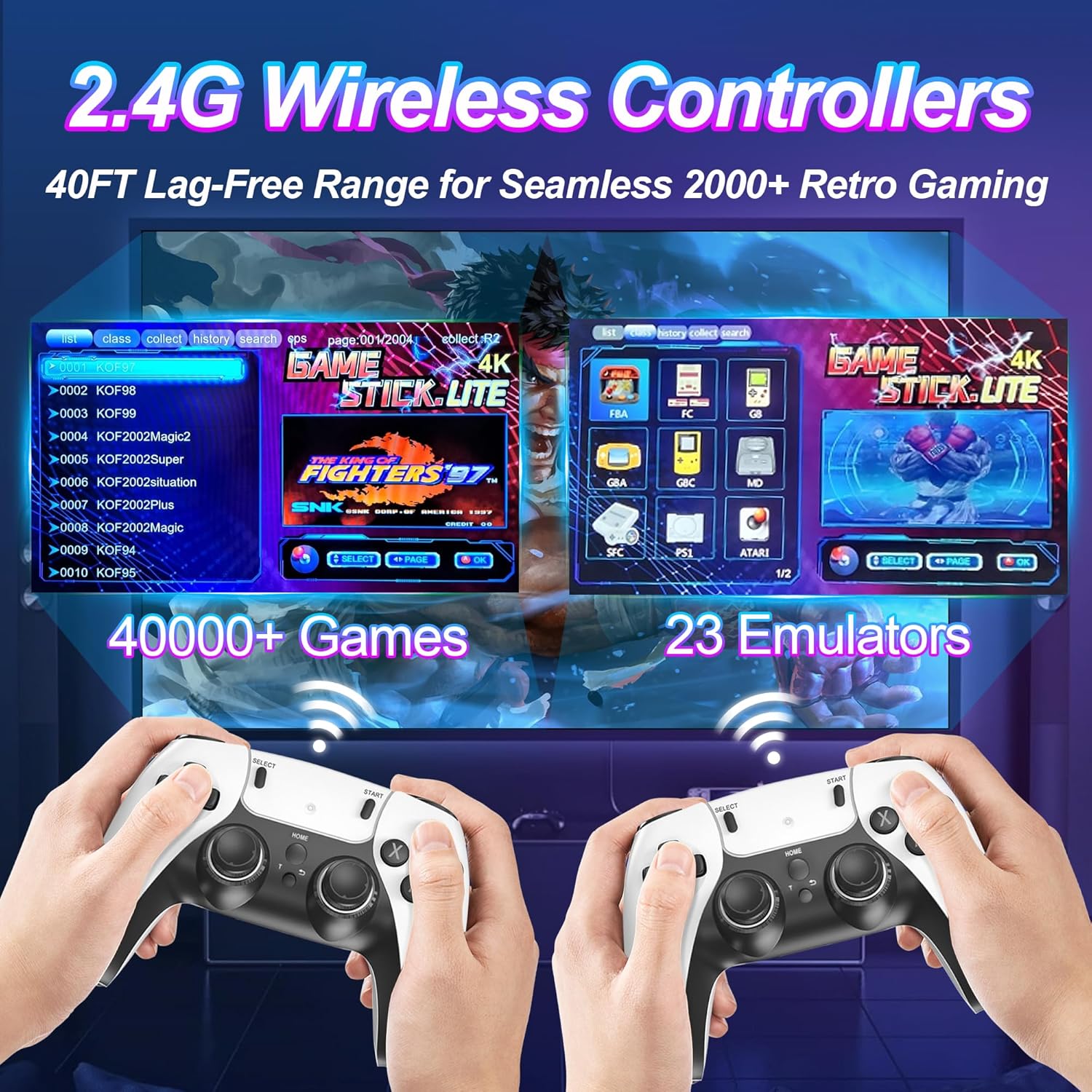
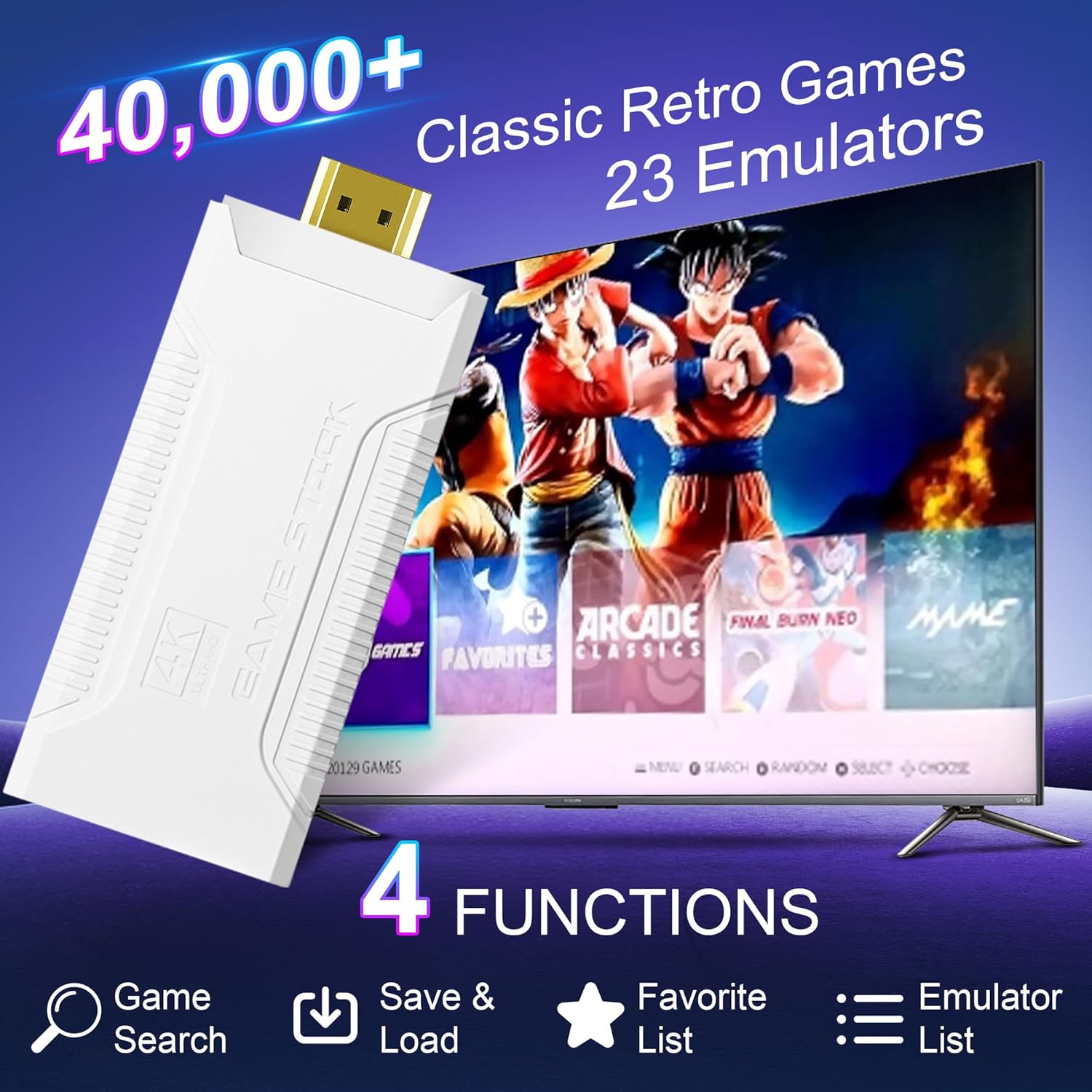
𝟒𝟎,𝟎𝟎𝟎+ 𝐏𝐫𝐞𝐥𝐨𝐚𝐝𝐞𝐝 𝐆𝐚𝐦𝐞𝐬 & 𝟐𝟑 𝐄𝐦𝐮𝐥𝐚𝐭𝐨𝐫𝐬:Relive childhood nostalgia with a massive library of 40,000+ classic titles across 23 emulators. No downloads, WiFi, or installations needed,just plug and play instantly.
🎮 𝐏𝐫𝐨 𝐐𝐮𝐚𝐥𝐢𝐭𝐲 𝐚𝐧𝐝 𝐎𝐮𝐭𝐬𝐭𝐚𝐧𝐝𝐢𝐧𝐠 𝐬𝐞𝐫𝐯𝐢𝐜𝐞: Relive childhood nostalgia with a massive library of 40,000+ classic titles across 23 emulators. No downloads, WiFi, or installations needed, just plug and play instantly.
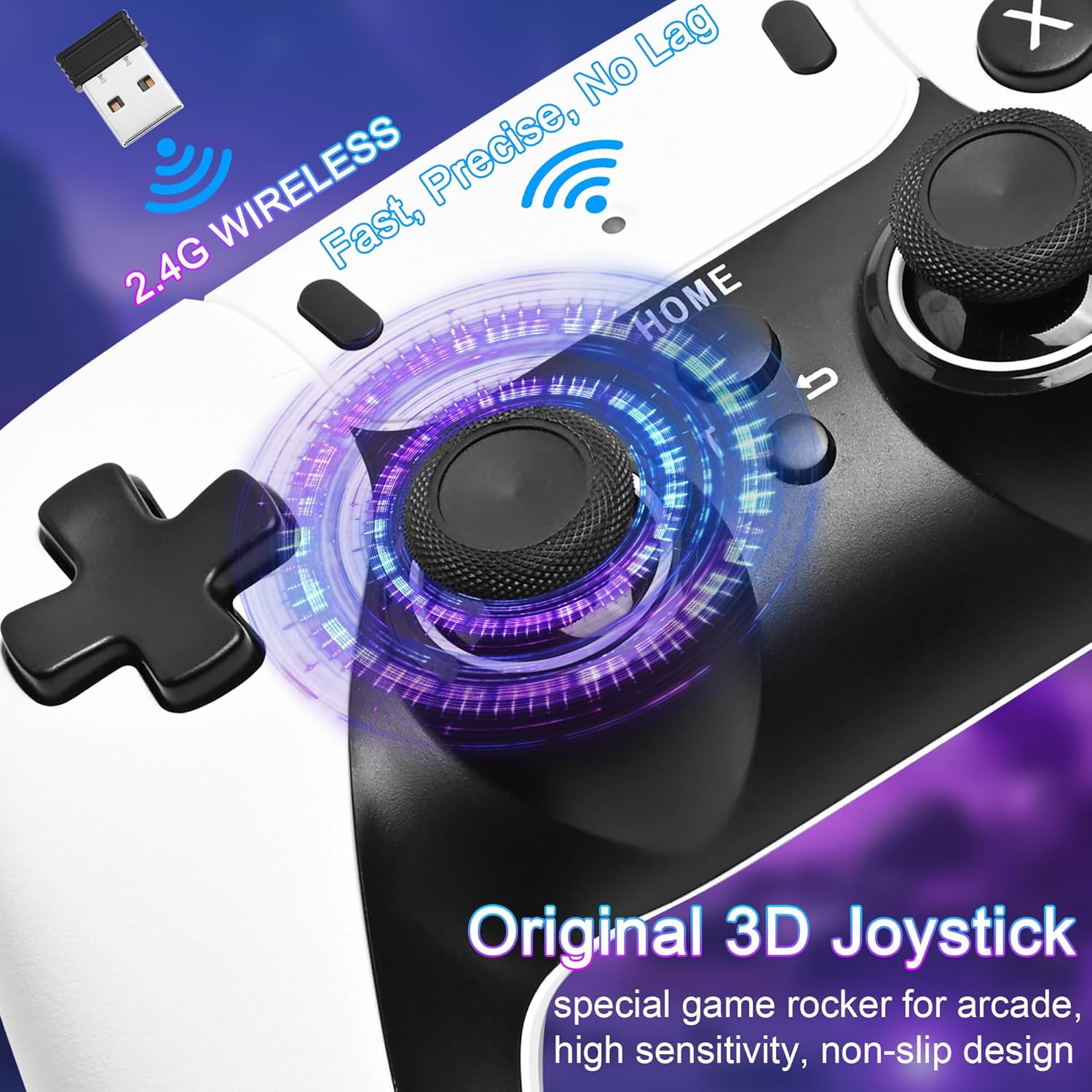
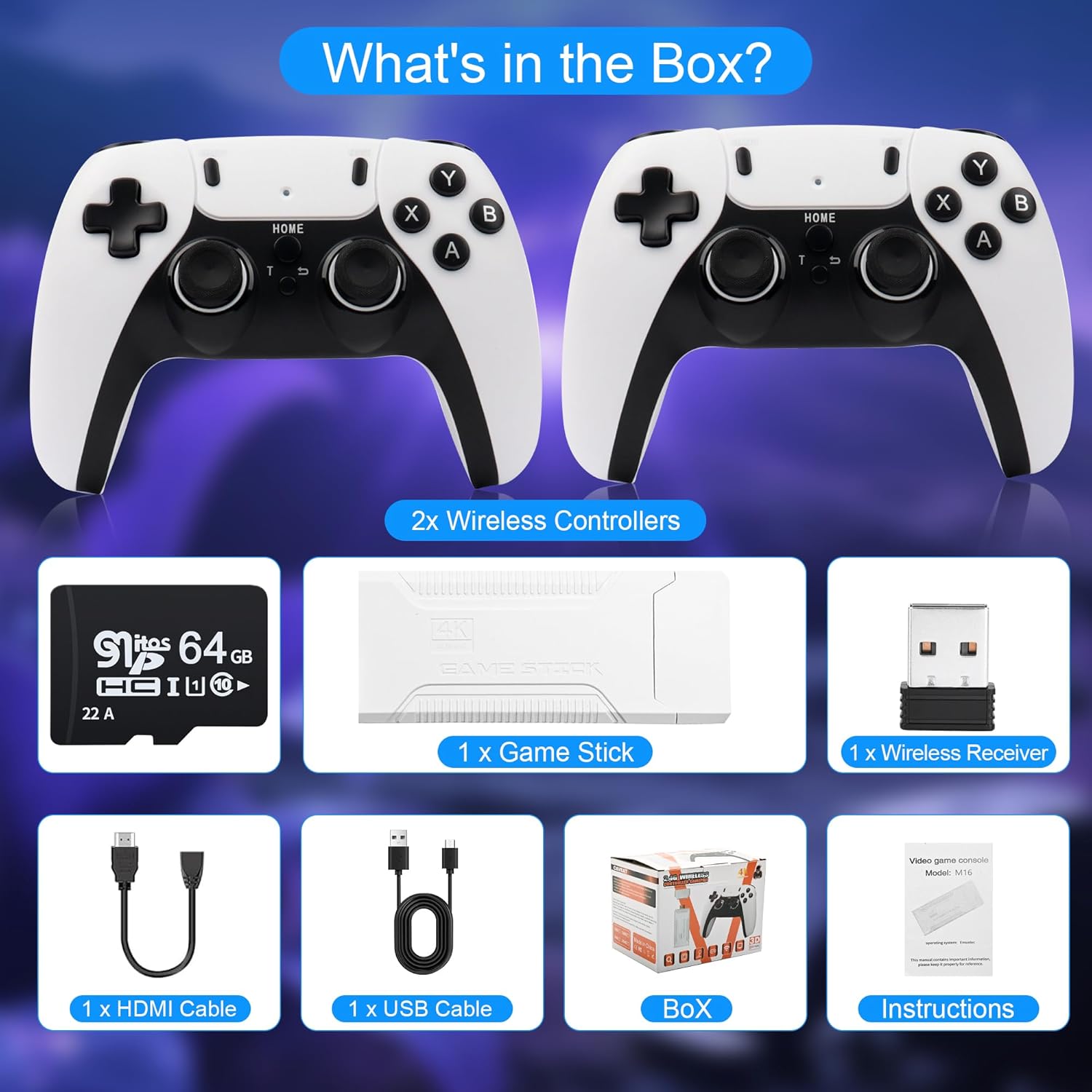
🕹 𝐃𝐮𝐚𝐥 𝟐.𝟒𝐆𝐇𝐳 𝐖𝐢𝐫𝐞𝐥𝐞𝐬𝐬 𝐂𝐨𝐧𝐭𝐫𝐨𝐥𝐥𝐞𝐫𝐬 𝐟𝐨𝐫 𝐋𝐚𝐠-𝐅𝐫𝐞𝐞 𝐌𝐮𝐥𝐭𝐢𝐩𝐥𝐚𝐲𝐞𝐫: Includes two ergonomic wireless controllers with a 40ft range, enabling smooth competitive or cooperative gameplay. Perfect for family nights, parties, or reliving retro rivalries.
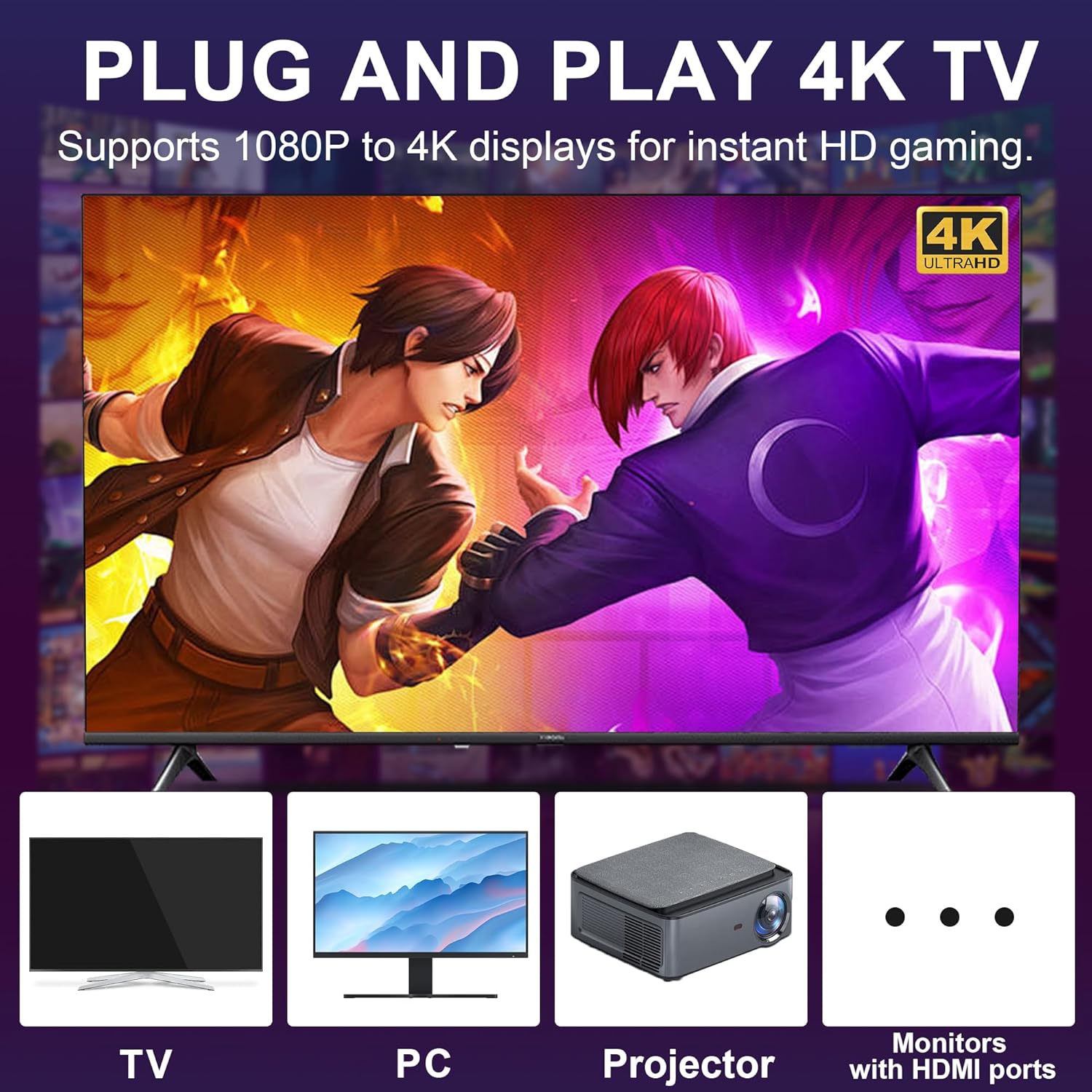
📺𝟒𝐊 𝐇𝐃/𝟏𝟎𝟖𝟎𝐏 𝐇𝐃𝐌𝐈 𝐎𝐮𝐭𝐩𝐮𝐭 𝐟𝐨𝐫 𝐂𝐫𝐢𝐬𝐩 𝐕𝐢𝐬𝐮𝐚𝐥𝐬: Enjoy stunning 4K upscaling or 1080P resolution on TVs, projectors, or monitors (HDMI required). Pixel-perfect graphics enhance classic games while maintaining authentic retro charm.
🔌𝟔𝟒𝐆𝐁 𝐓𝐅 𝐂𝐚𝐫𝐝 + 𝐄𝐱𝐩𝐚𝐧𝐝𝐚𝐛𝐥𝐞 𝐒𝐭𝐨𝐫𝐚𝐠𝐞 & 𝐏𝐥𝐮𝐠 & 𝐏𝐥𝐚𝐲: Comes with a 64GB TF card (expandable to 128GB) preloaded with games. Simply connect to HDMI, power on, and play—no accounts, updates, or setup required. Supports save/load and game search features.
8 reviews for Retro Game Stick with 40,000+ Classic Games, 23 Emulators, Plug & Play 4K HDMI Output,Dual 2.4G Wireless Controllers,64GB TF Card, Multiplayer Arcade Console for TV, Family & Kids Gift, 2026 Editions






Mic –
Simple stick with tons of games
This is a good emulator system, has many emulators integrated in one system.The UI is somehow simple, and for some intense games, the lag could be an issue.For my kids, they mostly play circus and some other casual games, so this is not a problem for them.Overall I like this little game system.I don’t have to put the PC tower in the living room and my wife finally stopped nagging about it. LOL
Alto Greene –
Na
Ok very low resolution
Troy S. –
Fun
Easy
MY –
Retro gaming
So many classics. The only thing I do not really care for about the system is the systems sound settings, there is background music that plays in the system selection and game selection that can’t be turned off. Other than that system works. You do have to figure out buttons for games.
SymNem –
Requires batteries?? Put USB c on them
No one needs 30,000 foreign copies of the same game. When are you guys going to focus on better emulators?
Ansel –
Retro game system with controllers
This game system included 2 wireless controllers that operate off of normal AA batteries. They do work with rechargeable AA batteries which is really nice. I like that the game player device comes with an HDMI ‘extension’ that makes it much easier to plug into a TV’s HDMI port without having to remove other HDMI devices due to the width of the device. You can easily plug the device into the extension cord which then fits easily into a normal HDMI port.To get the wireless controllers to work, take the USB dongle that is included and plug it into the USB port of the game player device. Then hit the home button. I think I also held down the T and arrow button until it flashed. One of those methods quickly connected the remotes to the device. You can then play single or double players.The system also provides game save slots in the menu so you can save your progress and come back later. That is very convenient. There is a nice sounding music that plays during the game menu interface.
Betty –
Easy setup and have fun
I got this emulator console and had a lot of fun with it. I have to say, there’s no way anyone can play all 40,000 games—many of them I’ve never even heard of. However, there are still plenty of great games included with the console. It was super easy to set up, and I connected it to my PC monitor to play. It comes with two controllers, so you can not only play by yourself but also enjoy it with friends or family.
Amazon Customer –
5 games out of 40,000
Really hard to find a fun game that isn’t a Japanese game. Yes it has a lot of games, but most are just garbage.